



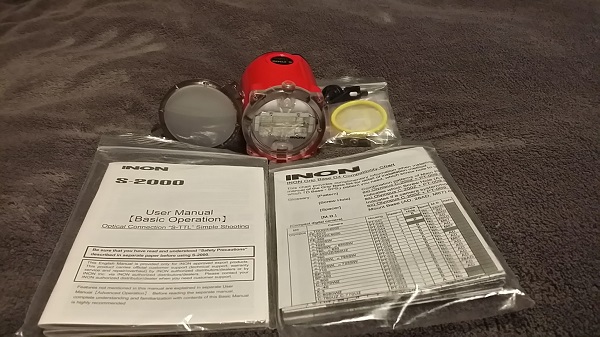
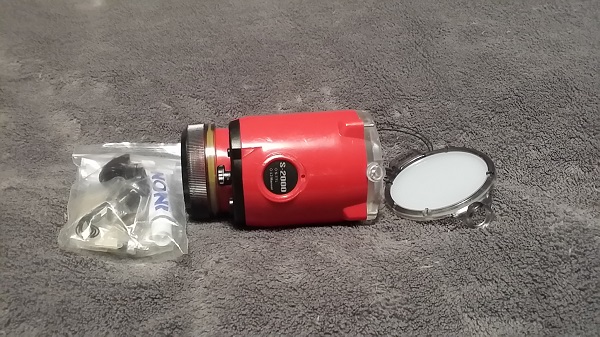
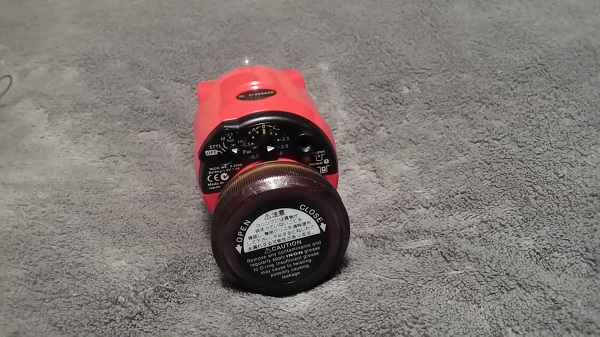
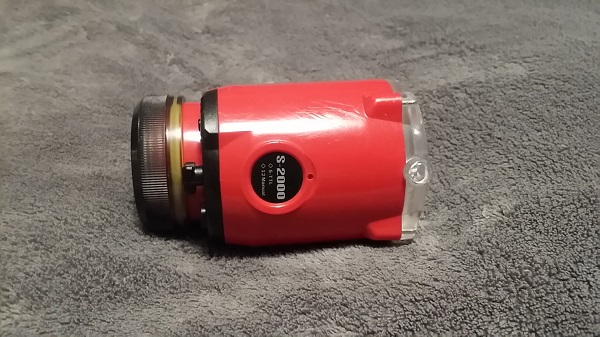
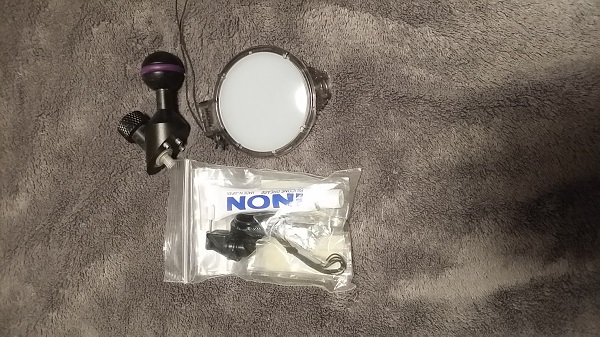
Hi. have re-registered after being off the site for a while. I have these listed on Ebay if you would like to review my 100% Satisfaction Rating. I have two Inon-S-2000 strobes for sale. They have been used only a few times (less than 45 dives/two dive trips) and are in "like-new" condition with just a few minor scratches on the housings. They are posted on Ebay but I have them for less here. I think this is a really great opportunity to get an amazing price on these highly regarded strobes. I am switching out to another setup. I speak very truthfully that the strobes are truly "like-new" and in perfect working condition. These strobes are ready to go. Each strobe comes with accessories they shipped with. One strobe package does not have the manual, the other does. Also, I included a YS Ball Adapter for each strobe (a $22.95 value) at no extra charge. I even lowered the price from my first posting. I am selling each strobe for $325, or both for $635 here if you are interested, plus flat-rate shipping ($15 max. or shipping of your choice. Feel free to call or email me if you have any questions. If you are in the Los Angeles area I would be glad to arrange a local pickup.
 all or email if you have any questions.
Randy
310-779-9842
randyhfrank@gmail.com


