



Having mostly shot macro in the past, I finally got a chance to shoot with my wide angle setup. The rig: 5dmkiii in an Ikelite housing w/ 8" acrylic dome; 24mm f2.8 lens w/ IS off. We kayaked to some springs that had some exceptionally clear water. With full midday Florida sun, I was shooting only with natural light. I started at ISO 400...according to the light meter, the images were properly exposed but the histogram was a bit more to the left so I switched to ISO 800. Here's an example image unprocessed showing the histogram:
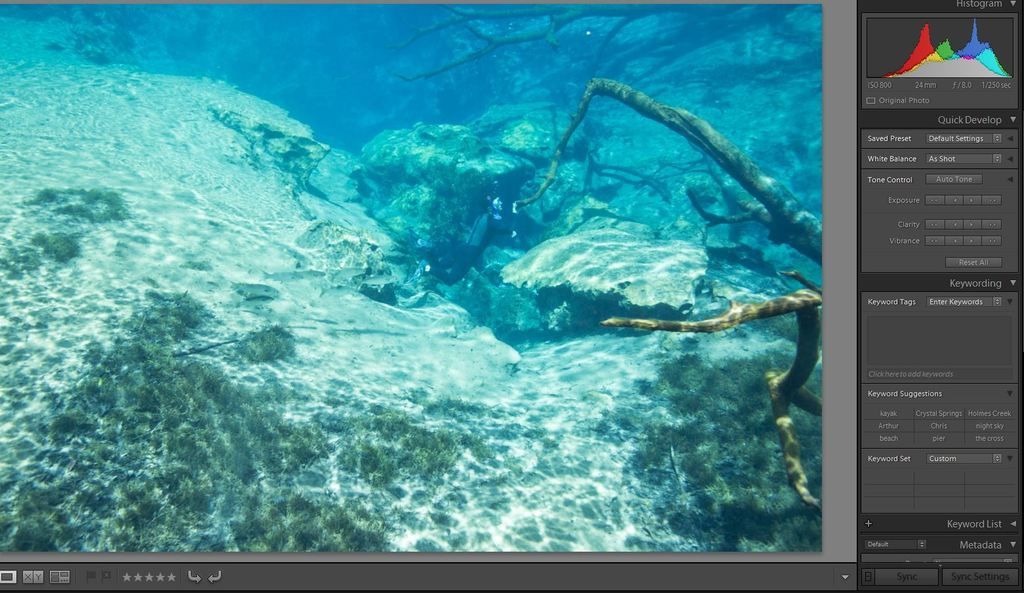
After processing the image, I noticed what I considered to be excessive noise in the background. Here's the processed image:
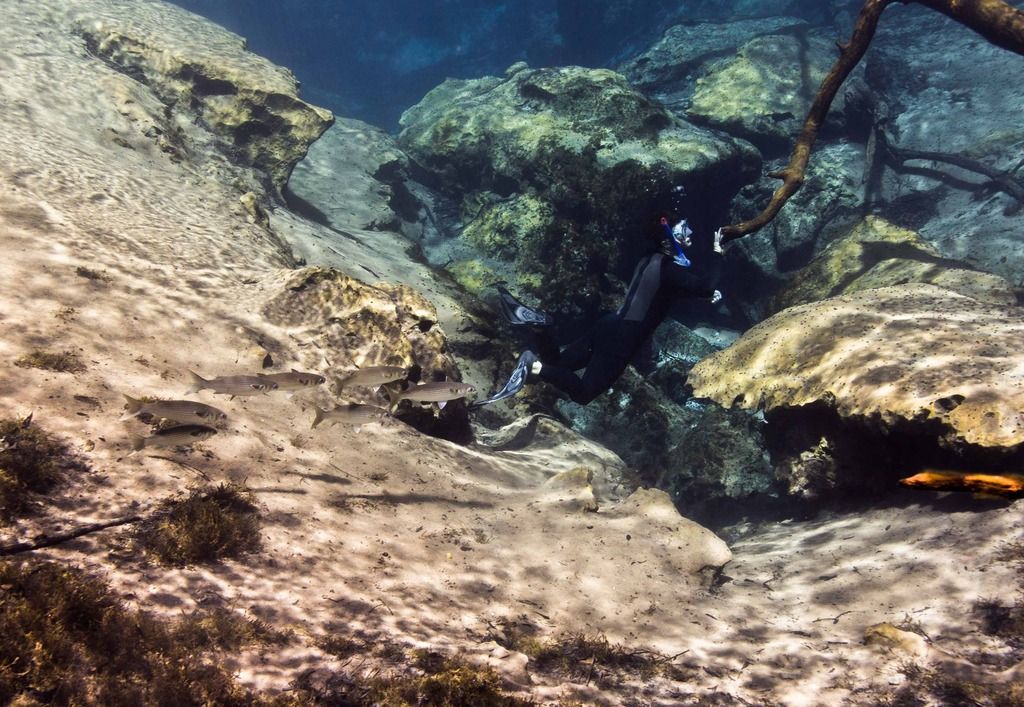
And a blow up of the noisy background:
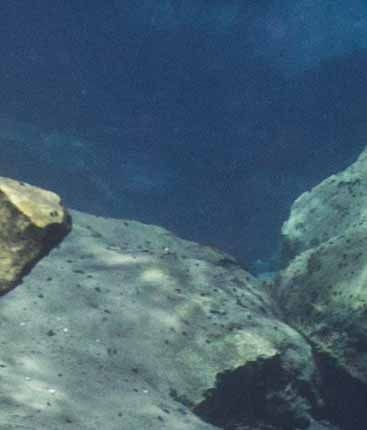
Is this amount of noise excessive? It seems like I see a lot of pics of large marine life shot in similar conditions and the images don't have this much noise. Am I wrong? Is this normal?
With some residual discontent from the images shot at the spring, I thought a dip in the pool would be a good opportunity for a more controlled test. Here's the test image with only the white balance adjusted:
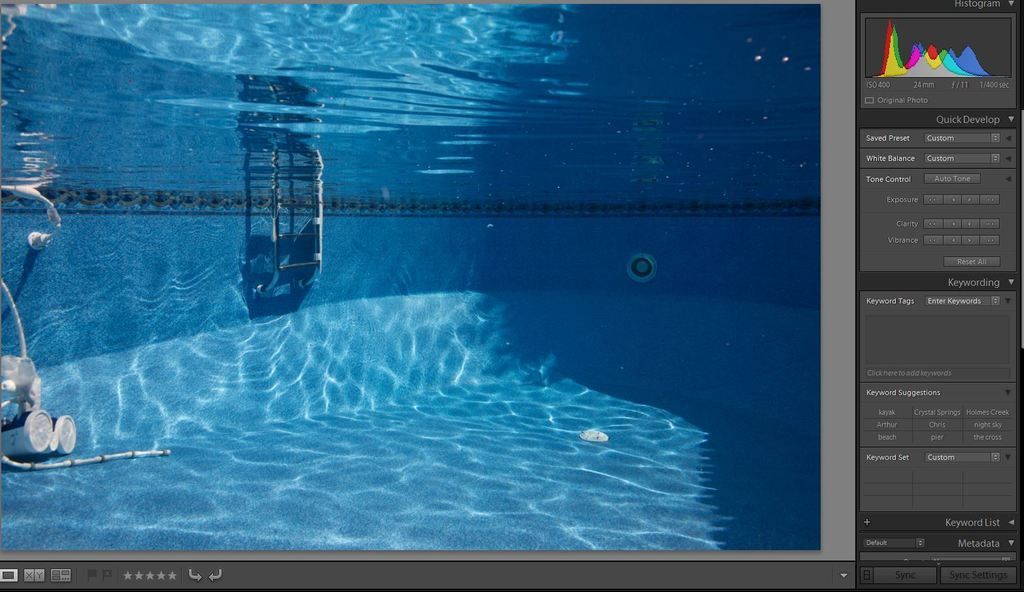
At ISO 400 and a reasonably exposed image I would expect little to no noise. However, when I zoomed in on the ladder (focal point for the image), I was surprised to see quite a bit of noise:
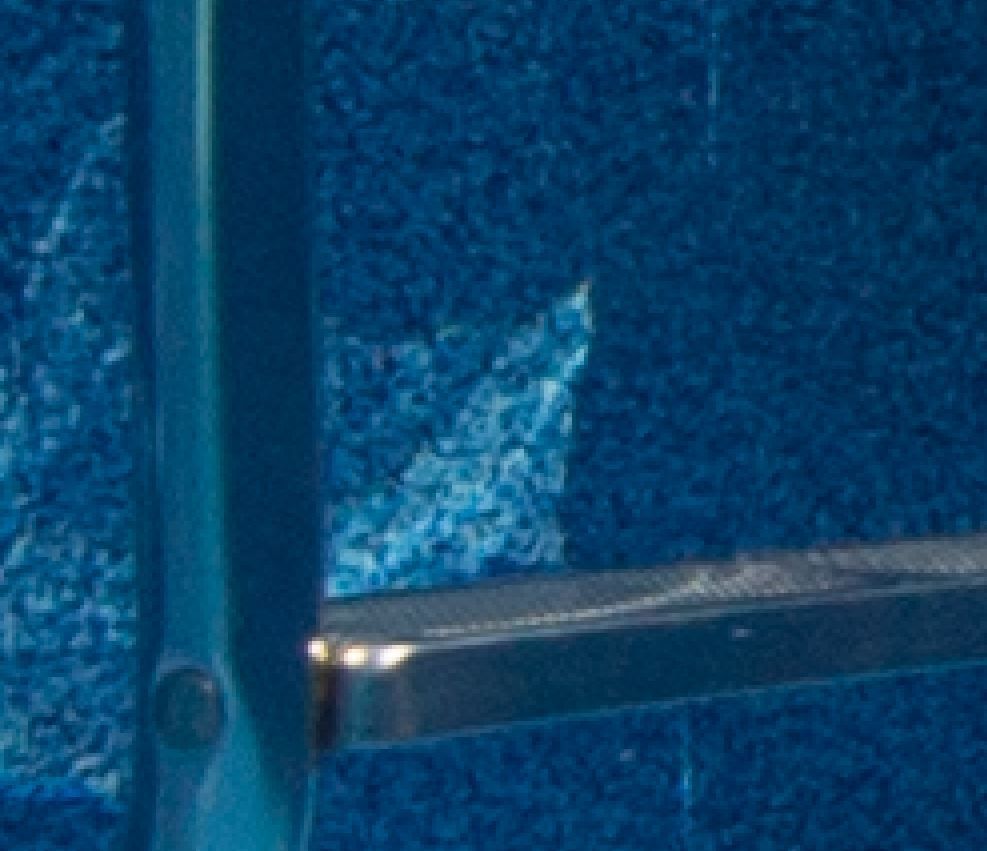
What do y'all think...is this too much noise?


