Skip to content

Classifieds / Archived topic

SEACAM for either Canon 1DMKIV or 1DsMKIII, Canon MKIV camera included

Started by StephenFrink ·

  • 3Posts
  • 3Replies

Read-only discussion

SEACAM for either Canon 1DMKIV or 1DsMKIII, Canon MKIV camera included

3 posts
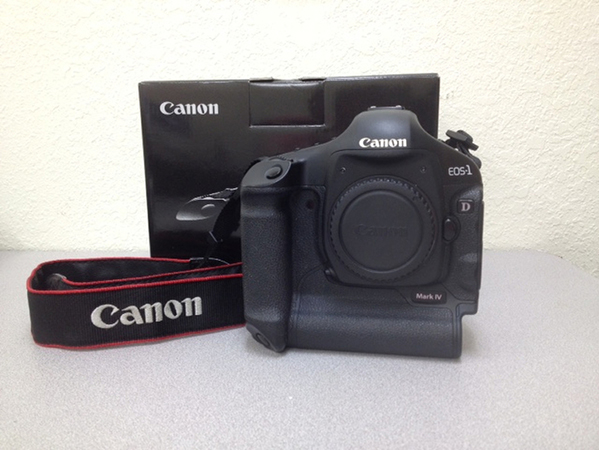
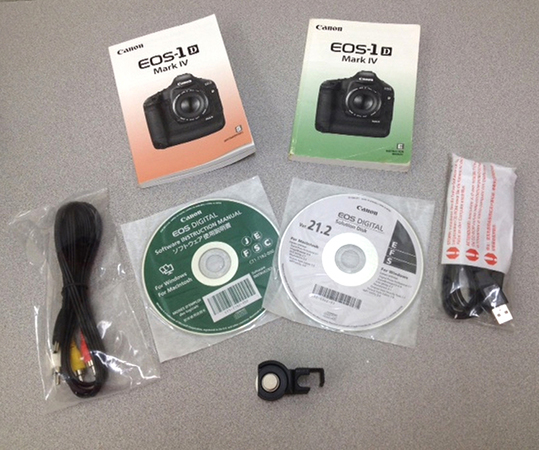
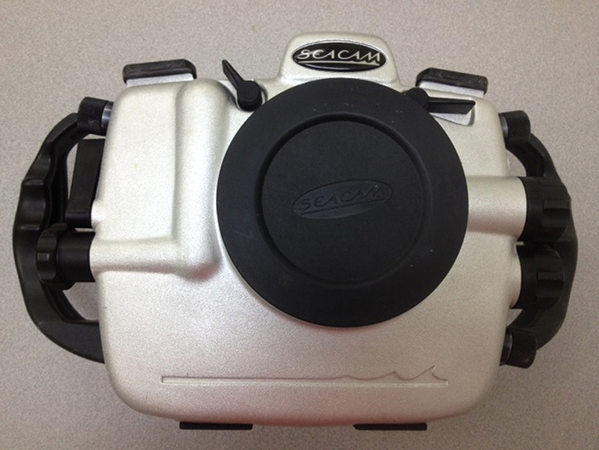
  1. Stephen is selling his Canon 1dmk4 camera and Seacam housing. The housing will accept the Canon 1dmk3, 1dsmk3 (full frame) or 1dmk4 cameras. Necessary control to access video via the 1dmk4 camera is included, but not currently installed. A simple enough task - Remove and replace via one allen screw.


    Do not know the shutter count on the body, but this camera was used primarily when subject required faster shooting rate ( i.e., sharks moving quickly at the surface , competitive swim meets and practices).


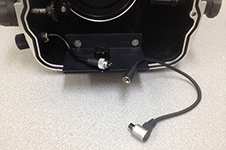
    Housing has s6 bulkheads, ready to accept Seacam strobes or s6 cables on other brand strobes, and also offers remote socket with cable inside housing to camera.

    No scratches on lcd monitor - a little wear and tear on the camera ; a little wear and tear on the housing.

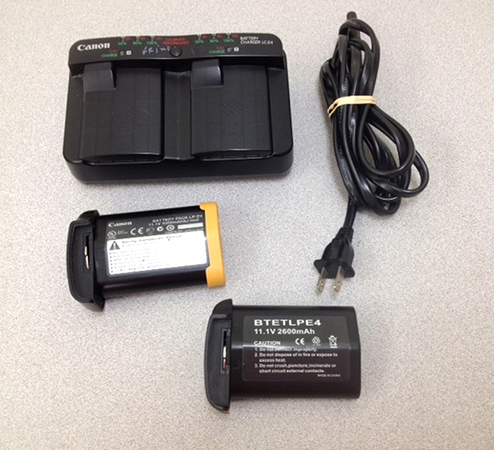
    Here are a couple pix, but can send pix individually as needed. Pix reflect what is included in the sale.

    Please contact: info@stephenfrink.com


    Asking price: $3500 for housing with camera.
    post-630-0-21903600-1463405363_thumb.jpg

    post-630-0-29014200-1463405364_thumb.jpg

    post-630-0-20167400-1463405365_thumb.jpg

    post-630-0-09973400-1463405390_thumb.jpg

    post-630-0-93266100-1463405707_thumb.jpg

    Edited by StephenFrink
  2. Posted by Liz Johnson, studio manager at Stephen Frink Photo. For inquiries please contact info@stephenfrink.com or phone 800-451-3737.

  3. Update - the camera housing has now been sold. The camera remains. It will be posted as a new and separate listing. This listing is closed. Thank you!

Turtle

Account

Navigation

Search

Search

Configure browser push notifications

Chrome (Android)
  1. Tap the lock icon next to the address bar.
  2. Tap Permissions → Notifications.
  3. Adjust your preference.
Chrome (Desktop)
  1. Click the padlock icon in the address bar.
  2. Select Site settings.
  3. Find Notifications and adjust your preference.