



please critique (composition & light)
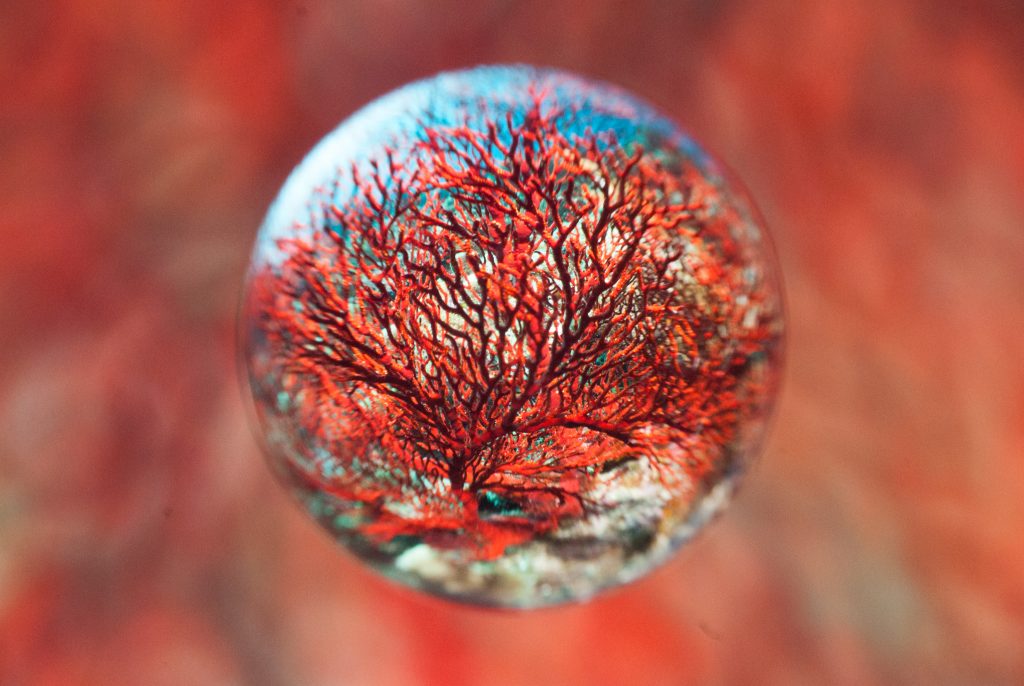
Photo / Video Showcase / Archived topic
Started by magicfx ·
Read-only discussion
please critique (composition & light)
Interesting! I like the bokeh background and the "bubble" with a ?fan coral works pretty well. It'd be good to see some more to get a more general idea of the effect and, if possible, say capturing a fish n the image.
It reminds me a bit of the 360 degree fisheye images that were around in the 70s. It could be a great effect but needed to be used a bit sparingly otherwise all the images started to look the same no matter what the subject.
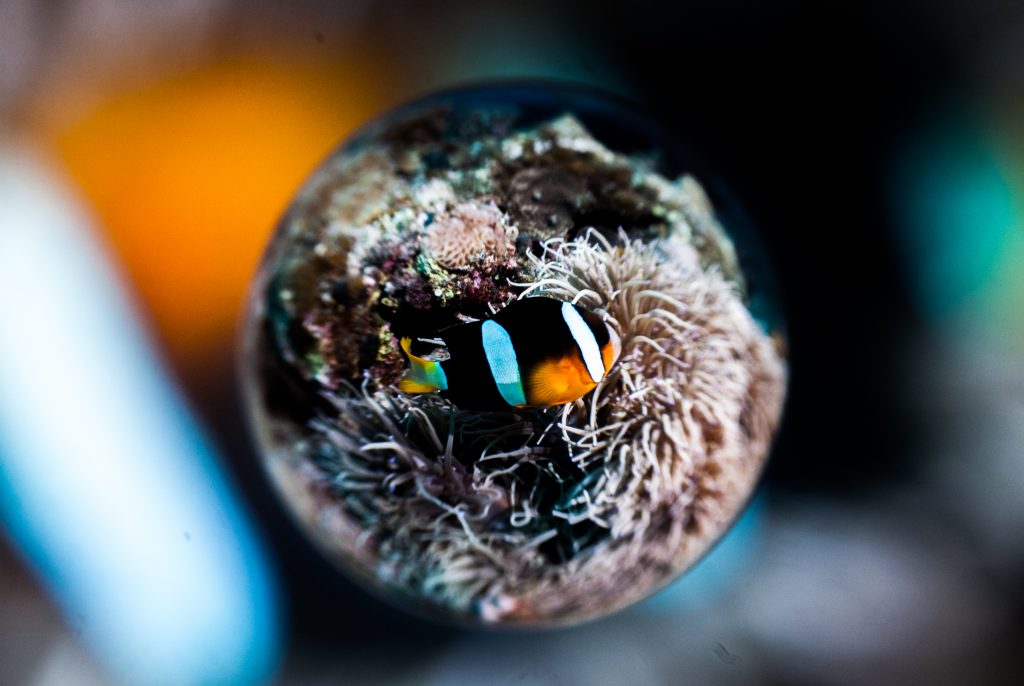
Hi Tim, I got a nemo and its home in the frame. In this image, I tried to use nemo's stripe pattern as background.
Sorry, it just doesn't do much for me, way too "gimmicky". Then again, I'm not a fan of fish-eye lenses, either.
You can also recreate this effect in Photoshop - should you wish.
Start with a wide angle photo (which does not need to be fisheye). Best with a central subject. Use Spherise filter to make the circle (selecting just a square for that layer first). For the background just crop and the expand and blur.
Not as much fun. But better image quality!
Alex
Hmmm, not so sure about that one. The anemonefish gets lost against the background and the white "bar" t the left of the bubble is very distracting.
Hi Tim, I got a nemo and its home in the frame. In this image, I tried to use nemo's stripe pattern as background.
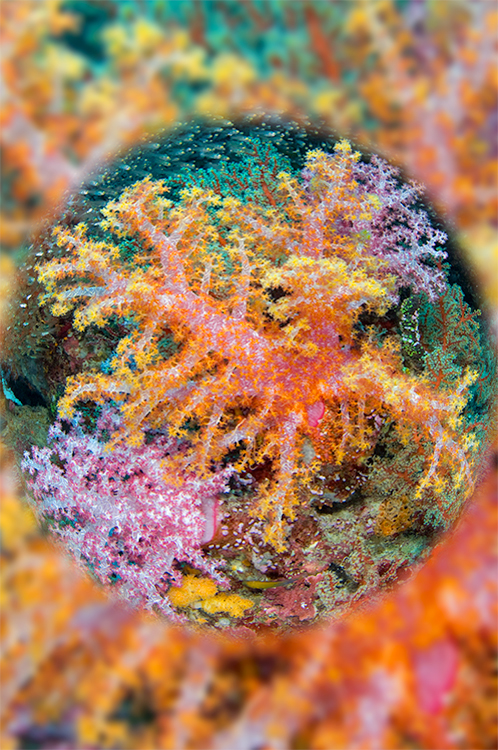
I can see picking your subject and background very carefully is critical! But then that's true of all photography!

Terms of Use Privacy Policy Guidelines We have placed cookies on your device to help make this website better. You can adjust your cookie settings, otherwise we'll assume you're okay to continue.

A worldwide community for underwater imaging.
