Skip to content

Classifieds / Archived topic

FS: Nauticam NA-EM1 and Ports/Accessories

Started by simon87 ·

  • 5Posts
  • 5Replies

Read-only discussion

FS: Nauticam NA-EM1 and Ports/Accessories

5 posts
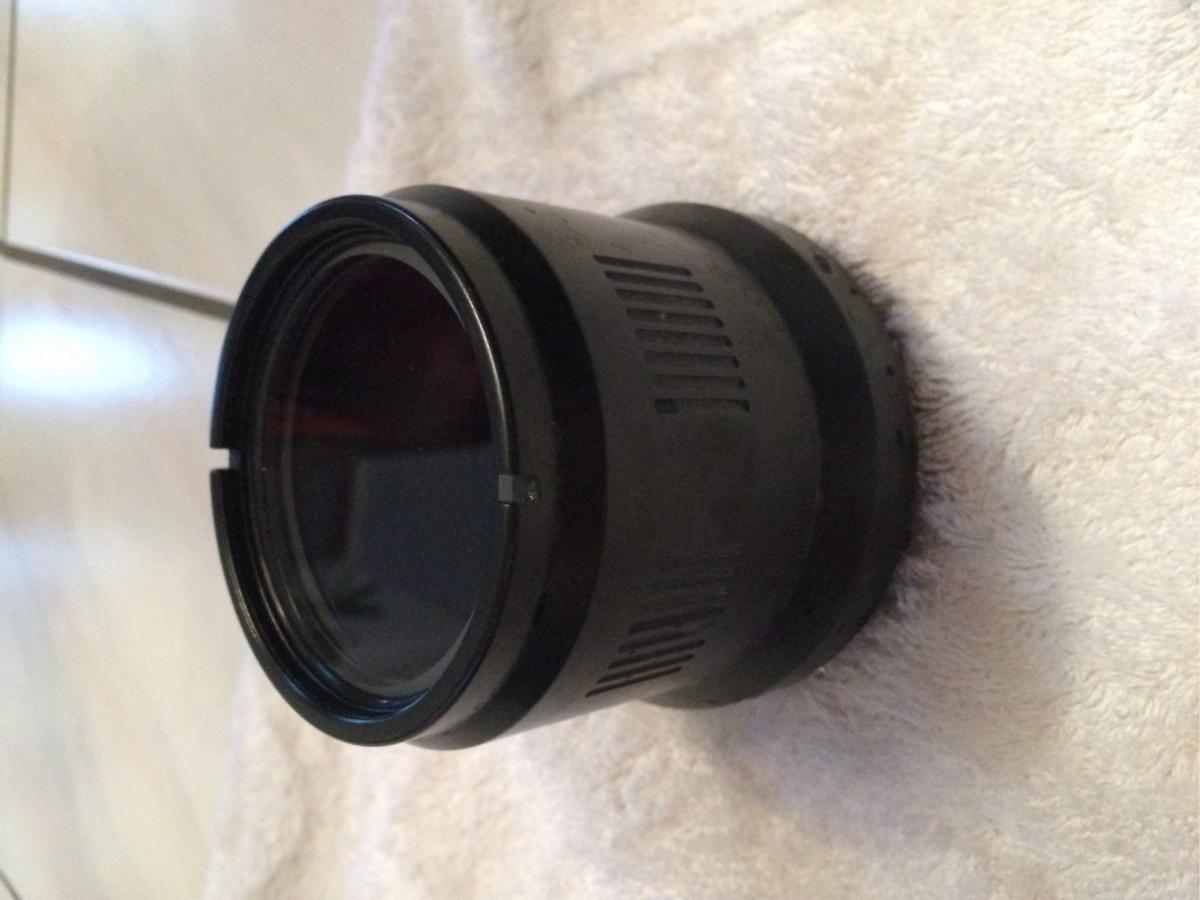
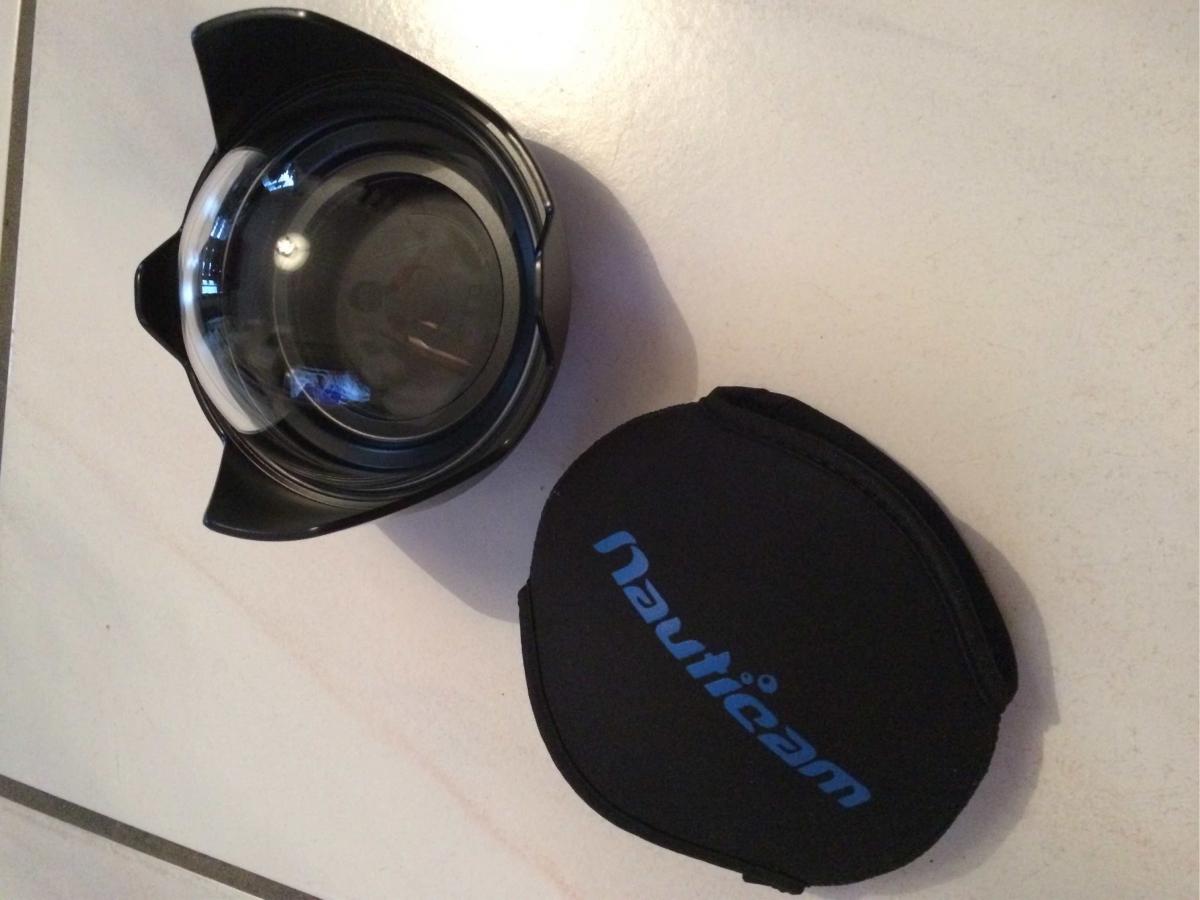
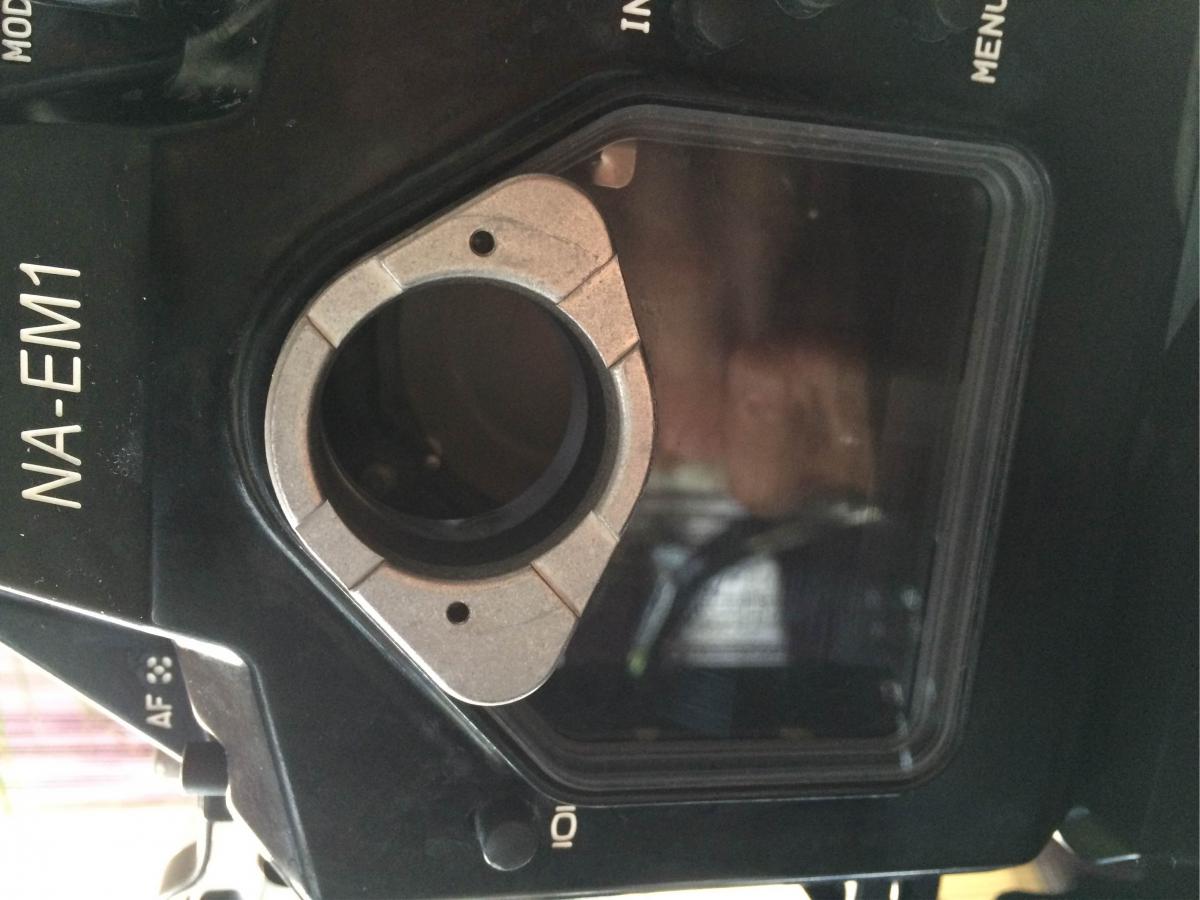
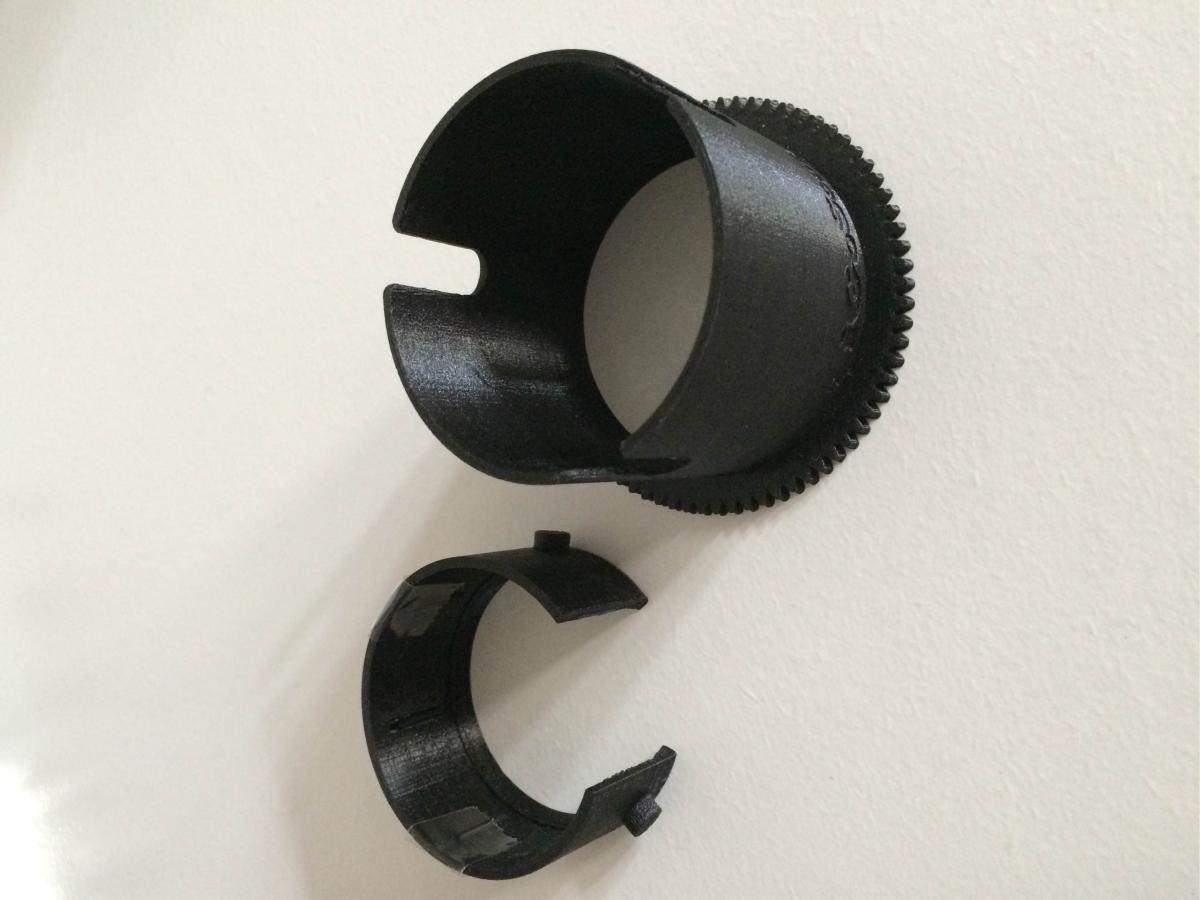
  1. Nauticam NA-EM1 Housing for Sale with 65 Macro Port (36163), 4.33" Dome Port (36132) and LCD Window for Nauticam enhanced viewfinders (17852). Focus Gear from IGoScuba for the Macro Lens. Everything except the Domeport has seen 40 dives. Works all 100%. Only a few watermarks. Used the Domeport only for half an hour snorkeling.


    NA-EM1 --> 1400 Euro

    Macro Port 65 --> 150 Euro

    4.33" Dome Port --> 400 Euro

    LCD Window --> 150 Euro

    Focus Ring --> 30 Euro


    I am also selling an Olympus EM1 (7000 releases) , M.Zuiko 60mm Macro Lens and a Panasonic 8mm Fisheye.

    EM1 --> 500 Euro

    M.Zuiko 60mm Macro --> 400 Euro

    Panasonic 8mm --> 400 Euro

    Im located in Germany.

    If you have any questions, just write me.

    Simon
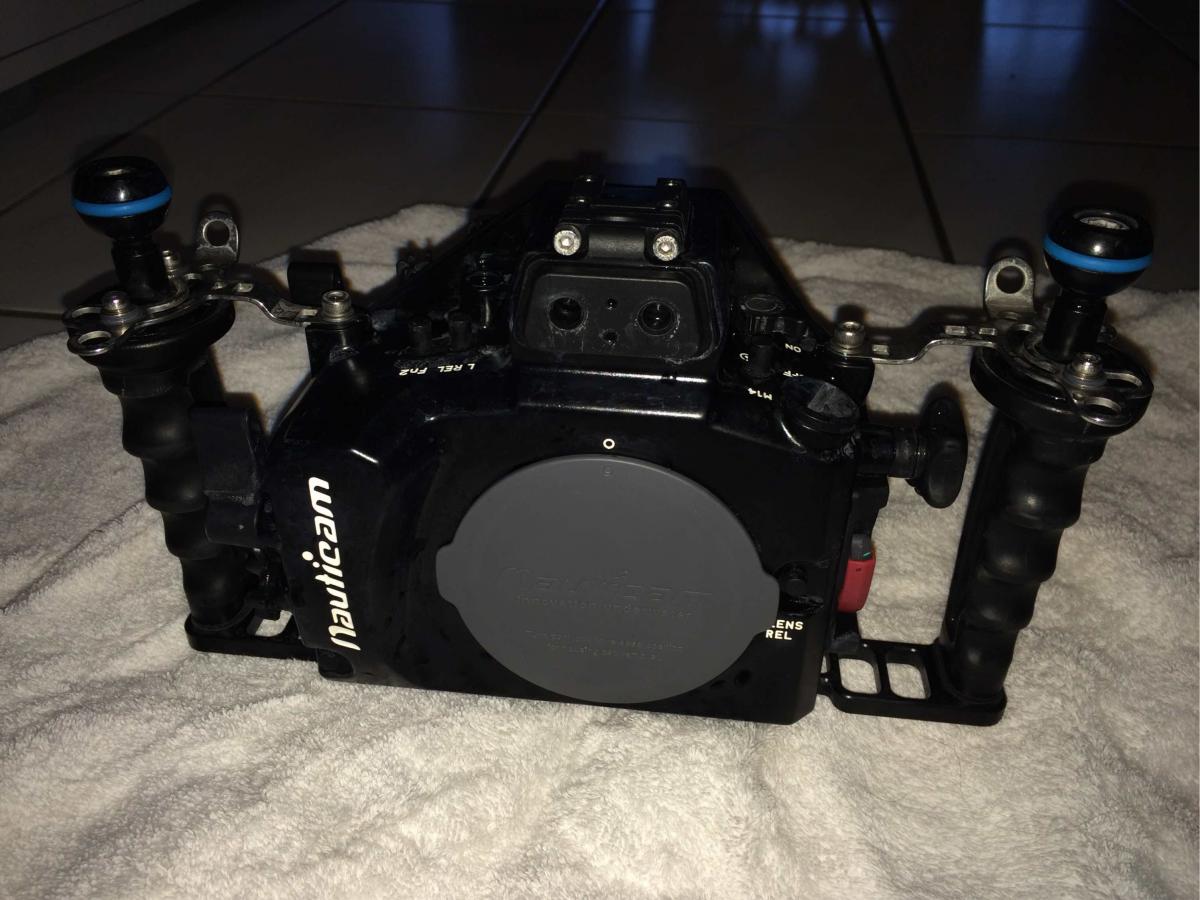
    post-52659-0-51613300-1467055890_thumb.jpeg

    post-52659-0-26546200-1467055920_thumb.jpeg

    post-52659-0-69348600-1467055936_thumb.jpeg

    post-52659-0-53075500-1467120561_thumb.jpeg

    post-52659-0-74807600-1467120763_thumb.jpeg

    Edited by simon87
  2. Update:


    NA-EM1 --> 1400 Euro
    Macro Port 65 --> sold
    4.33" Dome Port --> sold
    LCD Window --> 150 Euro
    Focus Ring --> sold

    EM1 --> sold
    M.Zuiko 60mm Macro --> 400 Euro
    Panasonic 8mm --> 400 Euro

  3. NA-EM1 --> sold

    Macro Port 65 --> sold
    4.33" Dome Port --> sold
    LCD Window --> sold
    Focus Ring --> sold

    EM1 --> sold
    M.Zuiko 60mm Macro --> 400 Euro
    Panasonic 8mm --> 400 Euro

  4. Everything sold.

  5. Pitty, what I was looking for exactly.

Nauticam

Account

Navigation

Search

Search

Configure browser push notifications

Chrome (Android)
  1. Tap the lock icon next to the address bar.
  2. Tap Permissions → Notifications.
  3. Adjust your preference.
Chrome (Desktop)
  1. Click the padlock icon in the address bar.
  2. Select Site settings.
  3. Find Notifications and adjust your preference.