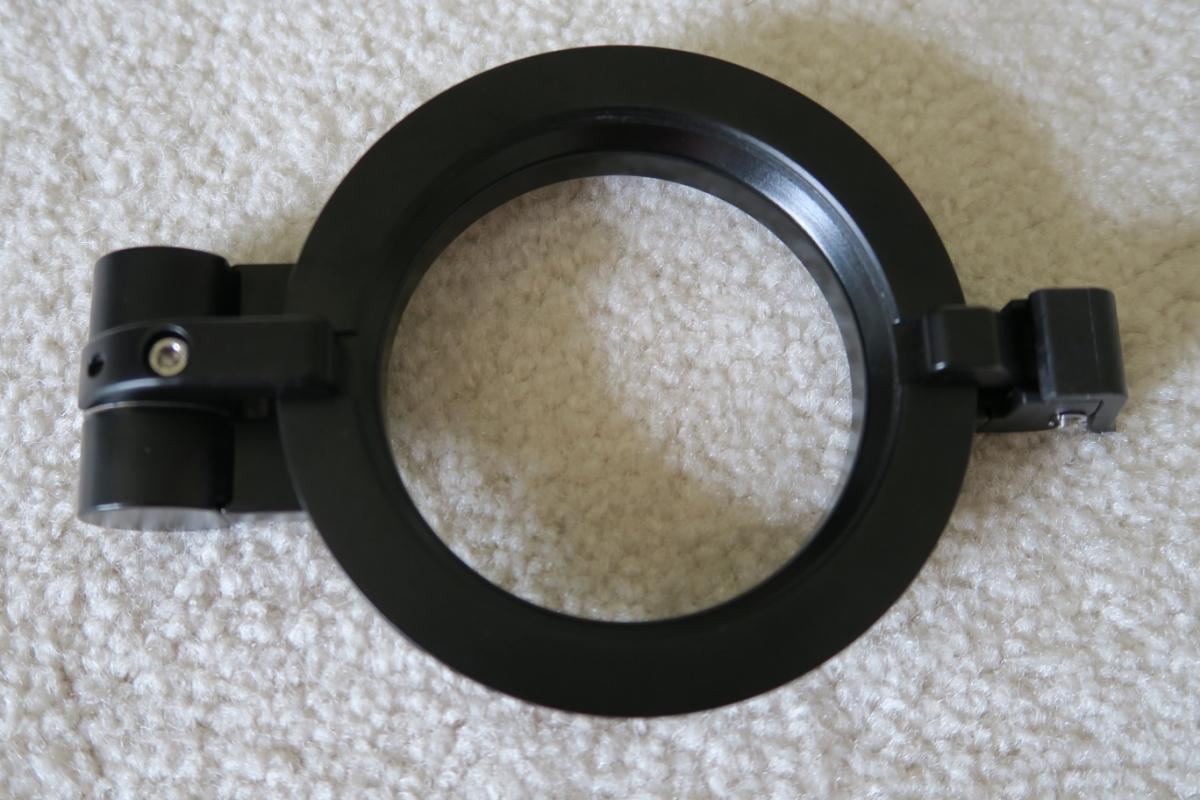
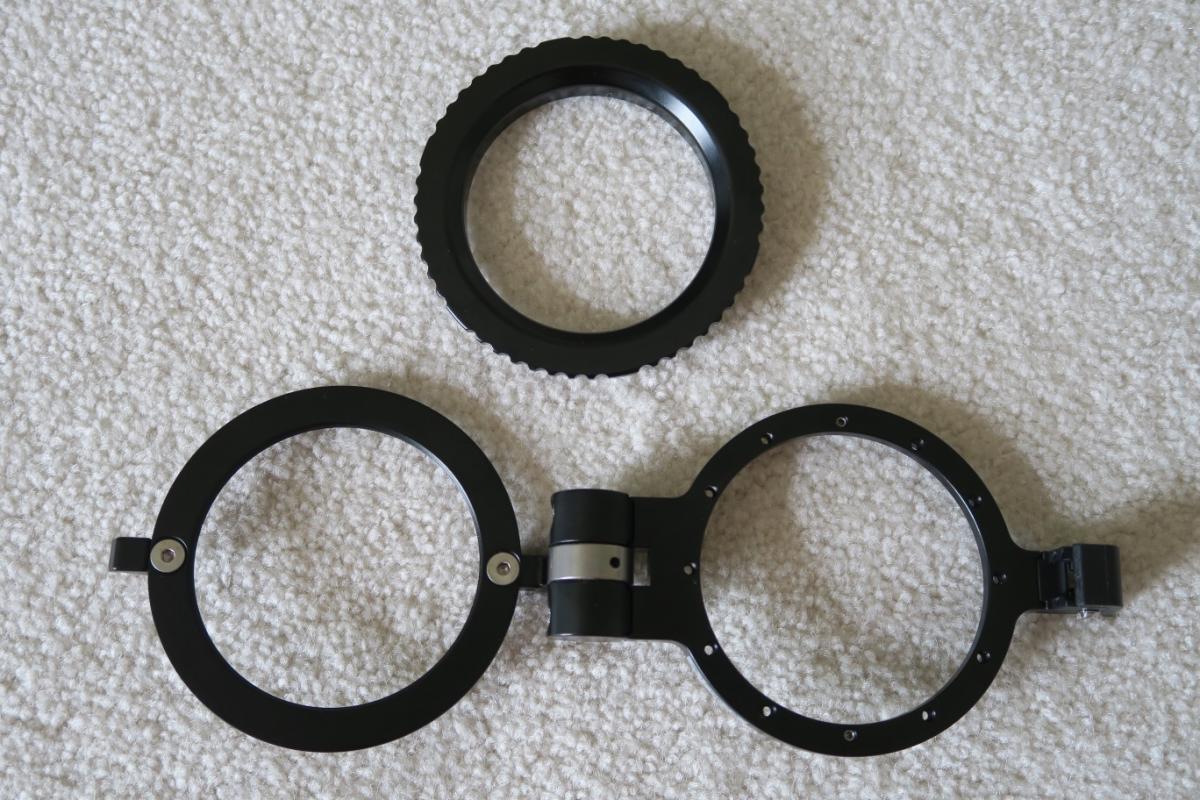
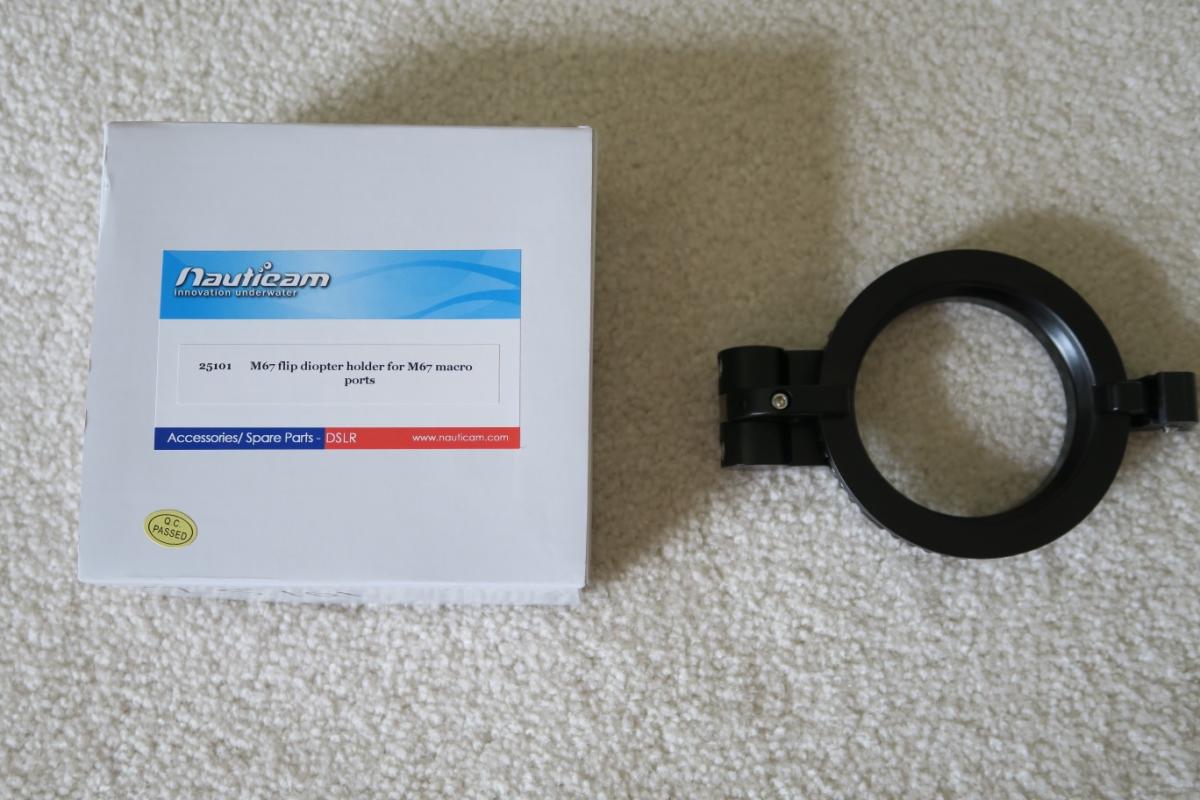
This diopter (wet lens) holder from Nauticam turns any port with a 67mm thread into a flip adapter. This way you can easily flip a macro diopter onto the front of your port.
Secure design, machined aluminum adapter.
Screws into 67mm threads, works with any Nauticam port with 67mm threads (including all macro ports, and several flat ports for the mirrorless cameras).
Clip lock keeps the lens from flipping out while you are shooting.
Spring tension keeps the lens from flipping back in front of your port when you are not using it.
The Flip Adapter sells for $260 retail.
Selling for $150 or best offer plus actual shipping.
Please e-mail if you have any questions. Thanks!
Hi TNDiver. How would you rate the condition of this item? Any corrosion, significant scratches, dings or paint chips?
Thank you,
Brandon
PM sent
Sent from my iPhone using Tapatalk
Payment has not been sent for this item. M67 Flip Adapter is still for sale.
Hi TNDiver. How would you rate the condition of this item? Any corrosion, significant scratches, dings or paint chips?
Thank you,
Brandon
Hi, Brandon, It is in great shape. No signs of wear. We intended to use it for a red filter more than anything and the filter we have been using does not fit on the adapter.