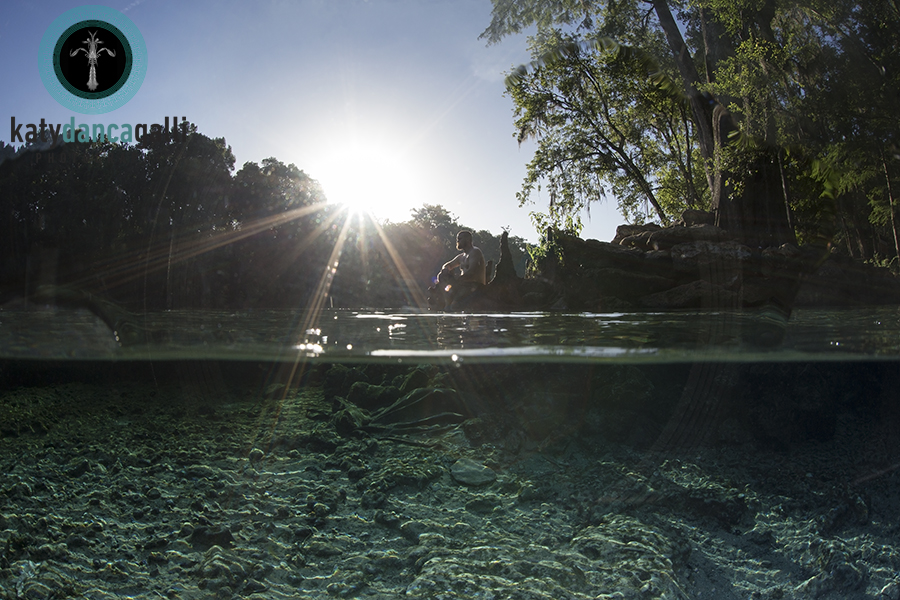
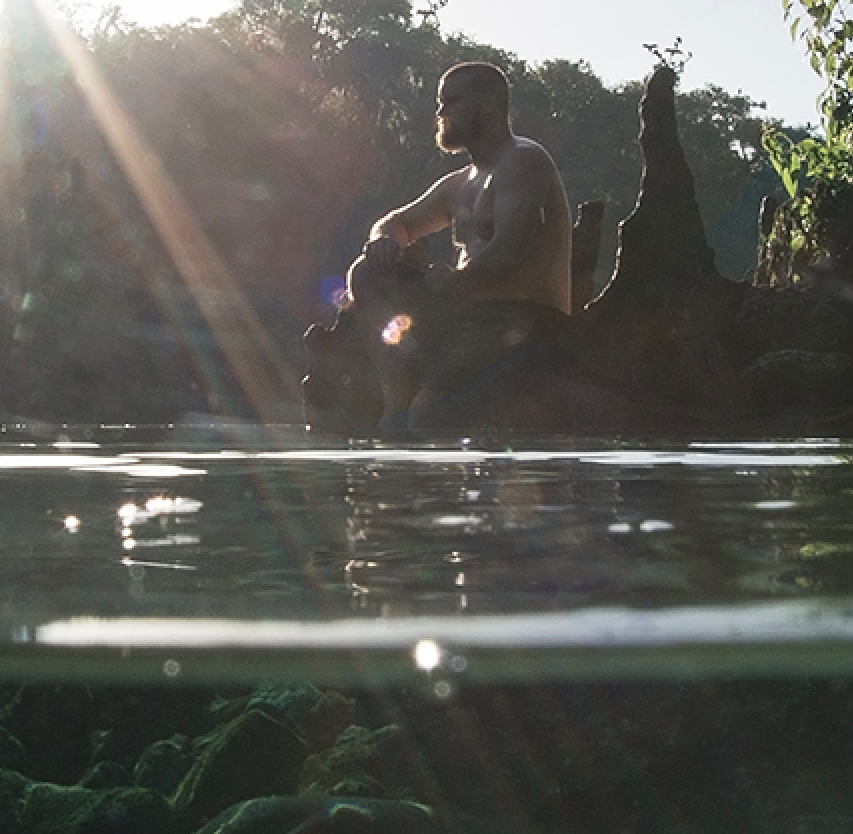
Hi there everyone, if you have a sec would love to hear any feedback on this; I realize now why people blackout the front of their lens....wanted to see if 1) this is a major distraction, and 2) I've noticed my images shot with 5D MKIII are not turning out super crisp, shot this with 1 strobe, ISO 320, f16, 1/160th. ISO 320 seems somewhat low to have so much noise/pixelation in this image, is this just because it's in low light? Also, would love some feedback on color, (probably the most frustrating part of the editing process....). Thank you
I like the general idea, but I don't think this image quite works. The split is executed well. Composition is OK and the backlighting on the model is nice, though I might have tried to get a little closer and put a bit more space between the sun and the model. However the sun flare overpowers everything, the model is almost lost as a result, and the UW scene is dull and lifeless (but I guess in SWFL that's a good thing!). The lens reflection is indeed a distraction but very hard to avoid when looking straight into the sun.
Now if you could just go back and get a ND filter on the sun, a remote strobe on your model, and move the whole UW scene to a colorful reef, you'd be all set ;-)
Hey Troporobo,
Well, it's hard to admit, but you are absolutely right. I will rethink this scene, I think having something more interesting underwater and shooting a little earlier in the morning would make a massive difference! Thank you so much for taking your time to give me an honest review, this was actually shot at Ginnie Springs, (which is gin clear), but I think shooting at f16 made the water look too dark.