Skip to content

Photography Gear and Technique / Archived topic

Nikon D500 with Nikkor 10.5mm Test Shots

Started by Aussiebyron ·

  • 7Posts
  • 7Replies

Read-only discussion

Nikon D500 with Nikkor 10.5mm Test Shots

7 posts
  1. After a week or so of bad weather here locally I had the chance to dive with my favourite lens the Nikkor 10.5mm FE and my new Nikon D500 housed in an Aquatica AD500. Its taking a few dives to get used to the button layout but I am getting there.


    Here are few sample test shots which are straight from the camera and have only been sized and watermarked. Conditions were a little challenging as there was good current today and low vis.


    post-23448-0-09153500-1470911442_thumb.jpg


    f9 1/200th ISO125

    Edited by Aussiebyron
  2. post-23448-0-79897300-1470911828_thumb.jpg


    f9 1/200th ISO125

  3. post-23448-0-62715100-1470912020_thumb.jpg


    f9 1/200th ISO125

  4. post-23448-0-02620800-1470912424_thumb.jpg

    f9 1/200th ISO125

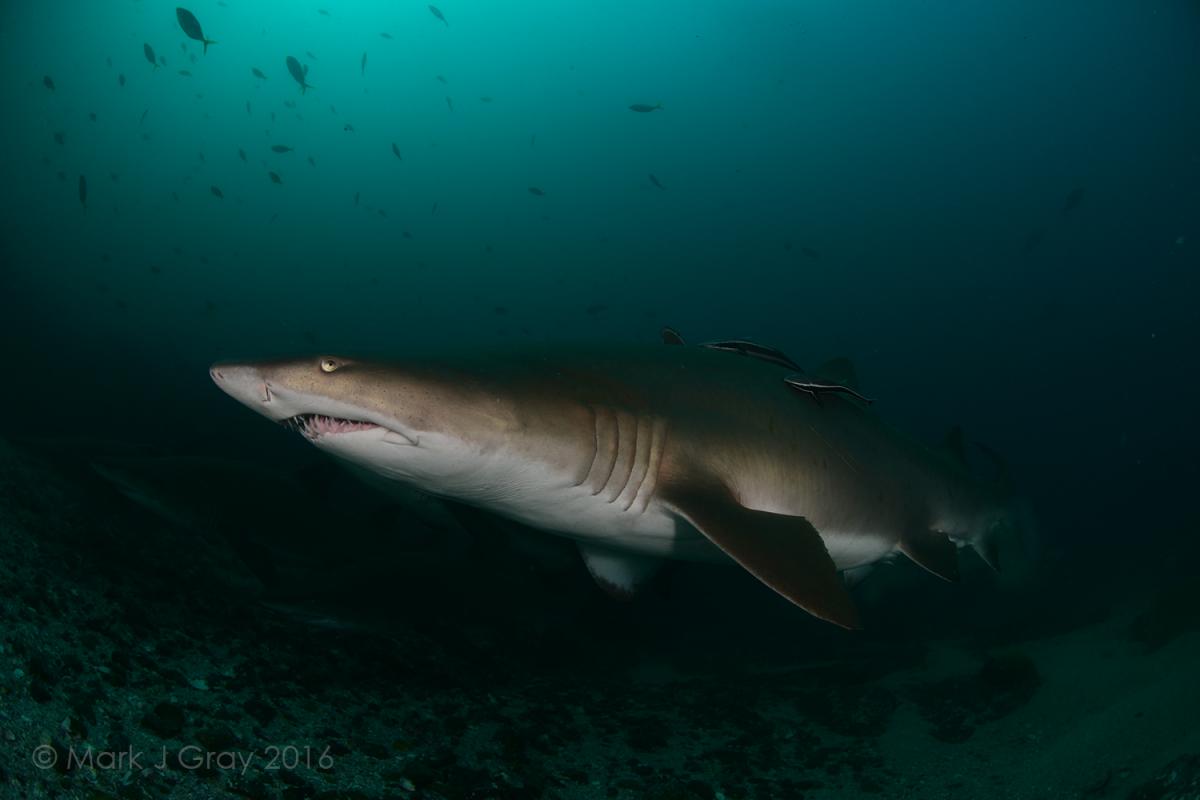
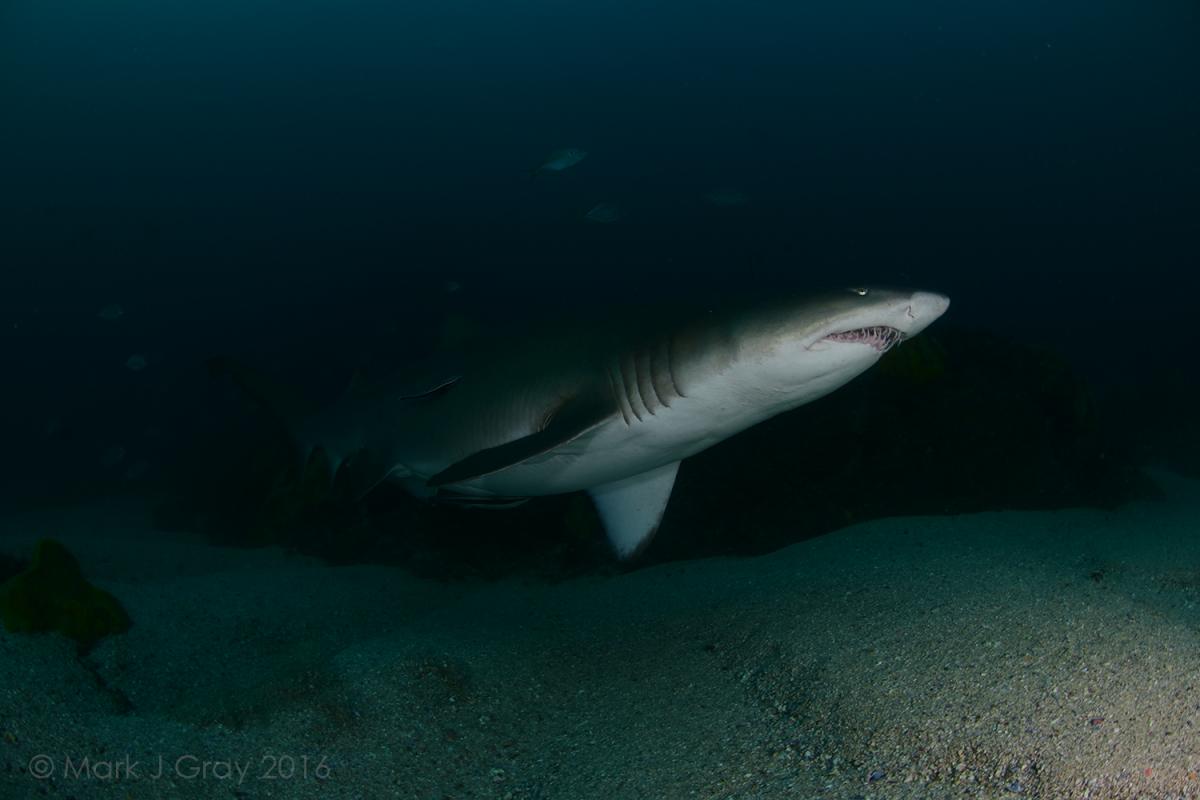
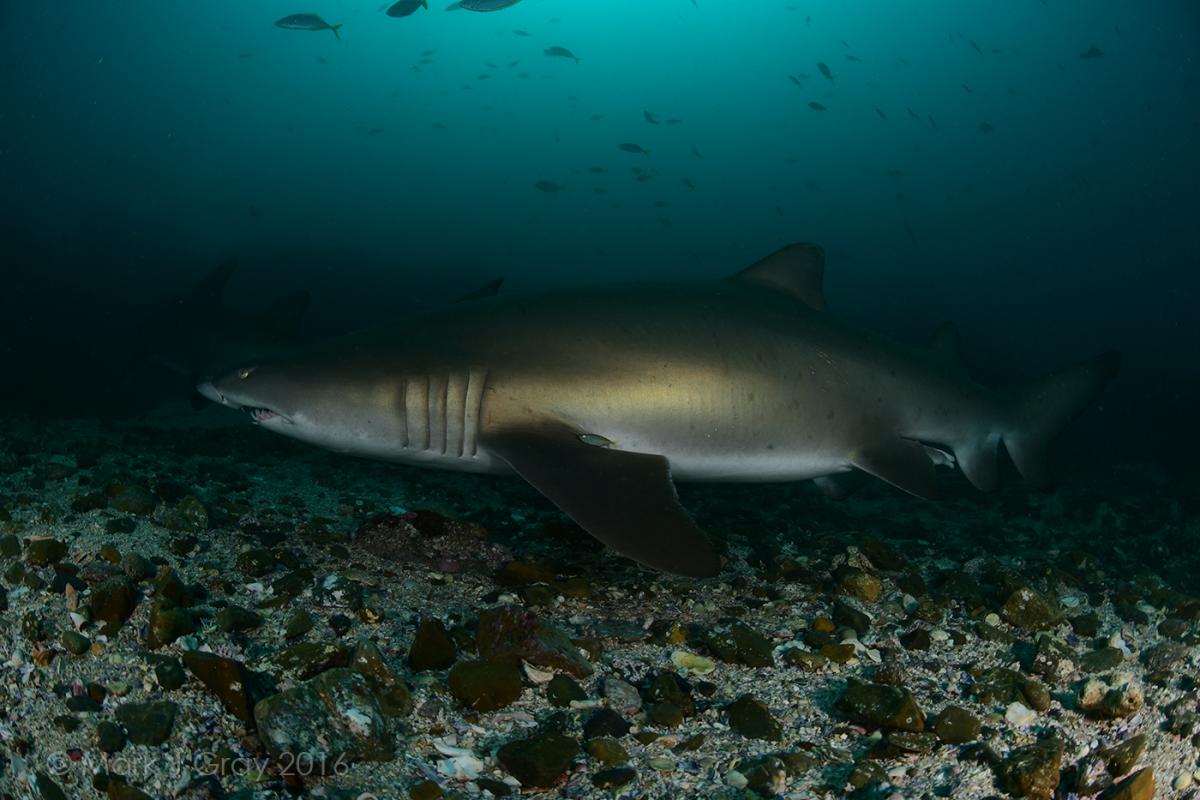
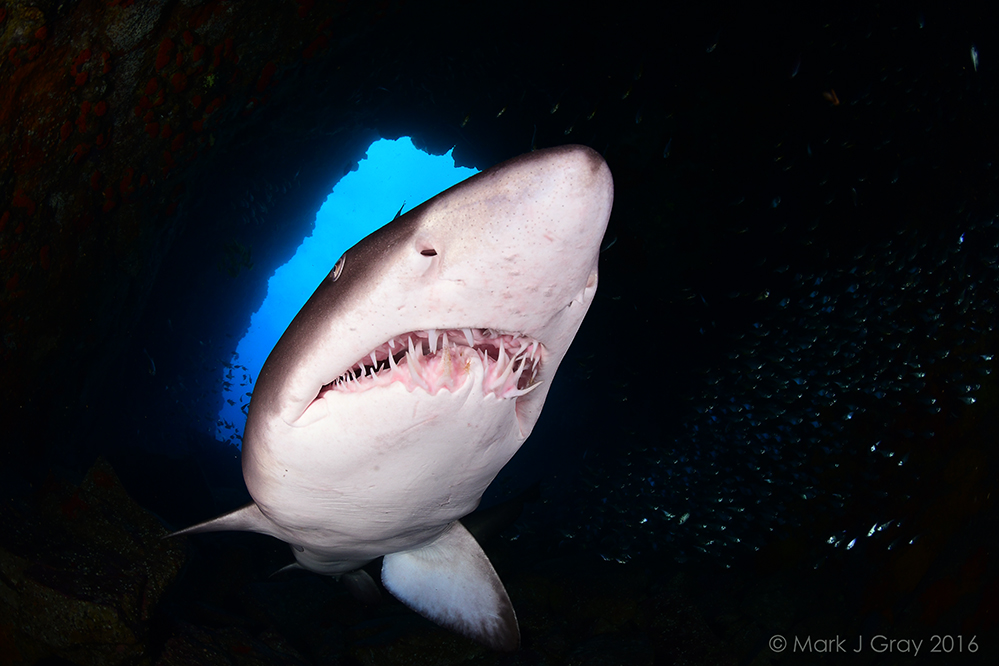
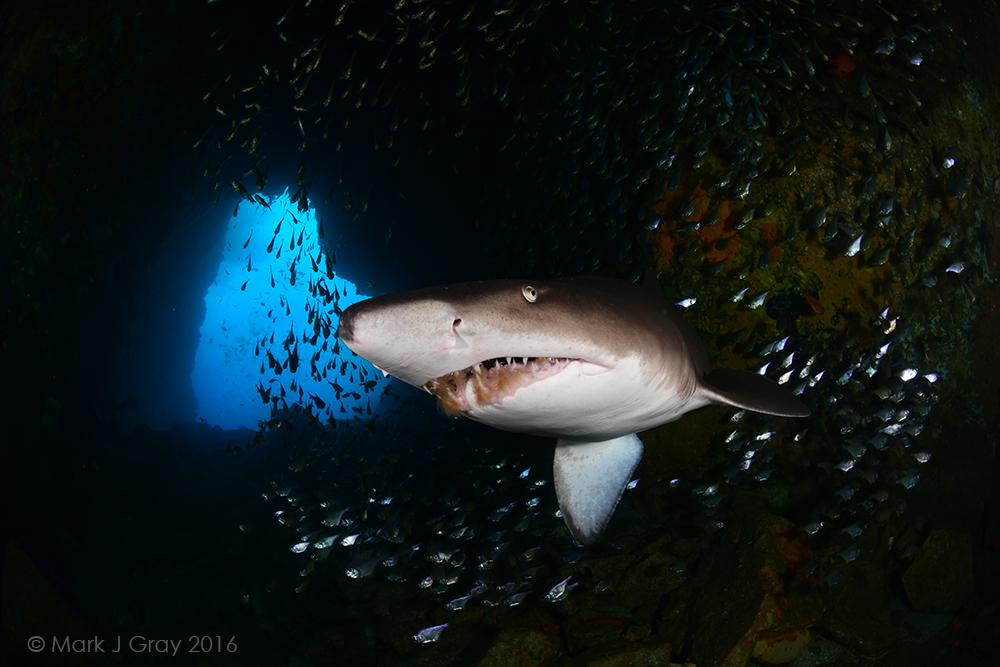
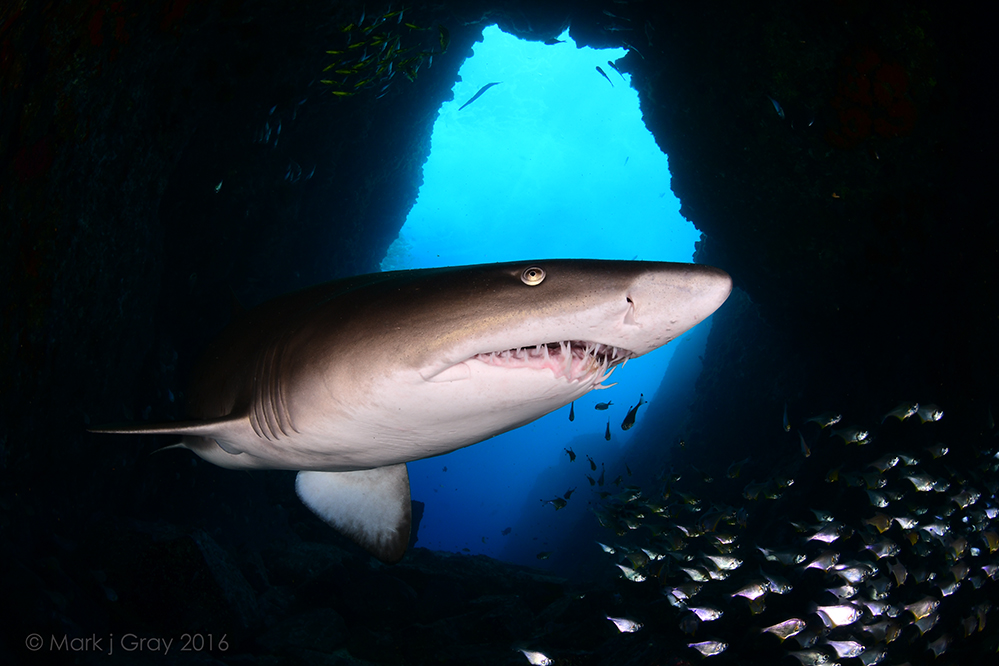
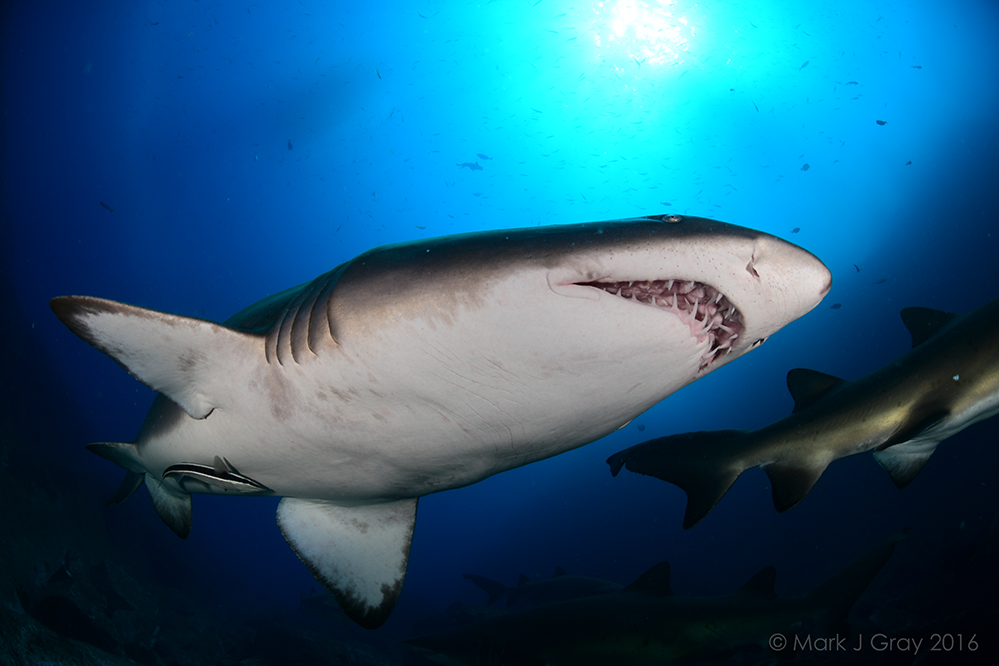
  5. Had the chance to Dive at Fish Rock which is a small rocky island off the coast of the small coastal town of South West Rocks. This time of the year there is a chance to capture Grey Nurse Sharks inside the cave which goes through the rock itself. Unfortunately the conditions were good outside of the cave which meant that there wasnt many sharks inside.


    The D500 handled the low light shooting inside the cave and focusing wasnt an issue.


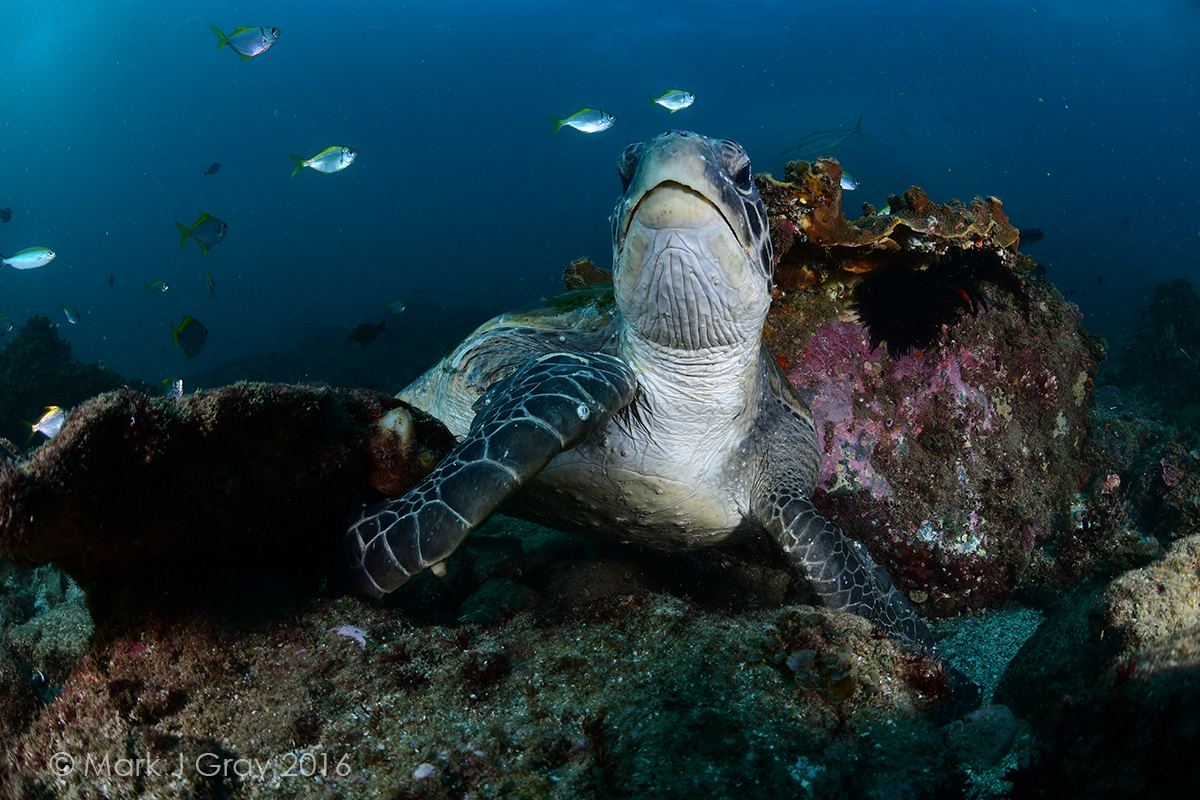
    Here a few shots taken with the Nikon D500 and Nikkor 10.5mm Fe........images are not cropped only resized and watermarked


     

    post-23448-0-05642900-1479736917_thumb.jpg

    f11 1/125th ISO320


    post-23448-0-00939500-1479737051_thumb.jpg

    f10 1/125th ISO320


  6. post-23448-0-22070000-1479737175_thumb.jpg

    f11 1/125th ISO250


    post-23448-0-04677100-1479737235_thumb.jpg

    f10 1/320th ISO160


  7. Nice shots!

Nauticam

Account

Navigation

Search

Search

Configure browser push notifications

Chrome (Android)
  1. Tap the lock icon next to the address bar.
  2. Tap Permissions → Notifications.
  3. Adjust your preference.
Chrome (Desktop)
  1. Click the padlock icon in the address bar.
  2. Select Site settings.
  3. Find Notifications and adjust your preference.