Skip to content

Classifieds / Archived topic

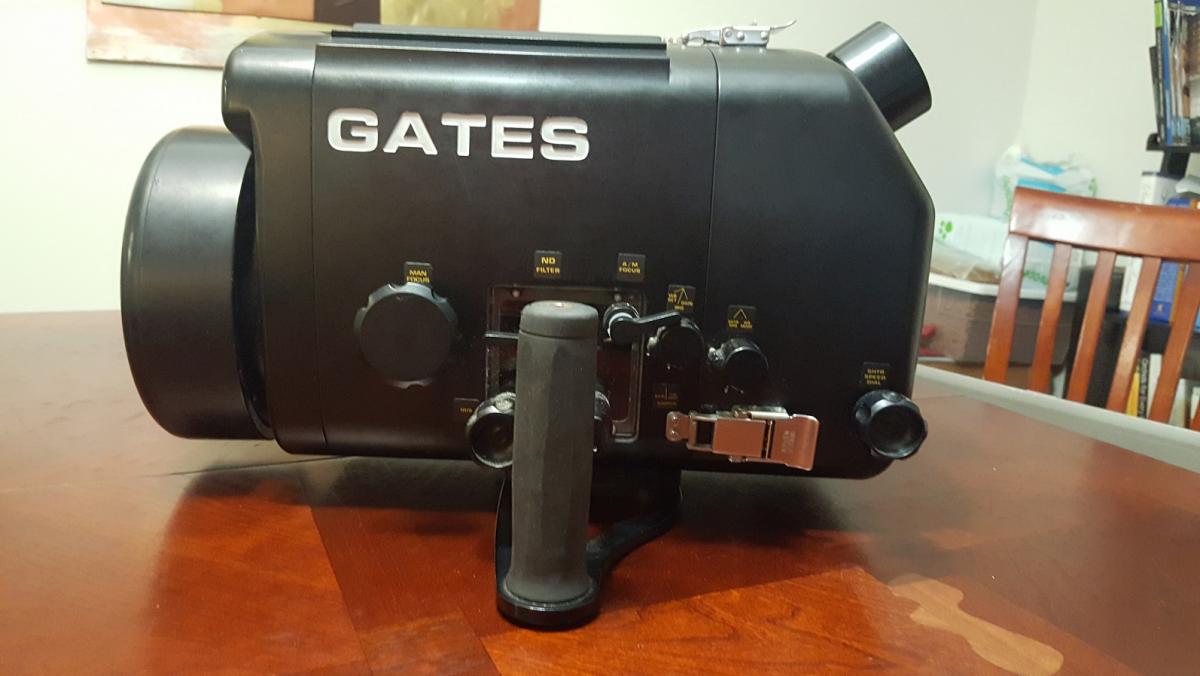
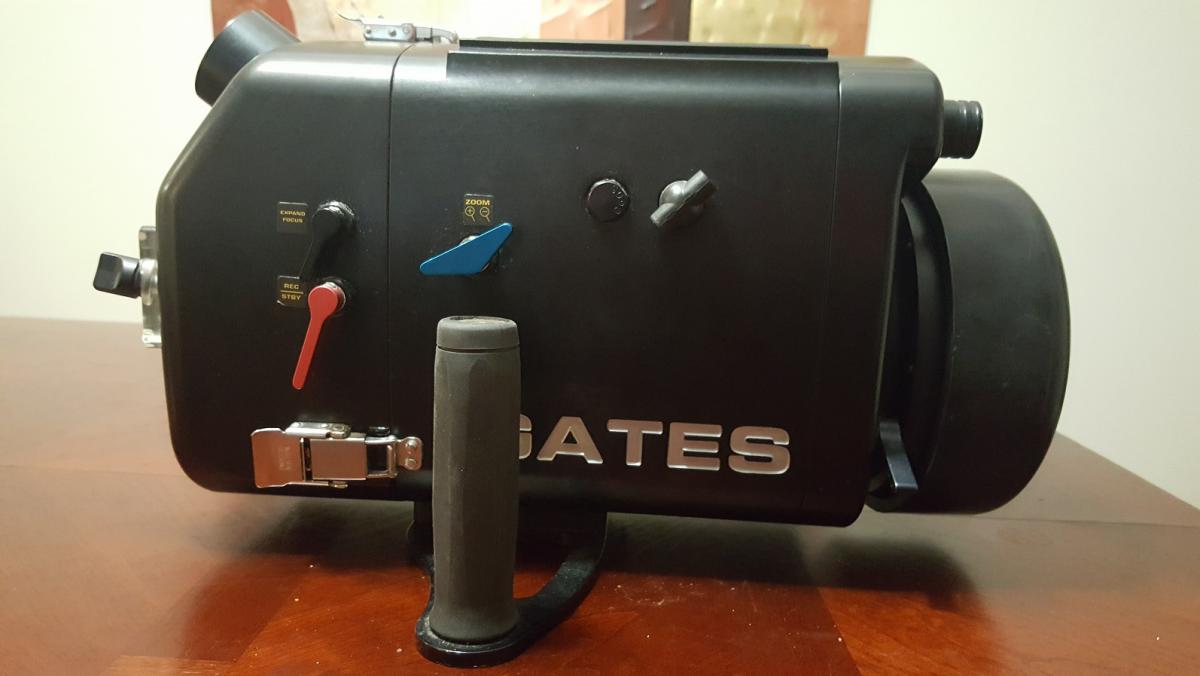
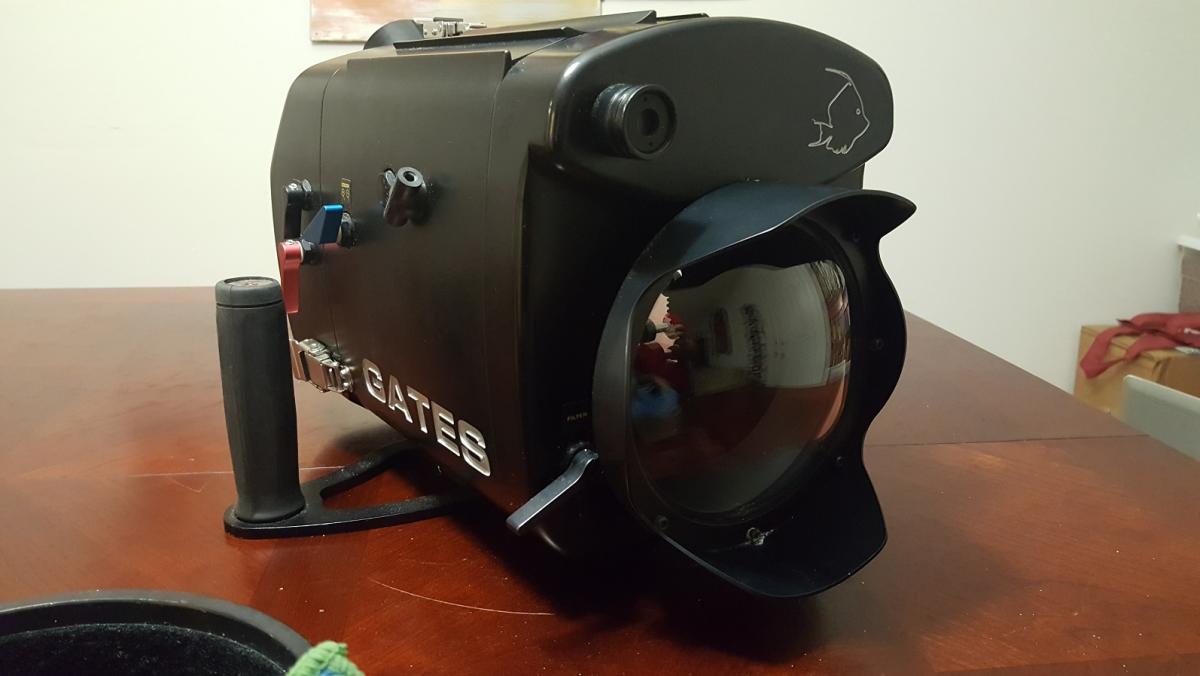
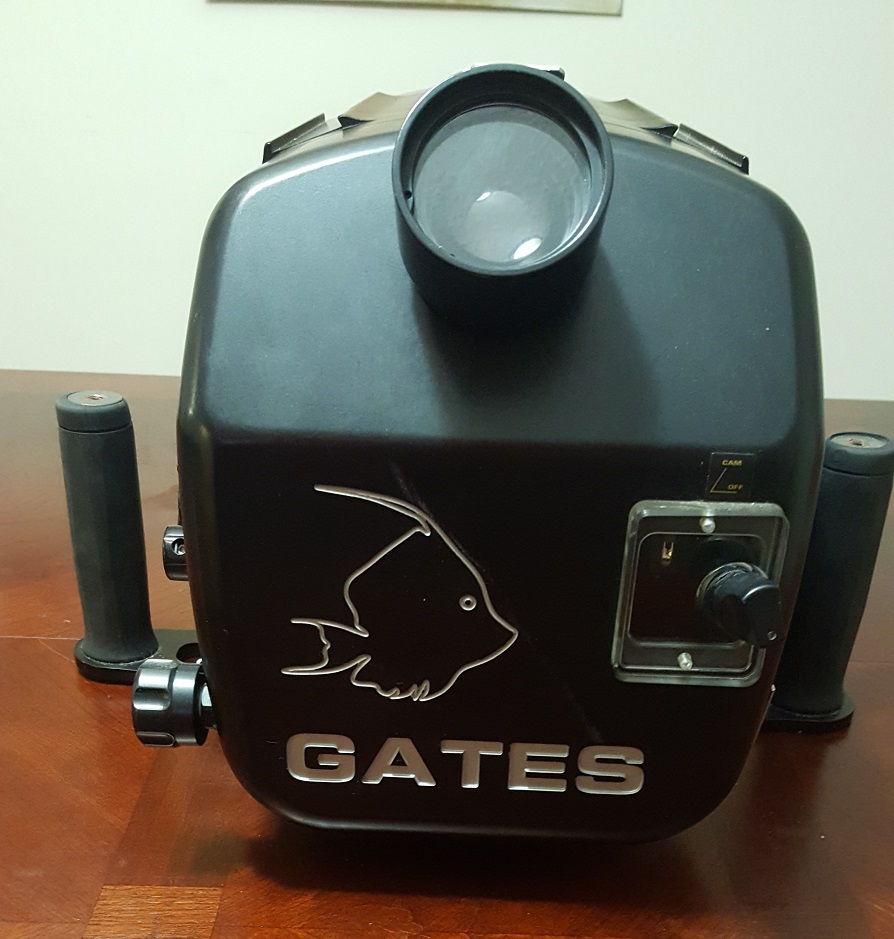
Gates Underwater Housing for Sony FX1 & Z1 plus Sony HDFX1 Video Camera

Started by svplanb ·

  • 1Posts
  • 1Replies

Read-only discussion

Gates Underwater Housing for Sony FX1 & Z1 plus Sony HDFX1 Video Camera

1 posts
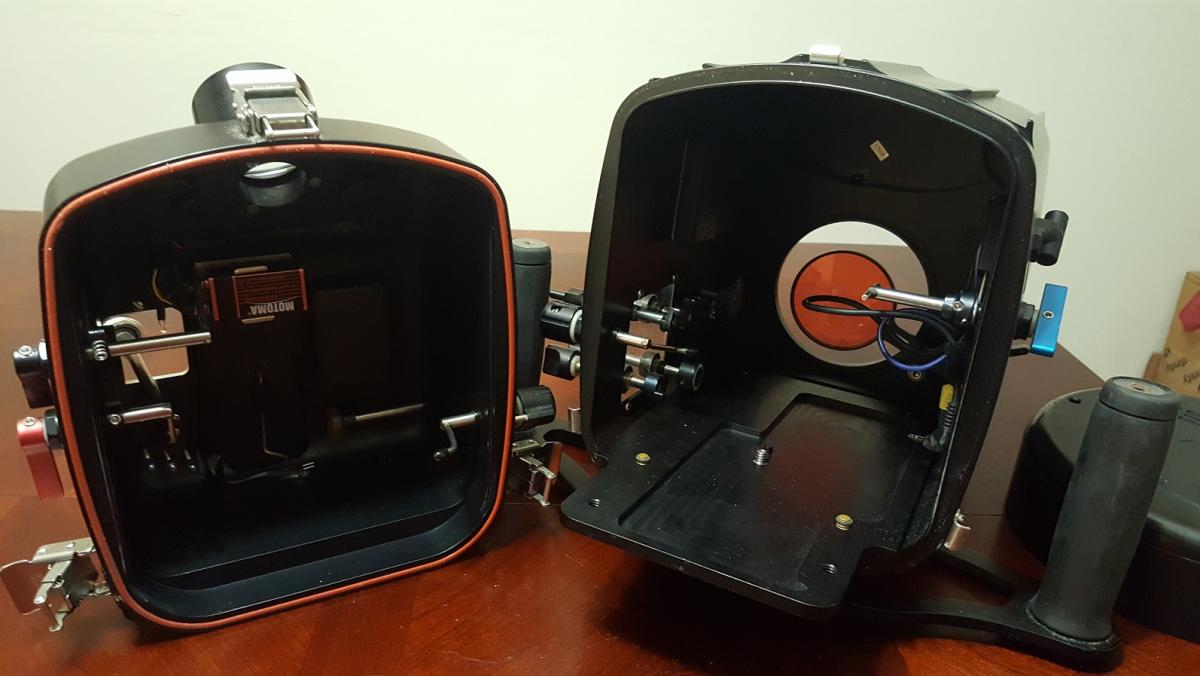
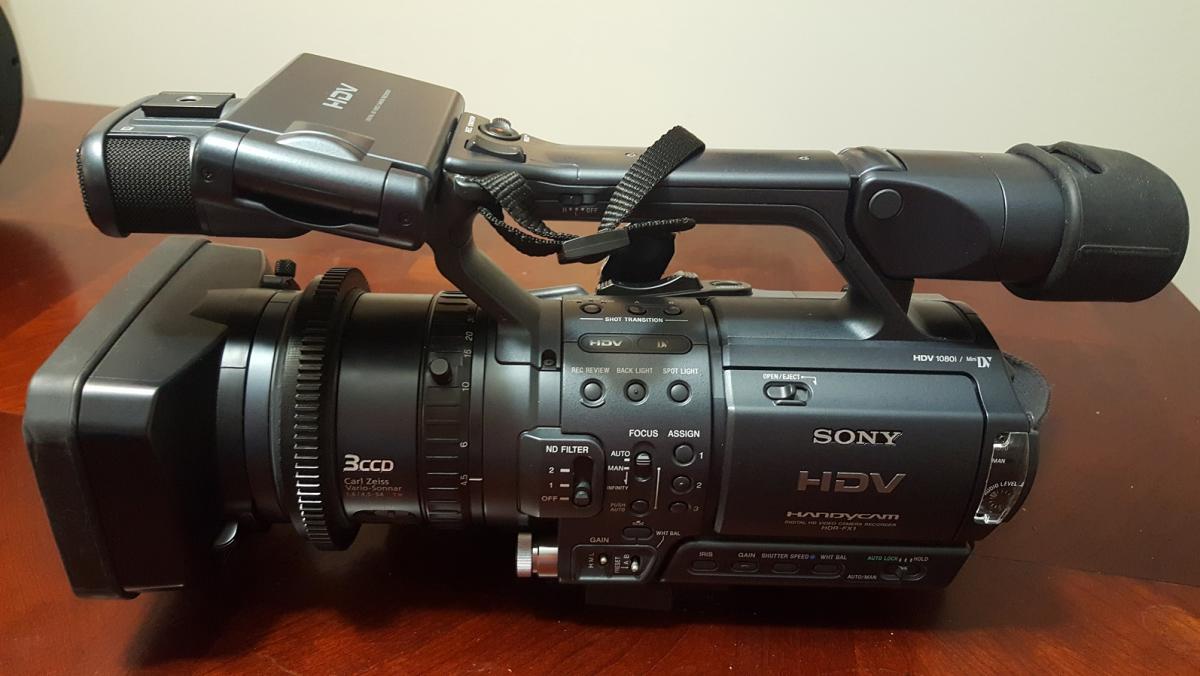
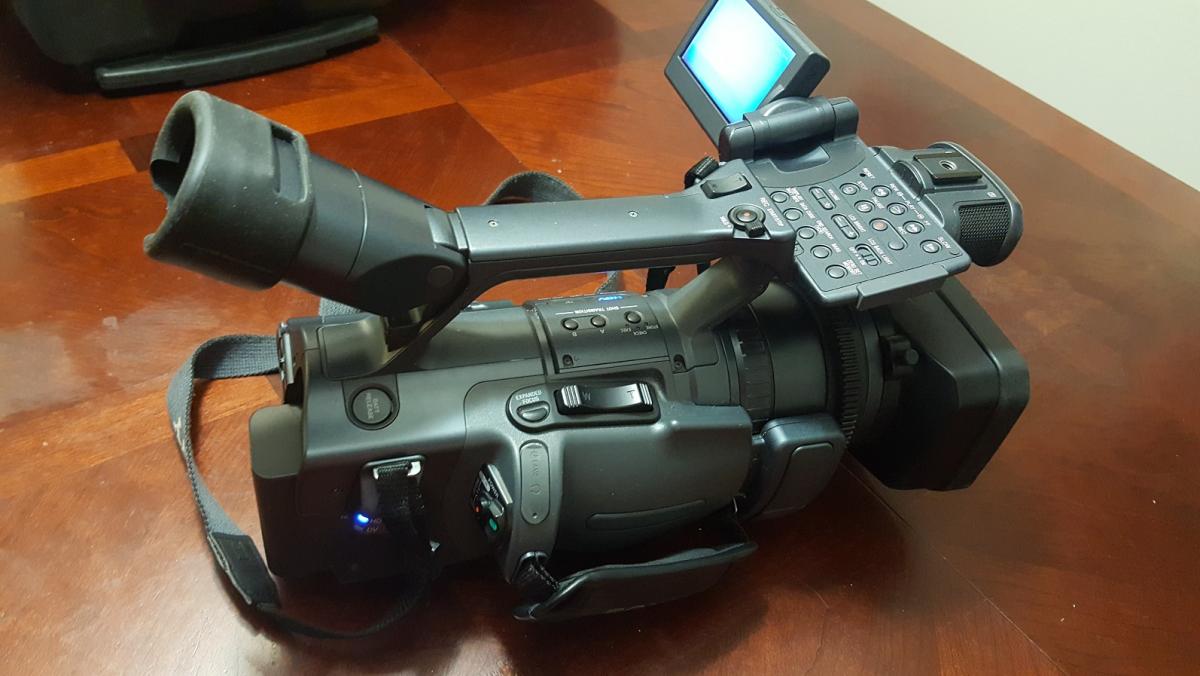
  1. Gates High quality underwater housing used for 2 scuba diving seasons, primarily in Bonaire and Florida Keys. Sony FX1 video camera and housing work flawlessly. all lenses are clear and NO scratches or damage. The complete system including Gates underwater housing and Sony FX1 Video camera are in excellent condition. This system cost over $10k when new. Purchased in 2010.


    Includes:

    • Gates UW Housing for FX1 and Z1,
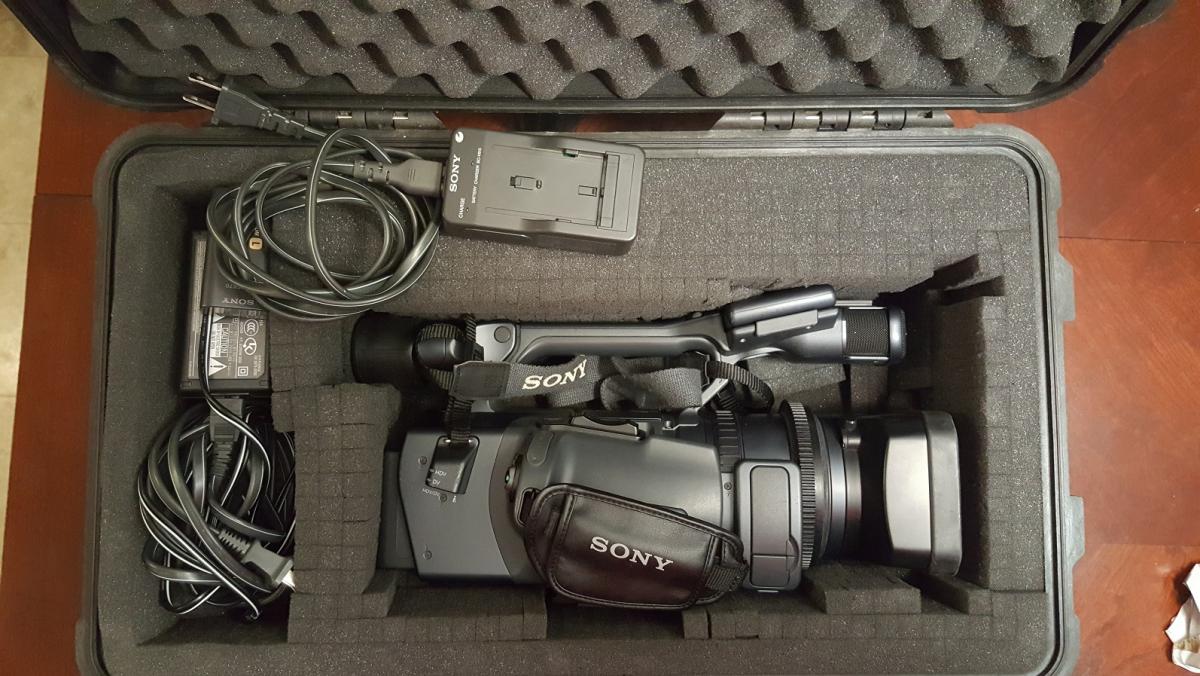
    • Sony FX1 Video Camera,
    • Sony heavy duty video tripod with remote(Sony VCT-870RM)
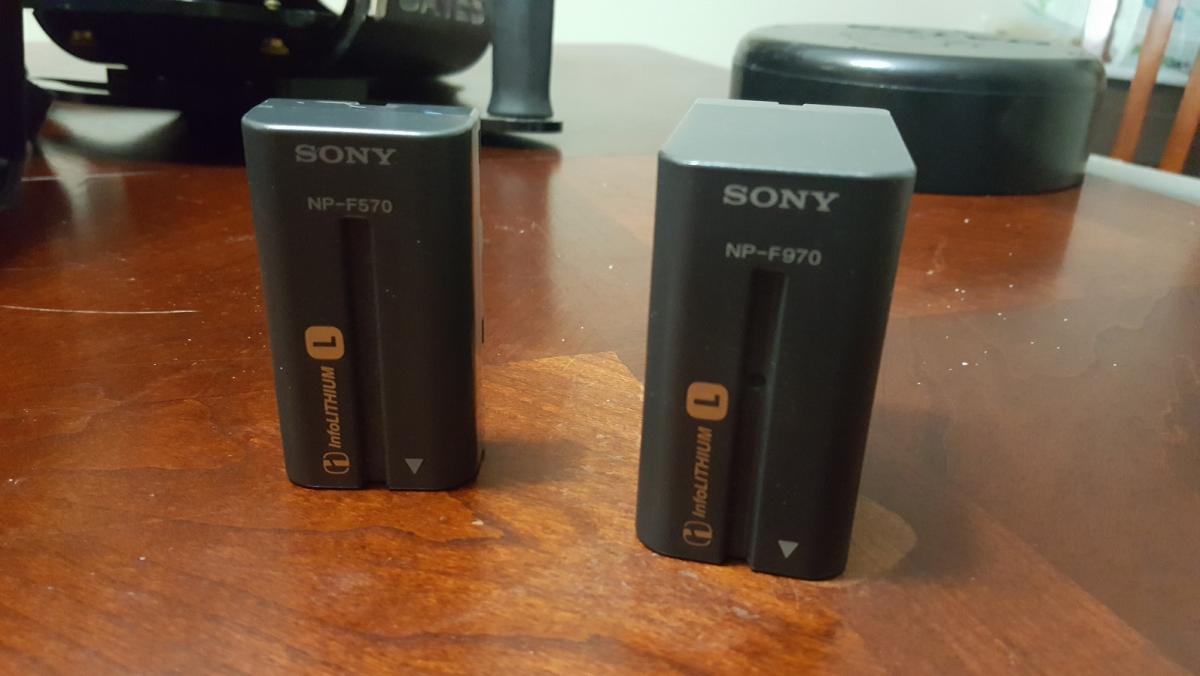
    • Large NP-X970 battery extended run battery. This battery just keeps on running so you don't have to open the case for days.
    • Includes an integrated water detector alarm inside the housing
    • External battery charger
    • Spare battery
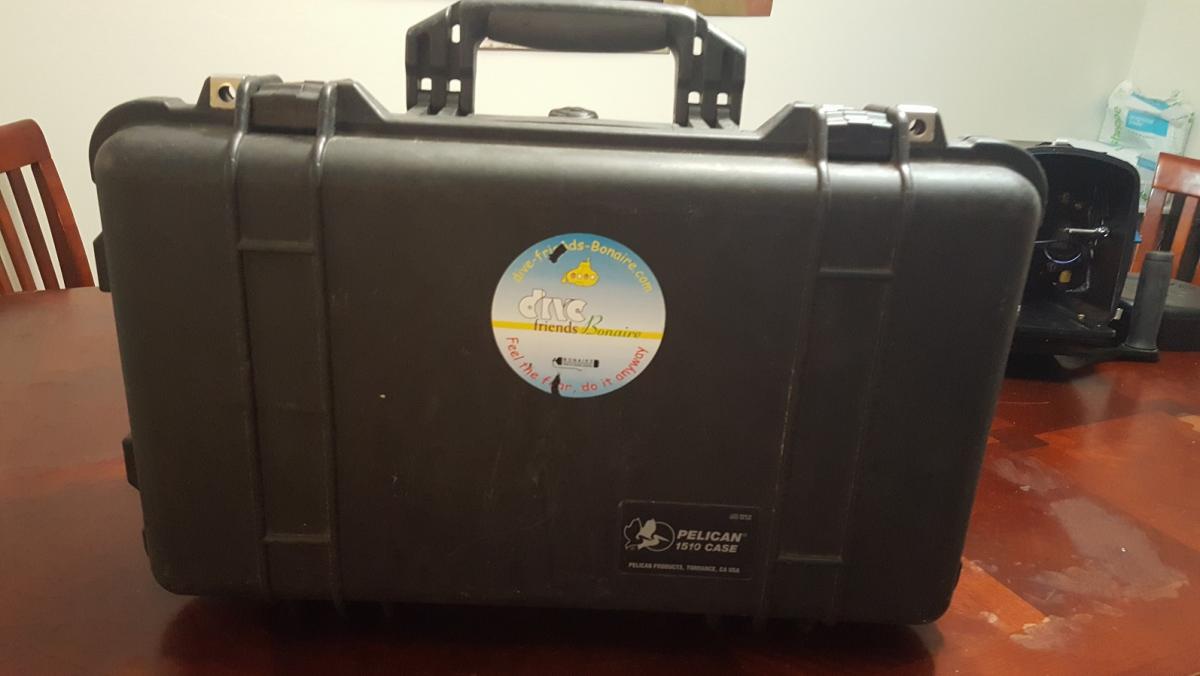
    • Pelican 1510 travel case.


    $1200.00


    Below is a review of this housing and camera setup.


    http://www.kenstone.net/fcp_homepage/gates_underwater_housing.html
    post-54857-0-24604400-1475002146_thumb.jpg

    post-54857-0-46669800-1475002148_thumb.jpg

    post-54857-0-29798500-1475002150_thumb.jpg

    post-54857-0-00325600-1475002152_thumb.jpg

    post-54857-0-40387800-1475002153_thumb.jpg

    post-54857-0-80748000-1475002154_thumb.jpg

    post-54857-0-25195500-1475002156_thumb.jpg

    post-54857-0-07428000-1475002158_thumb.jpg

    post-54857-0-86961700-1475002159_thumb.jpg

    post-54857-0-40772400-1475002189_thumb.jpg

    Edited by svplanb
Nauticam

Account

Navigation

Search

Search

Configure browser push notifications

Chrome (Android)
  1. Tap the lock icon next to the address bar.
  2. Tap Permissions → Notifications.
  3. Adjust your preference.
Chrome (Desktop)
  1. Click the padlock icon in the address bar.
  2. Select Site settings.
  3. Find Notifications and adjust your preference.