Skip to content

Classifieds / Archived topic

Aquatica AD7000 housing, camera, stobes. Complete kit.

Started by Frederic_C ·

  • 2Posts
  • 2Replies

Read-only discussion

Aquatica AD7000 housing, camera, stobes. Complete kit.

2 posts
  1. Hi,

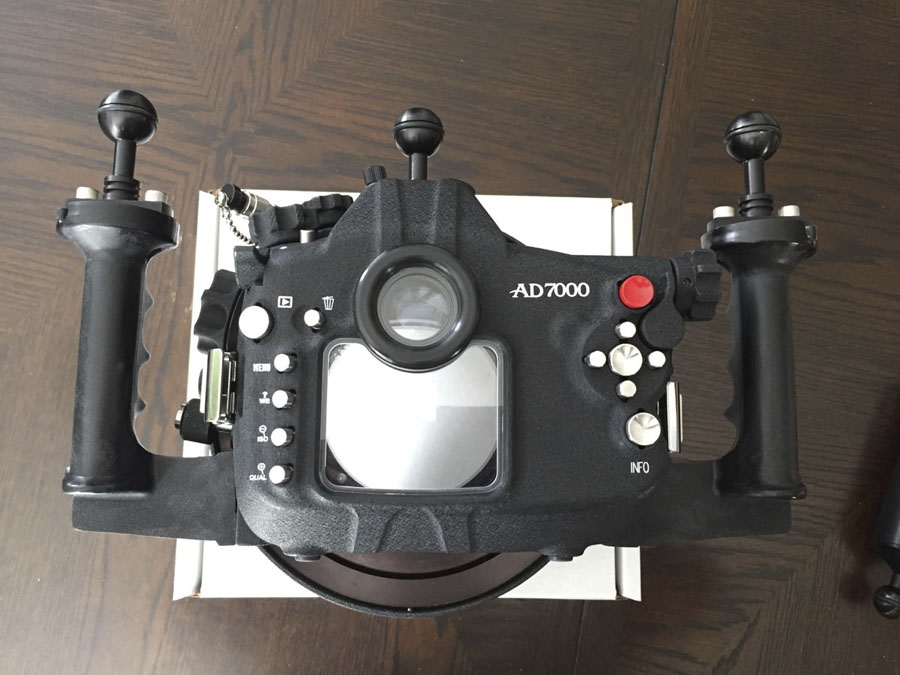
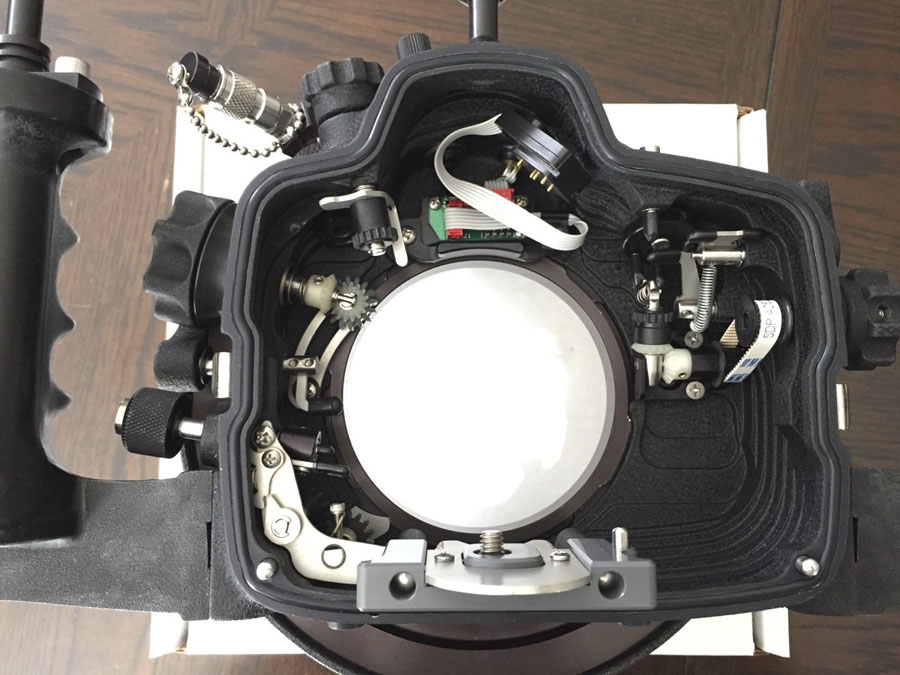
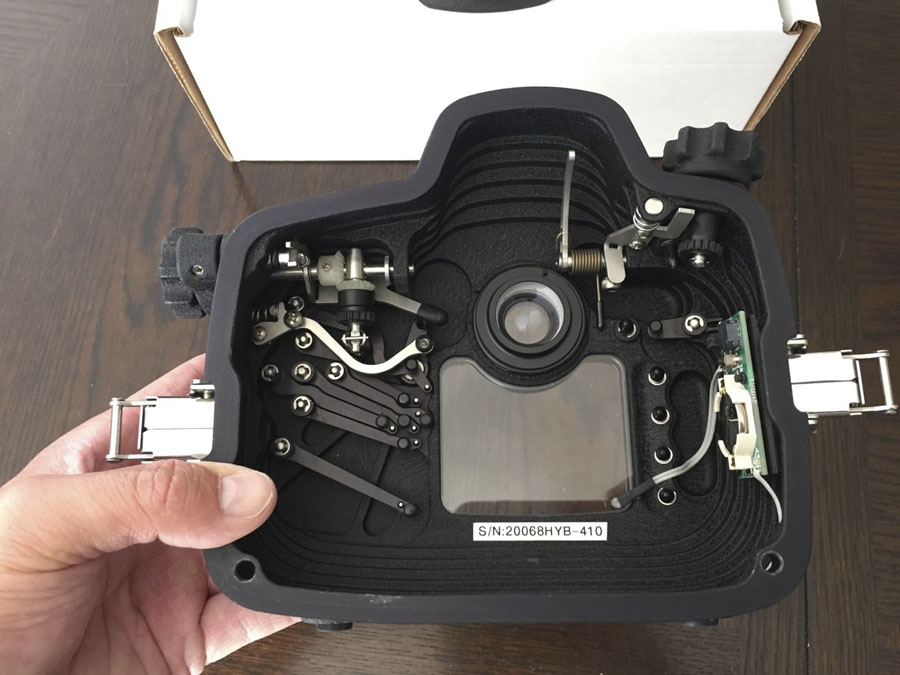
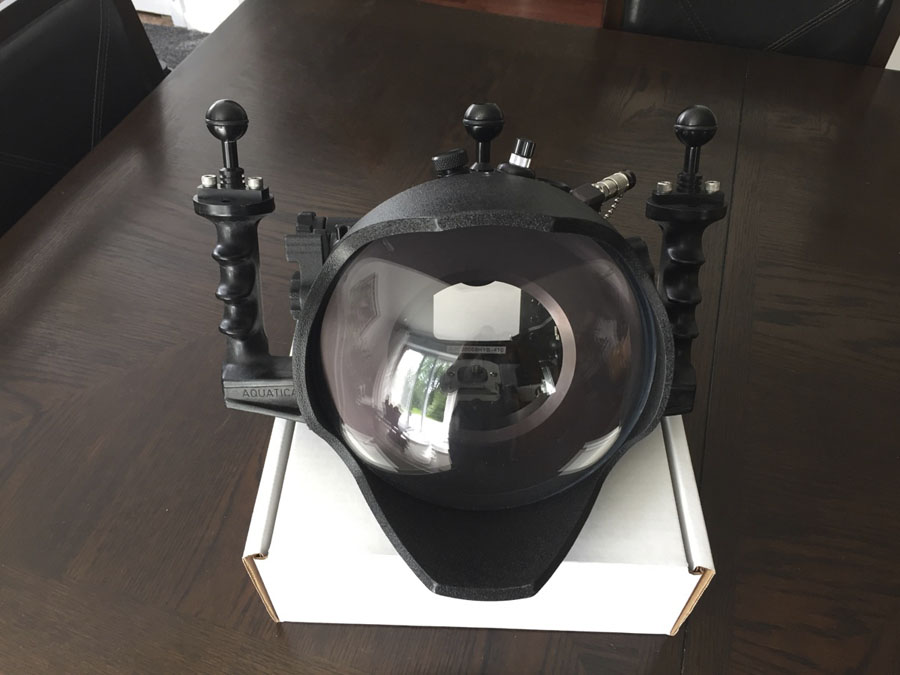
    I've an Aquatica AD7000 housing in excellent condition. Just came back from Aquatica to install a vacuum system and a regular maintenance. * Aquatica was very impressed by the excellent condition of the housing.


    The kit include :


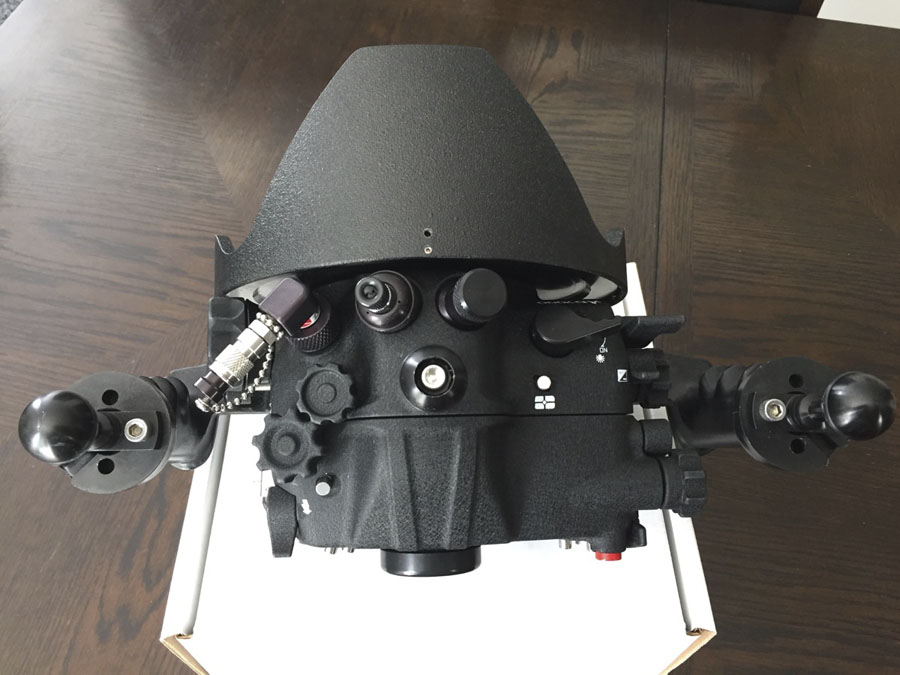
    - AD7000 housing.

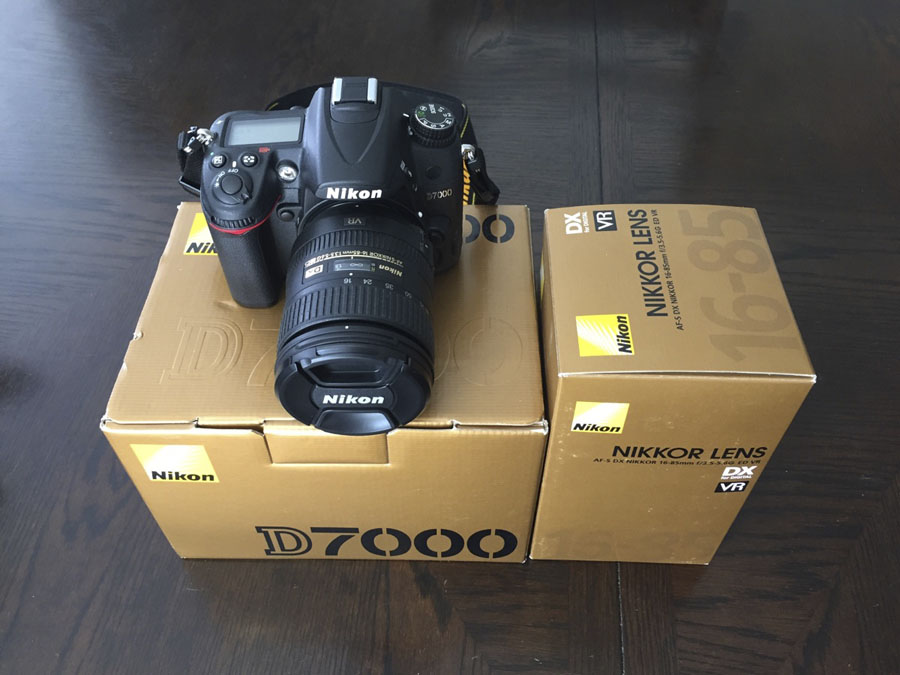
    - D7000 camera purchased brand new in May 2016. One battery included, no SD card.

    - 16-85mm Nikon DX lens. * No gear zoom and gear focus included. Not needed to use the lens only at 16mm.

    - 8" acrylic dome. * No port extension as the lens can be used at 16mm without it.

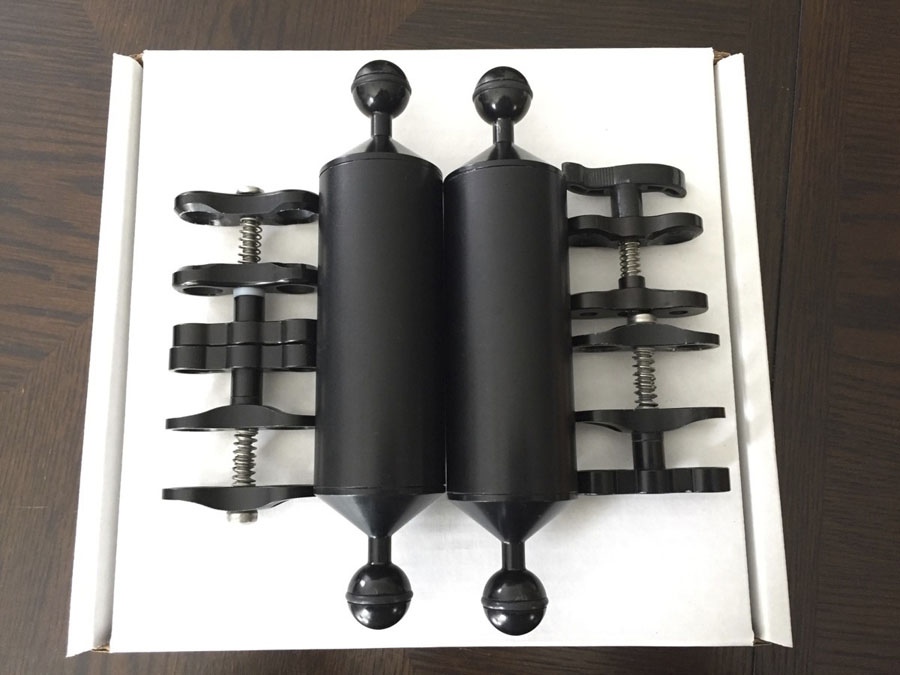
    - Two arms and 4 ball clamps to install the strobes on the system.

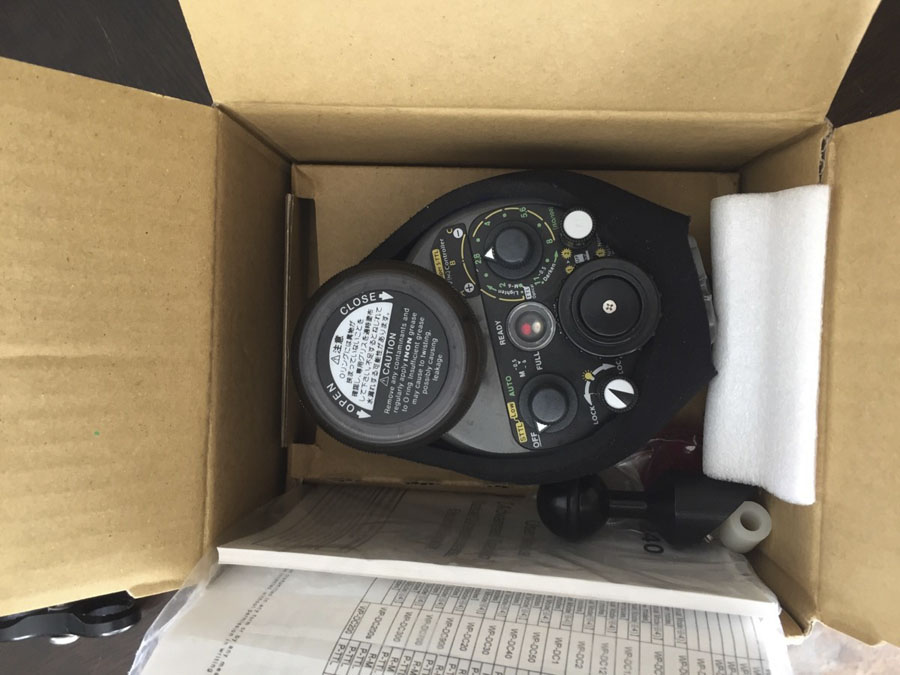
    - Two INON Z-240 type 4 strobes. ** No sync cord is included.

    - Vacuum pump, valve and internal control module.


    ** A brand new 8" acrylic dome can be included for an extra $350.00. The one included with the system have a few minor scratches that doesn't create problems in pictures.


    Asking $3500.00 USD ( $3850.00 if you take the new 8" dome ).


    Thanks for looking.


    Frederic Caron

    Qc, Canada
    post-53934-0-07122700-1475325894_thumb.jpg

    post-53934-0-92256600-1475325897_thumb.jpg

    post-53934-0-01491500-1475325901_thumb.jpg

    post-53934-0-73695600-1475325907_thumb.jpg

    post-53934-0-14175100-1475325911_thumb.jpg

    post-53934-0-71670600-1475325913_thumb.jpg

    post-53934-0-26988200-1475325916_thumb.jpg

    post-53934-0-49103100-1475325918_thumb.jpg

  2. Sale cancelled.


    Thanks.


    Frederic

AOI

Account

Navigation

Search

Search

Configure browser push notifications

Chrome (Android)
  1. Tap the lock icon next to the address bar.
  2. Tap Permissions → Notifications.
  3. Adjust your preference.
Chrome (Desktop)
  1. Click the padlock icon in the address bar.
  2. Select Site settings.
  3. Find Notifications and adjust your preference.