Skip to content

Classifieds / Archived topic

Olympus M.Zuiko 12-50mm EZ ED Objectiv lens MFT Nauticam 36147 O1250-Z Zoom Gear

Started by world.explorer ·

  • 2Posts
  • 2Replies

Read-only discussion

Olympus M.Zuiko 12-50mm EZ ED Objectiv lens MFT Nauticam 36147 O1250-Z Zoom Gear

2 posts
  1. Hello,

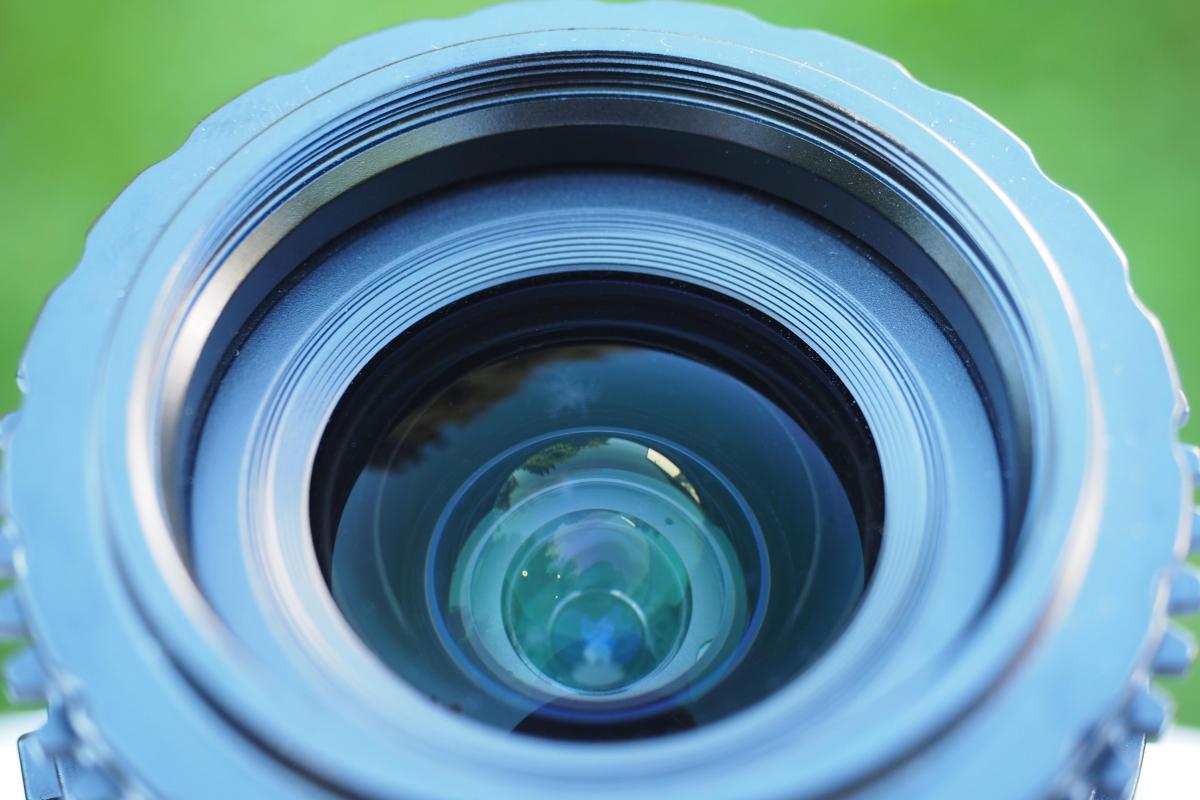
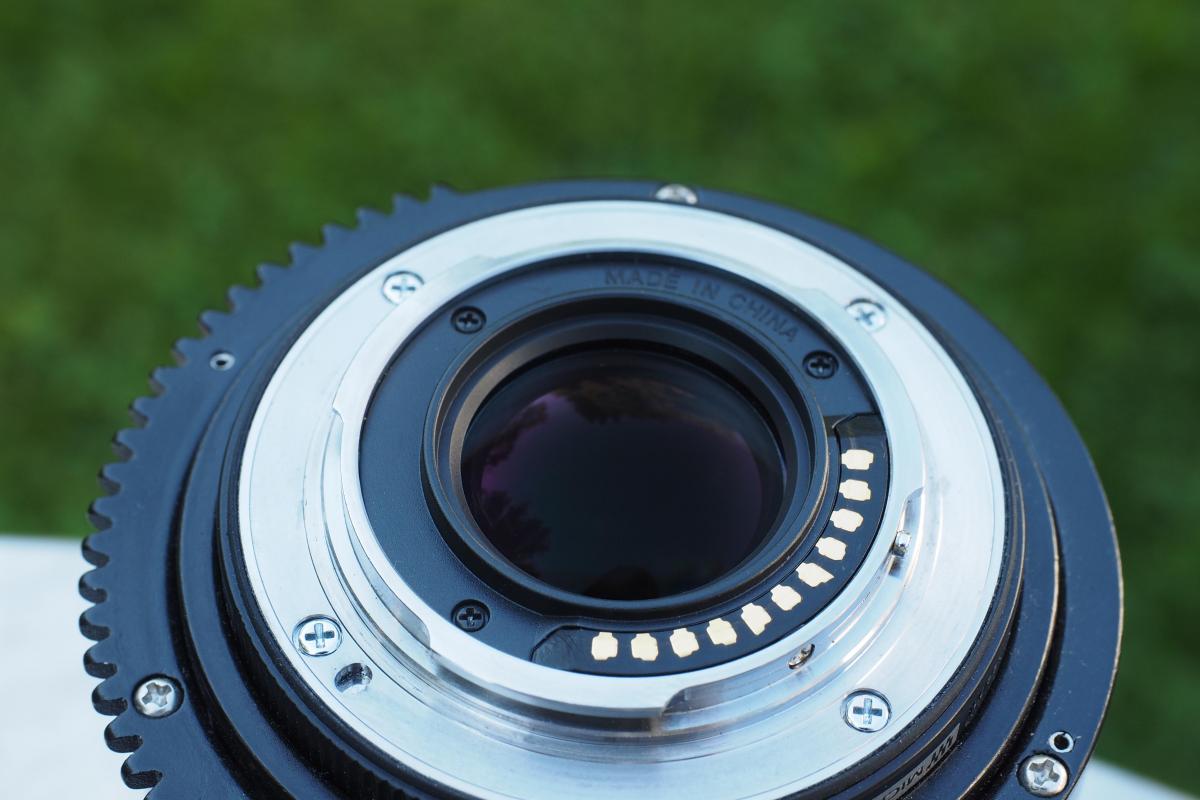
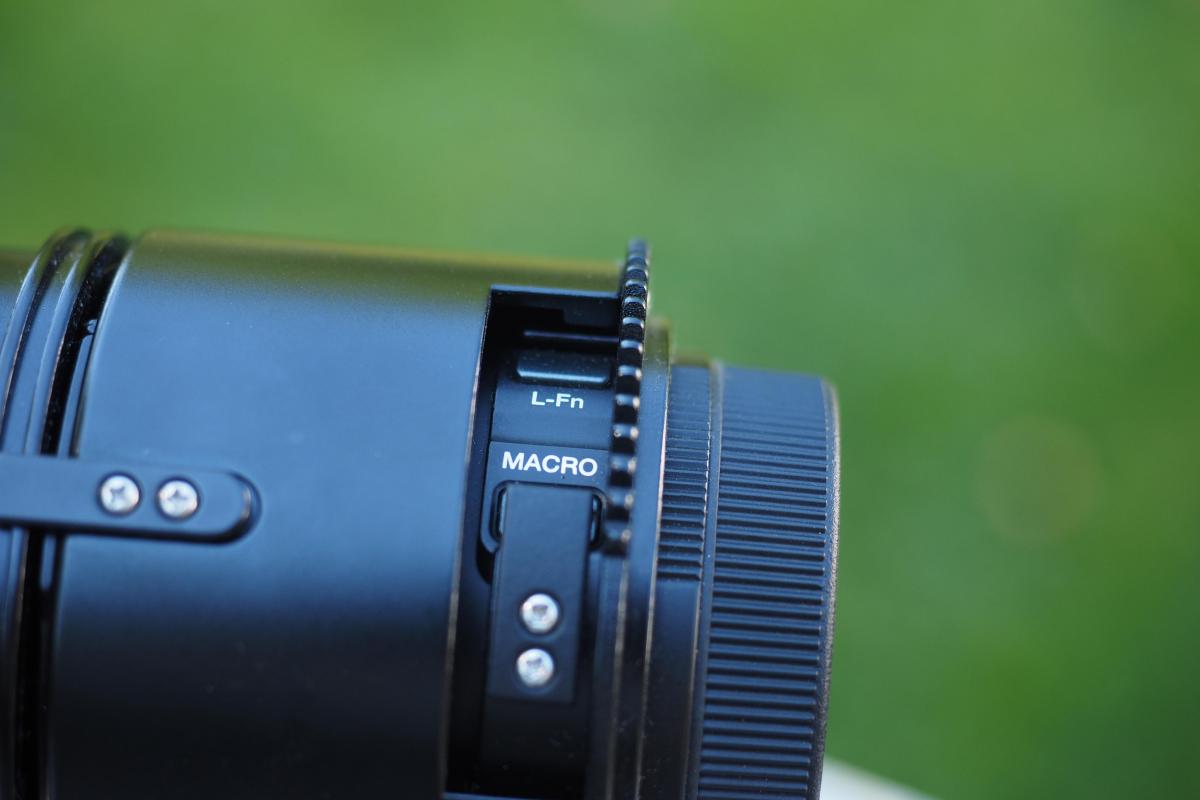
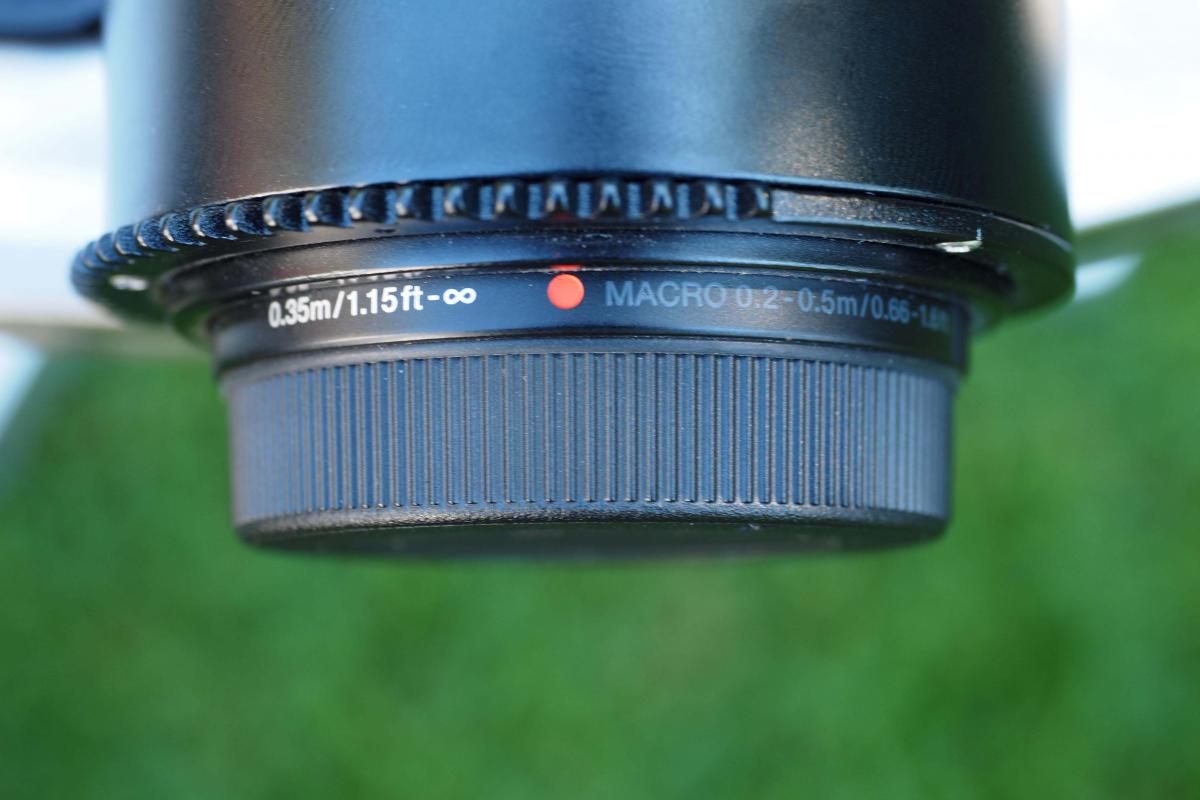
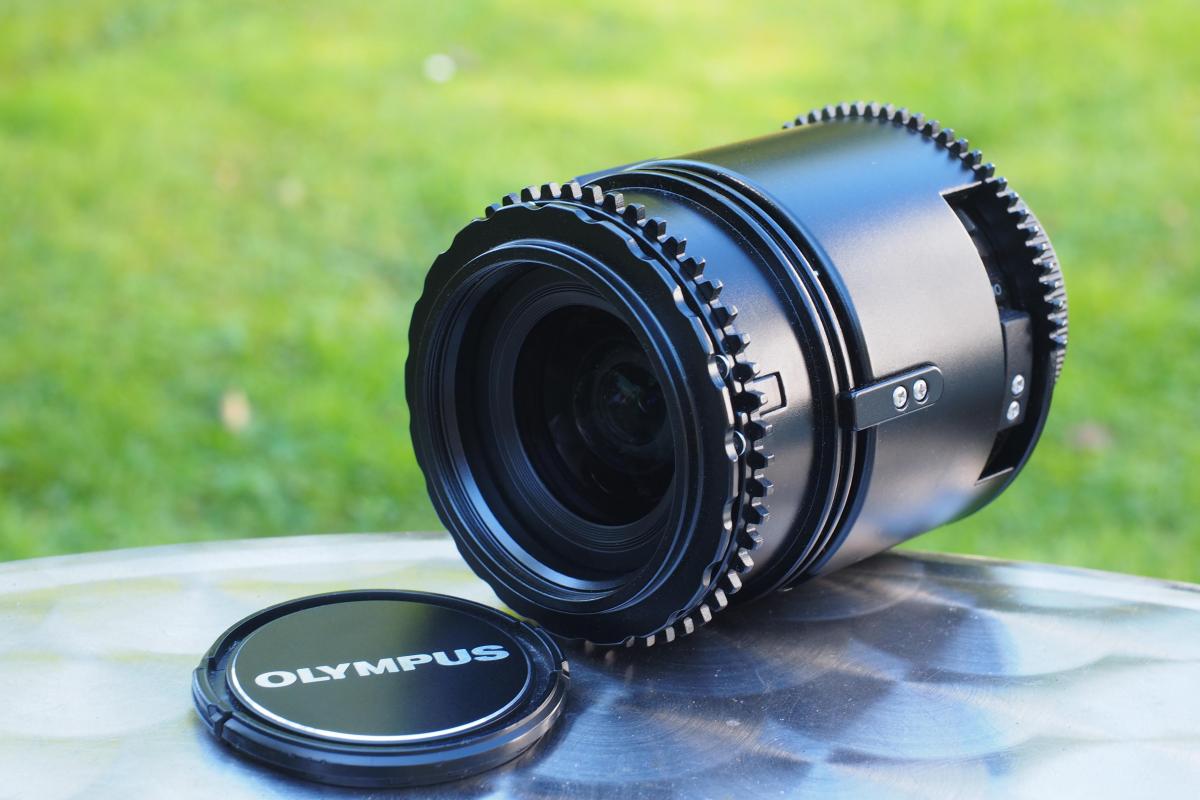
    I am selling my Olympus M. Zuiko Digital ED 12-50mm F3.5-6.3 EZ including front and rear caps together with the Nauticam Zoom and Macro Gear #36147 O1250-Z EZ.


    The items are like new, since I bought them together with my housing. However, since I like it much more extreme and always shoot fish-eye or supermacro, I only used this lens one time in a lake.


    The lens is the perfect allrounder, since together with the zoom gear you can use the entire zoom range from 12 to 50mm and also can go into the macro mode (see picture). So, you basically have everything in one lens, which is especially go when you only have one dive at the particular location or when you don't know what you will see/you are after.


    I am asking for 450€ plus fees for insured & tracked shipping and PayPal.


    Since this is a private sale, everything is offered as is and I can not give any warranty. However, I can guaranty that everything described or shown on pictures is the truth. Furthermore, I have a well reputation here at this forum and also at ebay. There, I offer these items as well.

    Please don't hesitate asking anything, if you have any questions.
    post-50865-0-47275300-1475477144_thumb.jpg

    post-50865-0-18171700-1475477166_thumb.jpg

    post-50865-0-82210000-1475477171_thumb.jpg

    post-50865-0-64114800-1475477177_thumb.jpg

    post-50865-0-81482700-1475477254_thumb.jpg

    post-50865-0-60018900-1475478629_thumb.jpg

    post-50865-0-47640700-1475478679_thumb.jpg

    Edited by world.explorer
  2. The lens and zoom gear are still available.


    Price drop to 400€ plus fees for insured & tracked shipping.

WaterPixels Store

Account

Navigation

Search

Search

Configure browser push notifications

Chrome (Android)
  1. Tap the lock icon next to the address bar.
  2. Tap Permissions → Notifications.
  3. Adjust your preference.
Chrome (Desktop)
  1. Click the padlock icon in the address bar.
  2. Select Site settings.
  3. Find Notifications and adjust your preference.