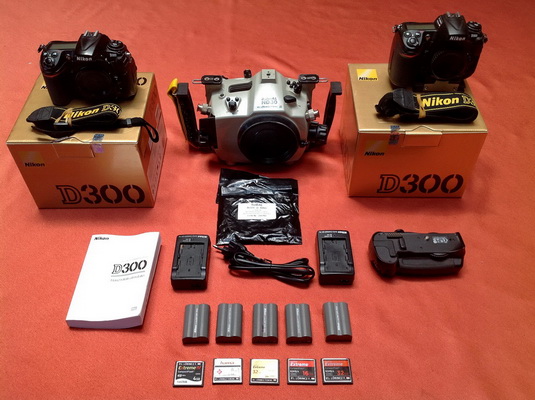
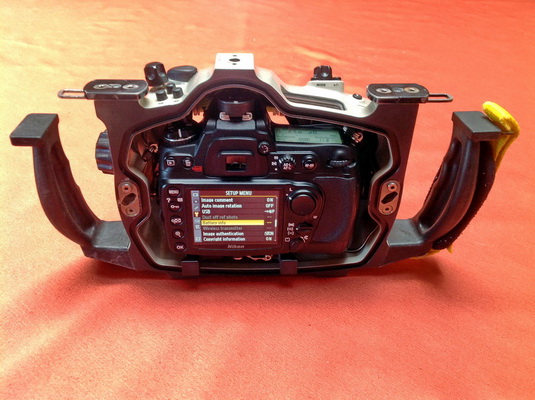
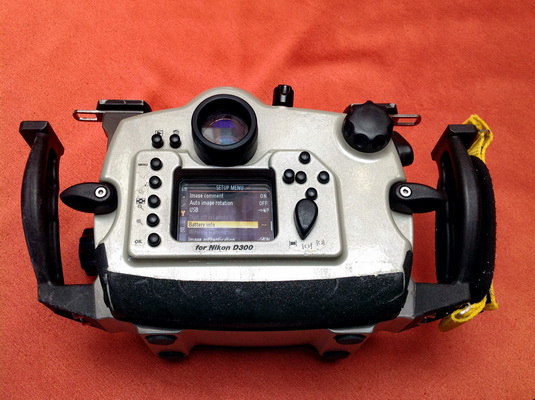
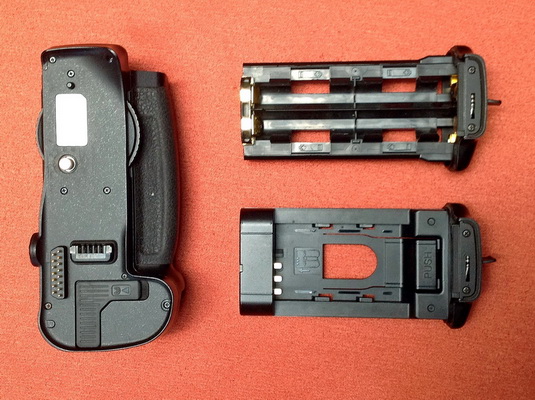
I’m selling my Subal underwater ND30housing with two Nikon D300 bodies, an MD-D10 Gripp, a Battery and a 5 CF Memory Card.
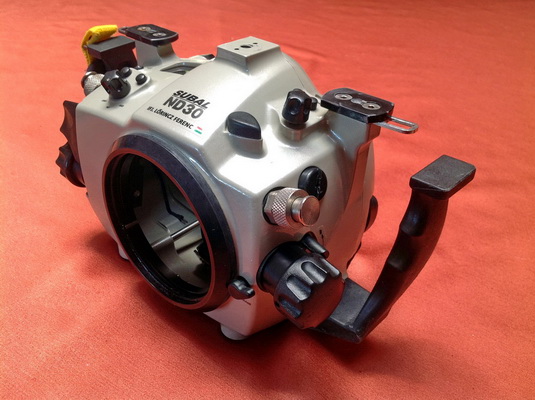
I bought the housing about 3 years ago and it has performed very well.
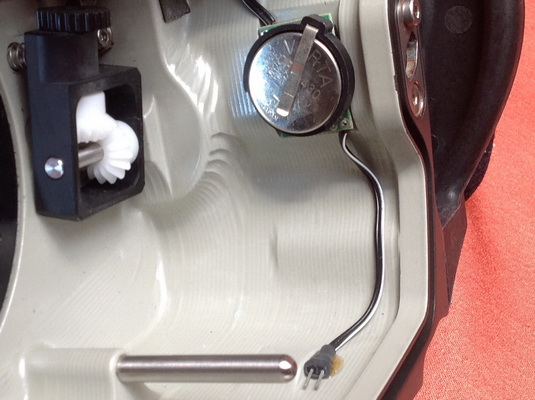
It has never been flooded, all the controls work really well and are in very good condition, see photos.
Reason for sale: I’m upgrading for a Subal ND7200 with Nikon D7200.
Item list: (new price) and now (EURx1,10=USD)
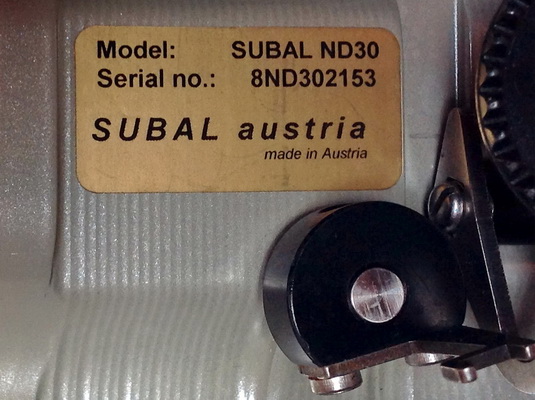
Subal ND30 UW Housing (SN 8ND302153),
Type 3 Port System (new now 2900 EUR) 1.190 EUR
3 Subal Body O-Ring (for ND30) (new 3x15 EUR) 0 EUR
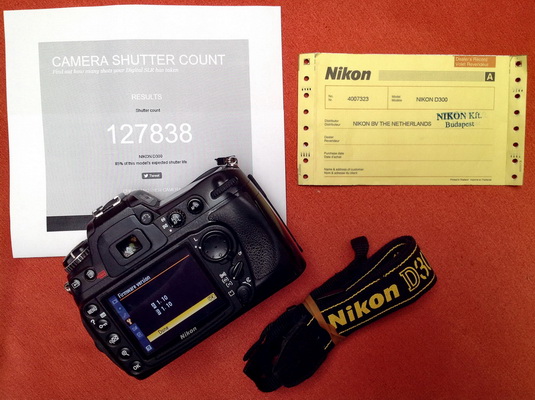
Nikon D300 12.3 MP DX camera Body (SN 4007323)
127838 Expo (new anno 900 EUR) 190 EUR
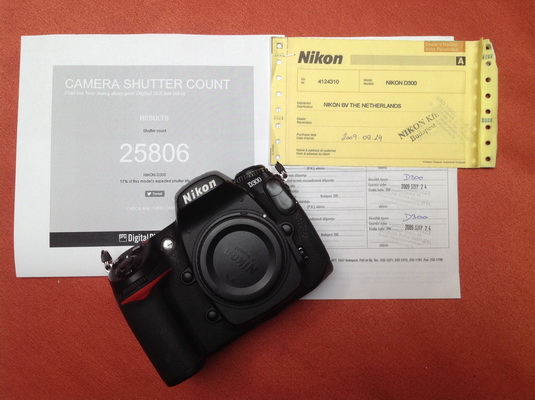
Nikon D300 12.3 MP DX camera Body (SN4124310)
25806 Expo (new anno 900 EUR) 290 EUR
Nikon MB-D10 original gripp (new now 250 EUR) 90 EUR
5 Nikon EN EL3e original (new 0 life) (new now 30 EUR/) 50 EUR
4 GB Sandisk ExtremIV CF Card (45 MB/s) with Nikon body 0 EUR
8 GB Hama CF Card (30 MB/s) with Nikon body 0 EUR
16 GB Sandisk Extrem CF Card (UDMA 60 MB/s) (new 30 EUR) 20 EUR
32 GB Sandisk Extrem CF Card (UDMA 60 MB/s) (new 50 EUR) 25 EUR
32 GB Sandisk Extrem CF Card (UDMA7 120 MB/s) (new 50 EUR) 30 EUR
The Subal ND30 + Nikon D300 1480 EUR/ 1640 USD
Total cost of the complete set: 1890 EUR/2100 USD
Seller: ifj. Lőrincz Ferenc Hungary email: ferenc@lorincz.org
Payment Terms: Direct Bank Transfer or PayPal.