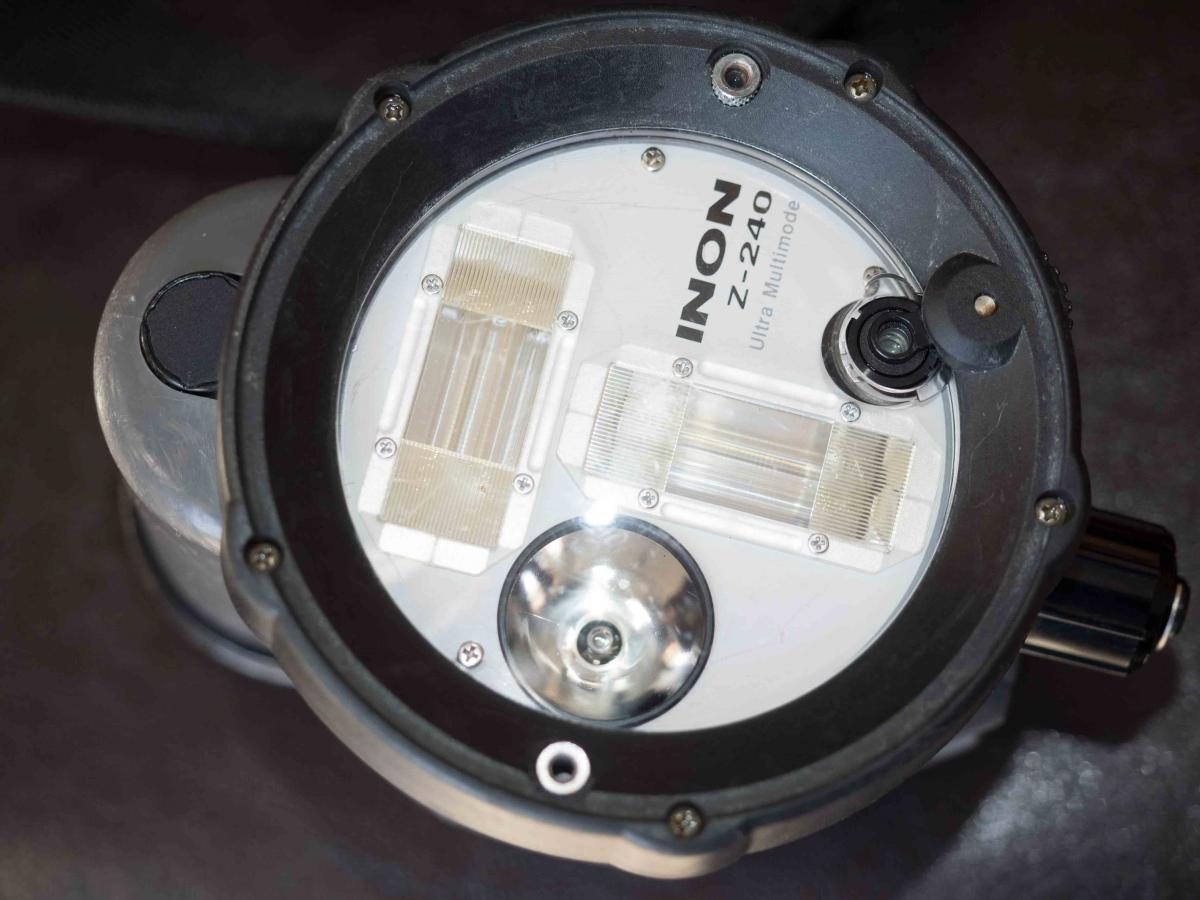
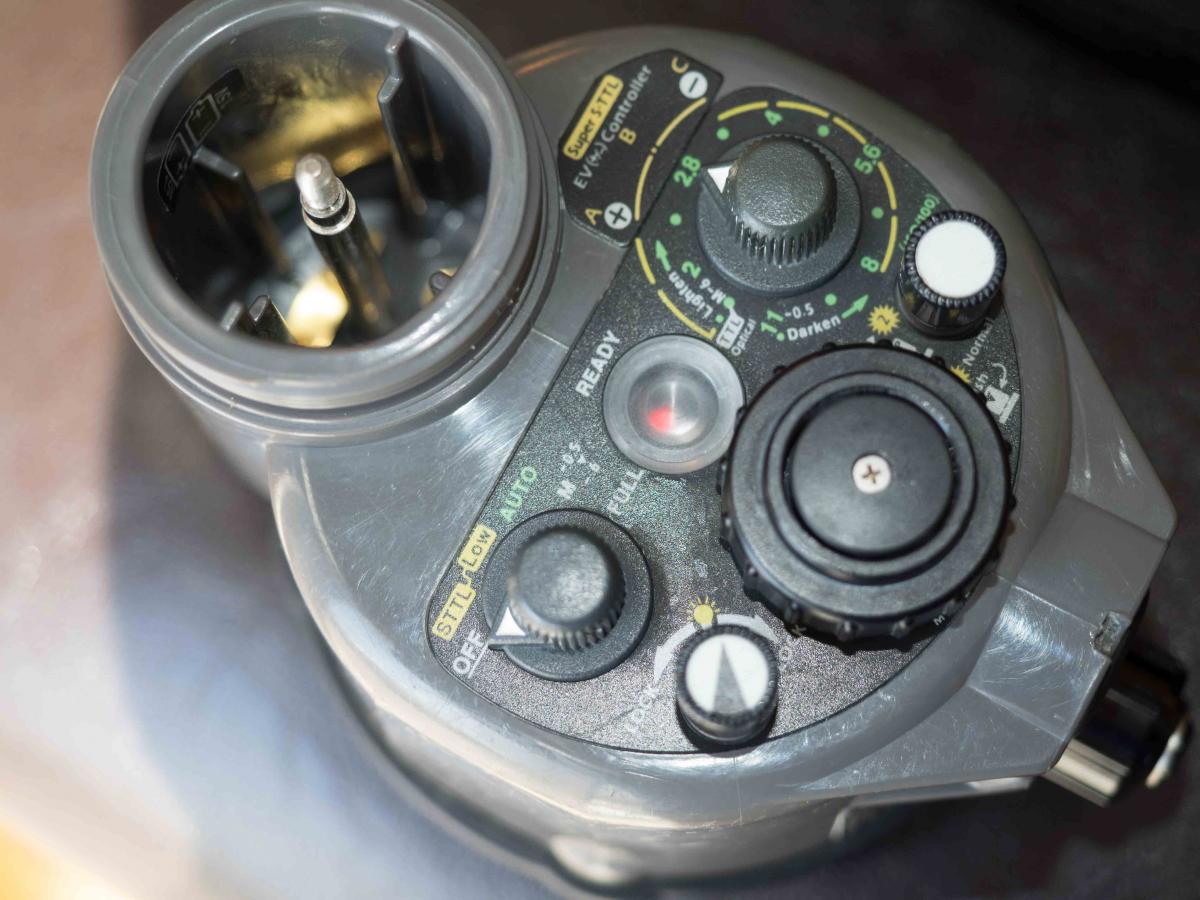
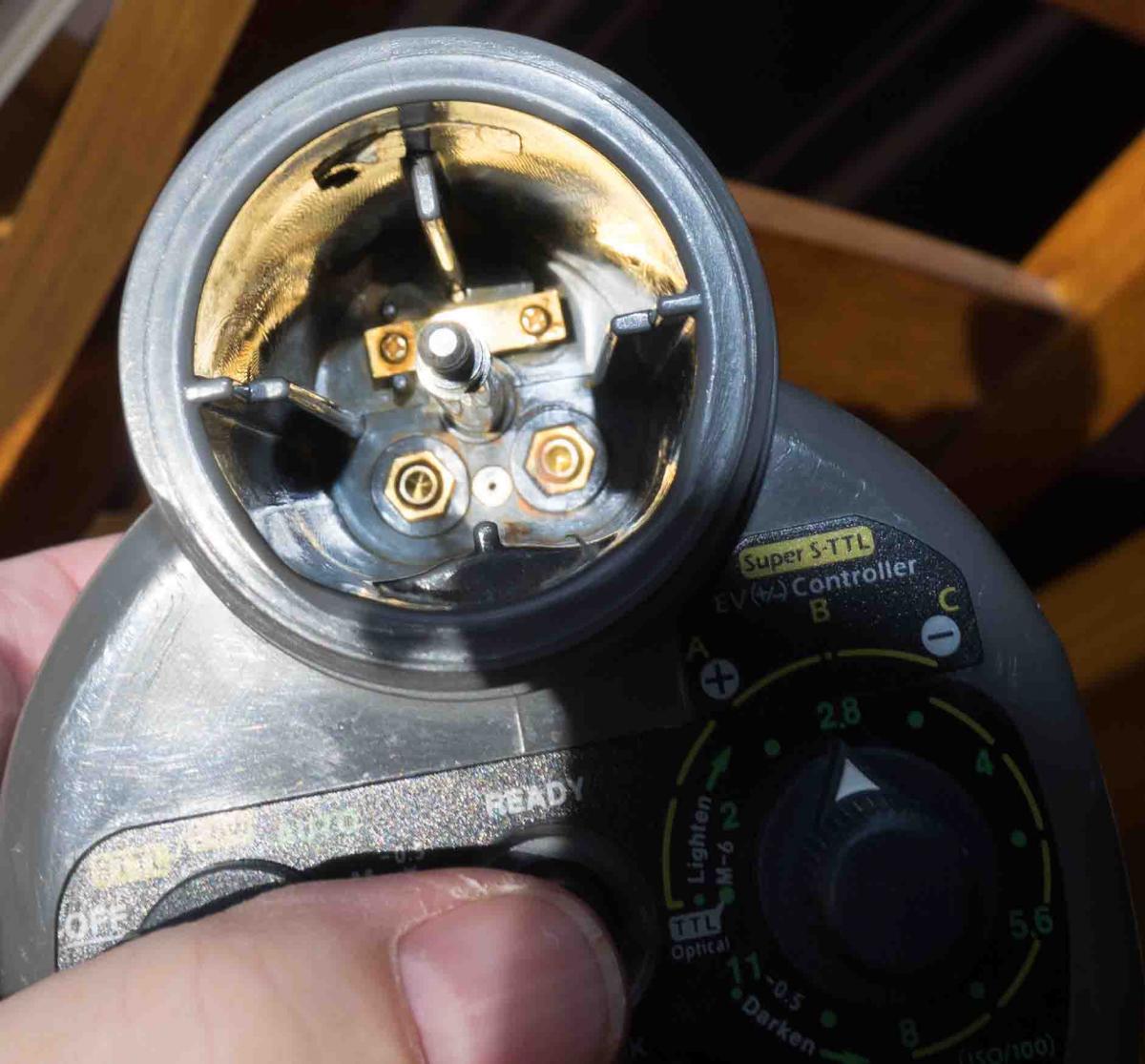
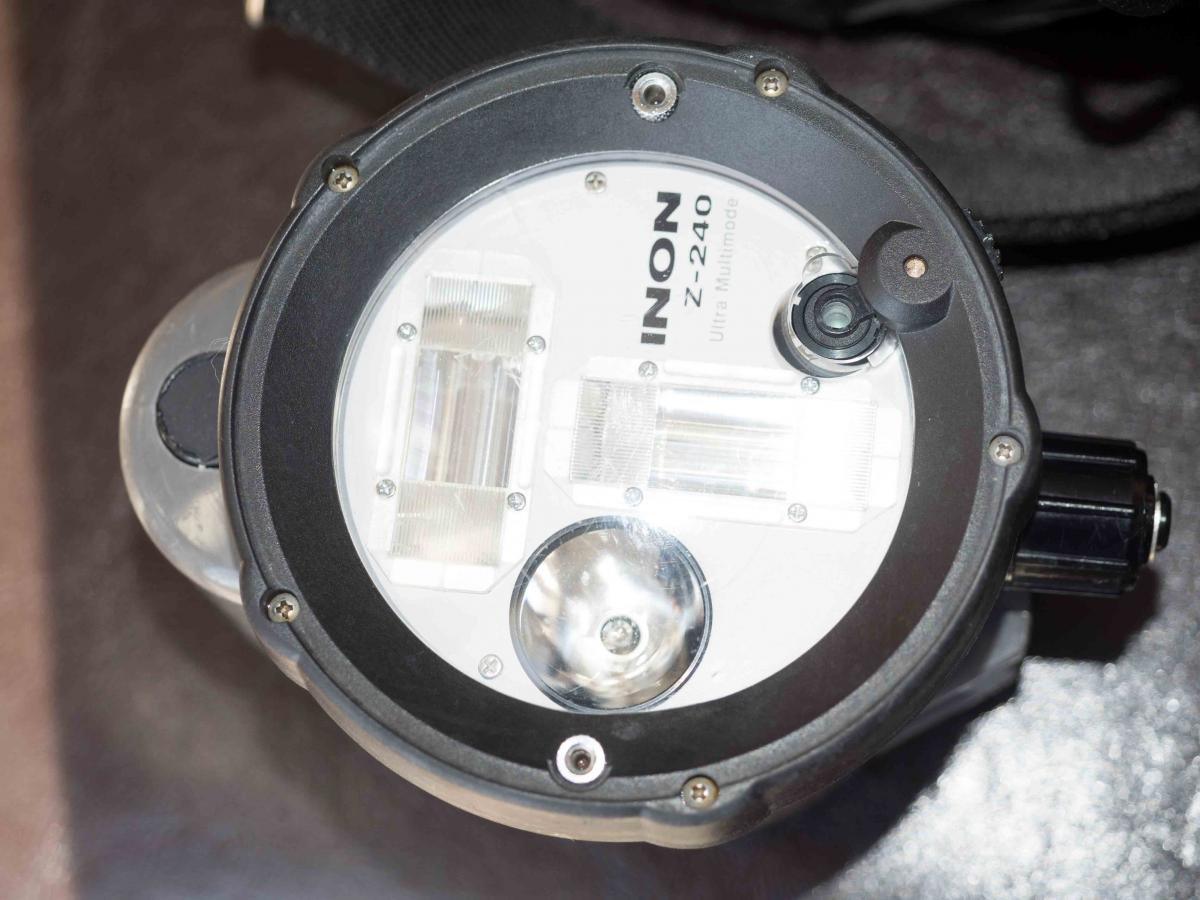
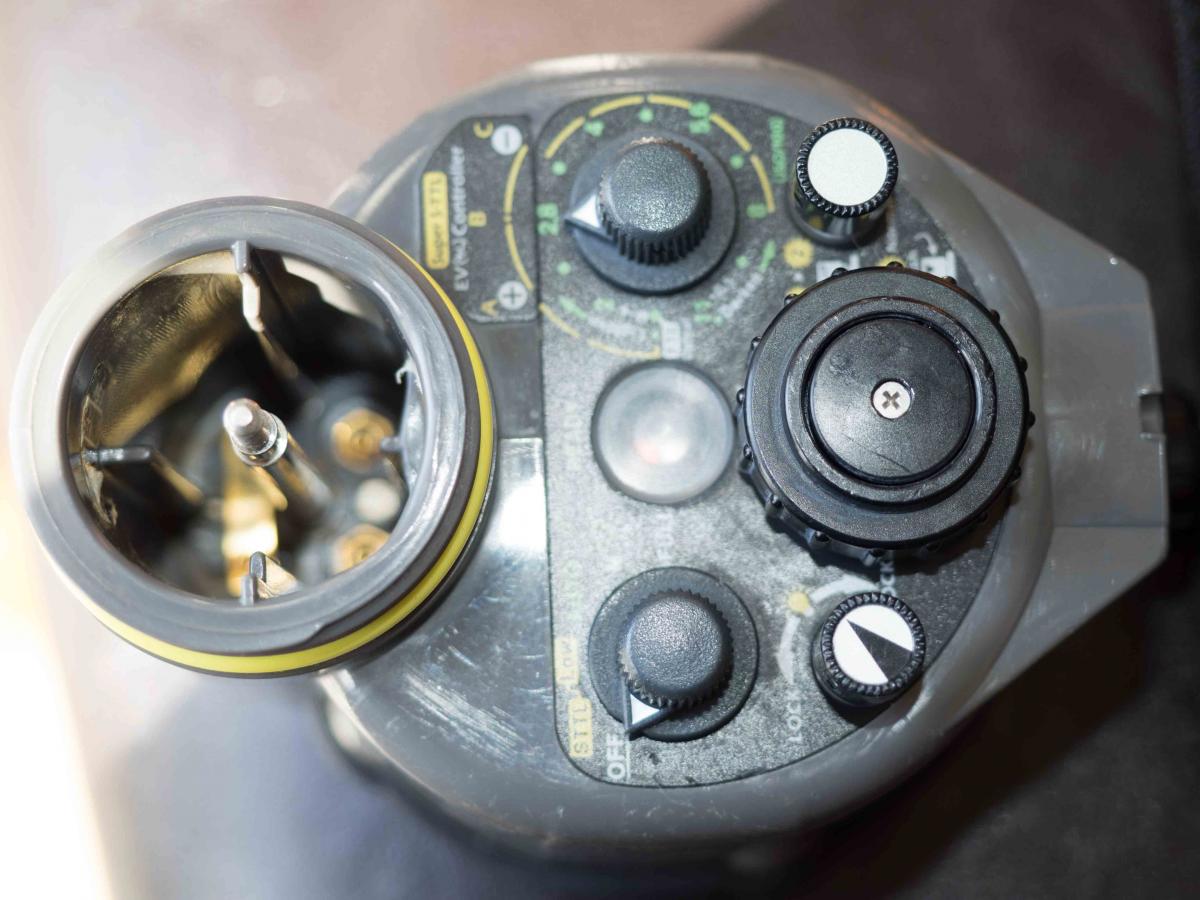
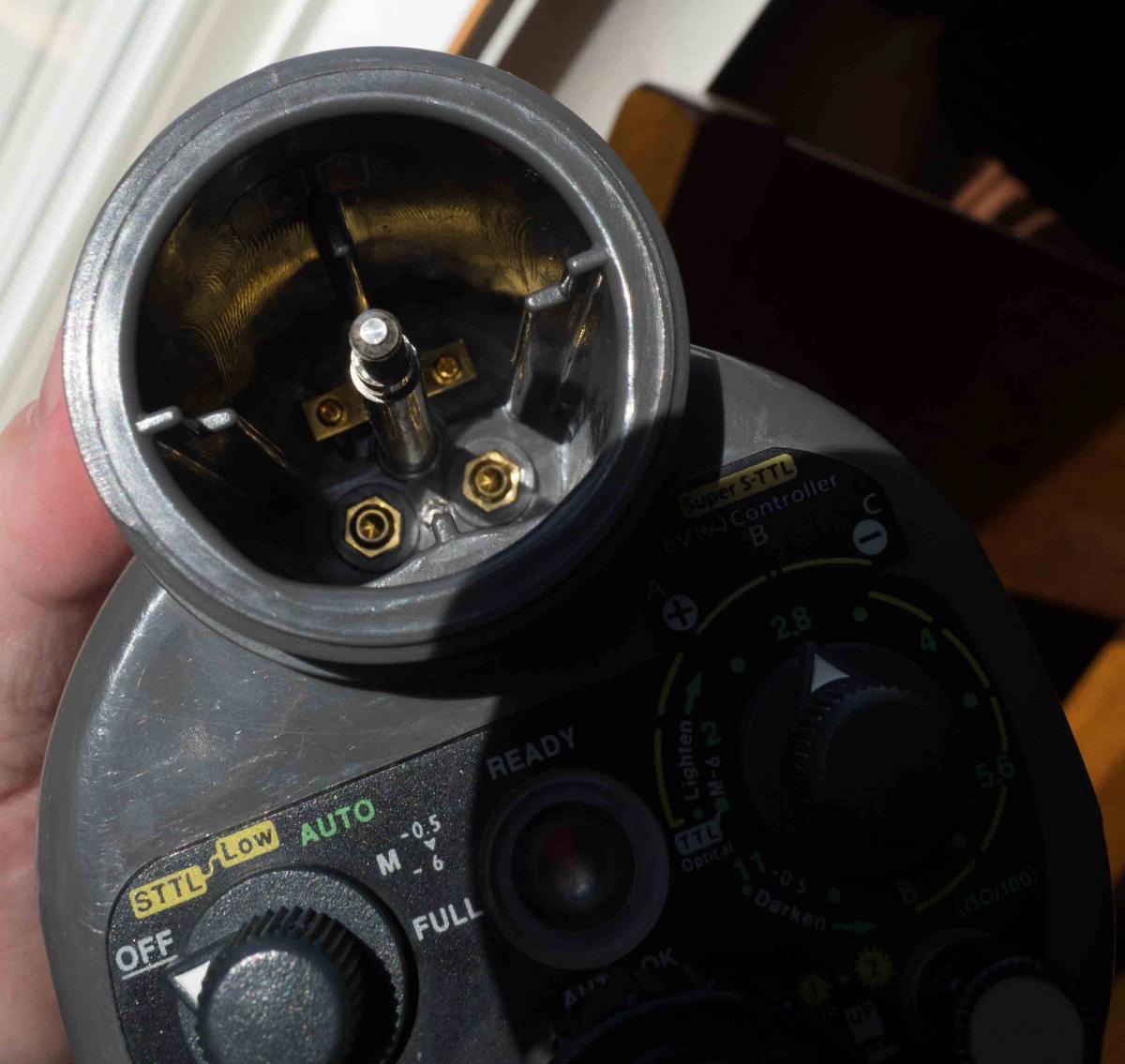
I am selling 2 Inon Z240 Type II strobes. Both of these strobes work great. I live in MN and like to dive in warm oceans so I only used these strobes 2-3 times a year on my dive vacations. Both of these strobes function great - the only issue with the strobes is the focus button is a bit sticky and sometimes won't turn off with the focus light button - I just turn the strobe off/on and the focus light will turn off. I am currently using the strobes with my Nauticam housing and Olympus E-M1. I have used these strobes with an E-M5, E-PL3, and Cannon G9 & G12.
I bought one strobe during a photography event in Cozumel from an Inon rep and the other strobe I bought used on WetPixel in 2012.
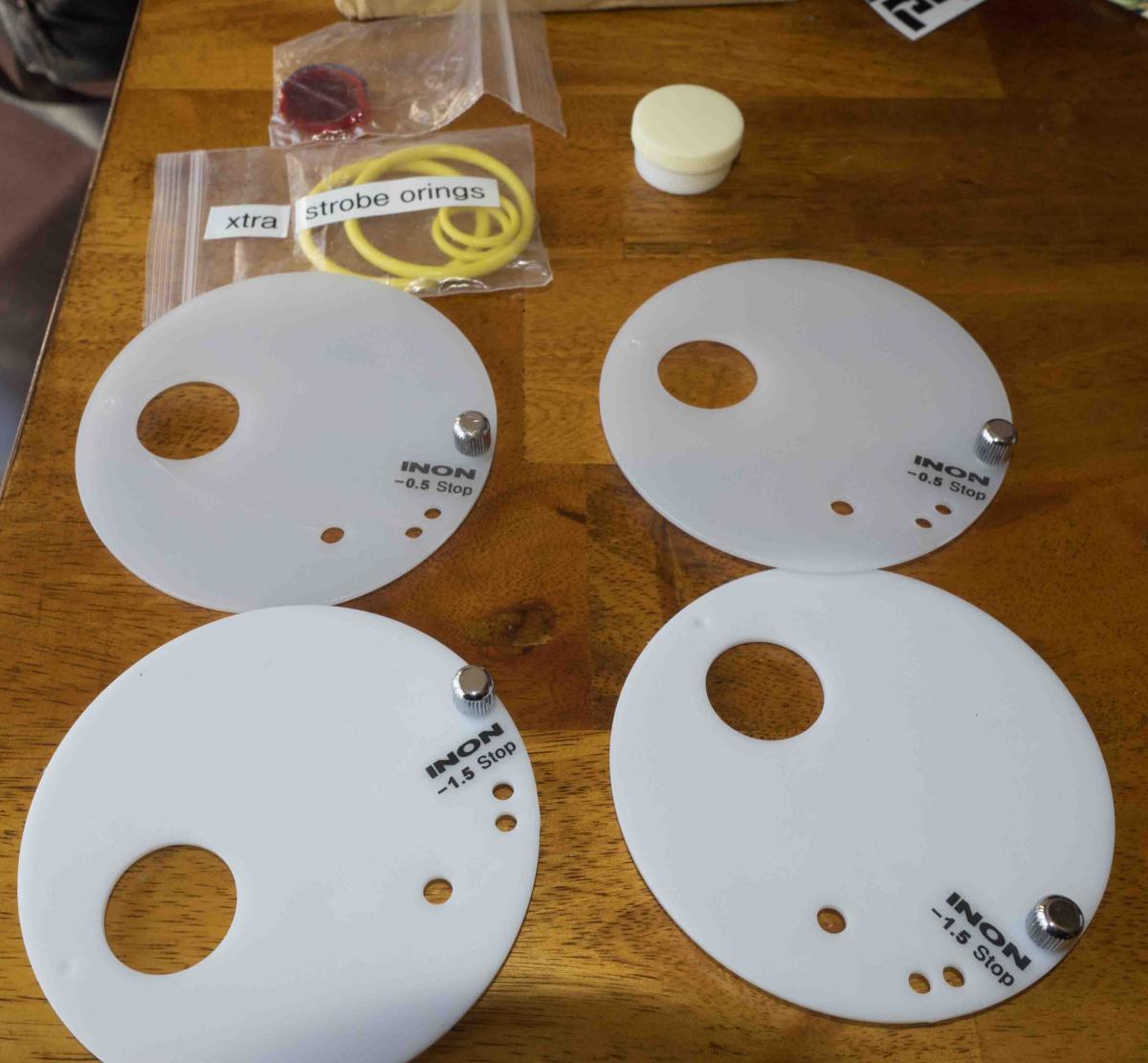
Strobe 1 will come with a user's manual, red & blue plugs for diffusers, 2 diffusers and an extra set of O-rings. I did have about a tablespoon of water in the battery compartment 3 years ago - but dried it out and has functioned perfectly.
Strobe 2 will come with 2 diffusers and an extra set of O-rings. The diffuser both have a crack but still function fine.
I am asking $300 for each strobe or $550 for both. The buyer will pay shipping and insurance. I will accept Paypal.
I am attaching pictures of the strobes.
Thanks for looking,
Audrey