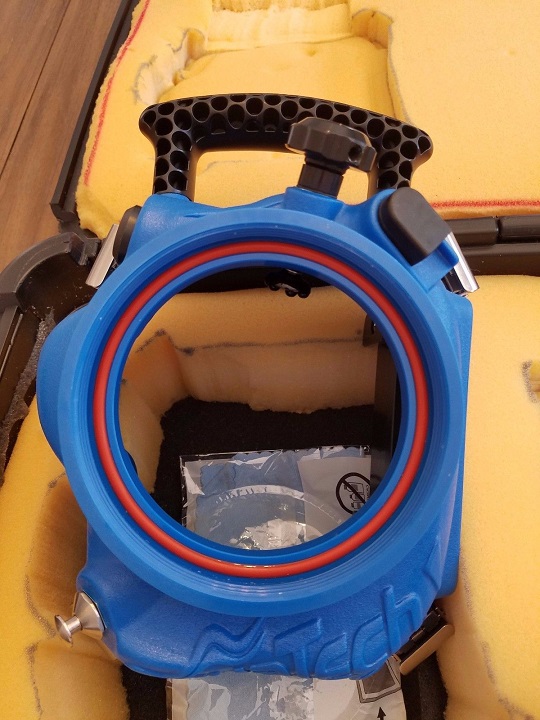
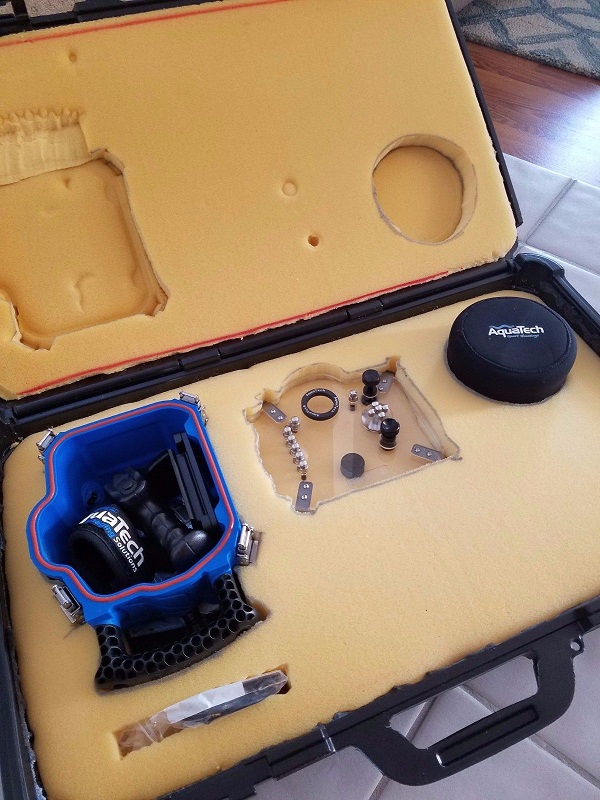
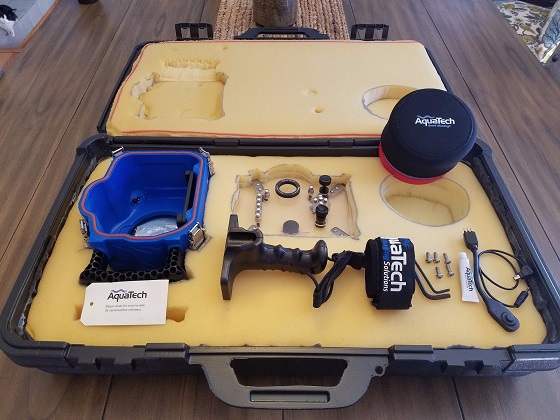
I'm asking for $1800 plus shipping or best offer. With this purchase, you'll get the following "like new" Aquatech Imaging Solutions water housing kit for a Nikon D750 DSLR for use in shallow water/surf photography:
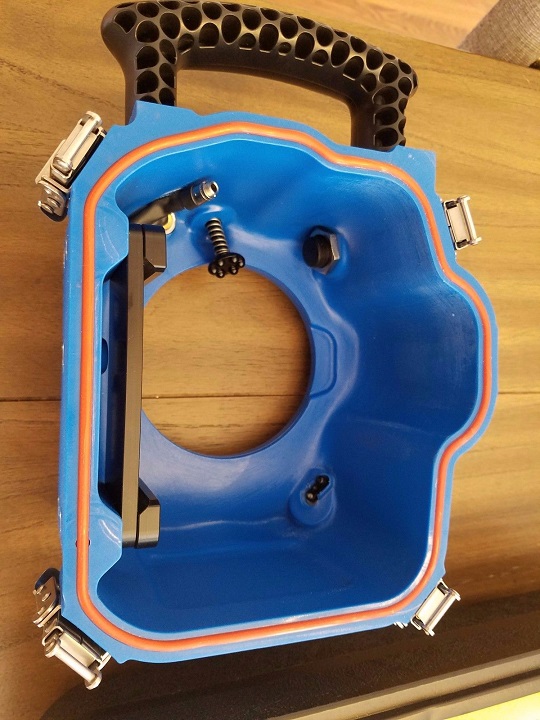
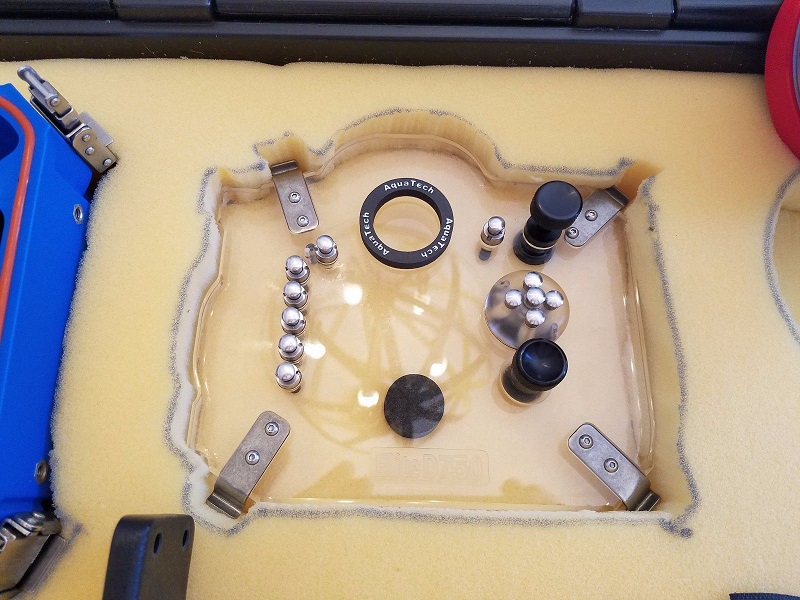
1 Elite D750 aquatech imaging solutions housing w/full control back plate with o-rings ($1895 value)
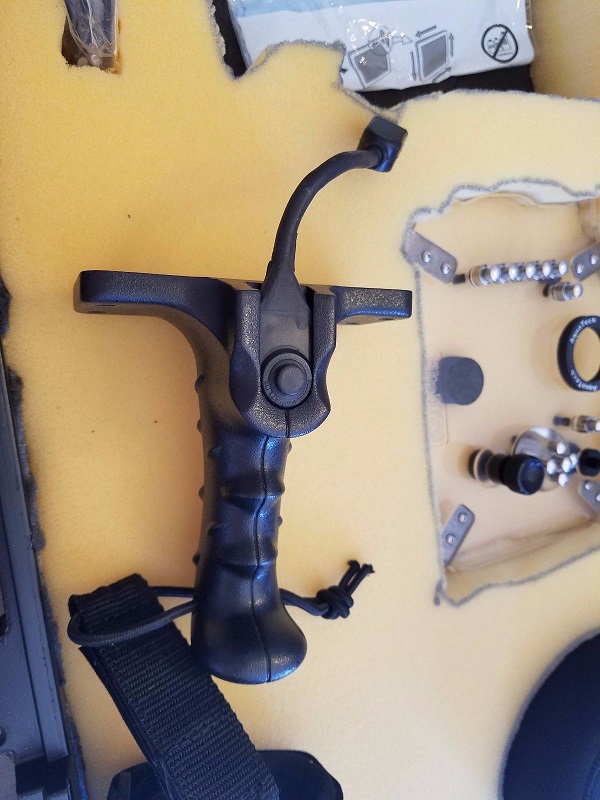
1 pistol grip with shutter release trigger and associated accessory cables and hardware ($400 value)
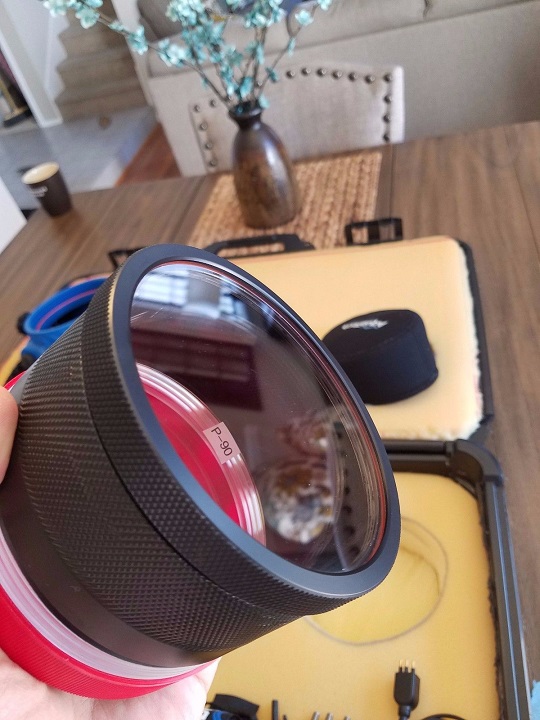
1 P-90 flat port ($195 value)
1 flat port neoprene cover ($14.95 value)
1 aquatech pistol grip leash ($24.95 value)
1 DIY foam carrying case made from a recycled plastic hard case (unknown value)
1 tube of o-ring grease provided by Aquatech Imaging Solutions
The Aquatech Imaging Solutions water housing has full back plate controls. It has only been used for ~4 swims, so it is still basically brand new and shows little to no signs of use. The o-rings have been kept clean and lightly greased. No sense in just letting this bad boy sit in the closet.
Buyer pays shipping. No PayPal. I will only accept credit card/debit card and it will be charged through my credit card processing company I use for my photography business (Stripe).