Skip to content

Classifieds / Archived topic

Aquatica AD7000 Underwater Housing and Nikon D7000/Tokina 10-17mm FE Underwater Camera Setup

Started by MigrationMedia ·

  • 4Posts
  • 4Replies

Read-only discussion

Aquatica AD7000 Underwater Housing and Nikon D7000/Tokina 10-17mm FE Underwater Camera Setup

4 posts
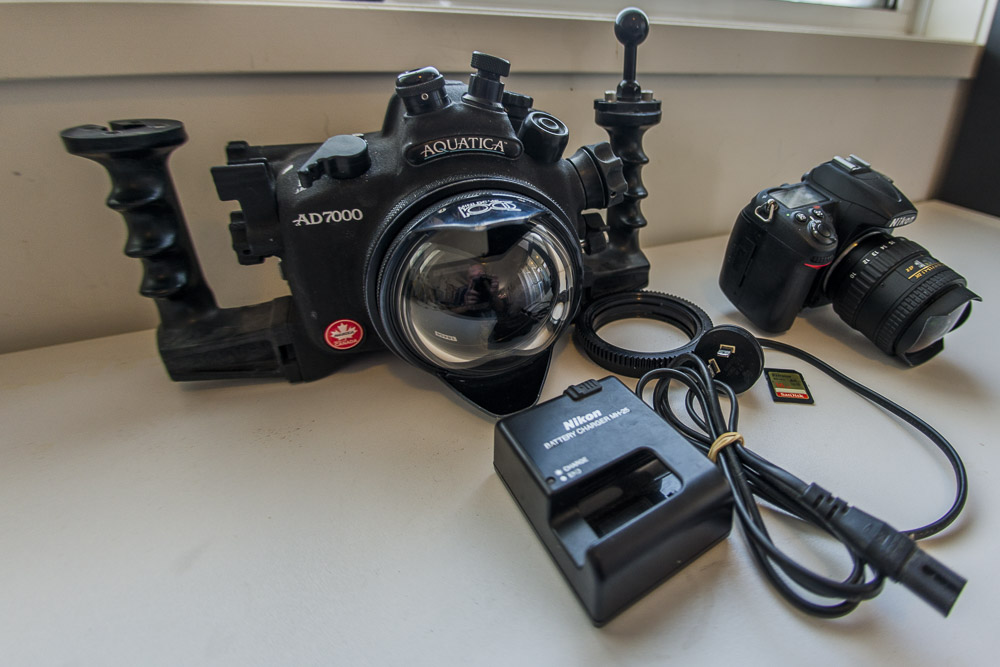
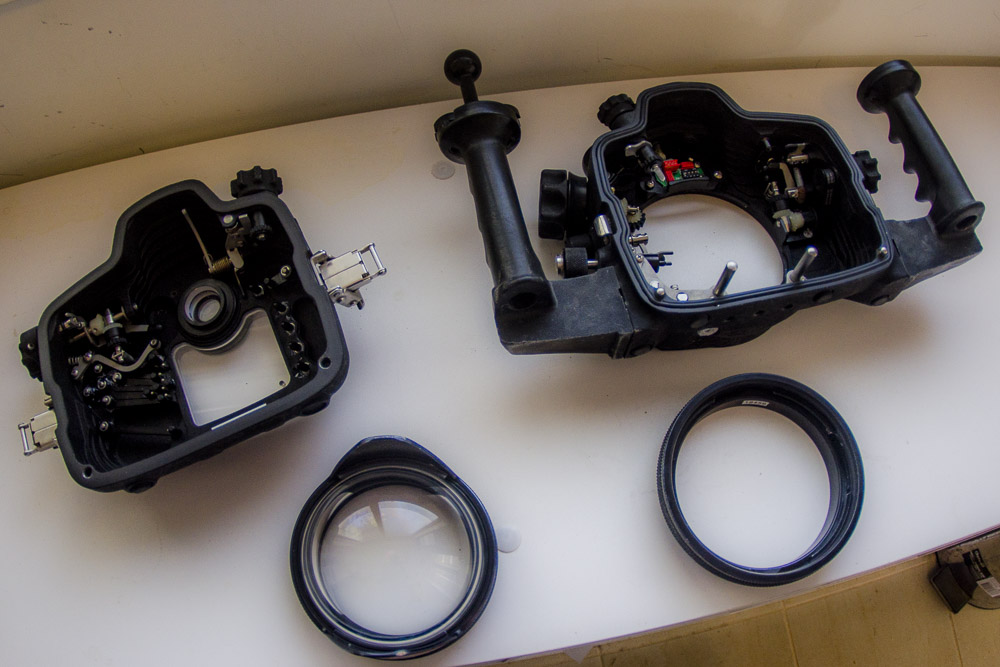
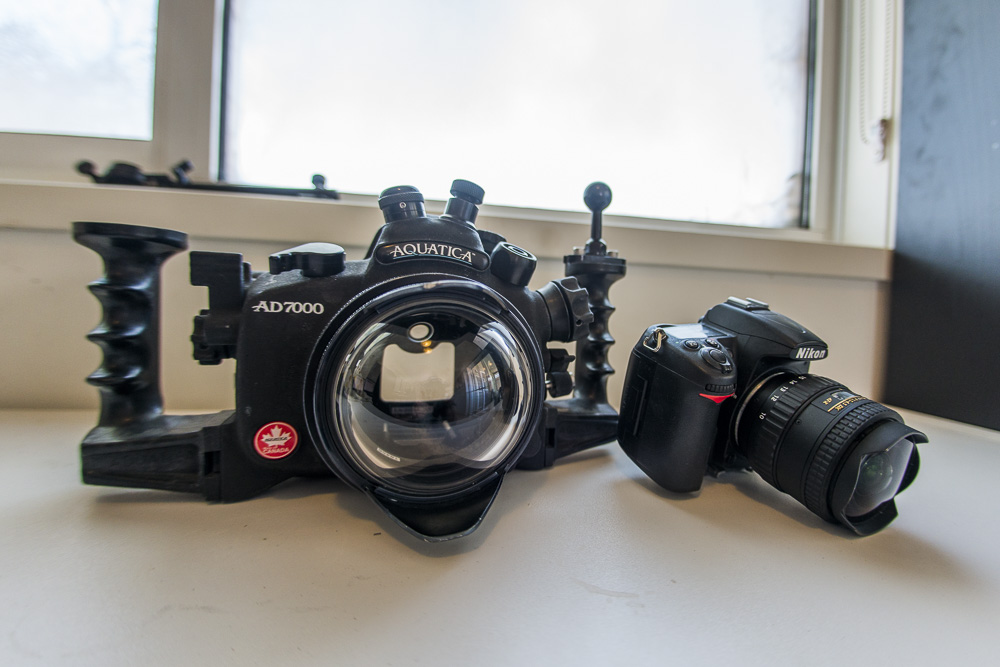
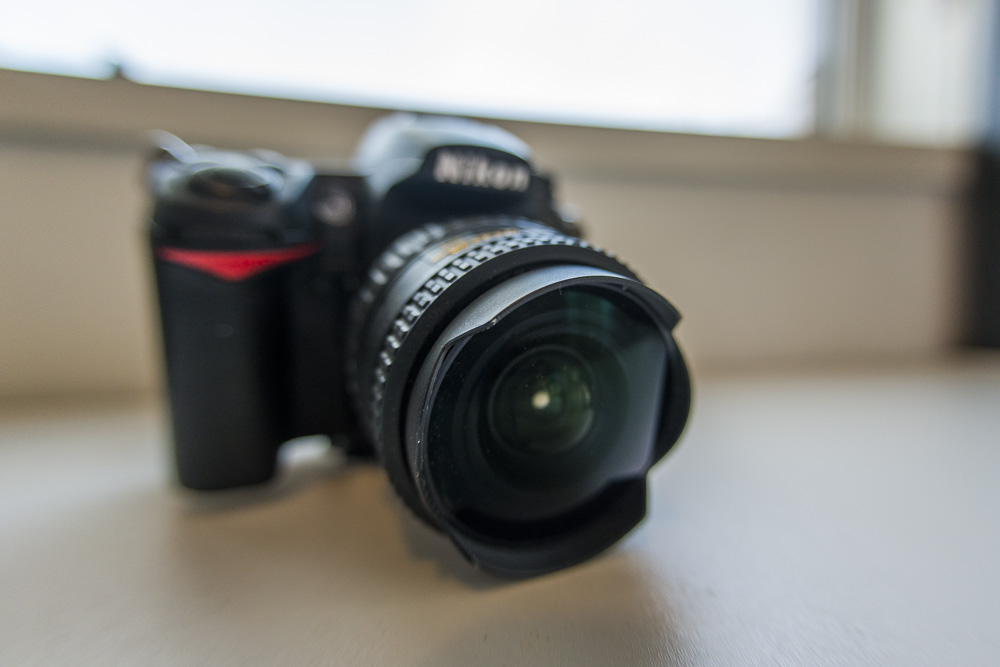
  1. Selling our well used Aquatica AD7000 underwater housing with glass mini-dome including the Nikon d7000 (Shutter Count 38,352) with Tokina 10-17mm Fisheye lens. Comes with spare Nikon D7000 base for aquatica housing, zoom gear for Tokina 10-17mm FE, SanDisk Extreme 90MB/s 16MB SD card and original Nikon EN-EL15 battery and charger. Housing and port has front and rear caps as well as the camera and lens. Based in Western Australia but happy to ship at buyers expense.


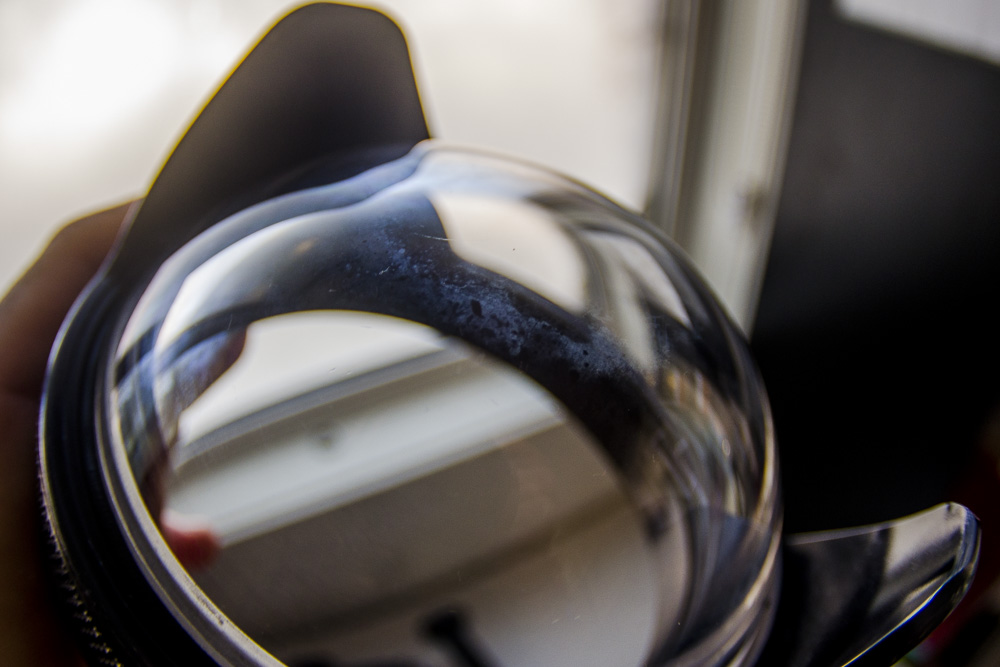
    Aquatica Mini-dome is perfect optically with nothing visual showing in photos or video but has wear on the port as seen in the image attached. Tokina 10-17mm Fisheye in immaculate condition. All functions on housing work perfectly and has a 5-PIN bulkhead and fiber optic bulkhead. We have only used fiber optic bulkhead and works great. Can include sea & sea fiber optic cable for strobe free of charge if interested.


    Looking for US$1250 or AU$1750 ONO for complete setup and will not separate. Contact Ed on 0481276316 or Hayley on 0406273306 or email info@migrationmedia.com.au. Happy to answer any questions.
    post-37014-0-20660400-1480552277_thumb.jpg

    post-37014-0-50144200-1480552281_thumb.jpg

    post-37014-0-35143400-1480552285_thumb.jpg

    post-37014-0-01593900-1480552288_thumb.jpg

    post-37014-0-46347800-1480552290_thumb.jpg

    Edited by MigrationMedia
  2. Will it work with the D7200? Also, is the lens clean? Clear?


    Sent from my iPhone using Tapatalk

  3. Hey Spyros.spyrou, it will not work with D7200 sorry but yes lens is very clean and clear, perfect glass. Shutter count is 38,352 BTW

  4. Hello, still available?

    Regards

    Ale

Ultralight Control Systems

Account

Navigation

Search

Search

Configure browser push notifications

Chrome (Android)
  1. Tap the lock icon next to the address bar.
  2. Tap Permissions → Notifications.
  3. Adjust your preference.
Chrome (Desktop)
  1. Click the padlock icon in the address bar.
  2. Select Site settings.
  3. Find Notifications and adjust your preference.