



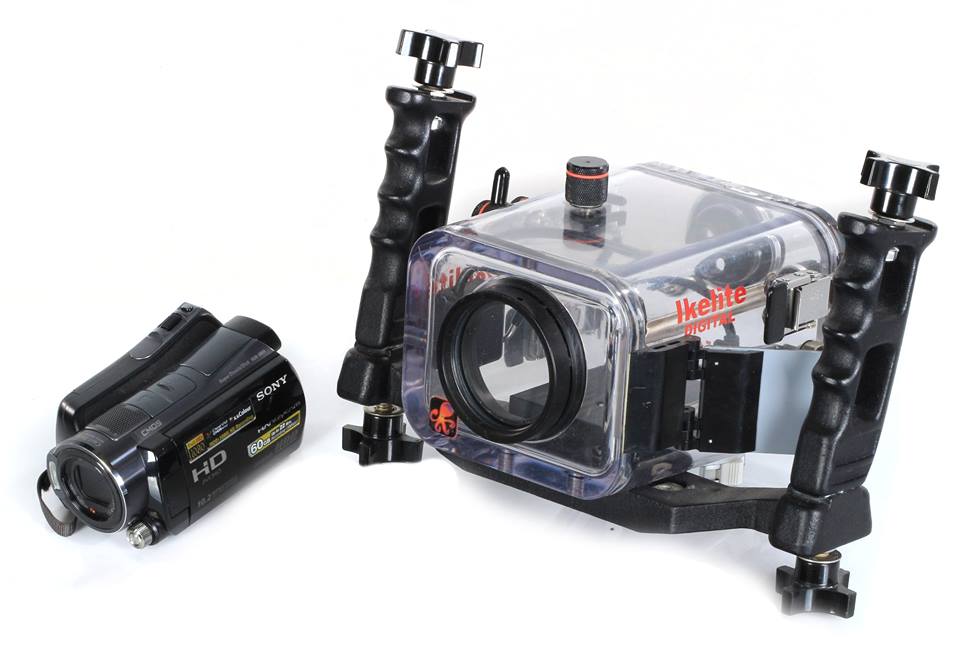
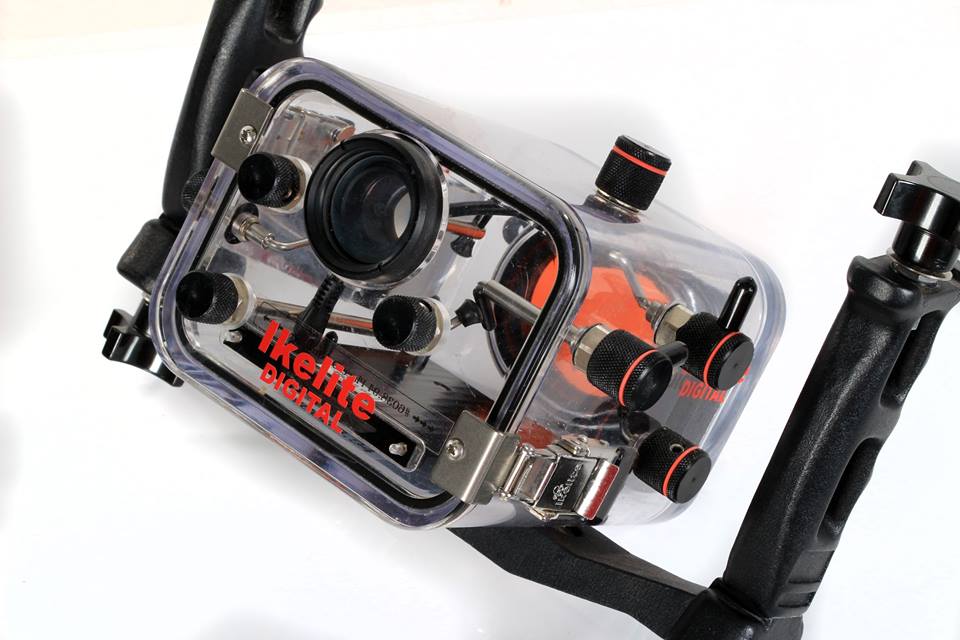
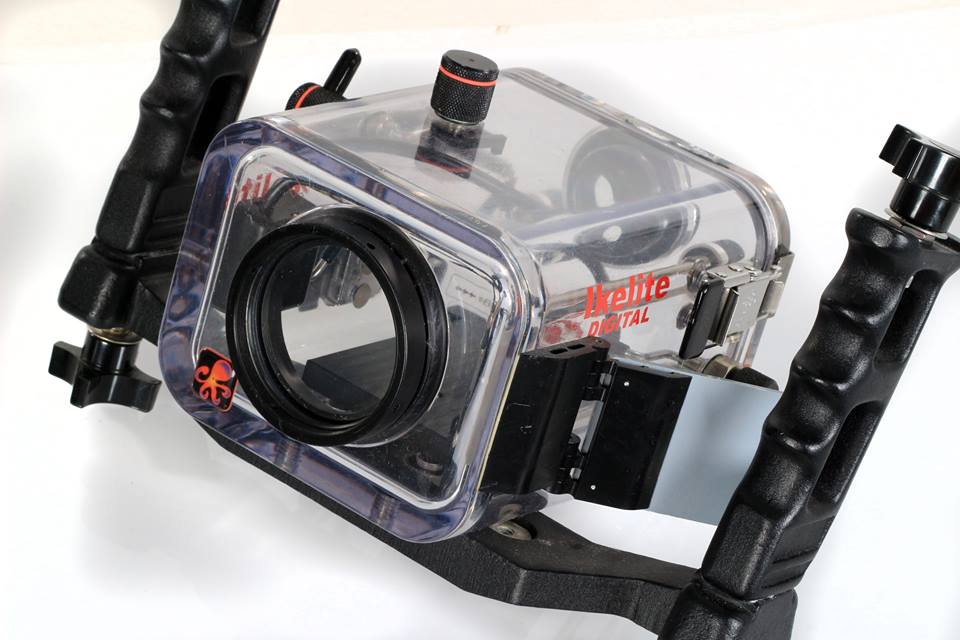
1. Ikelite Mechanical UW Video Housing for Sony HDR-SR11
The housing is molded in clear polycarbonate and includes an optical-glass lens port with a removable UR pro filter. Composition is easy with the camera's large LCD viewing screen that can be viewed from the rear of the housing using the External Mirror featured on the side of the housing. Or you can use the magnified Super-Eye Viewfinder for enhanced viewing through a diving mask.
Controls: Dependable mechanical controls are sealed with Quad-Ring seal glands. Controls include:Power On/Off, Zoom, Recording Start/Stop, Photo/Snapshot. LCD Touch Screen Controls including white balance, Viewing. The camera's LCD monitor can be viewed using the External Mirror on the side of the housing. Magnified Super-Eye Viewfinder is provided for enhanced viewing through a diving mask
2. Ikelite External Color Filter for Green Water - 3" Diameter
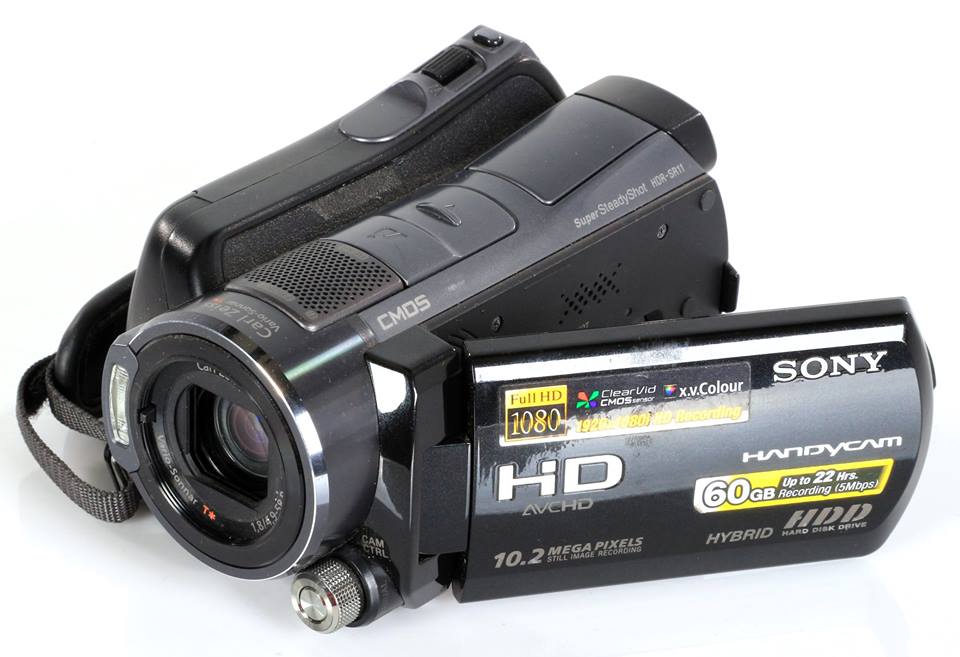
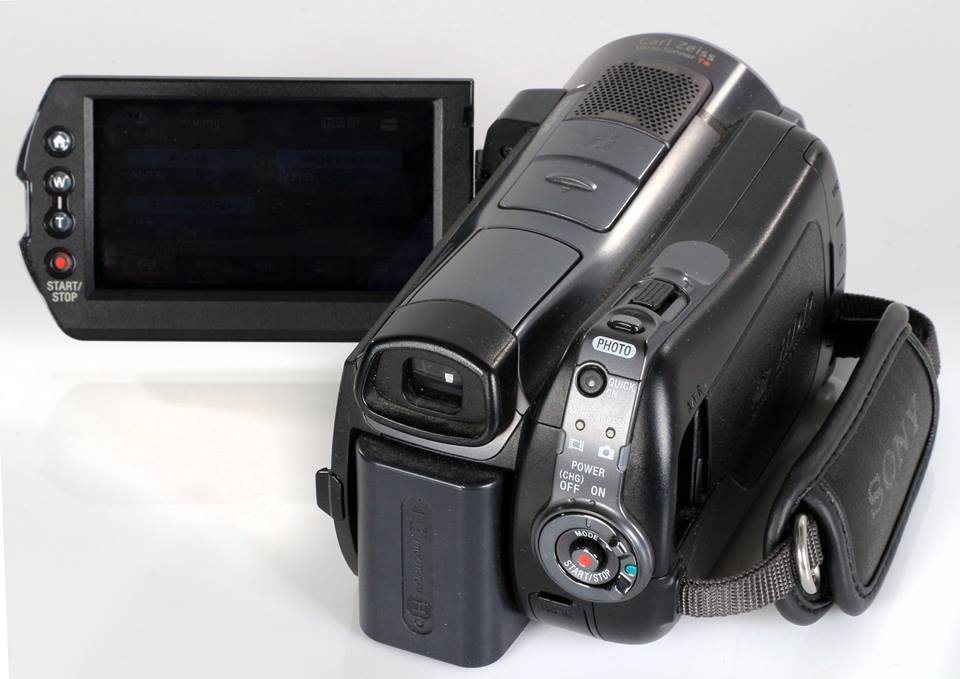
3. Sony HDR-SR11 - Handycam Camcorder
10.2-MP 60GB High Definition Hard Drive
1920x1080 Full HD Video
12x Optical Image Stabilized Zoom
Never logged in and a drop of water in the hull.
No scratches on the lens.
Perfectly condition.
The photos show the actual state of what we sell.
Price: 870 € / $900
Only paypal payment!
Transport costs paid by the buyer.
.jpg.857dbbfbdc4d79d9c6ebf7b4ba96ed1b.jpg)

