Housing Sea & Sea MDX-40D, body Canon 40D, Sea & Sea NX Fish Eye Dome Port
Started by protey ·
7Posts
7Replies
Read-only discussion
Housing Sea & Sea MDX-40D, body Canon 40D, Sea & Sea NX Fish Eye Dome Port
7 posts
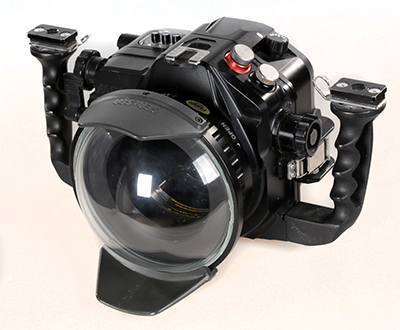
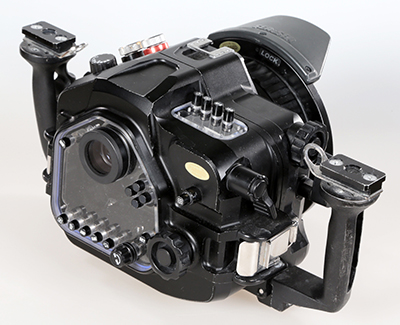
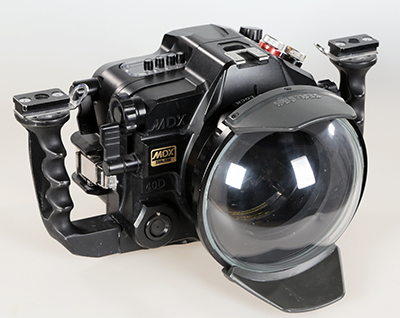
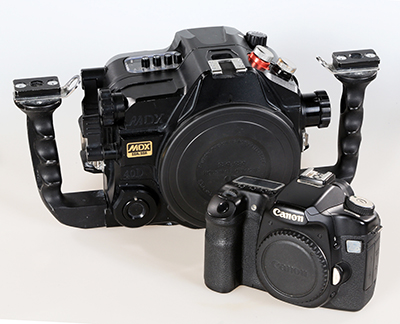
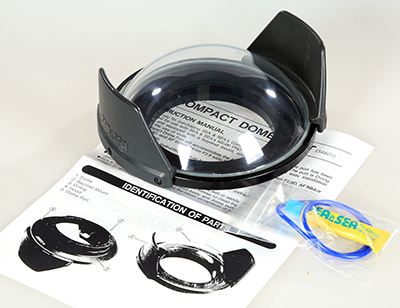
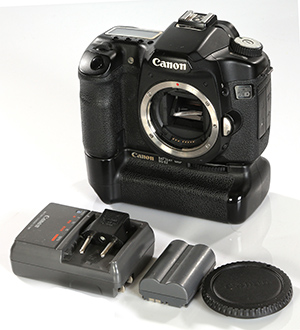
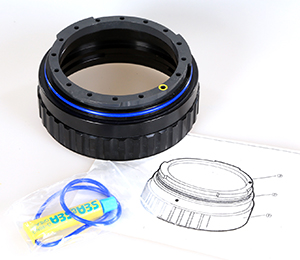
Sale housing Sea & Sea MDX-40D, which I did not use 2011 It can be placed body Canon 40D or 50D body. 1. Sea & Sea MDX-40D 2. Sea & Sea NX Fish Eye Dome Port 3. Sea & Sea Port Extension Ring 40 4. Zoom Gear: Sea & Sea (for EF 17-40L 5. Camera Body: Canon 40D Body + battery + grip + 8GB CF
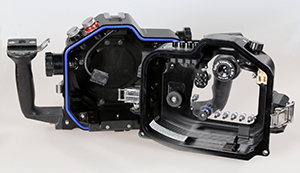
Price of the set: € 1,520 / $1600 Never logged in and a drop of water in the hull. Very good condition. Ready for use.
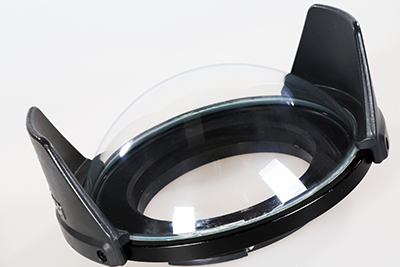
The photos show the actual state of what we sell.
Only paypal payment! Transport costs paid by the buyer.
New price set: € 1,370 / $1400
Hi, do you sell without camera body? If u do how much u can offer me without the camera body. Tqvm
Still for sale? I'm interested to buy cam and housing with port
Can you send me all these pictures in high resolution please? gmarkiewicz@gmail.com
I'm specially interested in know how many shots does the body camera have and also see the real shape of the port dome, so I'd preciate to see in the pics if there are no scratches please.