Hi all,
Greetings. I am new here, nice to meet you all! Hope I ask the question at right group.
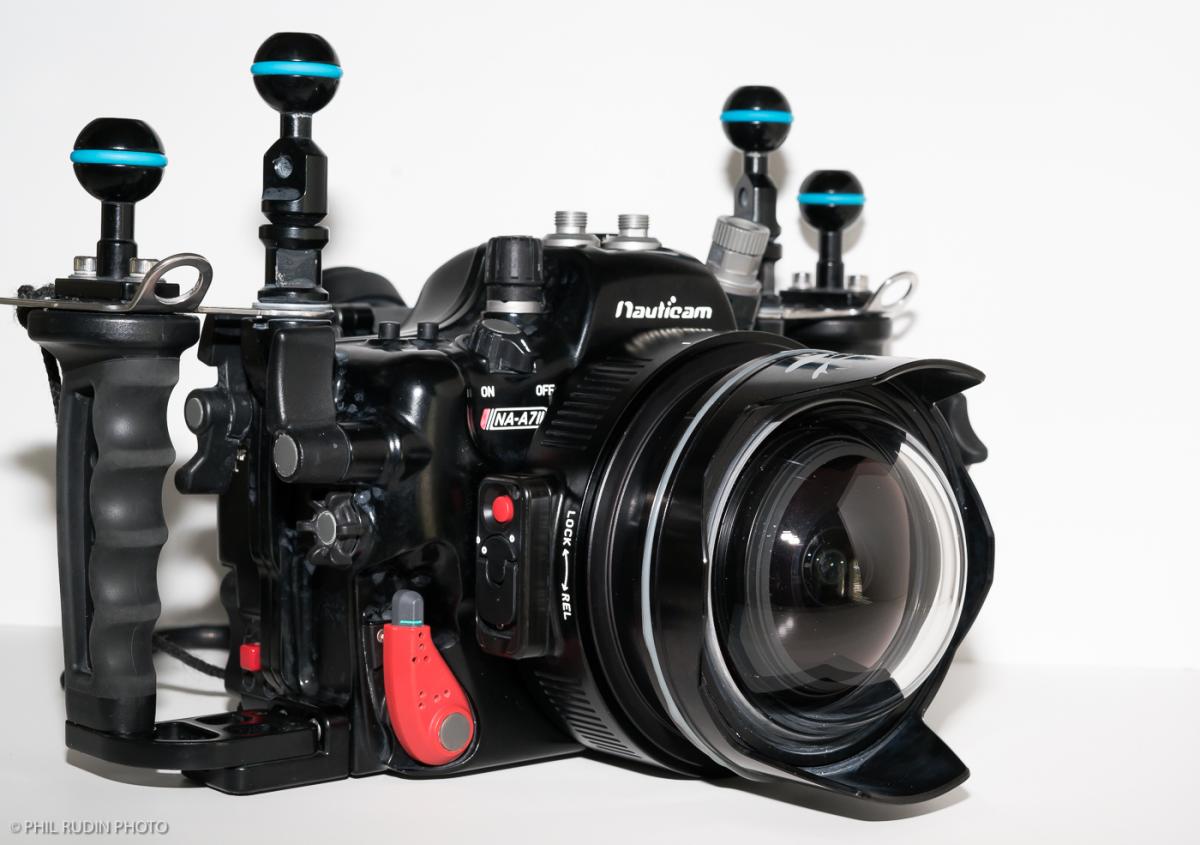
I am using SONY A7R2 with Nauticam Housing. I've been doing Macro for past months and was about to start with Wide / Fisheye photo taking. After searching around, I decided to go for an economic solution using Sigma 15mm Fisheye lens. I know that Metabone adapter is necessary and seems it's been working well with Sigma and Canon 8-15mm fisheye lens. At the same time, I also found that Sigma MC-11 adapter has been widely discussed and it's around half the price of Metabone but performing the same. Therefore I went to this option (Sigma 15mm Fisheye + Sigma MC-11 EF adapter)
It's been working great on land and I was fully confident before I jumped into water. Since my first time, I found there is problem....
I couldn't press my shutter properly and the lens couldn't focus at all (forgot to mention I've updated to the latest firmware for both my SONY camera and Sigma Adapter, I also test it working perfectly above surface without housing). I had to power cycle my camera underwater to try if it could help... however, the result is negative
I found everytime I took it out from my Nauticam housing, it was like hang status, then I tried to toggle the switch of the lens from Auto to Manual then back to Auto and it works again. I thought this maybe adapter issue, but later, I found it's the housing vacuum environment related.
I am using a Nauticam housing as mentioned before plus a N100-N120 adapter and 180mm DOME (it's not big enough, I see the black shadow). I found that whenever I try to pump the air out to make the housing vacuum (green light), the camera may work sometimes... if I get a few more pump after the vacuum light turned to green, I couldn't focus at all, and also can't press the shutter to shoot properly.
Since I've not tried Metabone, may I know if there is any user can share their experience either using 1) Sigma MC-11 or 2) Metabone adapter?
If you have similar problem, pls. can you share if you have any solution?
Thanks for reading and your help in advance! Have a nice day!
Photography Gear and Technique / Archived topic
Anyone have experience using Sigma MC-11 Adapter?
Started by carry93 ·
- 4Posts
- 4Replies
Read-only discussion
Anyone have experience using Sigma MC-11 Adapter?
-
-
No experience with Sigma adapter, but my A7II in Nauticam housing does act funny sometimes when I pump a few times after the light turns green. The camera just becomes unresponsive and the LCD goes dark.
If I stop pumping the moment the light changes to green, there are no issues.
As for vignetting - I could be wrong, but I think you need a 230mm dome for Canon 8-15mm and may have to remove the shade ( I'm selling my Nauticam 18808 230mm glass dome if you are interested).
-
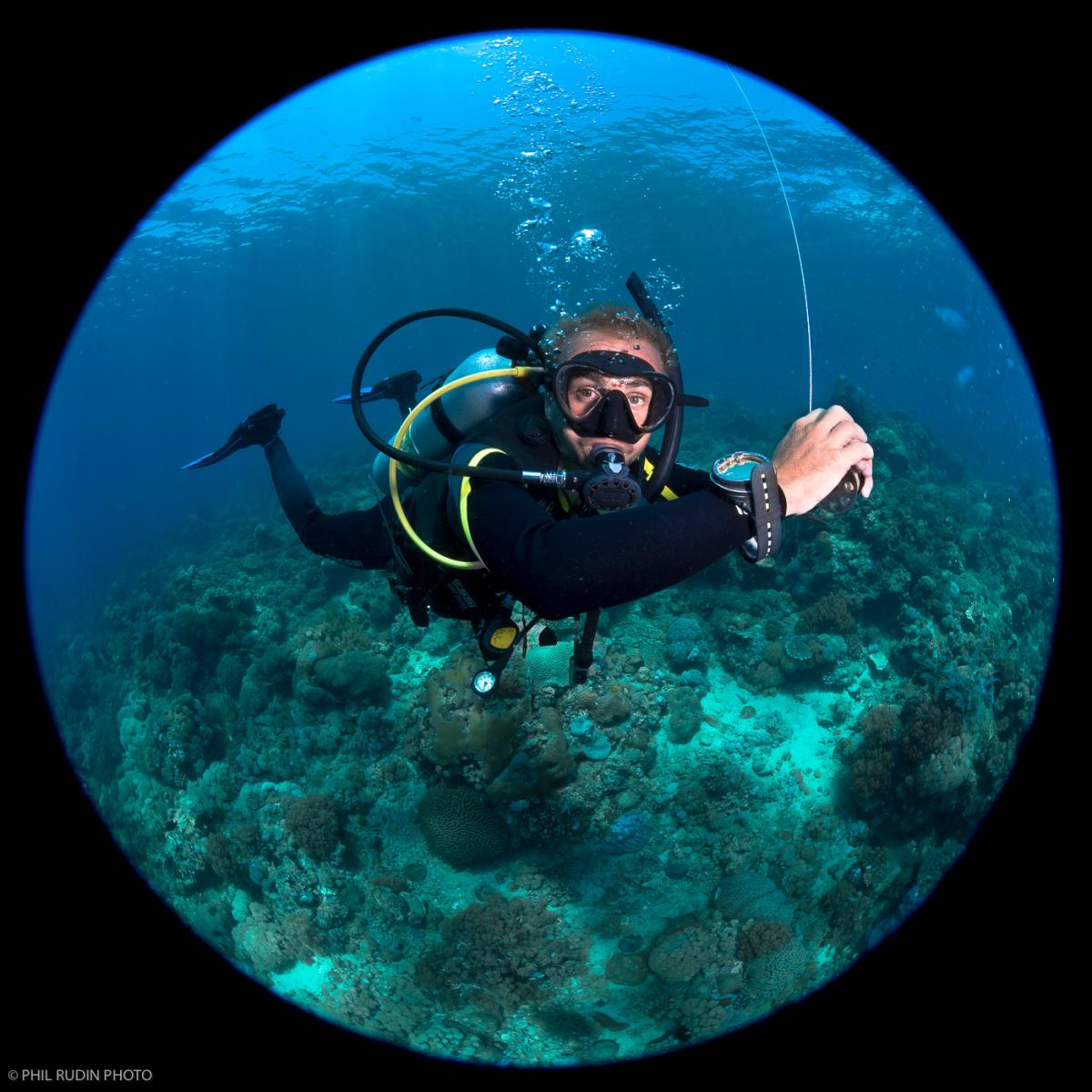
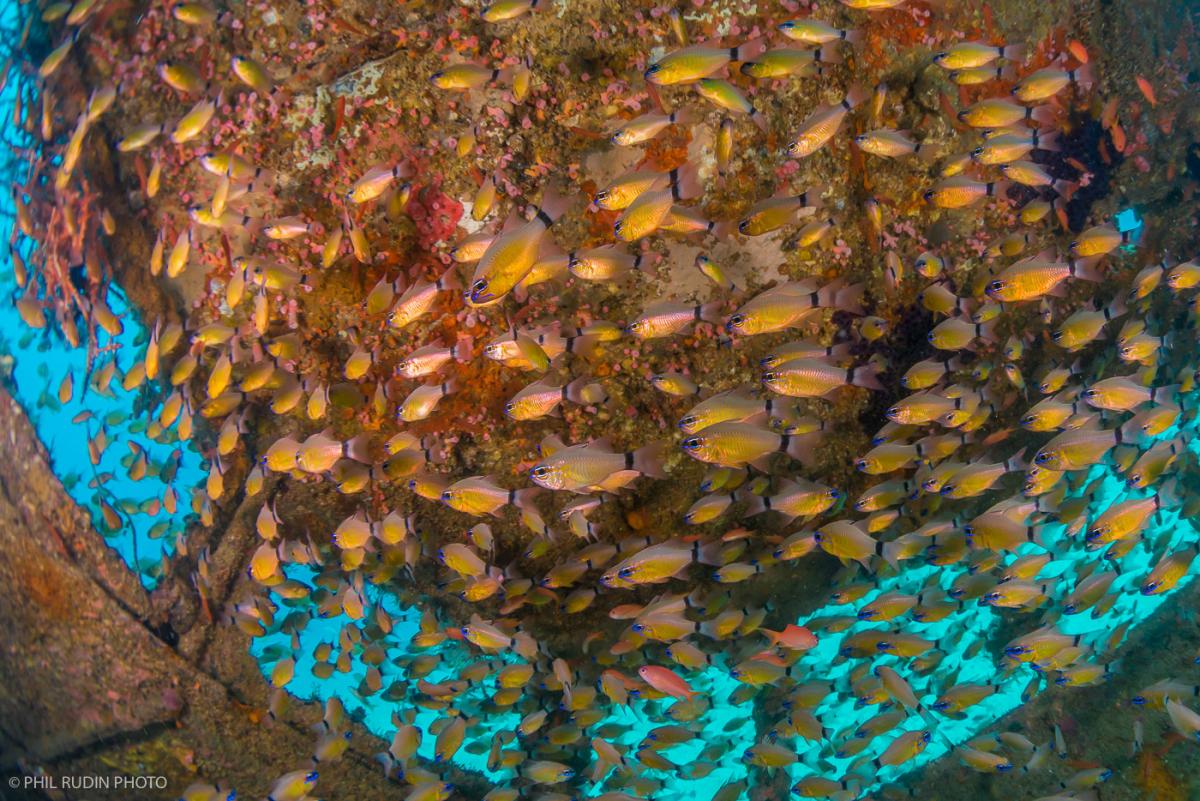
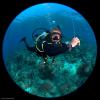
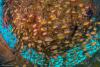
The Sigma lens compatibility charts don't list the MC-11 being compatible with the Sigma 15mm fisheye or with any Sony or other full frame lens wider that 35mm. As a result I chose the Metabones and Canon 8-15mm zoom with the ZEN Underwater 100mm port with the removable shade for my Nauticam A7R II housing. No vignetting but a bit soft at the edges as would be expected with such a small dome port. I have also used the same combo with a ZEN 200mm port and I don't see much of a difference. You can find some images on my Phil Rudin Facebook page. I also have Sony equipment for sale if you would like to send me a PM.
-
mt-m and Phil, many thanks for your advice and sharing. Pls. let me study again carefully on your advice and information. Much appreciated! Definitely will reach you both if I find the need of getting extra equipment! Thanks and have a nice weekend!