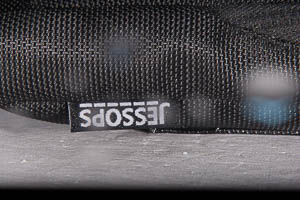
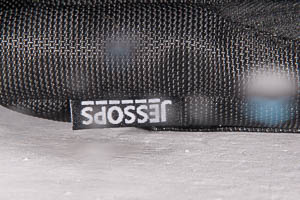
I'm having a strange problem with shutter synchronisation on a Nikon D600 with twin YS-D1 strobes and fibre optic triggering, 105 mm macro. Mostly it works fine in macro at f22 but if I increase subject distance I sometimes get a black border on the bottom of the photo. If I open up to f16 this goes away. I'm not sure if I move farther from the subject at f16 if the black border comes back.
I have the strobes on DS-TTL II mode (red ready light). Someone just showed me that slave TTL mode gets rid of this problem (blue ready light, engaged by long press on target light button). Can anyone explain or confirm that I should be using slave TTL and not DS-TTL II mode?
Images attached: DS-TTL II mode - Slave TTL mode
Hello,
If you copy the buit in flash you will have never 100% correct pictures, because the built in flash tube not same the D1 or INON or something else.
That is the problem.
Try it a LED TTL flash trigger with multicore cable or use sync cord cable with TTL adapter.
I hope i could help .
Best
Balazs.
You don't mention what your shutter speed is set to. Back in 2015 I had a problem using YS-D1's in TTL mode, getting the black bar. I received a response from Sea & Sea Support stating that the YS-D1, and YS-D2, is not designed to sync above 1/200th.
Bob W
Hi Bernard,
The black border on your picture is a shutter curtain. You set too fast shutter speed for synchronization.
Shutter window must be fully open when the underwater strobe fires. Nikon D600 has a mechanical shutter, which fully opens the window at speed not faster than 1/200. If you set more fast speed, the window never fully opens, only an open strip goes through the window, you see it lighted by the flash on your picture.