Skip to content

Classifieds / Archived topic

For Sale: Aquatica Canon 5D Mark II Underwater Housing $1600.00

Started by Beata Lerman ·

  • 4Posts
  • 4Replies

Read-only discussion

For Sale: Aquatica Canon 5D Mark II Underwater Housing $1600.00

4 posts
  1. I am selling my Aquatica Canon 5D Mark II Underwater Housing for $1600 USD.

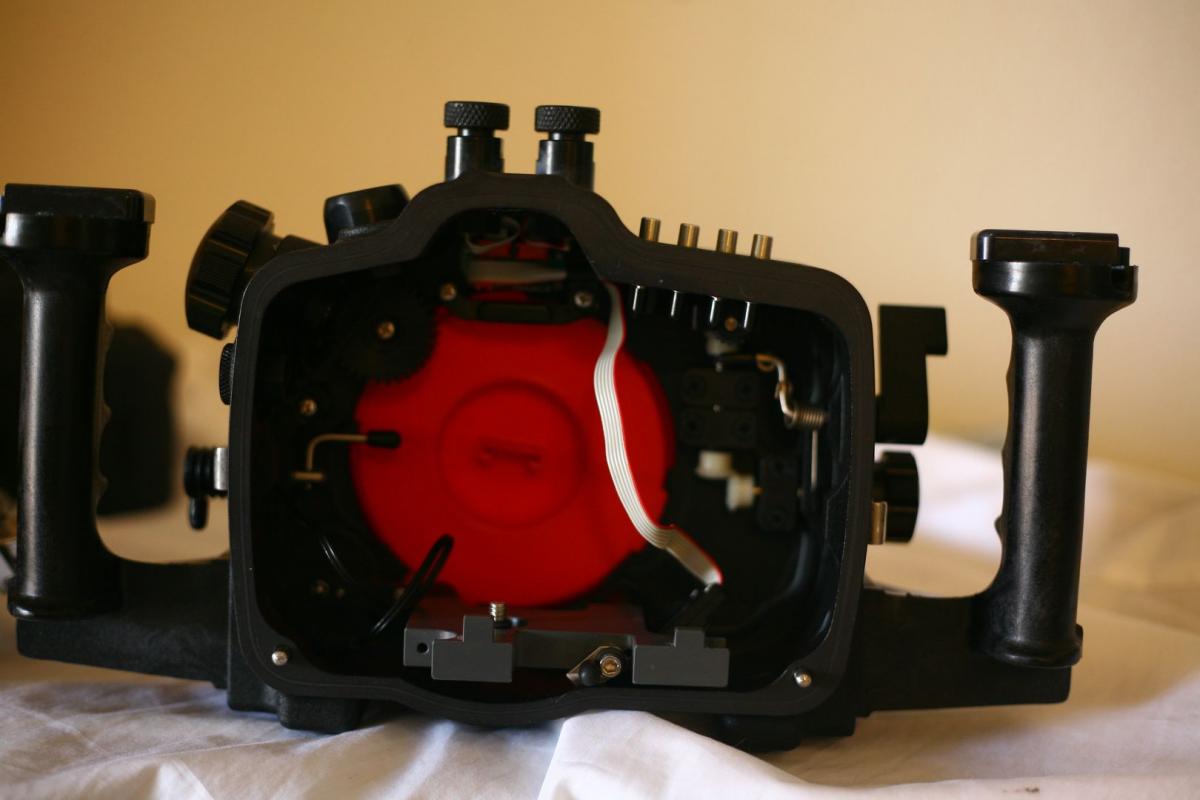
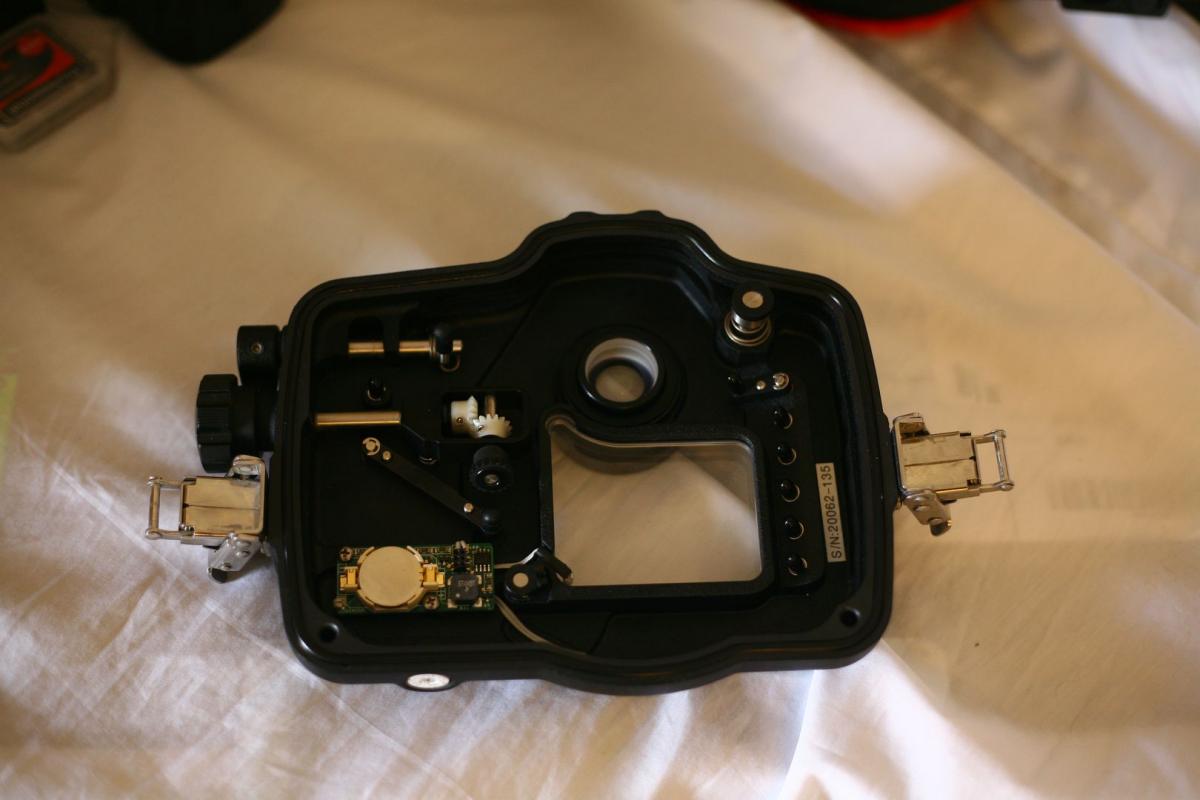
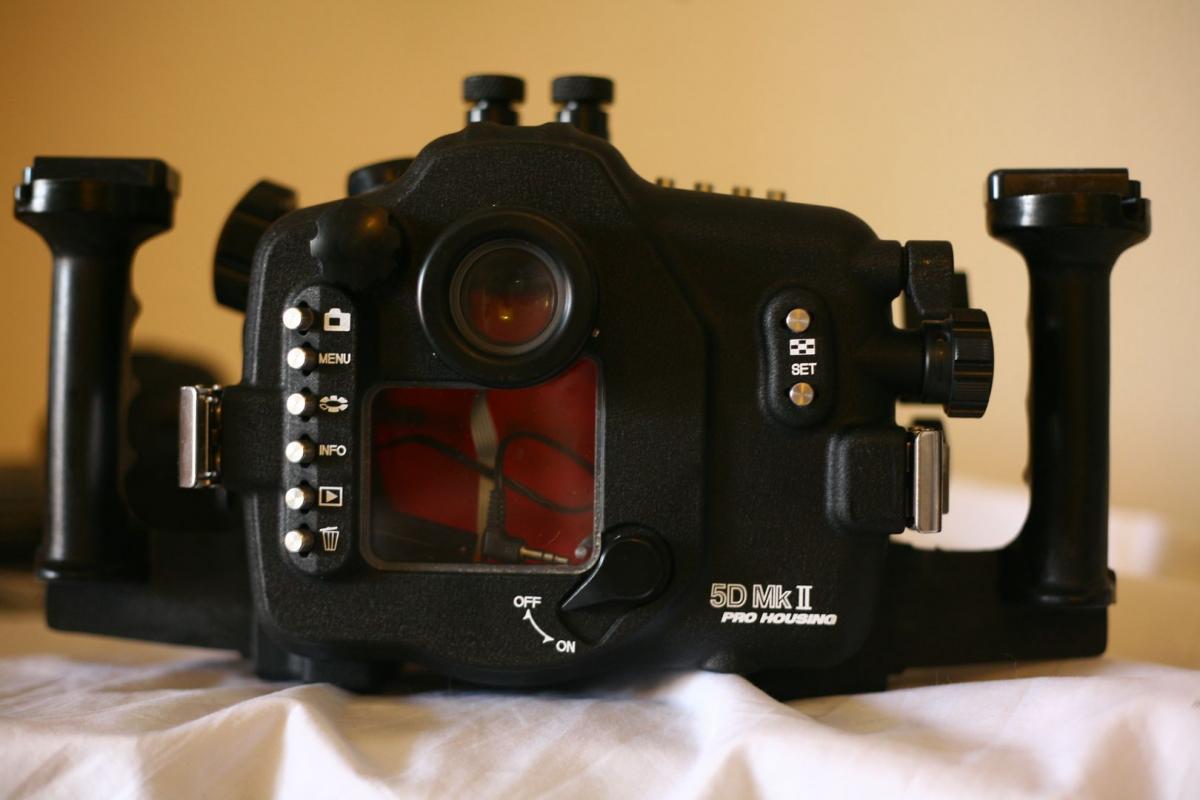
    The housing is in MINT condition, There are no scruffs or scratches, practically new (only used twice) all the controls and buttons work fine and the housing has NEVER leaked or been flooded.
    The lens release lever and the hydrophone audio jack cable are both present, as per original condition
    Aquatica housings are built to be very tough have great ergonomics along with a simple straight forward design.
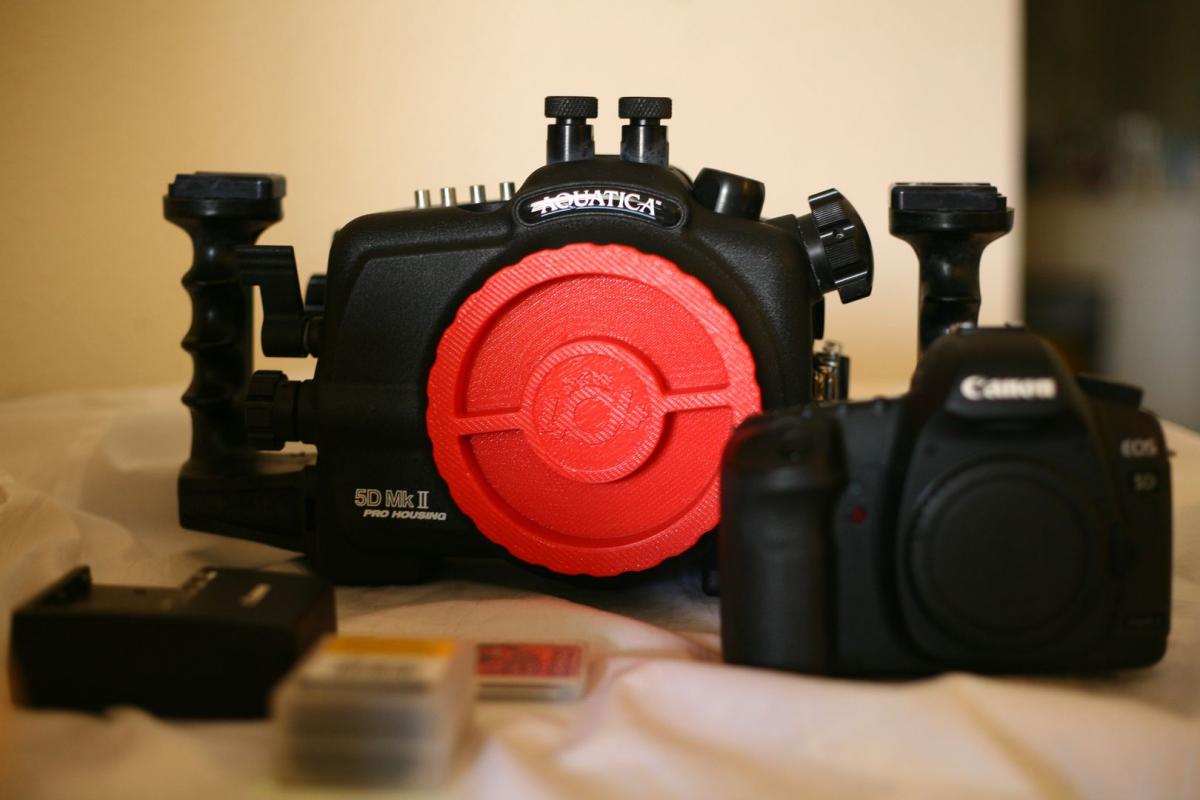
    Here are all the parts your bidding on (see photos)
    Used Aquatica Canon 5D Mark II Underwater Housing
    1 Brand New Battery for the moisture alarm
    1 Extra o-ring (in addition to the one on the housing)
    Please note: Ports NOT included
    It's a great piece of equipment. To see image samples taken with the housing ask me for the link.
    I recently upgraded to Canon 5D MarkIV, and have no use for another system.
    Camera body is also available to purchase separately, not included in the price of the housing.
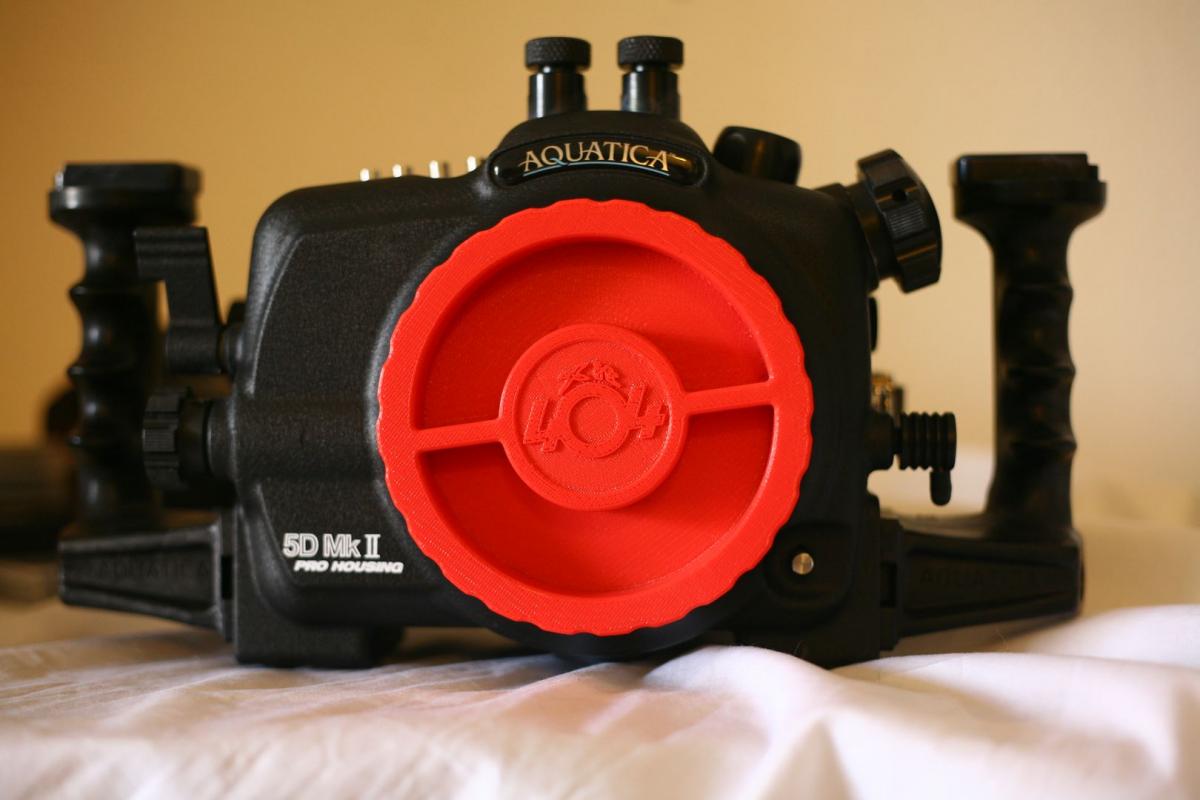
    post-47834-0-08461400-1487035489_thumb.jpg

    post-47834-0-51363700-1487035505_thumb.jpg

    post-47834-0-43684100-1487035508_thumb.jpg

    post-47834-0-49858300-1487035509_thumb.jpg

    post-47834-0-43429400-1487035519_thumb.jpg

  2. Hi there

    What bulk head does it have?

    Thanks Chris

  3. Hi Chris,


    It has 2 Nikonos bulkheads. I would be happy to include a sync cord for Ikelite DS 125 or 161 strobe

  4. Hi there,

    Wondering if this is still available?

    Cheers Ala

WaterPixels Store

Account

Navigation

Search

Search

Configure browser push notifications

Chrome (Android)
  1. Tap the lock icon next to the address bar.
  2. Tap Permissions → Notifications.
  3. Adjust your preference.
Chrome (Desktop)
  1. Click the padlock icon in the address bar.
  2. Select Site settings.
  3. Find Notifications and adjust your preference.