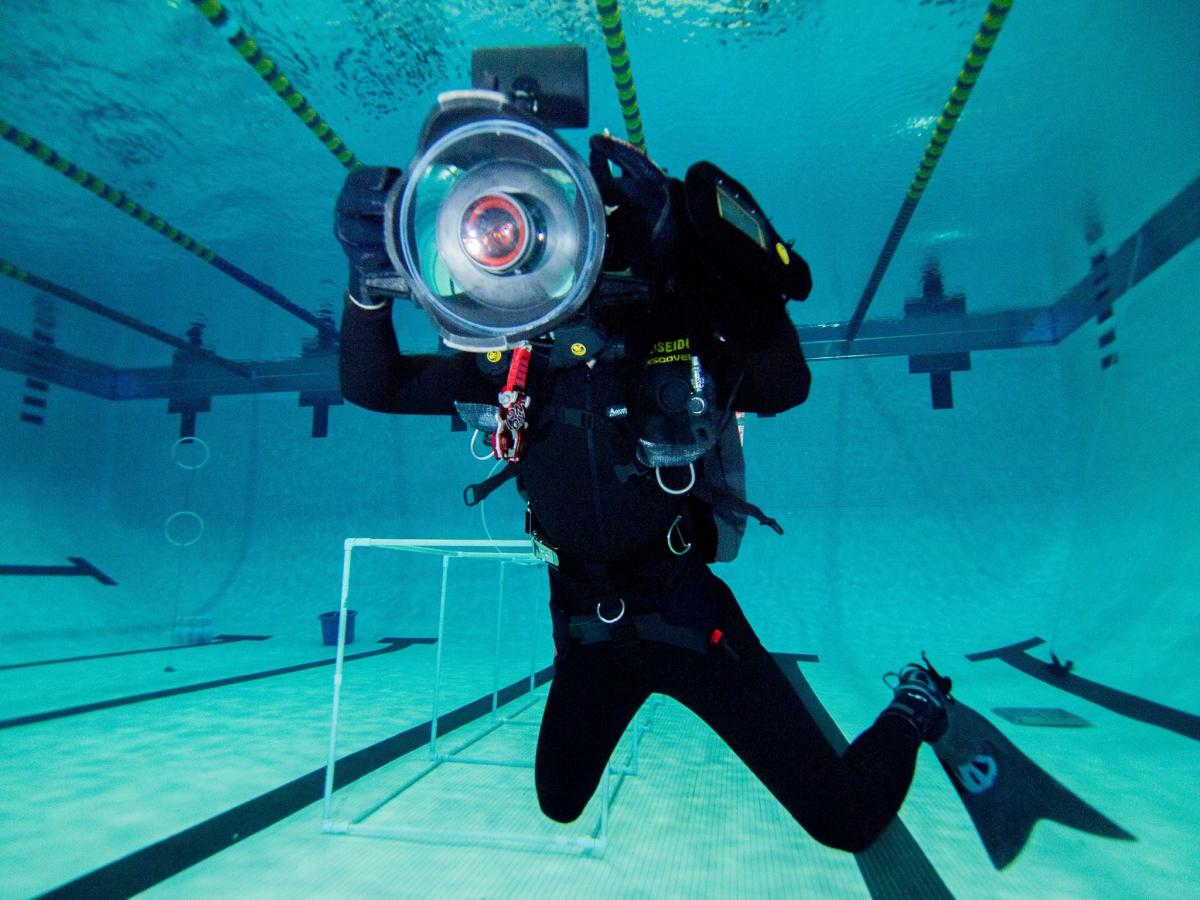
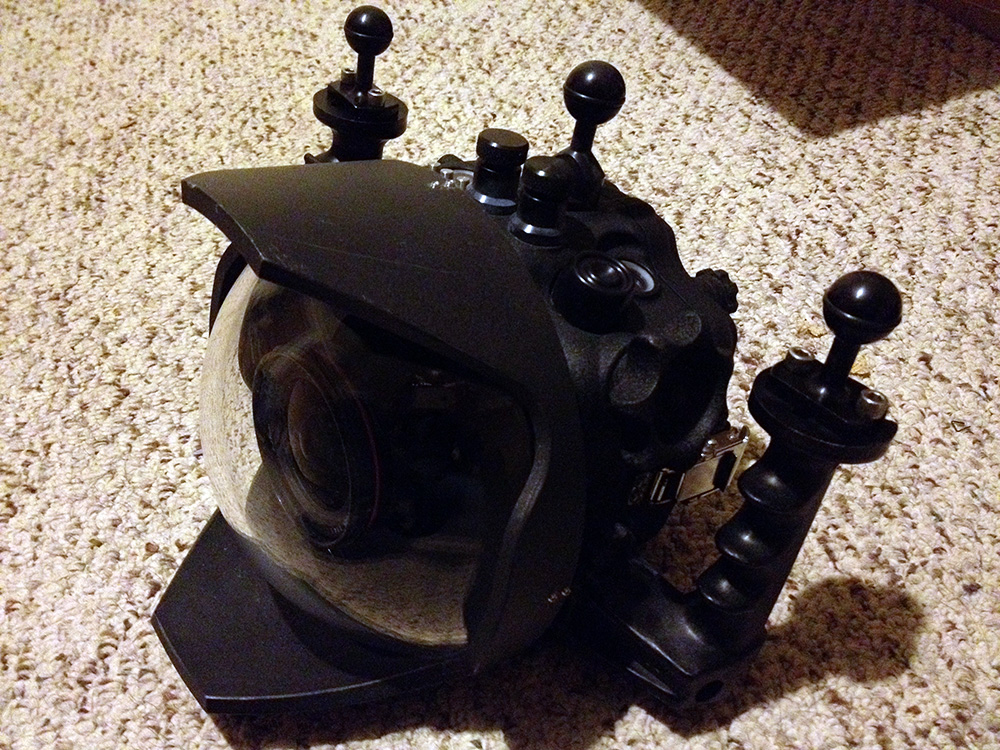
I have a complete Aquatica 5D Mark II kit with 8" dome port, moisture alarm, deep upgrade (rated to 100m), complete extra set of o-rings, all original boxes, and other assorted goodies. I could also part it out if someone doesn't want the entire kit. I'd be happy to shoot some detailed pictures and an exact accessories list if there are buyers interested.
Asking $1600 shipped. Can accept PayPal or credit cards through my website.
Do you have the extender ring to fit a Canon EF 16-35mm f/2.8L II USM Lens? Which lenses can be used with this configuration as it stands? What 'other assorted goodies' are attached to this package?
Thanks.
Pm
Do you have the extender ring to fit a Canon EF 16-35mm f/2.8L II USM Lens? Which lenses can be used with this configuration as it stands? What 'other assorted goodies' are attached to this package?
Thanks.
Thanks I have the extender ring for the Canon 24mm 1.2L II. I am not sure if that's the same ring you need for the 16-35. But regardless, the extender would be extra. I also have the buoyancy float but that would be extra too. Other assorted goodies that are included includes things like o-ring grease, a frog clip, etc. Just small things. If someone is seriously interested I'd be happy to put together a detailed parts list.
camera is included? I'd be interested
Is Still for sale?
Location?
This is still available and is currently in the New Orleans area. Camera is not included. Email can be best way to get me teddysmith (at) g mail dot com but I'll check here a bit today.