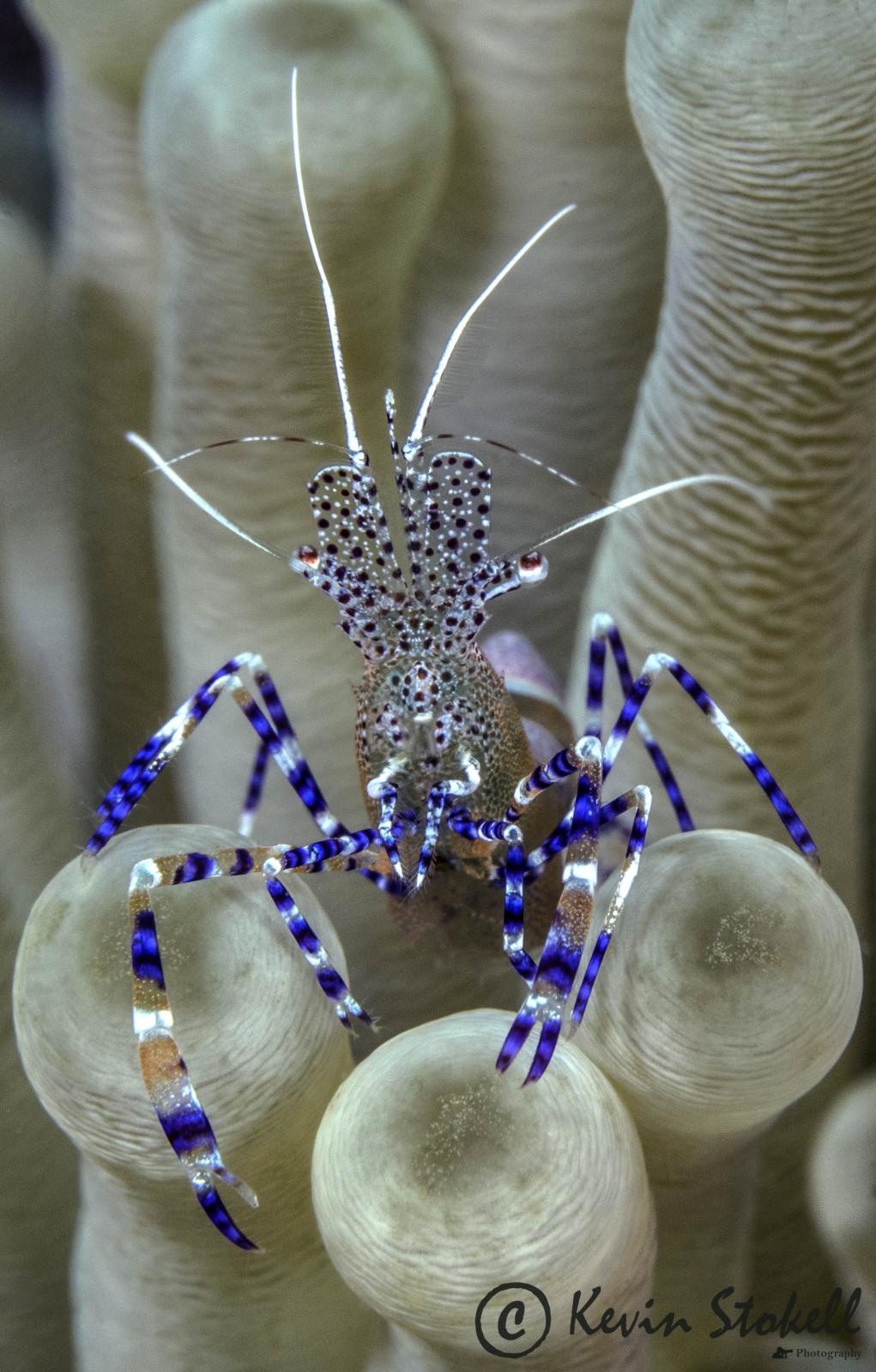
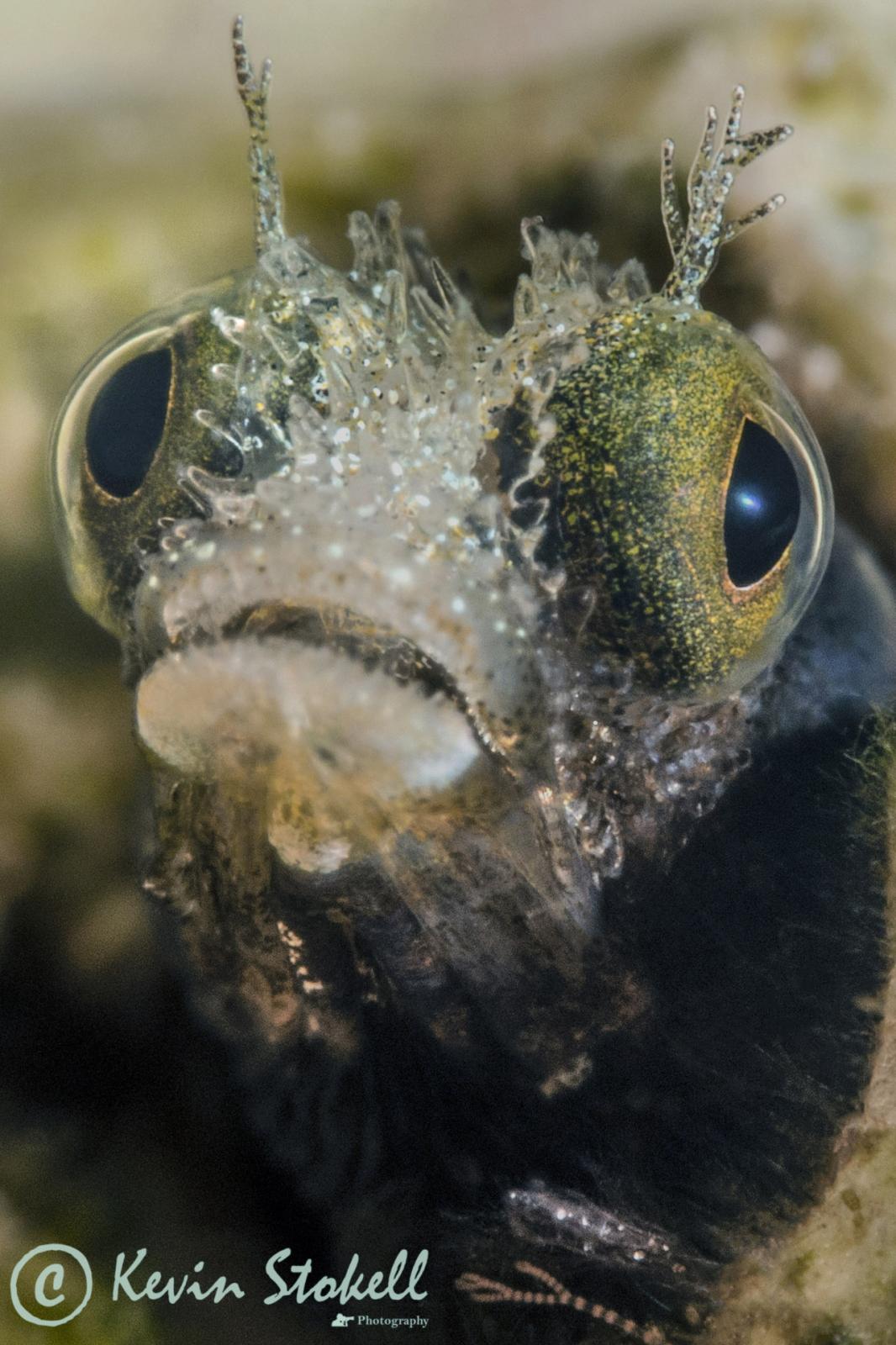
My main interest here in Curacao is shooting macro stills. To this end I use an EM-1 in a Nauticam housing with a Olympus 60mm macro lens, plus, when needed a Nauticam CMC-1. This setup has allowed me to capture some pretty good quality shots such as the ones attached. However I would now like to branch out a little and add "Wide Angle Macro" shots to my portfolio.
Can anyone suggest/recommend a Lens/Port combination that would work with my current setup and provide "high quality Wide Angle Macro" shots?
Thanks in advance,
Kevin
Panasonic 8mm Fisheye and Nauticam 3.5" wide angle port gives you the closest working distance, the 4" dome works well too but you loose a little bit
Panasonic 8mm Fisheye and Nauticam 3.5" wide angle port gives you the closest working distance, the 4" dome works well too but you loose a little bit
Thanks for that "Interceptor". The compact size of the combo you suggest is very appealing, do you know how close you can focus with this setup? Also I've checked out the prices and it seems the Olympus 8mm is in the sales and is now only $50 more the the Panasonic, at that price differential would you still go for the Panasonic, and why?
The olympus lens is bigger the rig wont be easy to get close
Sent from my iPhone using Tapatalk
I just bought a Nauticam housing for Oly EM10 Mk2 with #36132 4.33 inch port to put in front of my Pany 8mm FE. Simplest setup, and a little smaller than the larger dome, BUT I am NOT shooting macros.