Hey all,
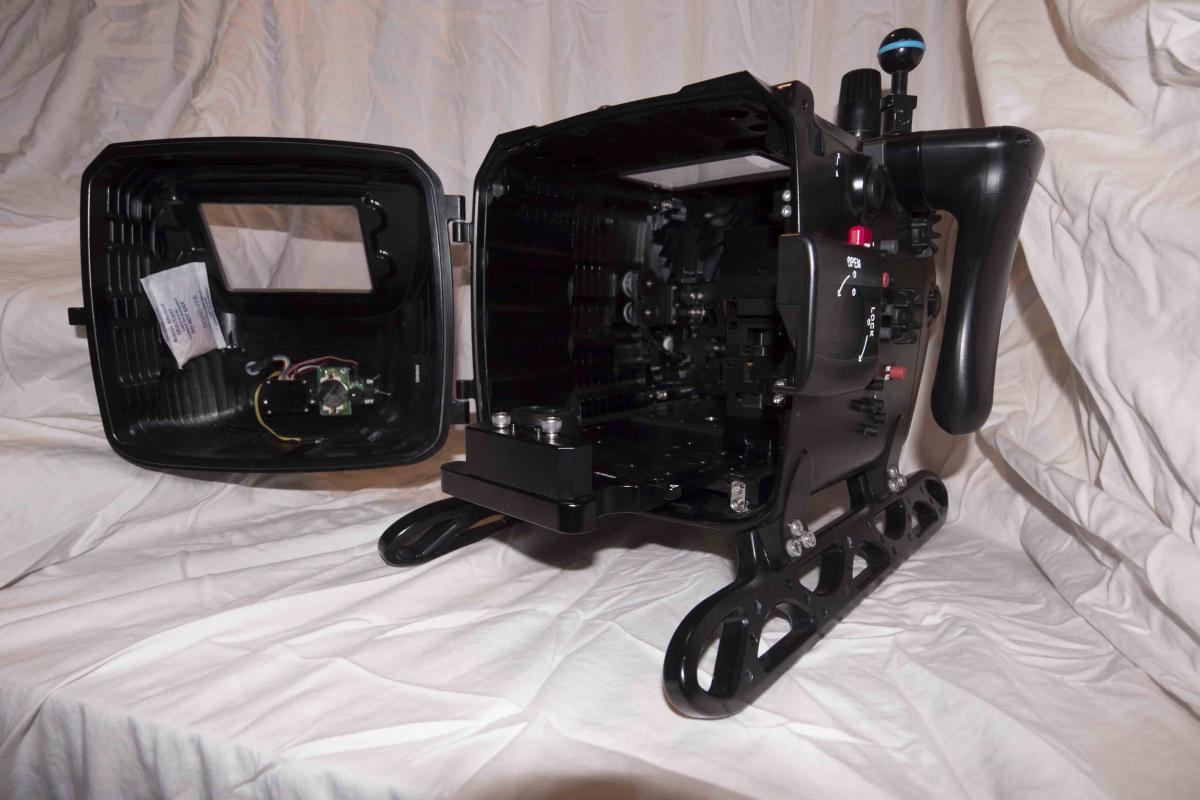
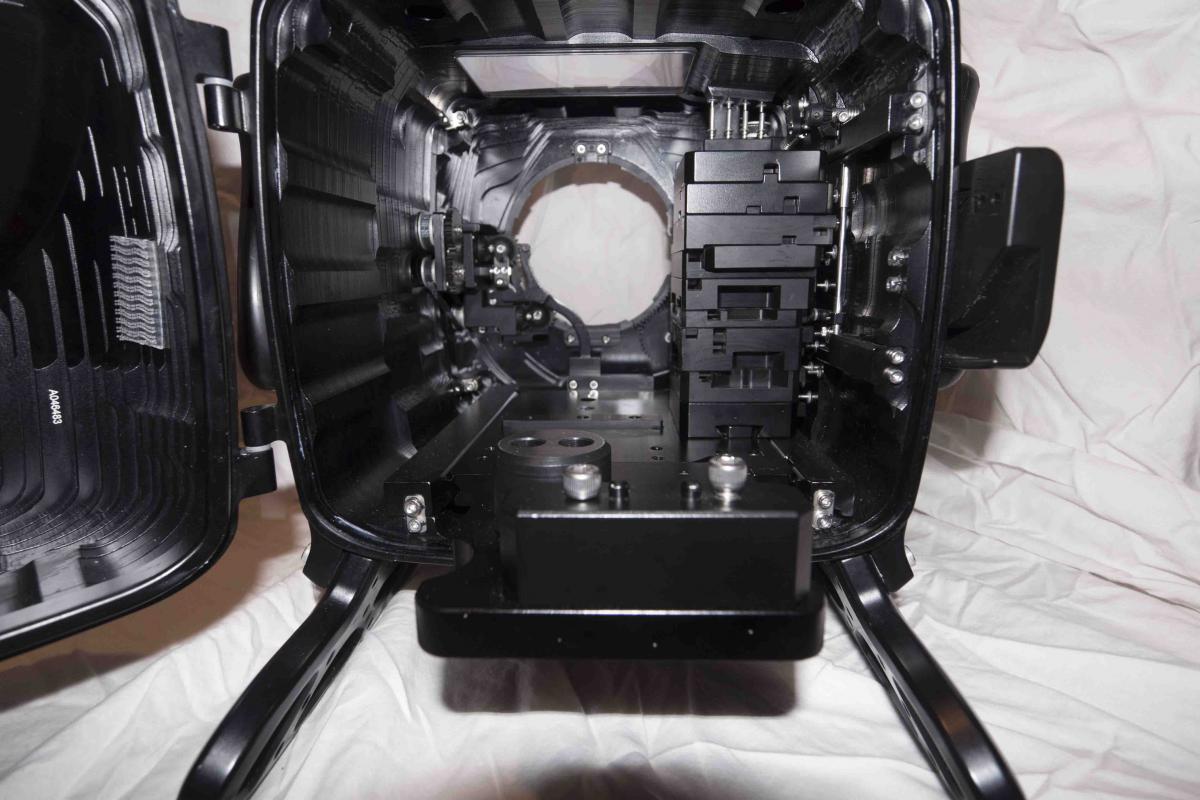
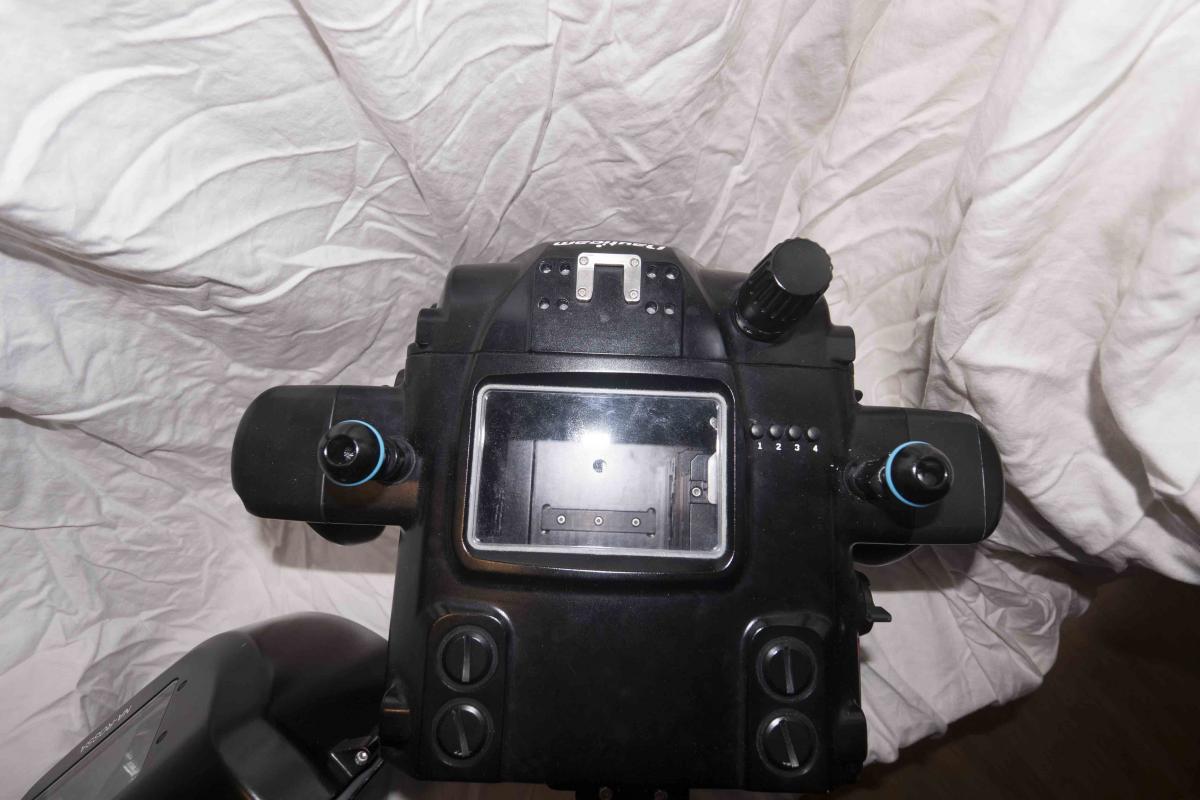
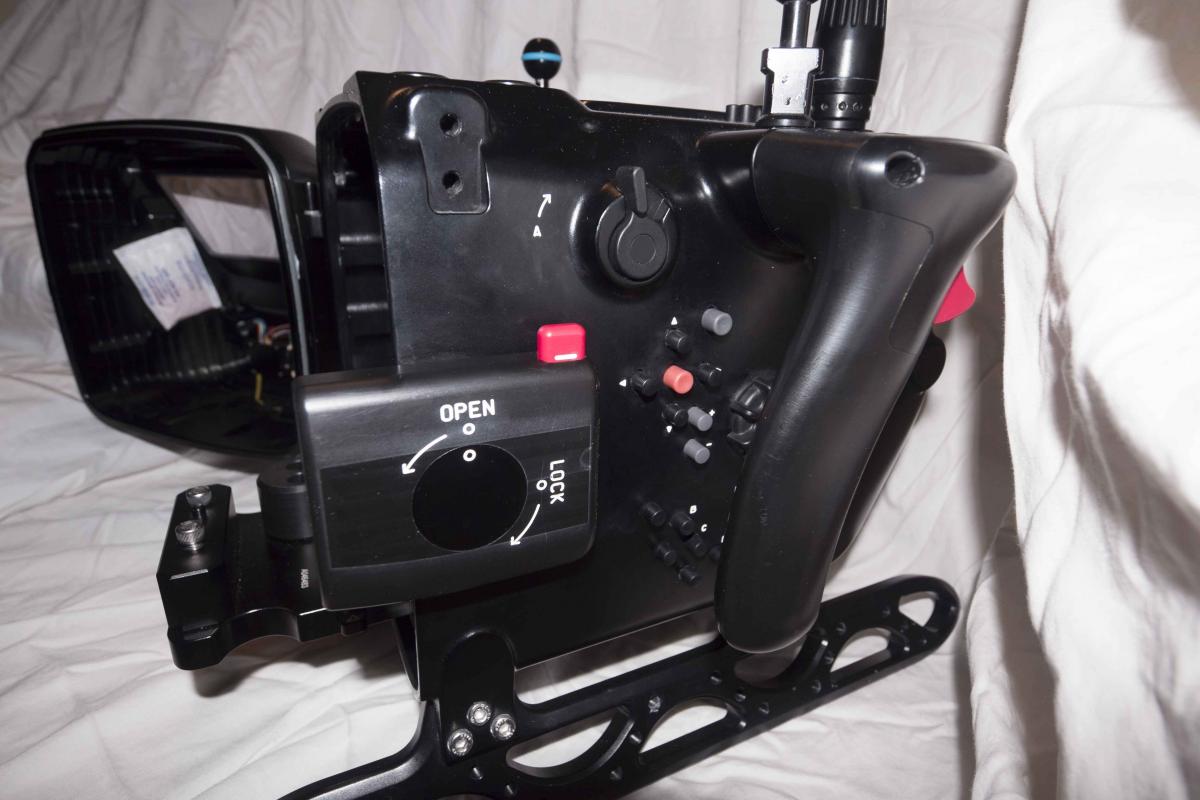
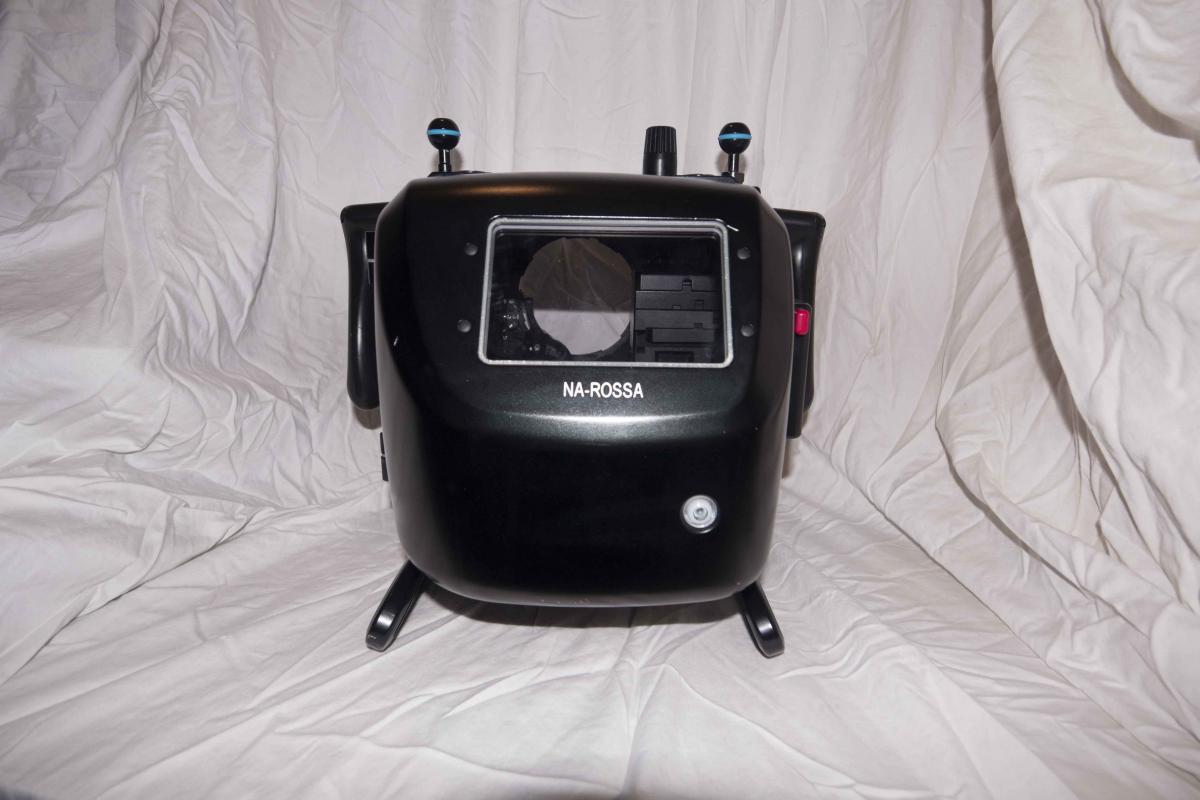
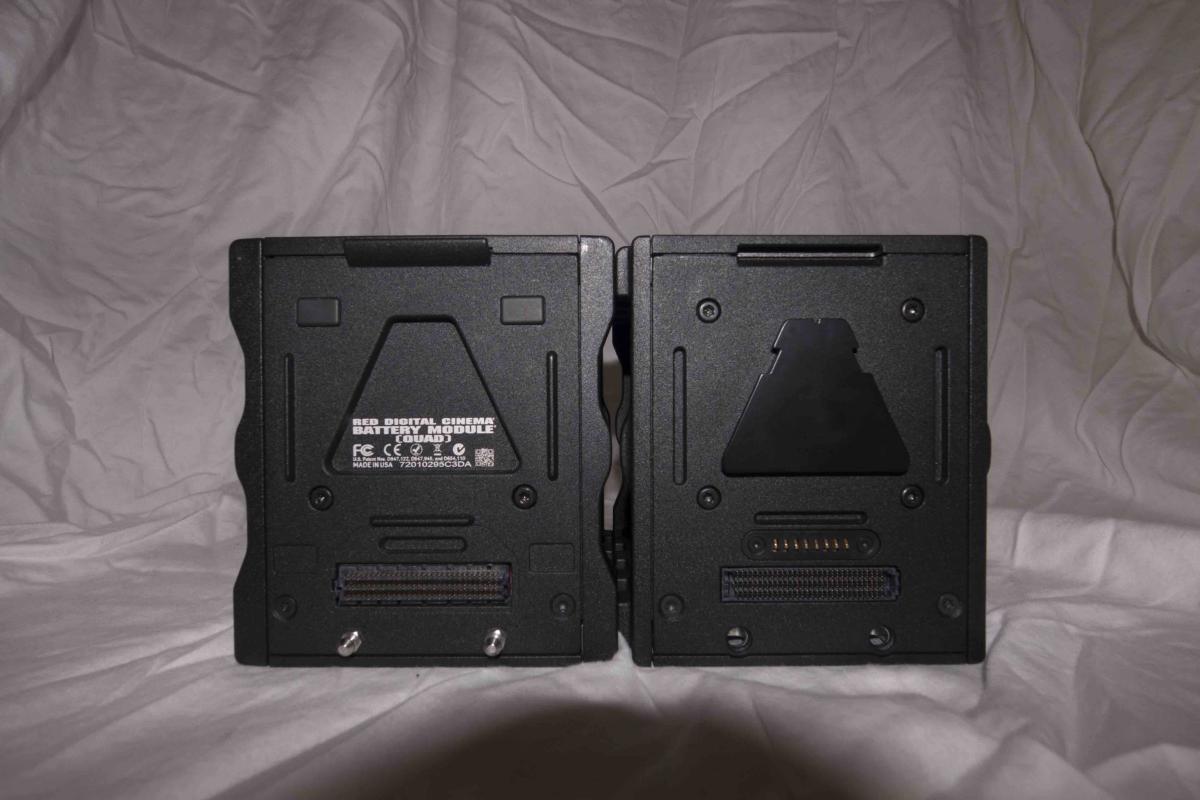
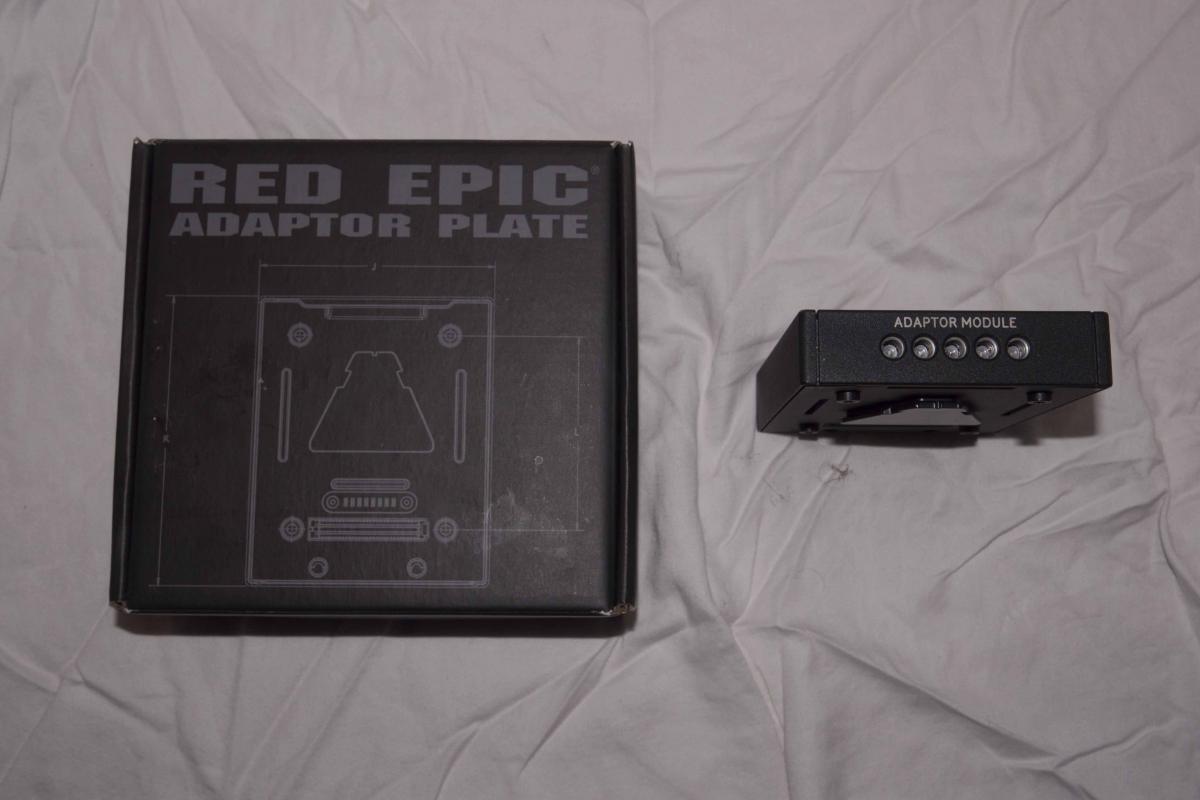
Up for sale is my mint Nauticam Rossa Underwater Housing for Red Epic Dragon and Red Scarlet Dragon cameras. I also am throwing in two battery modules (Red volts) and an adapter module.
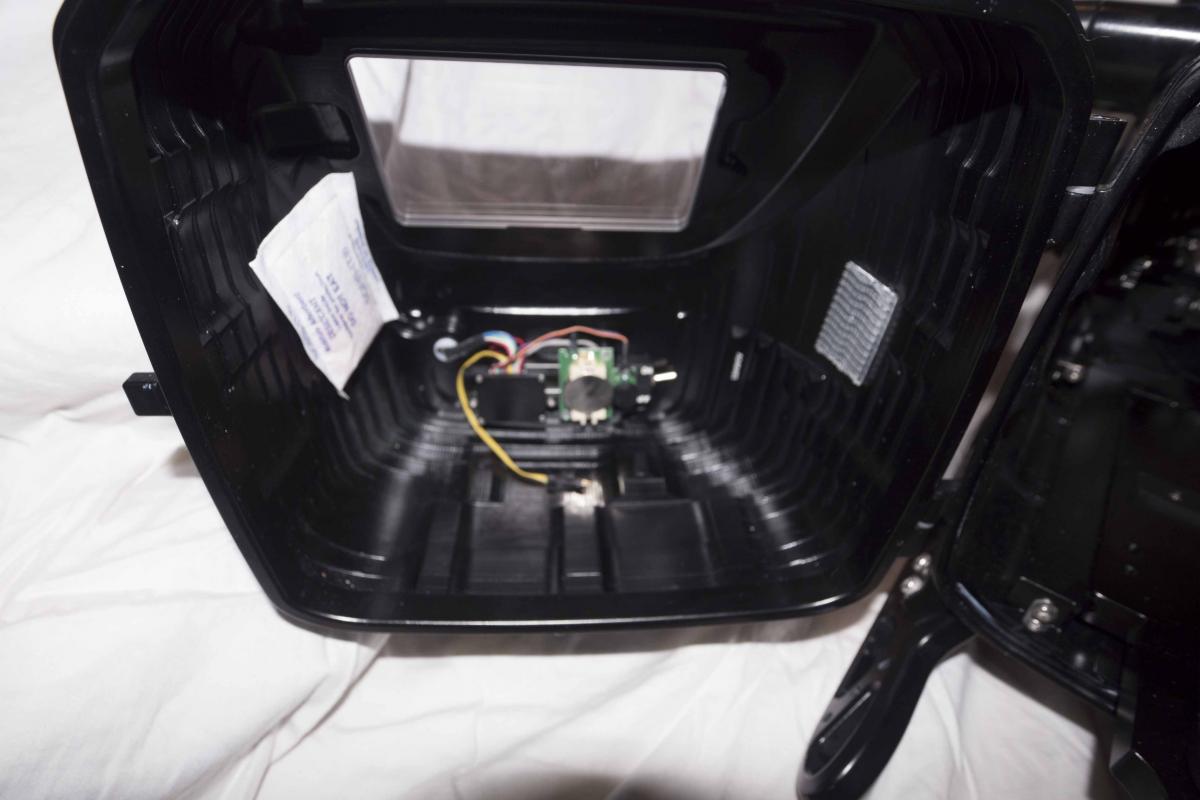
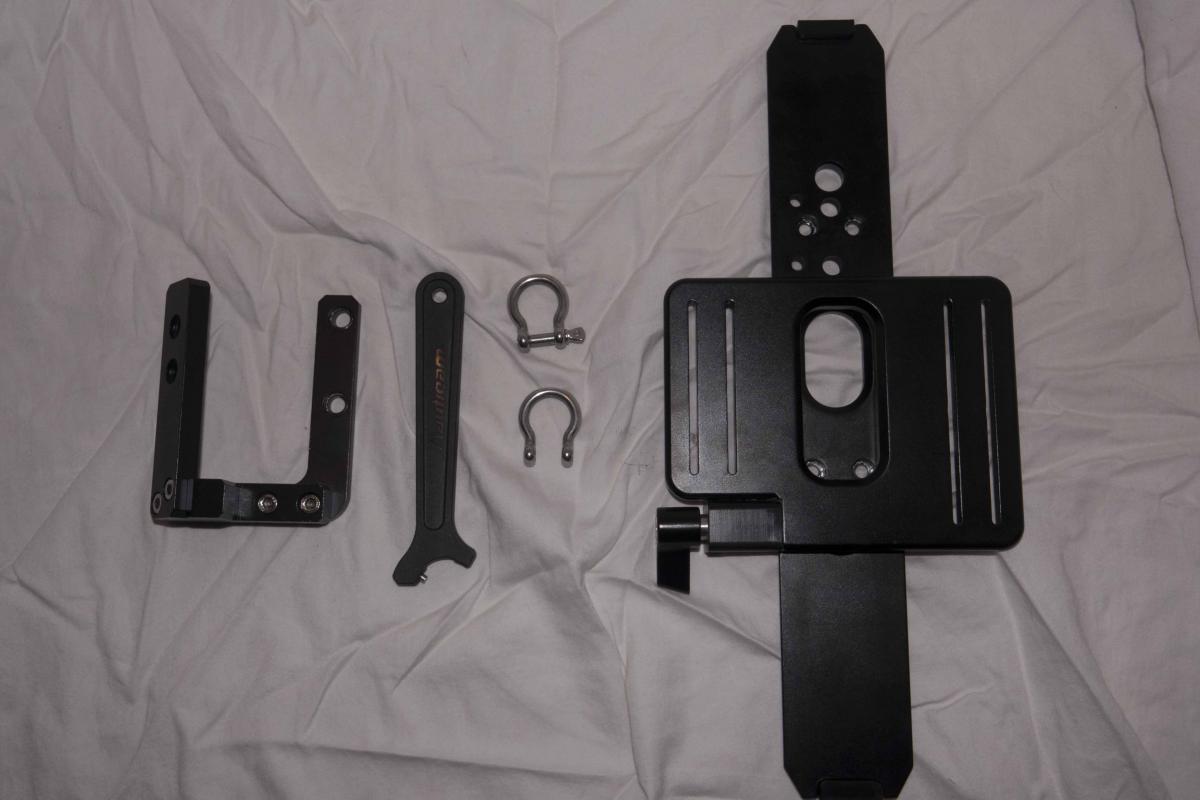
This housing is in great condition, has never flooded, has the vacuum seal system with the warning lights built in. It will ship for free anywhere in the US, but we can discuss international. Ships in/with its pelican case. Everything in the photos is what's included. Nothing more, nothing less. I'm happy to skype/FaceTime to show you my face and give you a closer look at the housing and gear. I'm located in Monterey, CA, USA, home to BackScatter Underwater Imaging. I just brought this housing in for them to look at and they gave it a thumbs up for quality.
This package MSRP is upwards of 12k. I'm looking for $8500 OBO. I'm willing to negotiate if it's reasonable. PayPal only with buyer protection. I've been scammed before on RedUser so I know what to look for. I expect references from you, too.
Images here: https://drive.google.com/open?id=0B0...XRxNTYxZ2pTeE0