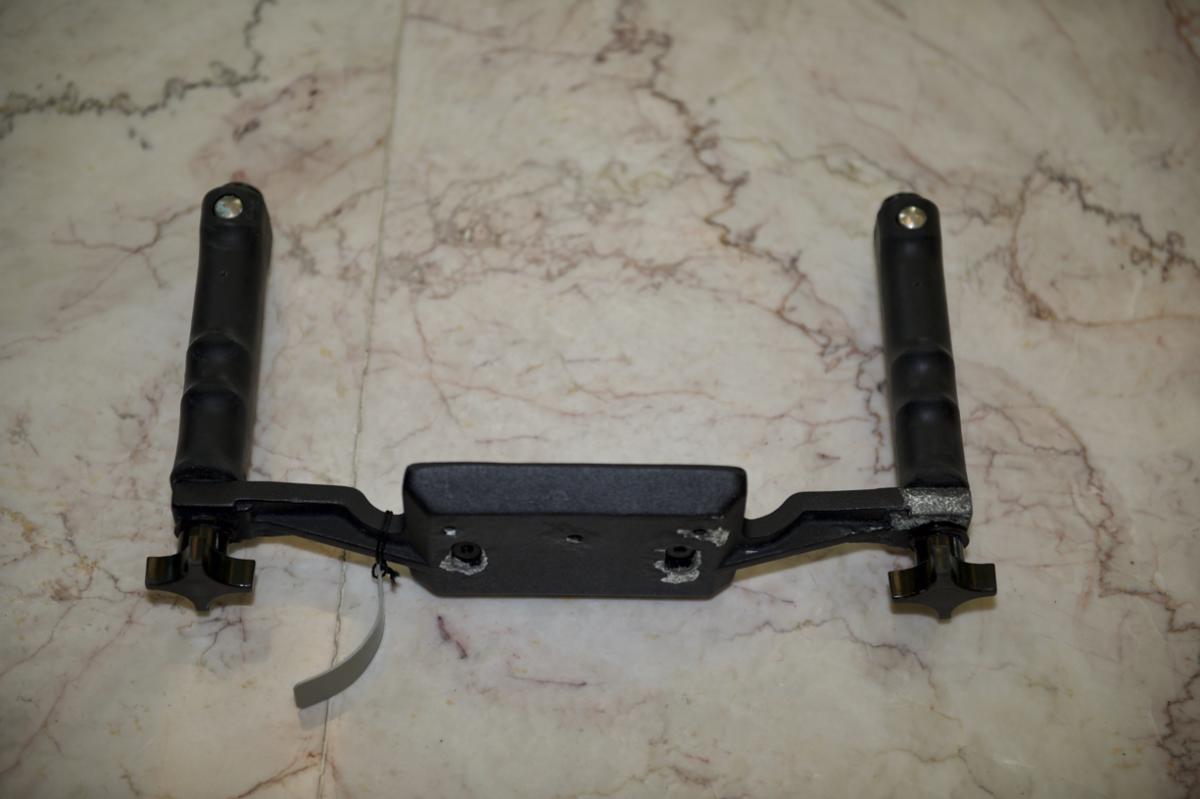
1. Tray with Quick Release Handles - used for Canon 20D and 7D Housing or Nikon D80, D90 etc (number printed inside: 0611), including weight: $40 plus postage. Or I can drop off at ADEX.
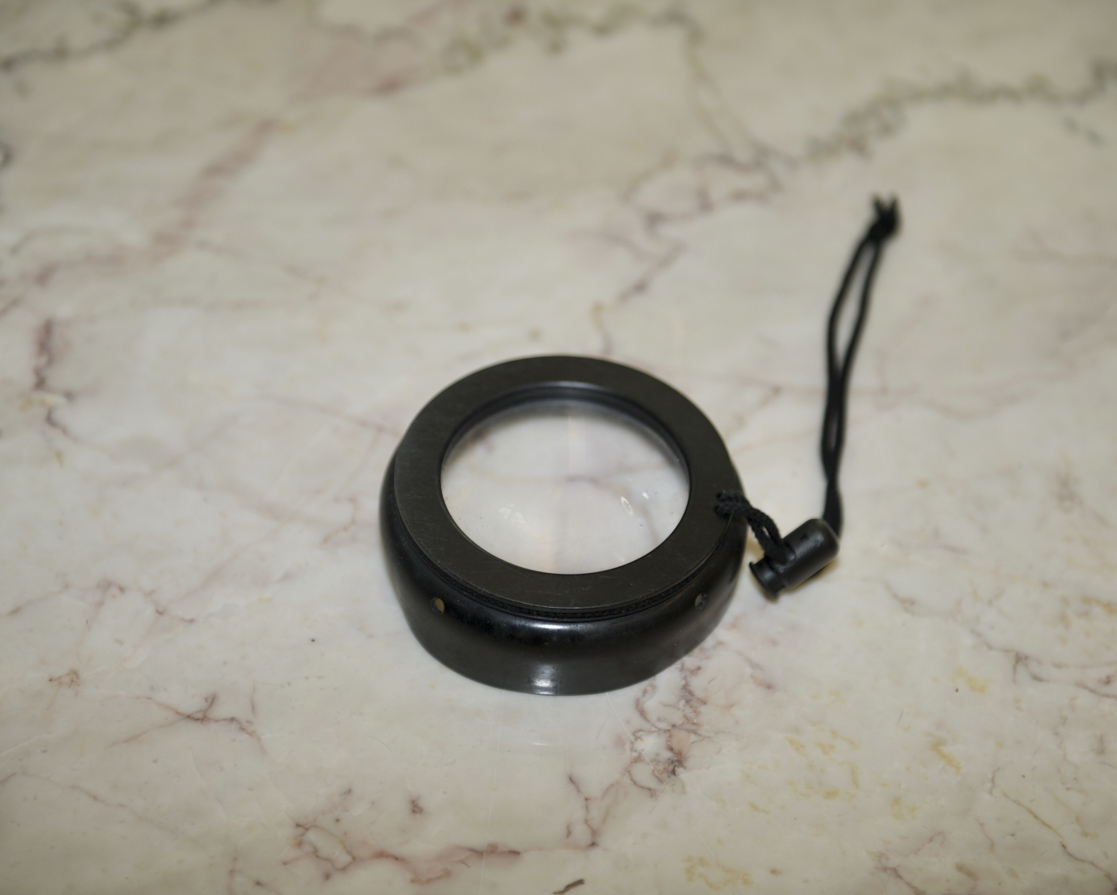
2. Wet lens / magnification for Ikelite port. I believe its a +2 but could be a +5. Use a few times only $20+ postage or I can drop off at ADEX.
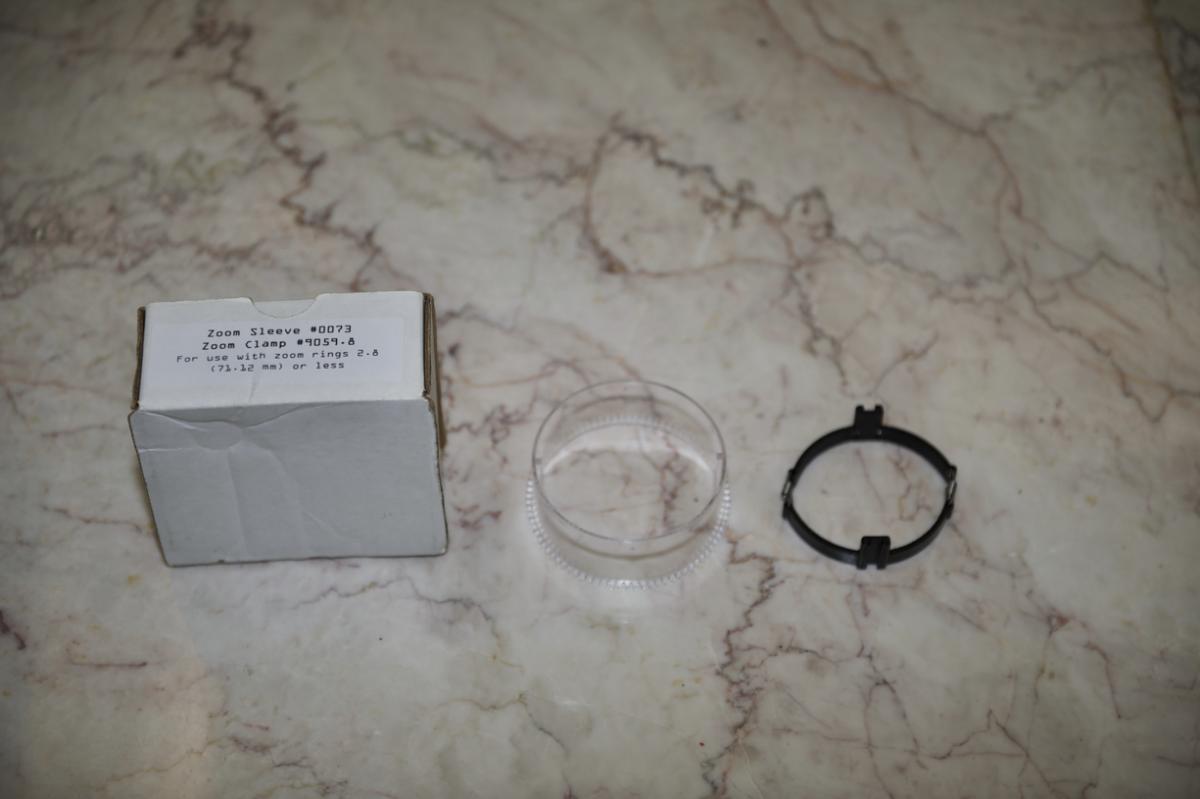
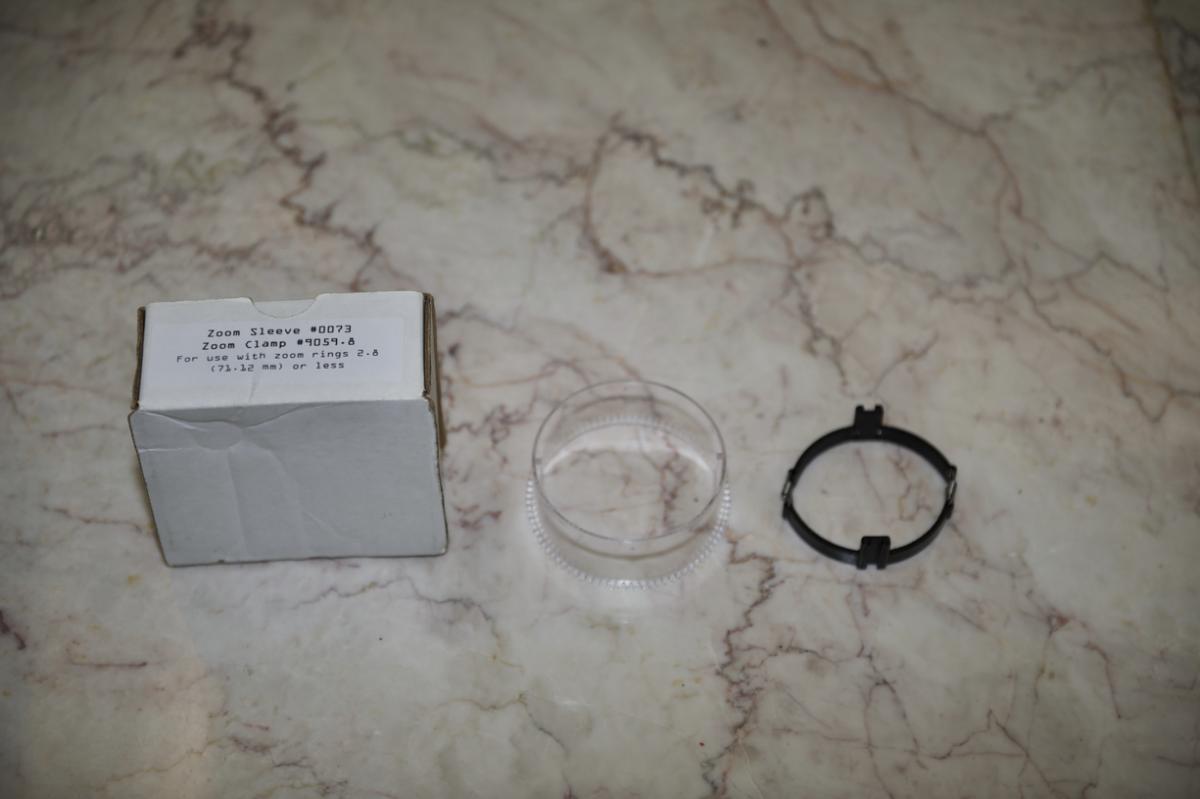
3. Ikelite Zoom sleeve 0073 Zoom clamp 9059.8 For use with zoom rings 2.8 (71.12mm) or less. RRP$20. Sell for 10 EUR plus postage or I can drop off at ADEX.
4. Ikelite 5509.28 zoom clamp / sleeve. Special zoom clamp / sleeve for lens zoom rings 2/8 - 3.0" (71.12 - 76.21 mm). RRP$20. Sell for 10 EUR plus postage or I can drop off at ADEX.
5.kelite extension 5510.22 - rarely used.
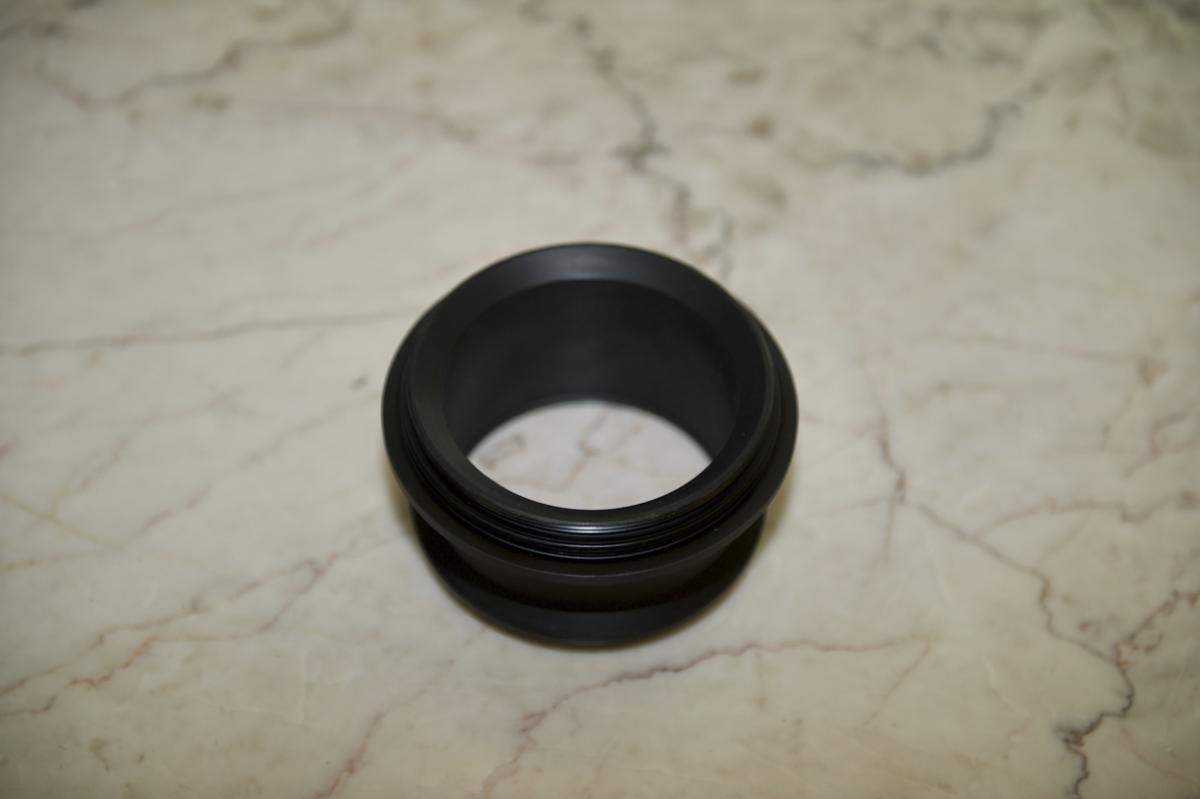
This Ikelite Port Body is for mounting the 8" dome assembly (5510.40) onto Ikelite digital SLR housings. This mount is for select wide angle lenses. Cost 175USD new, 160 Euro. Modular port body which is suitable for Nikon 12-24mm and Canon 10-22mm lenses. When I first started underwater photography I was scared of wide angle so I guess its been used a handful of times. Looks immaculate. Postage from Singapore. I can also deliver to ADEX. Sell for 100$ plus postage.