Hello people,
as I will be leaving the european continent in the not too distant future to go traveling for a bit I would like to sell my current video editing rig.
These are the specs:
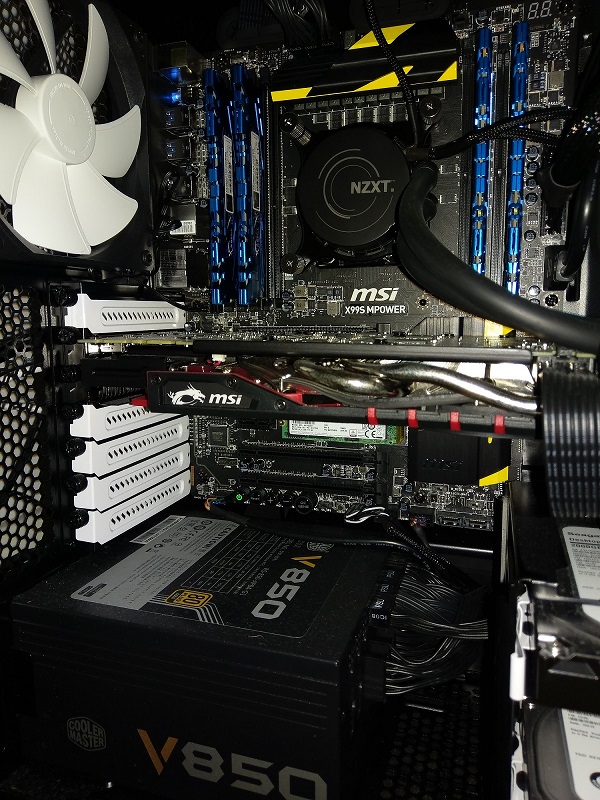
Intel i7 5820K (6 cores)
G.Skill 32GB DDR4-2800 RAM (4x 8GB Quad Channel)
MSI GeForce GTX 970 4GB
MSI Intel Lga2011-3 X99S Mpower Mainboard
Storage:
2 x Samsung 850 Pro SSD 128GB
1 x Samsung 470 SSD 128GB
1x Samsung SM951 256GB M.2 PCI-e Gen3 (incredibly fast - perfect for Cache files etc)
2 x Seagate Barracuda 7200.12 2TB 64MB Cache HDD
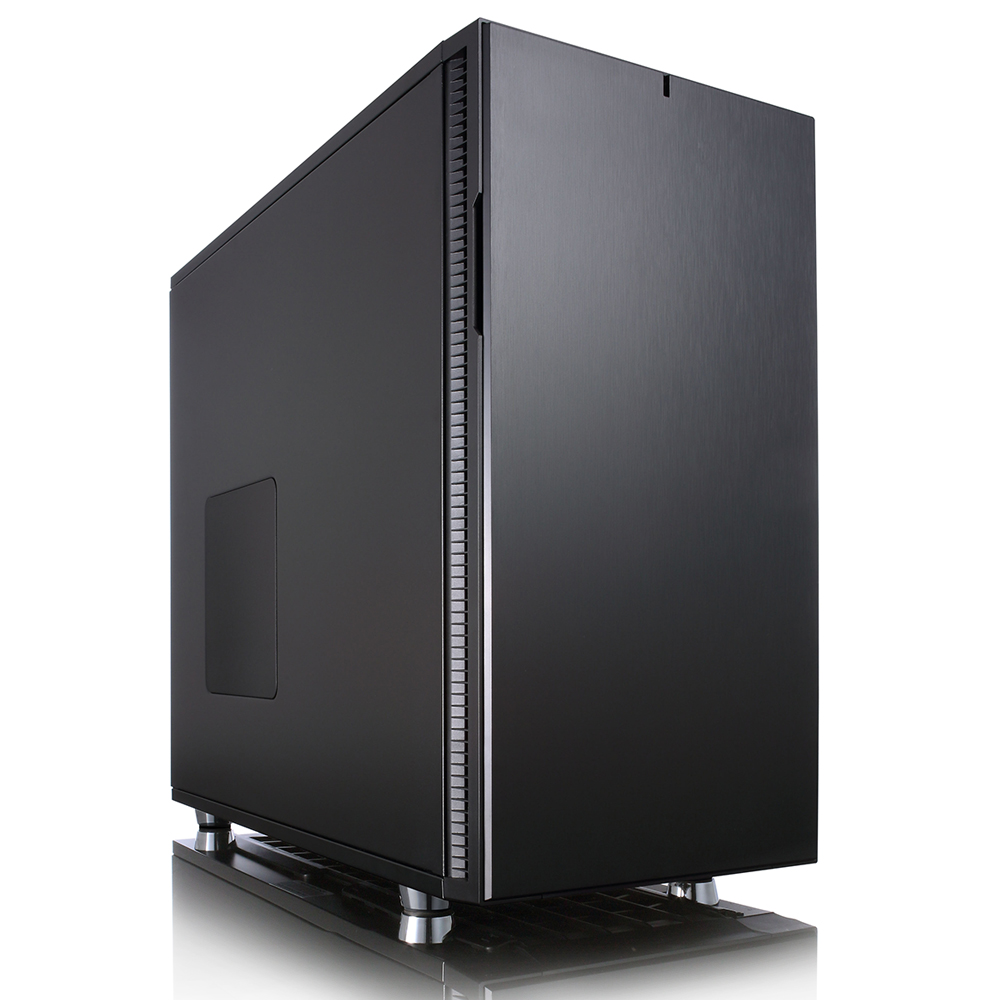
All of this comes in a Fractal Design Define R5 Pearl Case. The CPU is liquid cooled by an NZXT X61 Kraken system. Therefore, the entire system is extremely quiet even under heavy load.
There's also a DVD Burner if anyone still fancies those 
Please note this DOES NOT come with any Operating System installed.
It really is an amazing setup and I hate to sell it actually. My asking price is £1300. It can be picked up from Preston, UK. Shipping would be very expensive I would imagine..
See attached of a picture of the interior. I've ripped the exterior picture off the Fractal website as the case looks brand new anyway. I'd be happy to take a few pictures for anyone that's interested though!