Skip to content

Classifieds / Archived topic

WTS Nauticam Macro Port 94+Multiplier+Focus Ring C100IS-F +diopter flip+ Bar 10 snoot

Started by dovechoco ·

  • 5Posts
  • 5Replies

Read-only discussion

WTS Nauticam Macro Port 94+Multiplier+Focus Ring C100IS-F +diopter flip+ Bar 10 snoot

5 posts
  1. Selling all my Macro photographic item as I have no interest in Macro photography. Items are either New or Used for 4 trips. All Used items are almost new and immaculate mint conditions.


    FREE SHIPPING via Registered mail with tracking details.


    USED:-

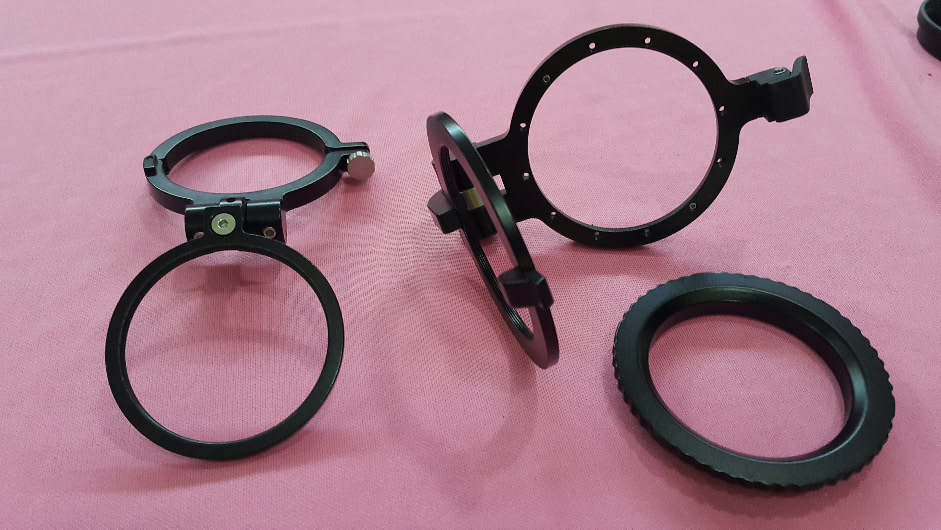
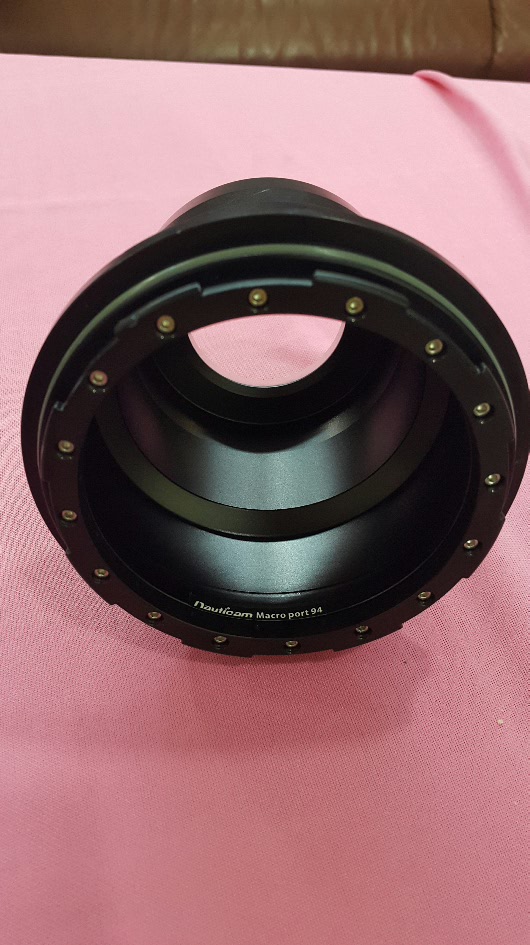
    1. Nauticam Port 94 for Canon 100mm F2.8L. Will include additional O ring.

    Brand new cost USD460. Selling USD360


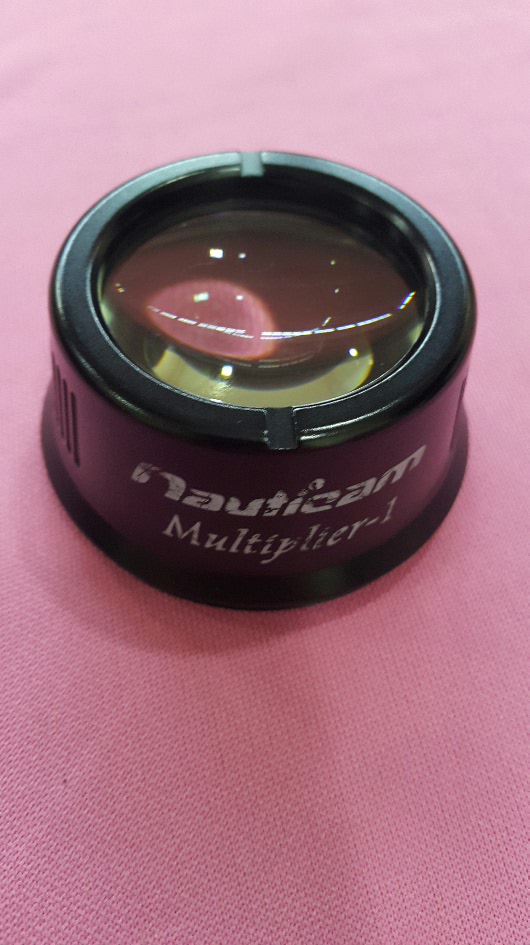
    2. Nauticam Multiplier. New USD450. Selling USD350


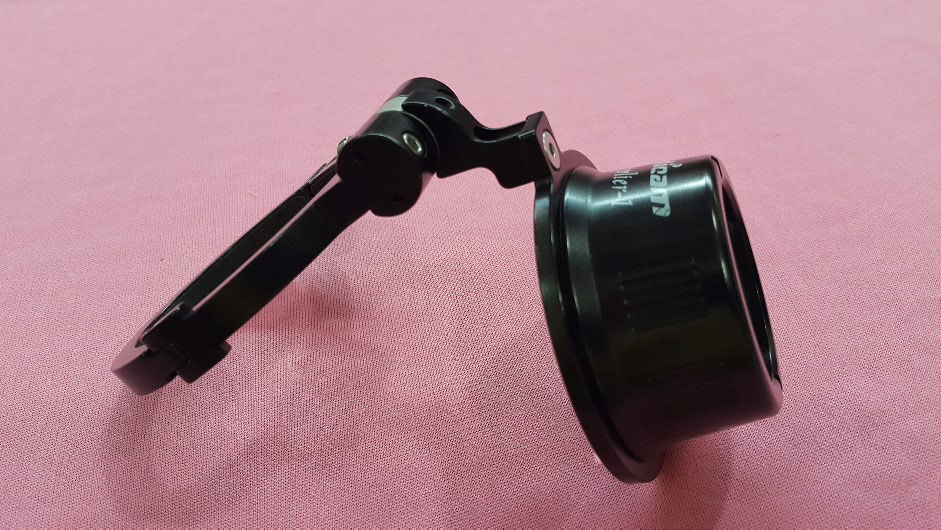
    3. Nauticam flip for diopter model 81221. Fit multiplier. New USD160. Selling USD110


    4. Nauticam flip for diopter Model 25101. Fit SMC. New USD260. Selling USD 180


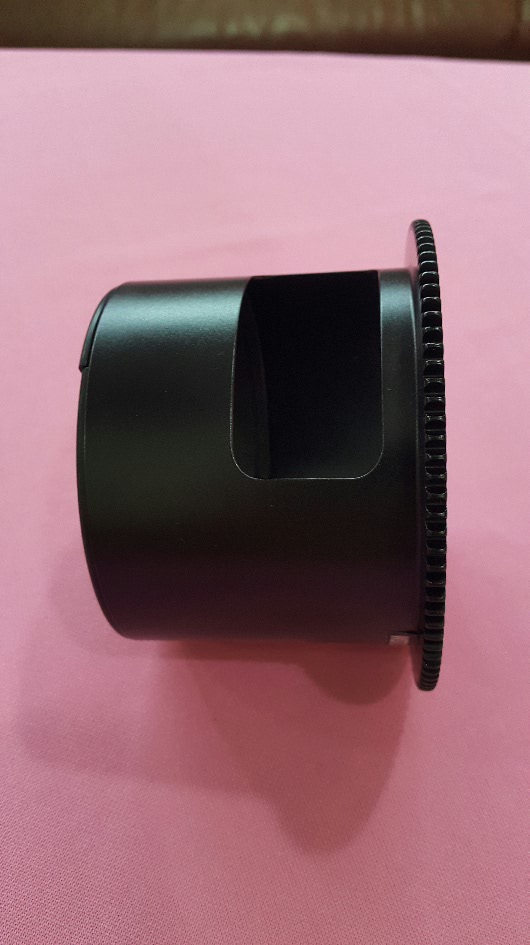
    5.Nauticam Focus ring C100IS-F. New USD175. Selling USD120


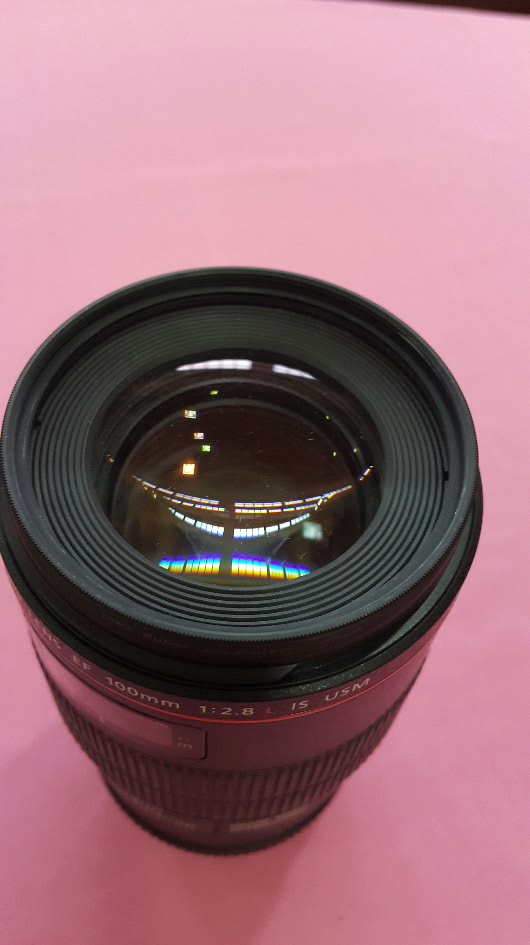
    6. Canon EF100 F2.8L IS macro lens. Selling USD680. Kept in electronic dry box. Guarantee no fungus.


    NEW:-

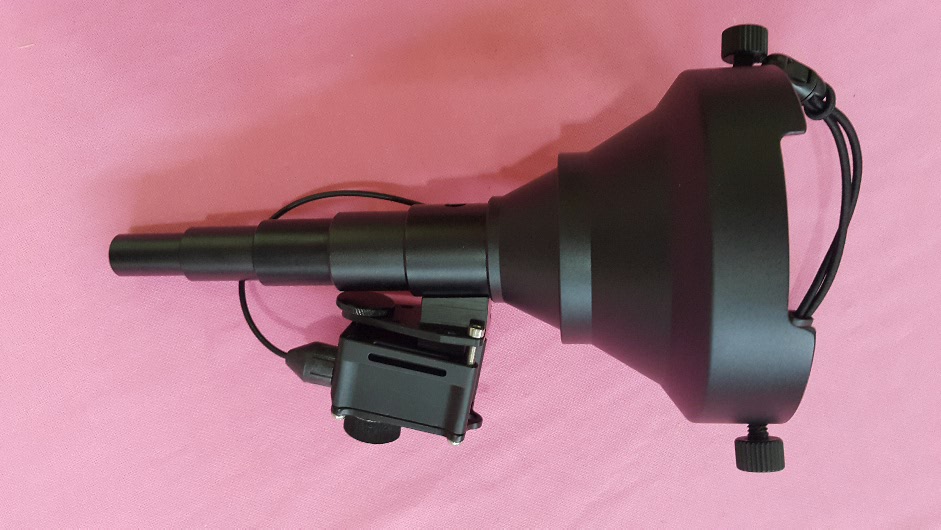
    1. Bar 10 snoot for Inon Z240. New USD150. Selling USD100


    TERMS & CONDITIONS OF SALE:-

    COD at Desa Sri Hartamas, Kuala Lumpur.


    TT transfer for Nation & Worldwide shipping. Will Ship worldwide by registered mail.


    As I may not receive all your messages, you may contact me via email at Dove_choco@yahoo.com or watsapps me +60123877111
    post-46250-0-95477500-1491302289_thumb.jpg

    post-46250-0-47827000-1491302333_thumb.jpg

    post-46250-0-23592400-1491302381_thumb.jpg

    post-46250-0-14443600-1491302402_thumb.jpg

    post-46250-0-29935400-1491302645_thumb.jpg

    post-46250-0-84475700-1491302762_thumb.jpg

    post-46250-0-02647900-1491302825_thumb.jpg

    Edited by dovechoco
  2. SNOOT SOLD. TQ MITCHELL

  3. Port 94 and Focus Ring sold

  4. Everything has been SOLD.


    THANK YOU

Reef Photo & Video

Account

Navigation

Search

Search

Configure browser push notifications

Chrome (Android)
  1. Tap the lock icon next to the address bar.
  2. Tap Permissions → Notifications.
  3. Adjust your preference.
Chrome (Desktop)
  1. Click the padlock icon in the address bar.
  2. Select Site settings.
  3. Find Notifications and adjust your preference.