Skip to content

Classifieds / Archived topic

Sony RX100 Camera with housing and extras

Started by Eliasesq ·

  • 9Posts
  • 9Replies

Read-only discussion

Sony RX100 Camera with housing and extras

9 posts
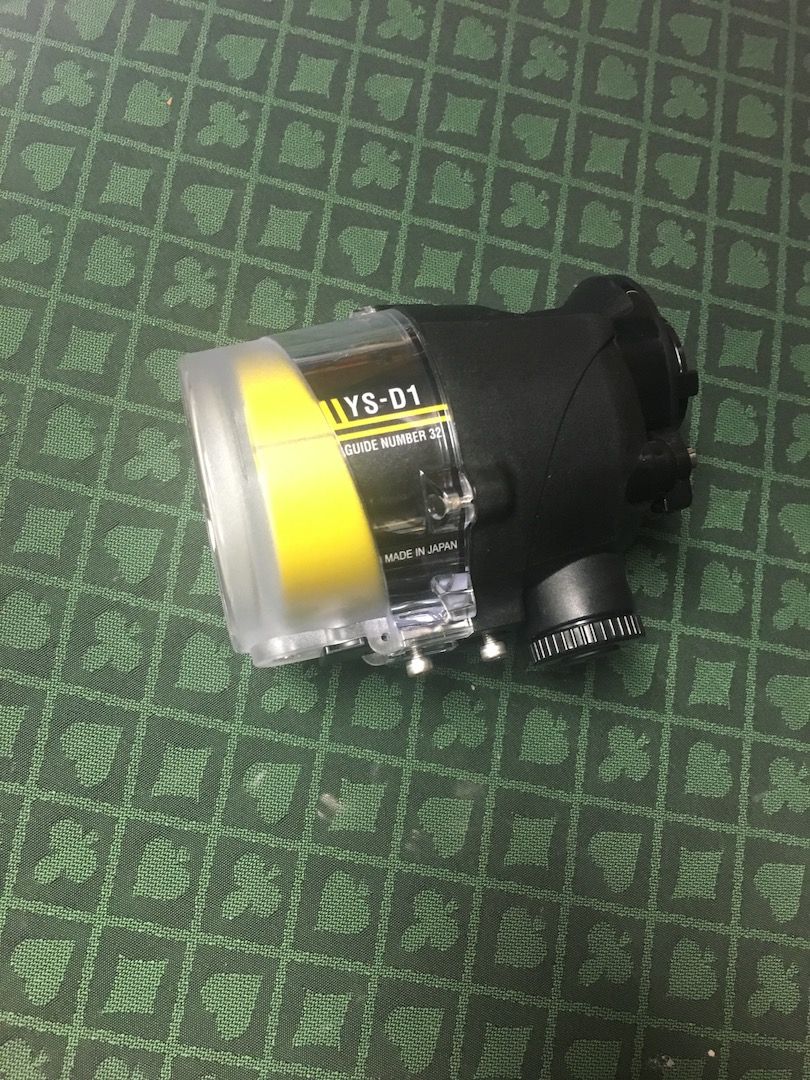
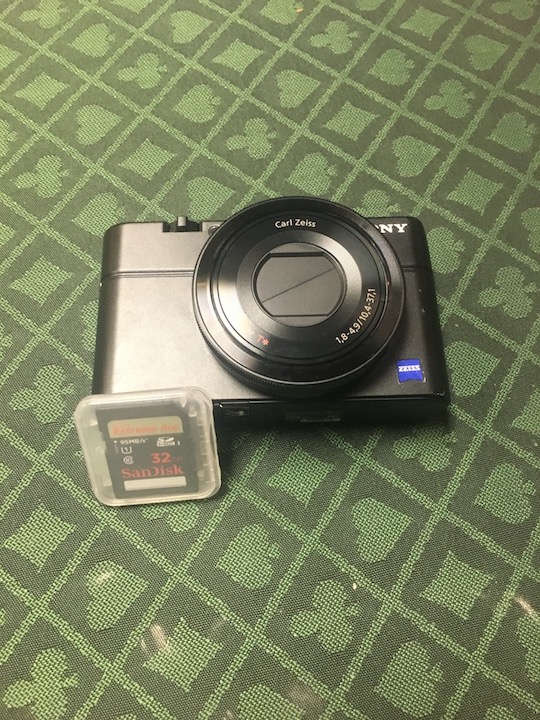
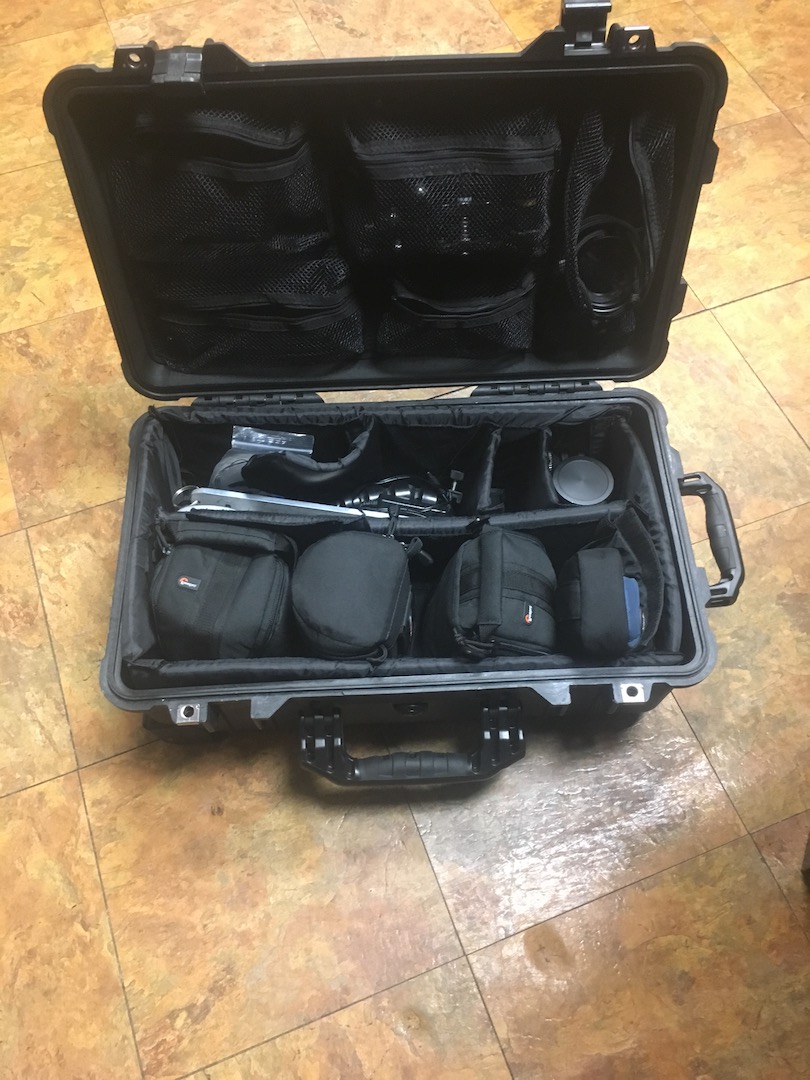
  1. Complete Sony RX100 digital camera and underwater housing kit. Kit includes, YS-D1 Strobe, Tovatech video light, macro lens, fish eye lens, RecSea RX100 underwater housing, custom built aluminum tray for the housing, blue water red filter, extra battery for the camera, Pelican 1510 waterproof carry case, 32gig SD card, and many light and mount accessories. All lenses are set up for quick connect. Only used on recreational dive trips. Approximately 30 dives. Never had any issues with seals or the system. Everything works like brand new.


    My photos are too big to upload, photos available on request. Asking $3000 or best offer.
     

    post-58263-0-87817200-1491268094_thumb.jpg

    post-58263-0-90523700-1491268177_thumb.jpg

    post-58263-0-70775800-1491268252_thumb.jpg

    Edited by Eliasesq
  2. Do you sell separately the strobe ?


    Envoyé de mon iPhone en utilisant Tapatalk

  3. Do you sell separately the strobe ?


    Envoyé de mon iPhone en utilisant Tapatalk

    Right now I'd rather just sell everything as a set. I am willing to negotiate on the price of course.

  4. Hi.

    Where are you located?

  5. Hi.

    Where are you located?

    I am in Michigan.

  6. Would you be interesting in selling the housing separately?

  7. Sweet setup. Is this the latest version of the RX100 -- i.e. Model V?

  8. It is not the latest version of the RX100. I am motivated to sell. I'd like to keep the set intact rather than parting it out. Make me an offer.

  9. Hi. Is this still available. Would like to see if possible to buy as a whole set up. I'm based UK

Aquatica

Account

Navigation

Search

Search

Configure browser push notifications

Chrome (Android)
  1. Tap the lock icon next to the address bar.
  2. Tap Permissions → Notifications.
  3. Adjust your preference.
Chrome (Desktop)
  1. Click the padlock icon in the address bar.
  2. Select Site settings.
  3. Find Notifications and adjust your preference.