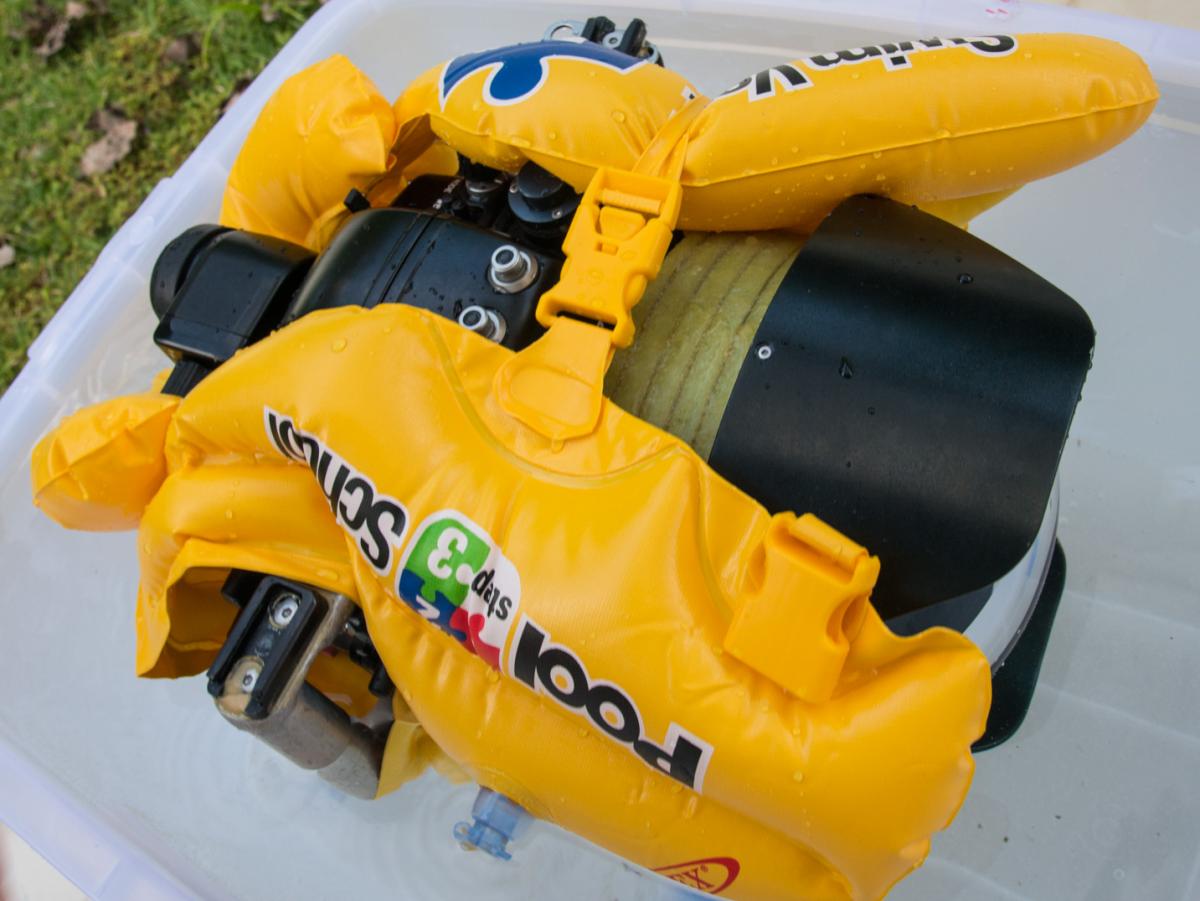
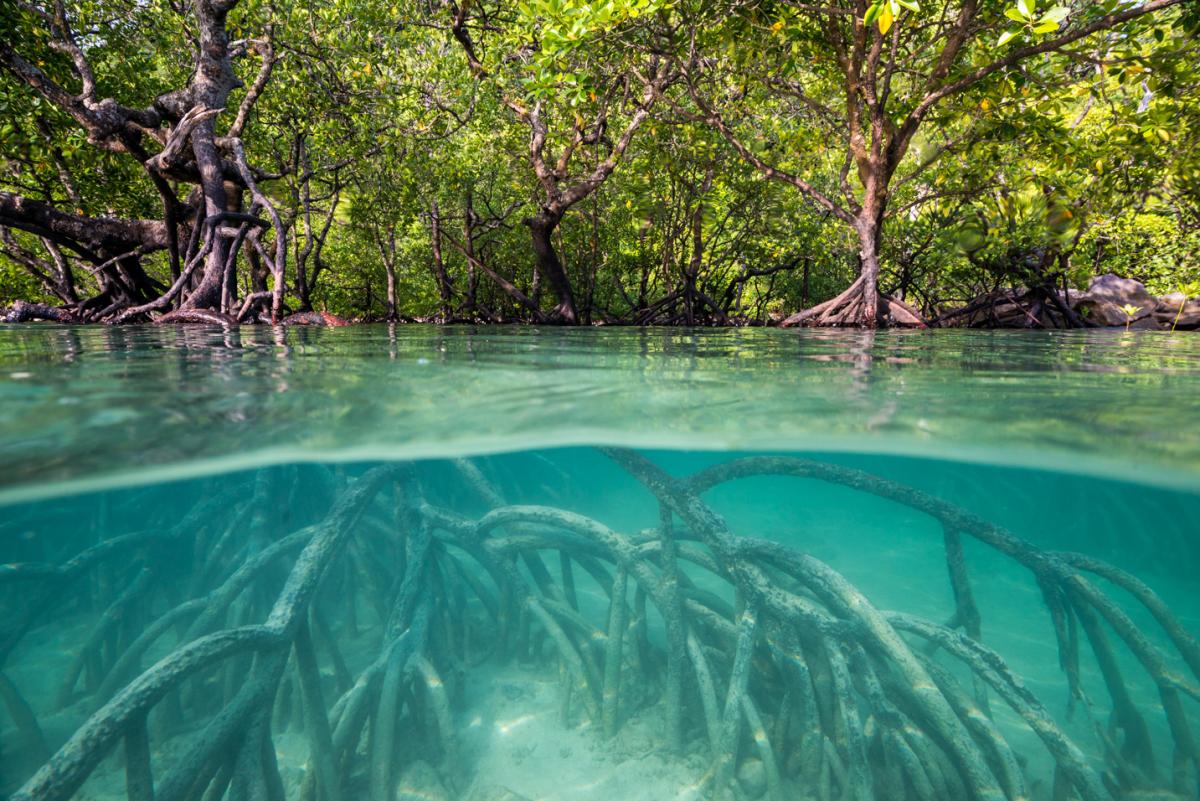
I'm hoping to be in mangroves with clearish water at the weekend and wanted a way to support a Nauticam D800 housing with the 16-35 and 230mm dome at roughly the right level for half and half shots. This inexpensive Pool School life vest from Toys R Us (in Phuket) even has holes for the housing handles. I added a hard foam collar to the port extension for a little extra buoyancy.
GENIUS!!!!! Thanks for sharing, I've been trying to figure out something similar to this for some time now, (btw, foam noodles are really great for their intended purpose, which does not include cradling my housing like a baby....)
Would love to see what kind of shots you got with this set up
-KT
A cracking idea! Well done!!
Hi Pete
Half and half in mangroves sounds fun - different from the Menai today anyway.
That looks like a brilliant solution - i hope you can let us know if it works
Hi Pete
In the picture the vest in a litle to the front of the dome.
Does it not gets into the field of view? Or do you need to zoom in to avoid it?
Never-the-less, great idea!
BR
Pedro Alves
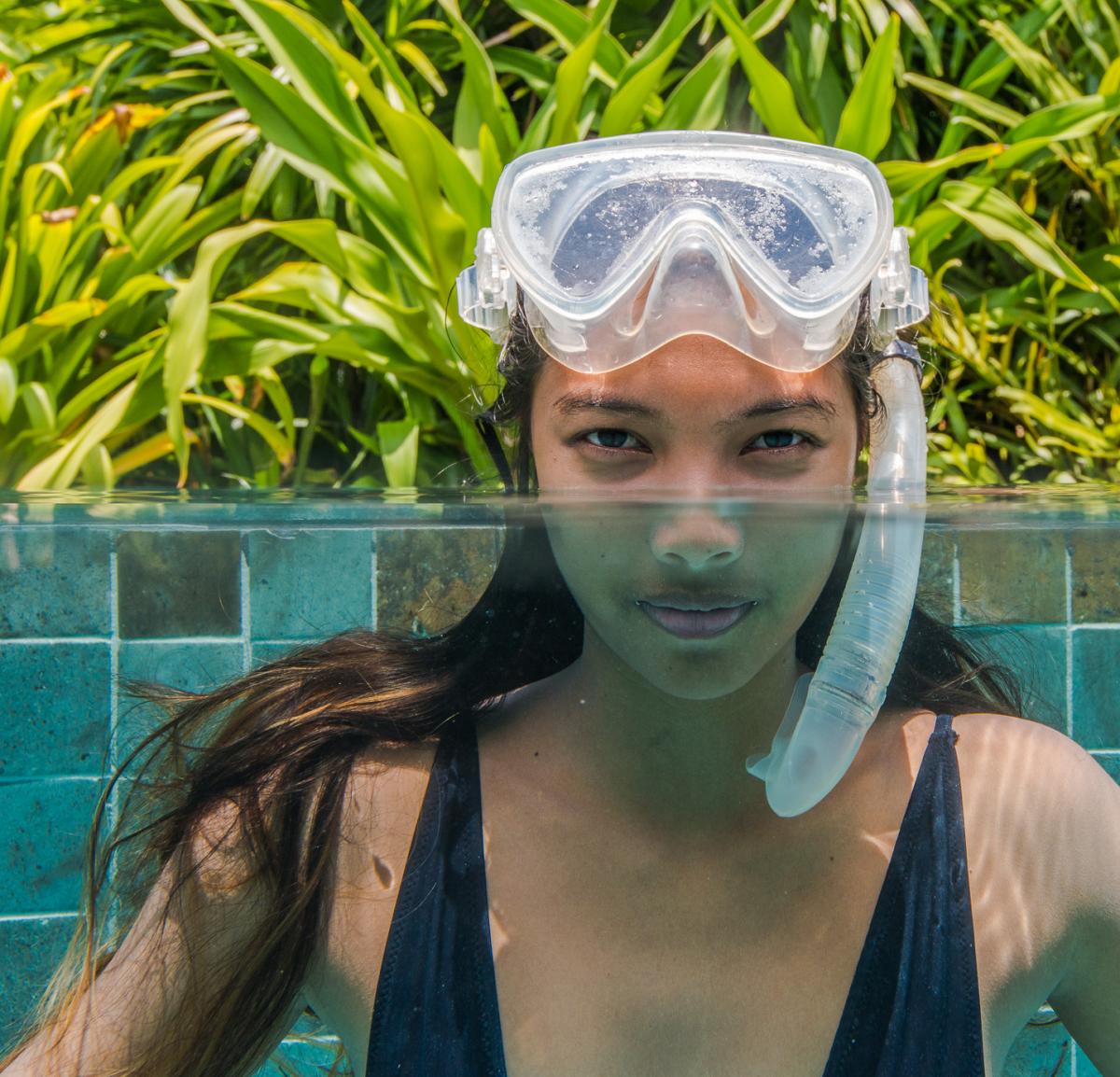
Hi Pedro, I imagine with a fisheye I would need to shuffle the lifejacket back a bit not to vignette, but these are with 16-35 and split +2.
And in a pool... The bottom section is scaled in Photoshop to fit the top section.