FS: Hugyfot Canon 5dMkii housing with dome and DSLR body
Started by geoffd ·
8Posts
8Replies
Read-only discussion
FS: Hugyfot Canon 5dMkii housing with dome and DSLR body
8 posts
For sale:
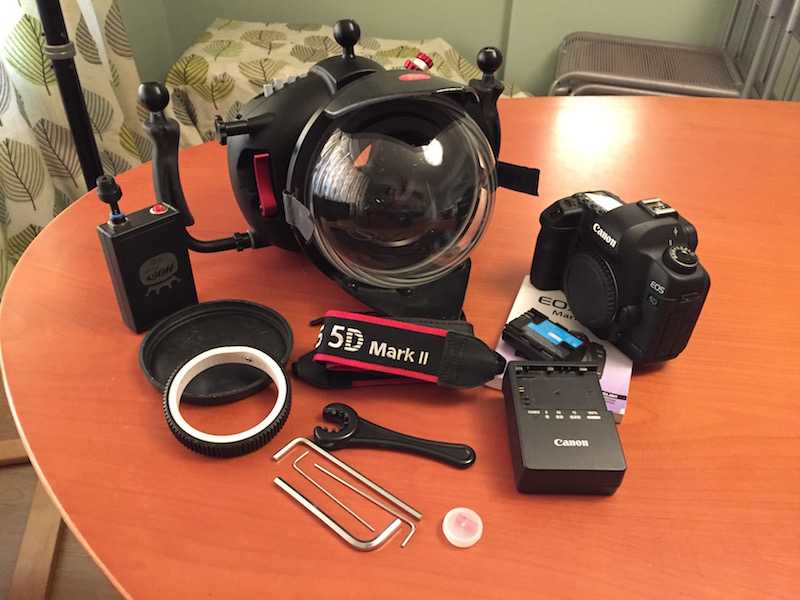
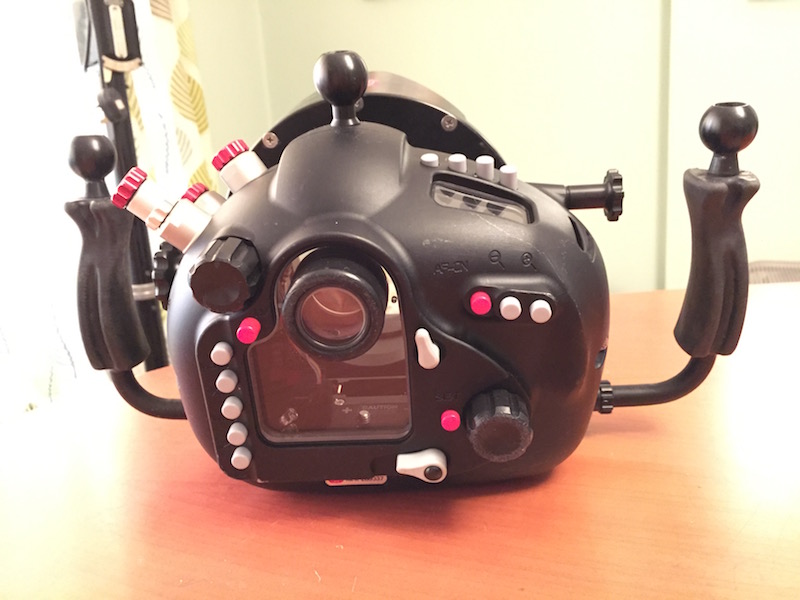
Hugyfot Canon 5DMkii housing with 50mm stepping ring and 7” acrylic dome and neoprene cover Zoom ring for 16-35mm lens HugyCheck pump Includes 5DMkii body with battery, charger and strap.
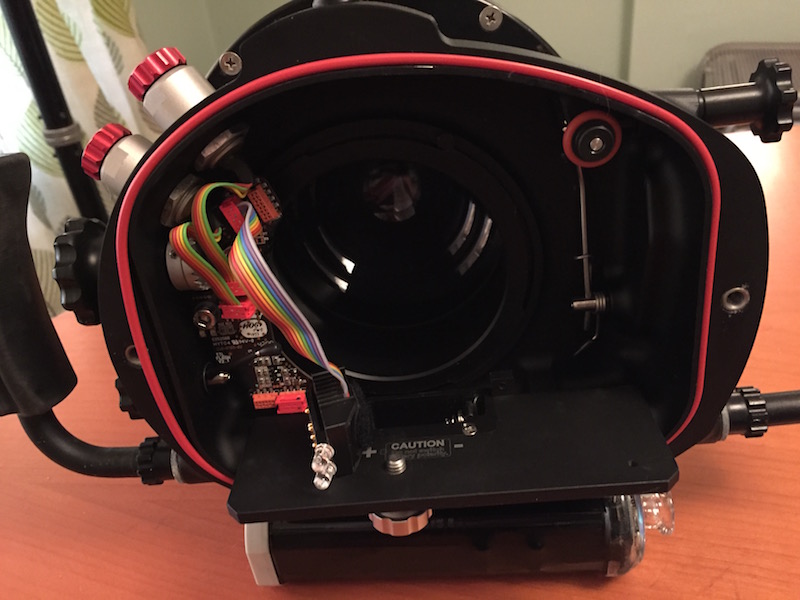
In very good condition, never leaked or flooded. Buttons have been upgraded by Hugyfot to 150m springs. There are several scratches to the dome (acrylic).
Located in Brighton, UK. Will ship worldwide at buyer’s cost, can be collected locally or meet in London.
Looking for £1,795 or reasonable offer.
Will consider selling housing on its own without body.
On reflection I think I may have overpriced this. Revised price £1,595.
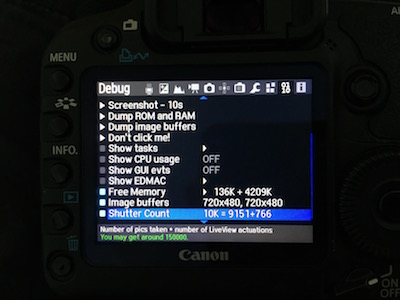
I've been asked for the shutter count on the 5DMkii, it's 10k.
Price drop to £1,350.
Will also sell without the Canon body if you only want the housing.
Will sell without the 5D Mk ii body.
So, housing, stepping ring, zoom gear, dome port and Hugycheck is £950 or good offer.
Will ship worldwide, payment via bank transfer or Paypal.
Hey geoffd would be interested in both 5d MkII and housing if still for sale, could you PM me.
Now SOLD.
Nice Geoff, I'm in the same area as well considering selling my rx100ii with naughtycam housing. Is wetpixel the best place to post it for sale or is there a better avenue in Sussex?