A week with the Nauticam WWL-1 Wide Angle Lens, in Cozumel
Started by NWDiver ·
5Posts
5Replies
Read-only discussion
A week with the Nauticam WWL-1 Wide Angle Lens, in Cozumel
5 posts
It is a well reviewed wet lens but here is one more. We took a "real" vacation to Cozumel; two easy drift dives in the morning and then lunch by the pool with margaritas! First drink last dive...no worries!
As I have documented years ago I dropped my DSLR gear for the Sony RX100 line in Nauticam housings. I love to shoot wide angle, anyone can shoot macro
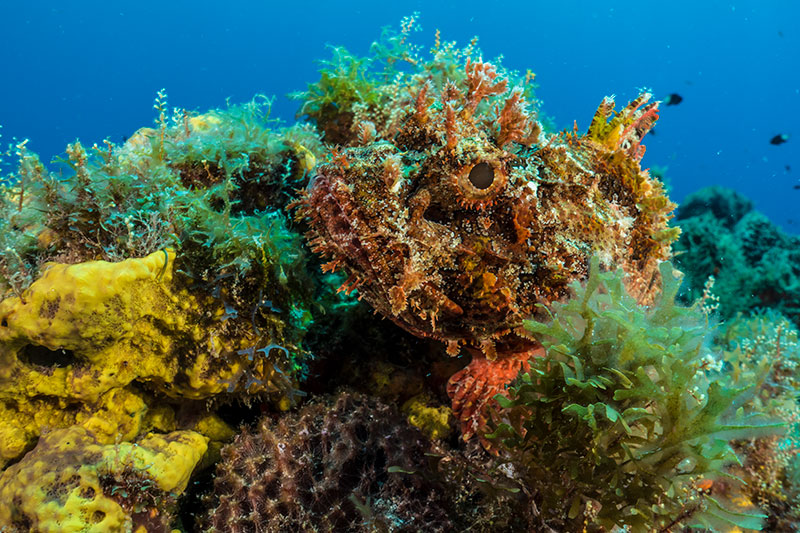
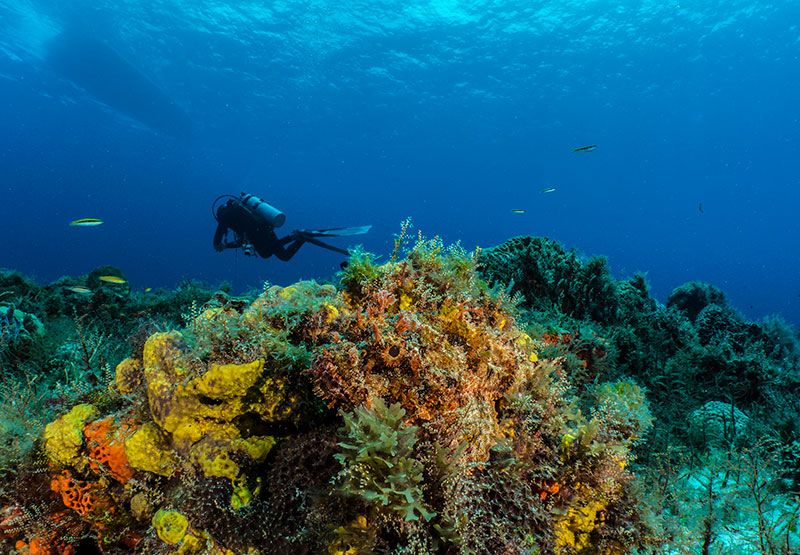
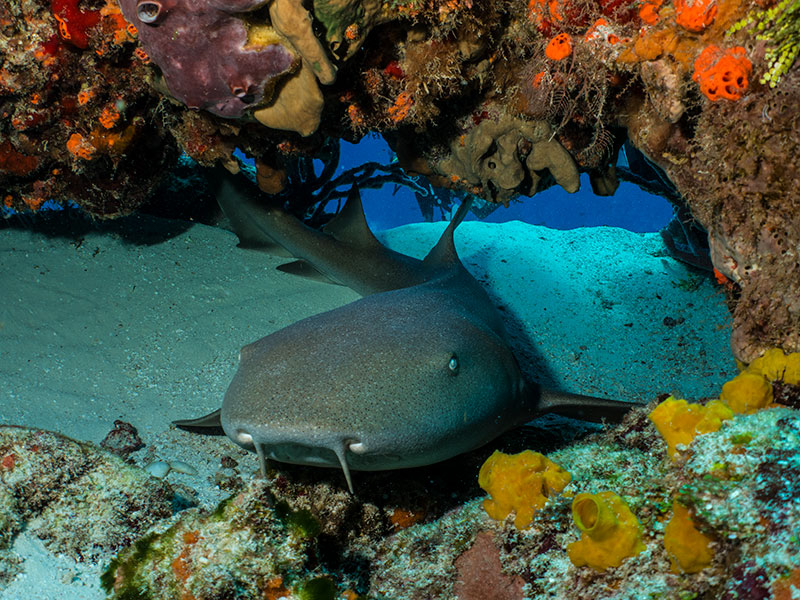
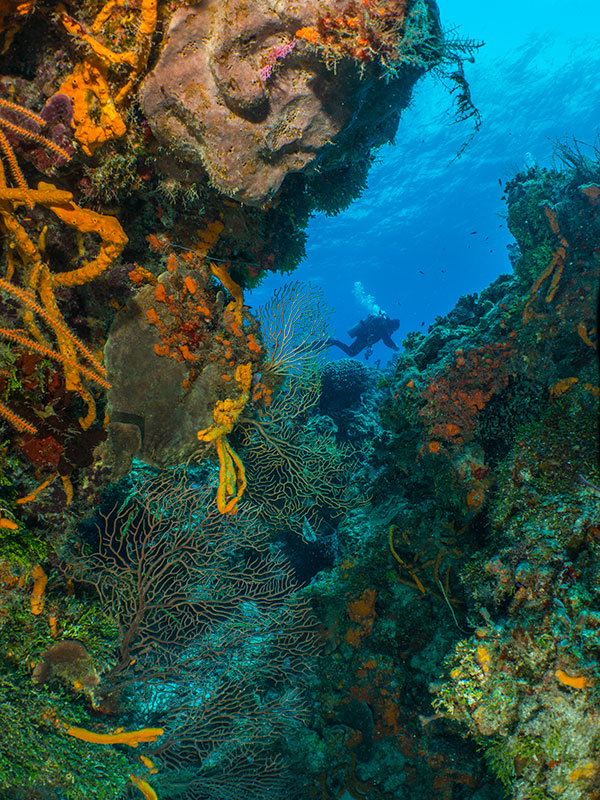
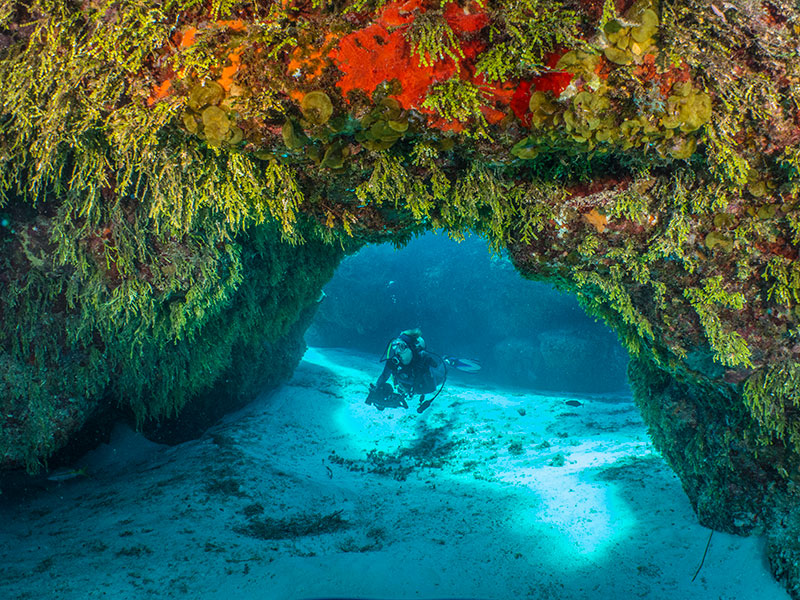
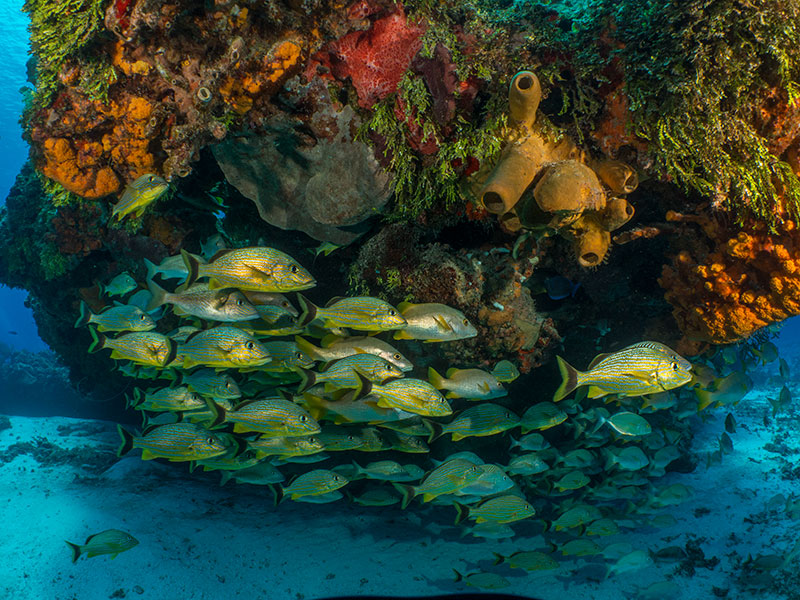
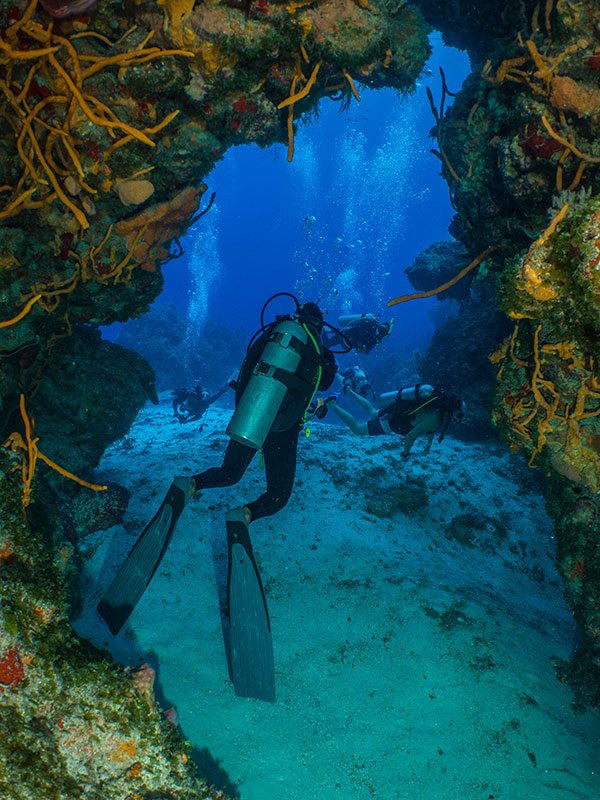
I found it had pretty good range, see below. I did find I needed to be around f.8 or the shots needed a fair amount of sharpening. I did not take it off all week as Coz is mainly drift diving. Great trip but really need to get back to Indonesia.
Nice shots, post more if you can!! I have to say I love this little rig with the WWL-1, it's a very capable compact system.
Ok a couple of more.
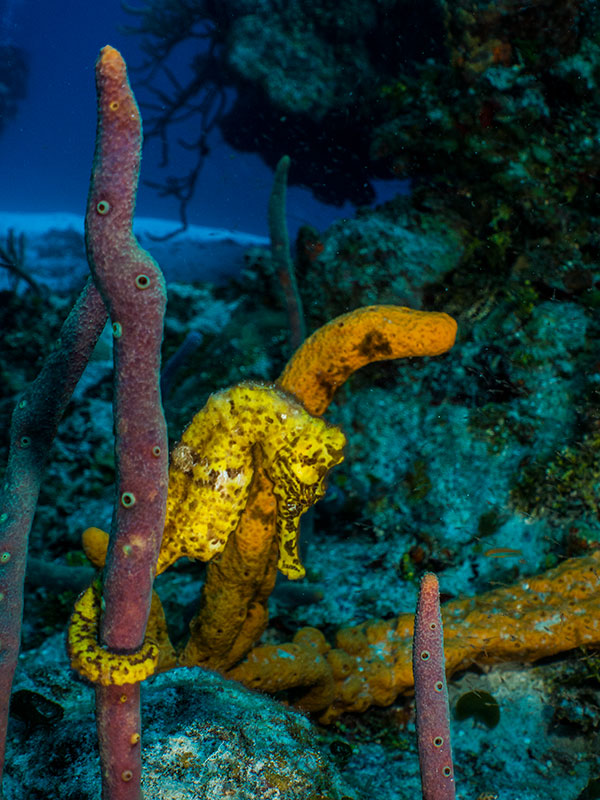
Providing the seahorse shot just to give an idea of how "small" it will shoot. I did buy the Nauticam float collar, but never used it. With a few Stix floats on the arms really easy to shoot one handed.
Fantastic shots. Thanks.
Very nice shots! Cozumel is so colorful. Those wide-angle conversion lenses are so versatile, with image quality to make them a great choice.