Sea & Sea YS250 Pro Package
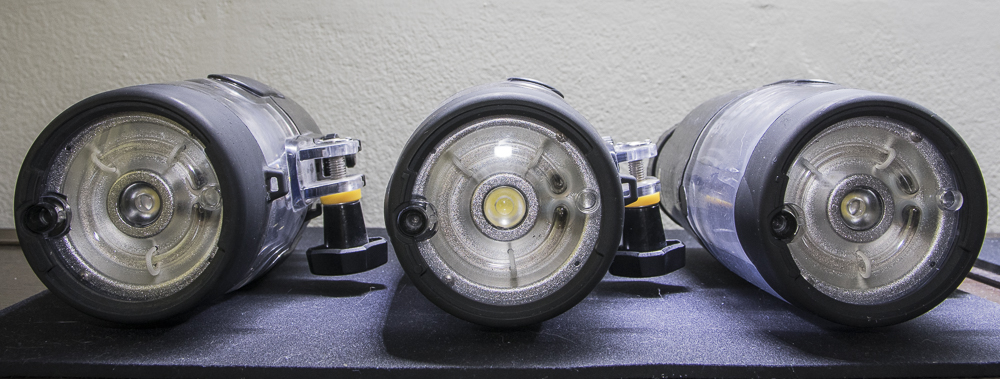
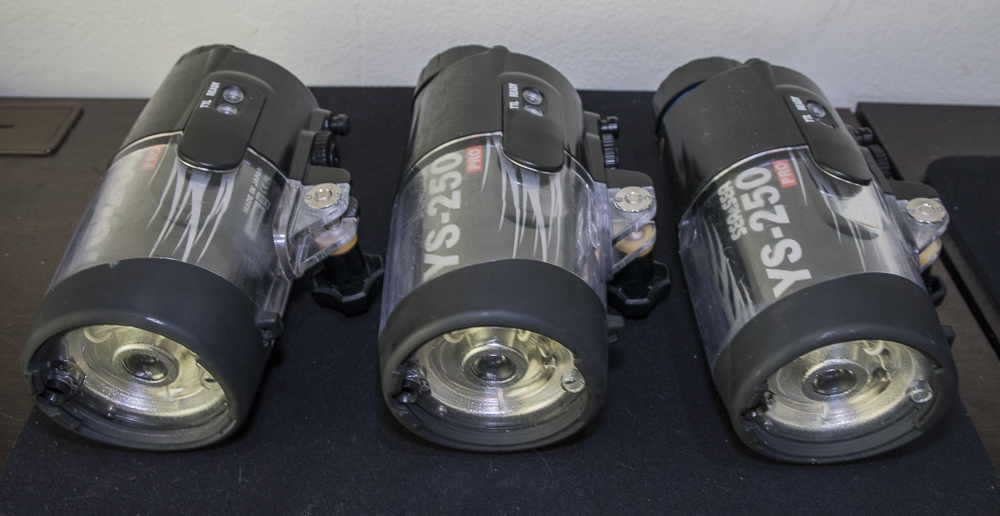
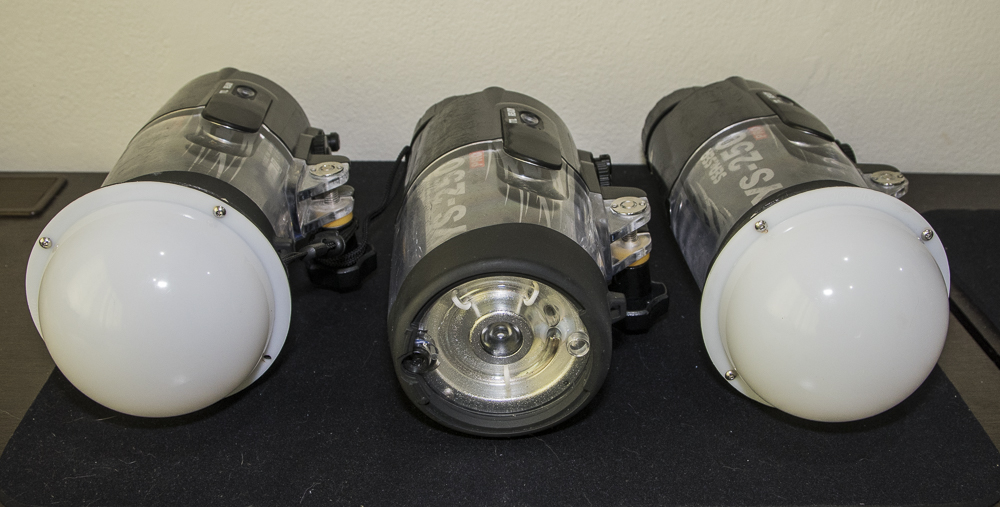
Three Sea & Sea YS-250 Pro strobes. In good working condition, as expected they show usual signs of usage (i.e. small scuff marks on the body) but functioning fine.
- YS-250 Pro Strobe & Diffuser x 3
- Inon YS-Ball Mounts MV x 3
- GlowDive Dome Diffuser x 2
- Charger x 3
- Batteries x 5
- Spare Battery Cap
- Spare Battery Cap O-Rings x 4
- Spare Sync Cord Cap
- Spare Sync Cord Cap O-Rings x 7
- Sea & Sea Silicon Grease x 2
- Neoprene Beam Restrictors x 2
- Surge Protection for 2 x YS250 Charger + Camera Battery Charger (Fig. 8 C7 Connection) - UK Plug + Type B 3 Pin Grounded AC Plug Travel Adapter
I have been using a single set of batteries, as they easily last two dives. The spare batteries have not been used recently but I charged them today and they worked fine, recycling the strobe from a full power test-dump in the usual time.
Complete package US$1600 + Tracked Shipping Costs
Items located in Thailand - Will ship worldwide. Payment via PayPal or Bank Transfer.
Also willing to split one strobe from the package. $500 + Tracked Shipping Costs for Strobe, Charger, Ball Mount, 1 x Spare Battery Cap O-Ring & 1 x Spare Battery Sync Cord Cap O-Ring.
Optional Accessories available if required (price to be discussed):
- 2 x Nightsea Fluorescent Filters
- Saga Dive Optical Snoot
- Sea & Sea 5-Pin Sync Cords
- Sea & Sea Dual 5-Pin Sync Cord