Skip to content

Classifieds / Archived topic

For sale Hugyfot housing for Canon 7D

Started by ale.cere ·

  • 3Posts
  • 3Replies

Read-only discussion

For sale Hugyfot housing for Canon 7D

3 posts
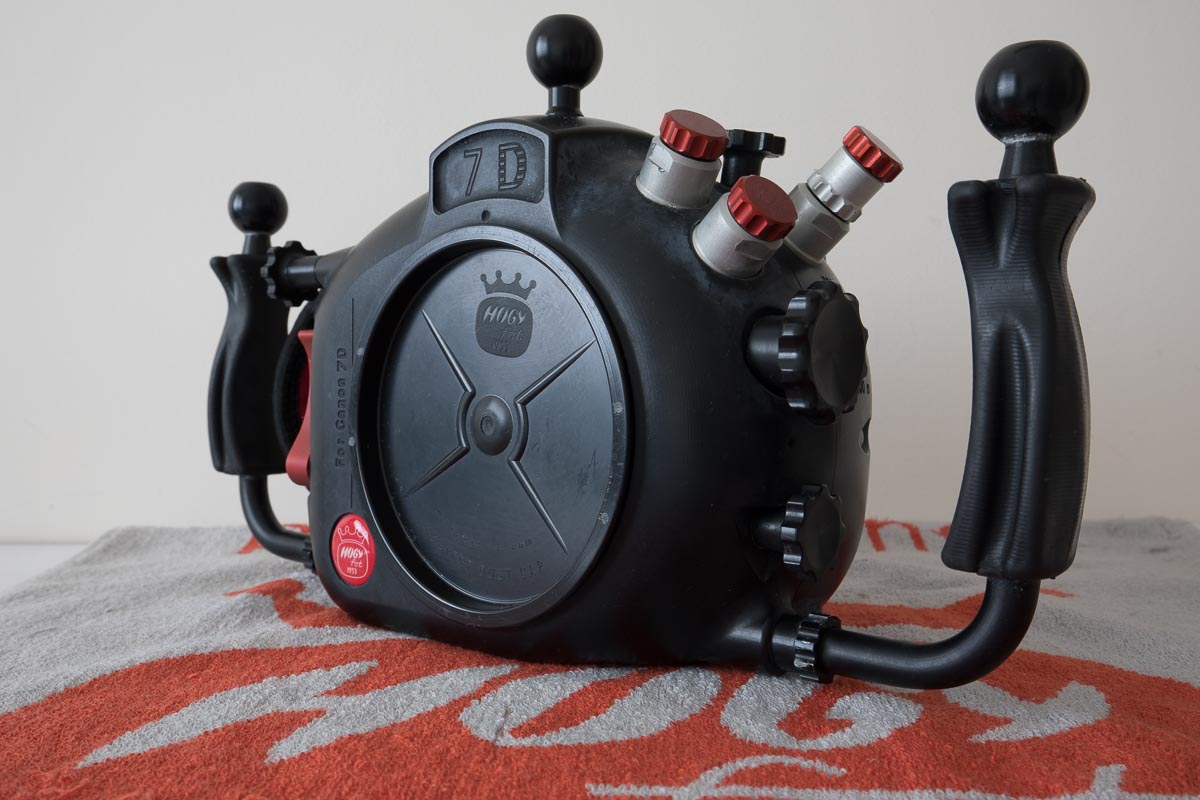
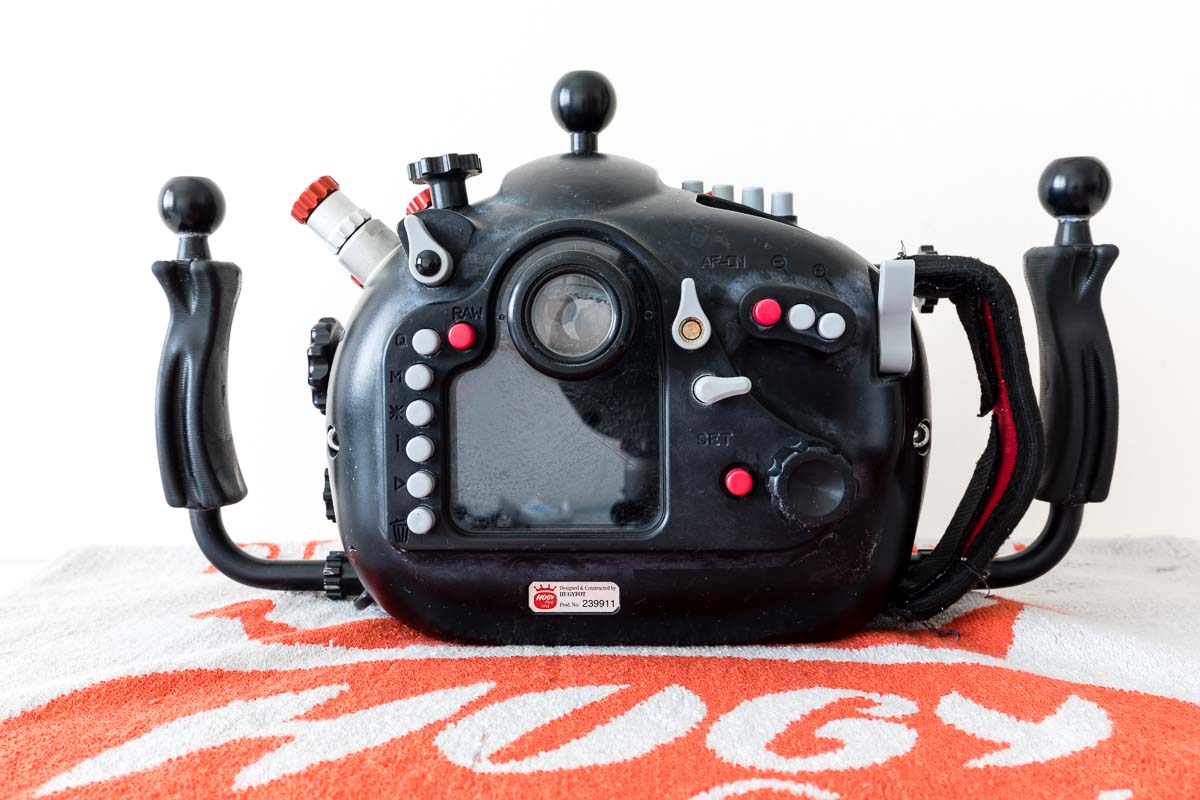
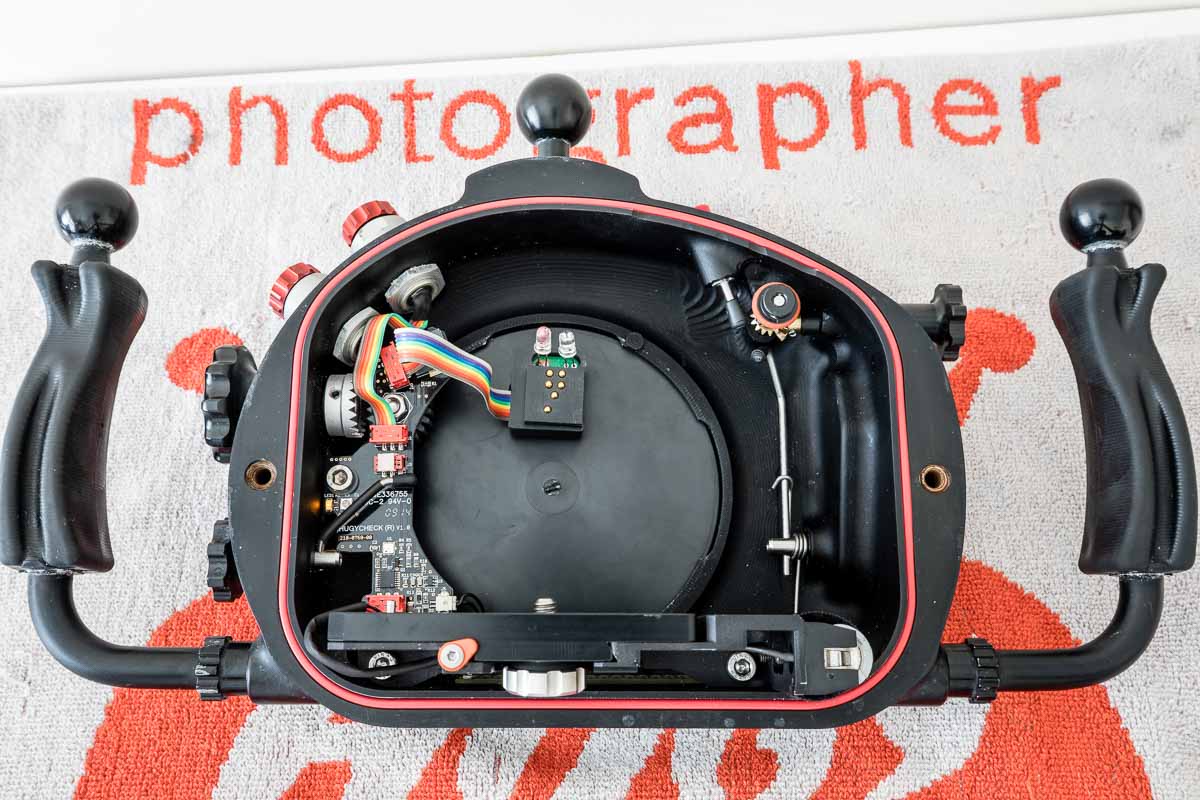
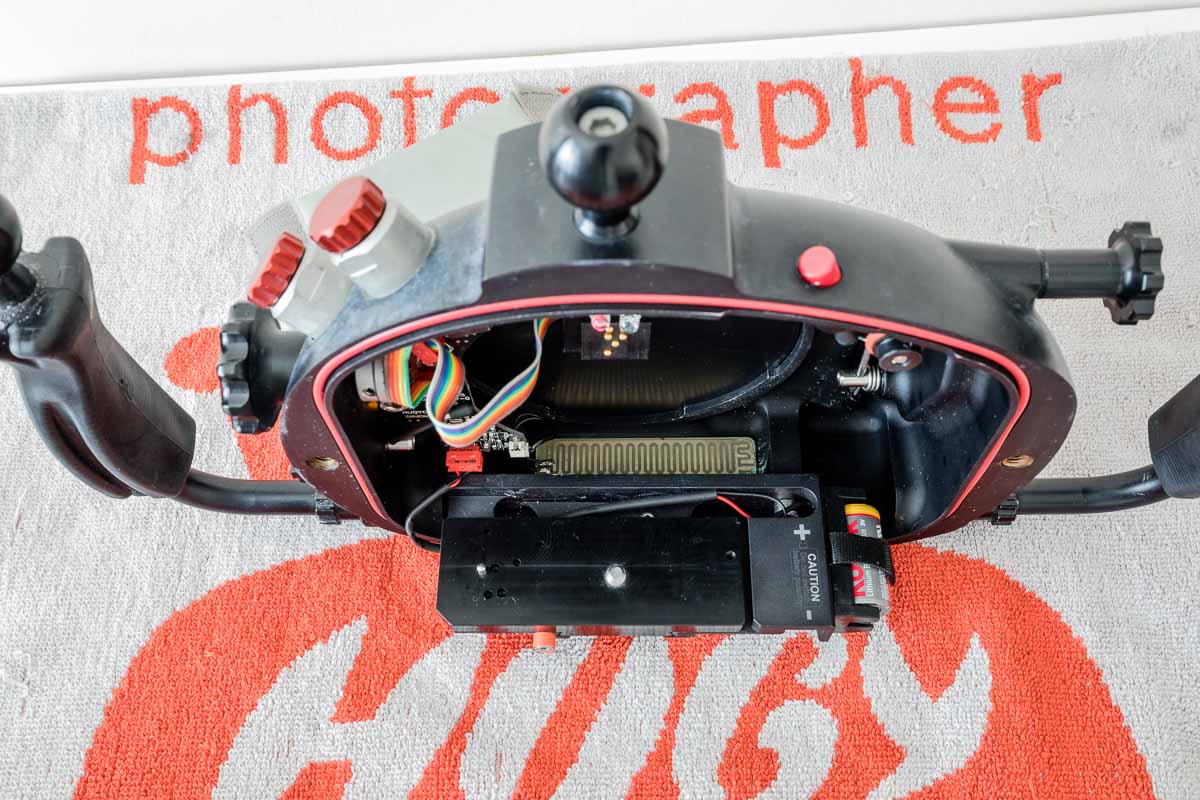
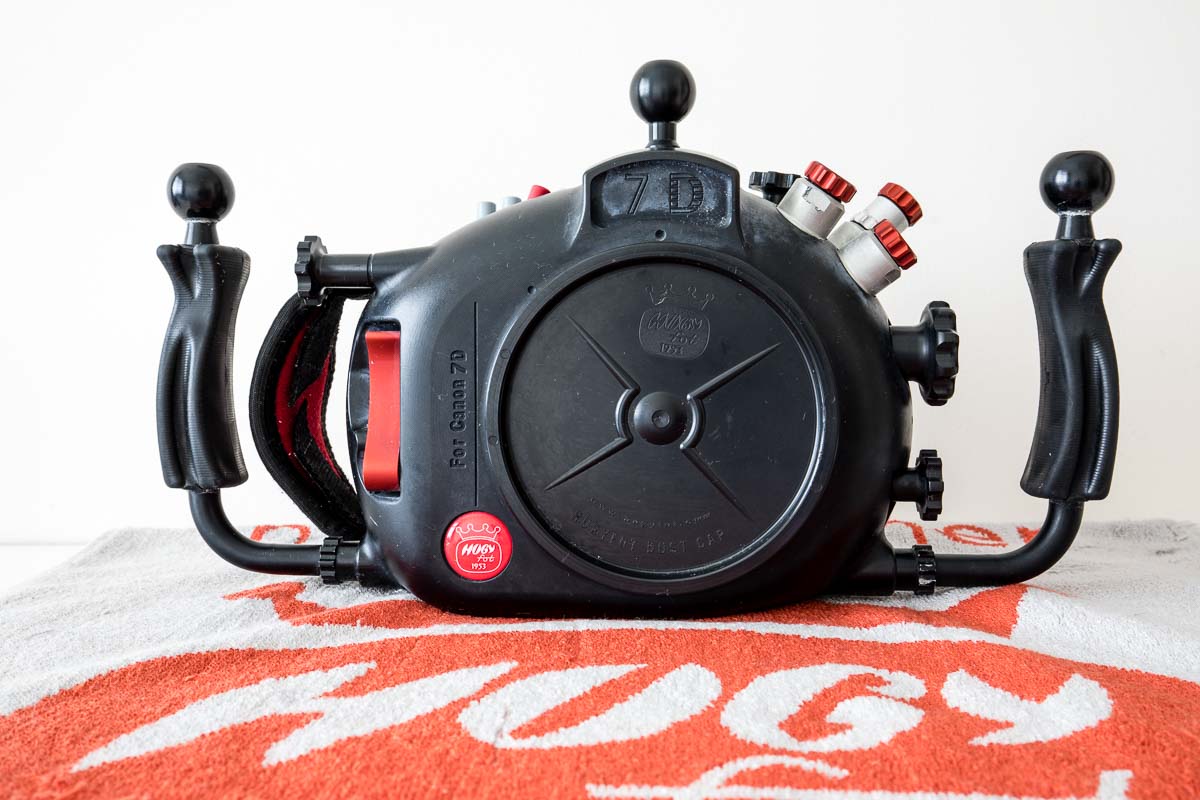
  1. I am selling my Hugyfot housing for Canon 7D.


    The housing is in very good conditions, only minor scuffs and use marks. I regularly sent it out for revisions, never experienced mechanical fault or flooding.


    For sample of pictures I took with this combo: http://www.alecere.com/Portfolios/Portfolio-UW/


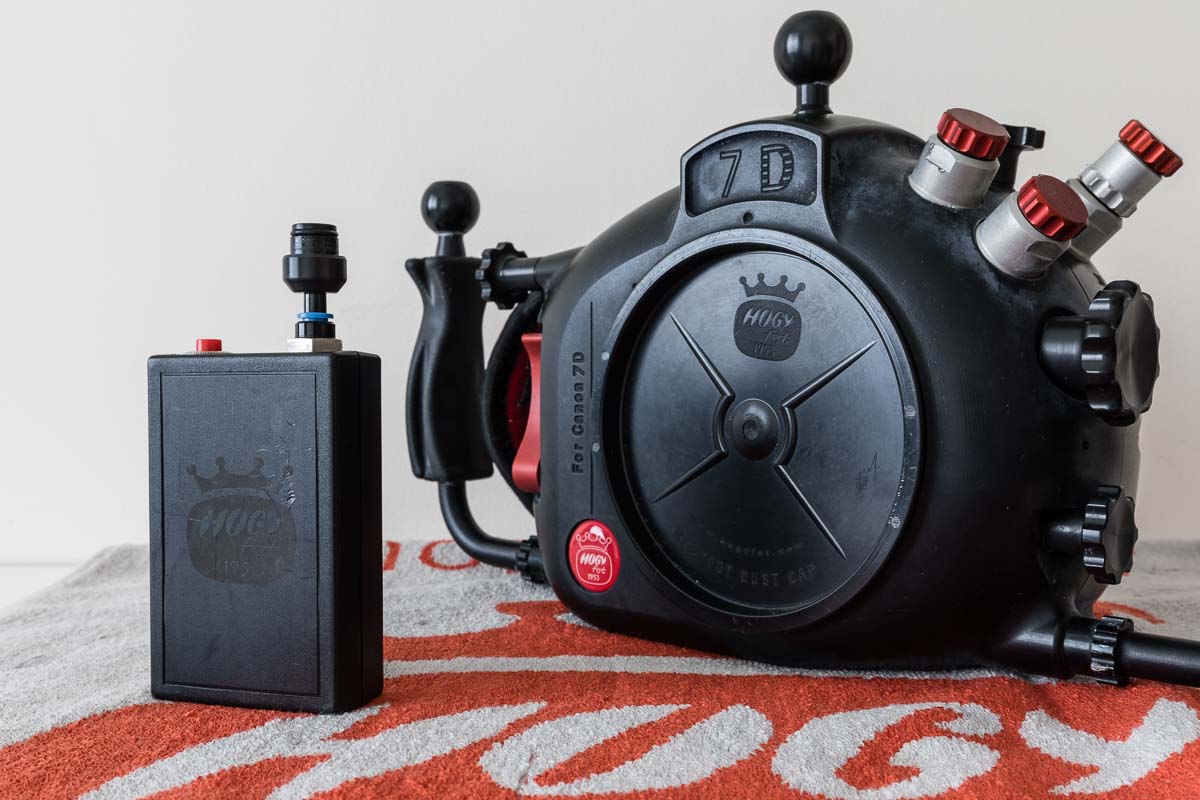
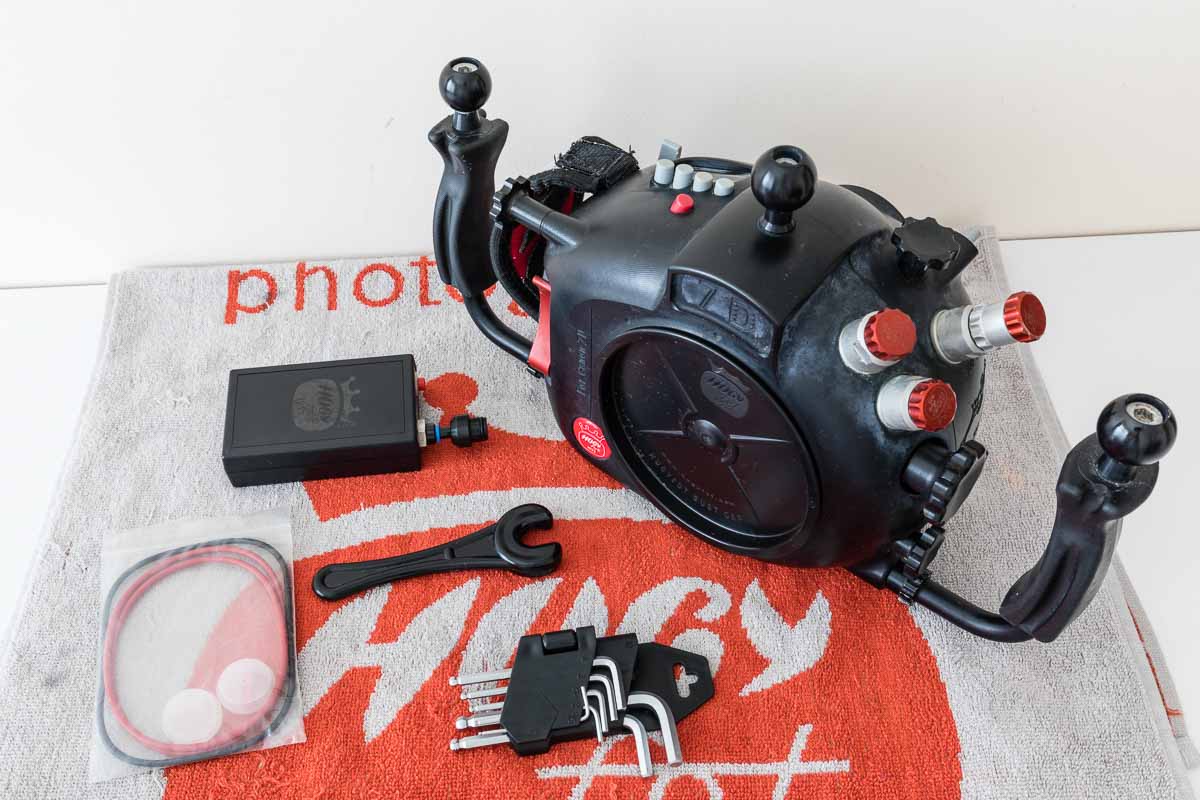
    The housing comes with vacuum check electronics, humidity alarm, one nikons bulkhead, and right and left hand handles.

    It come with electric vacuum pump, spare o-rings, set of metric hex keys.

    I am based in Singapore, but I have no problem shipping the housing.

    Price:

    1350 USD

    I can also include the camera, a Canon 7D together with the housing. Housing + camera: 1800 USD


    post-54166-0-38755400-1502617672_thumb.jpg

    post-54166-0-26182100-1502617684_thumb.jpg

    post-54166-0-17139400-1502617692_thumb.jpg

    post-54166-0-33890700-1502617700_thumb.jpg

    post-54166-0-91414400-1502617708_thumb.jpg

    post-54166-0-39975700-1502617717_thumb.jpg

    post-54166-0-25422000-1502617733_thumb.jpg

  2. Do you have any dome ports for it? I would be using a 10-17mm lens so wasn't sure if you could throw one in for some additional cost. Please let me know. Thanks!

  3. Do you have any dome ports for it? I would be using a 10-17mm lens so wasn't sure if you could throw one in for some additional cost. Please let me know. Thanks!

    I have a Zen 4in dome that i used with Toking 10-17. I hope to be able to adapt it to my new housing, i should know for sure in a day or two if I can include it as well.

Sea & Sea

Account

Navigation

Search

Search

Configure browser push notifications

Chrome (Android)
  1. Tap the lock icon next to the address bar.
  2. Tap Permissions → Notifications.
  3. Adjust your preference.
Chrome (Desktop)
  1. Click the padlock icon in the address bar.
  2. Select Site settings.
  3. Find Notifications and adjust your preference.