Skip to content

Classifieds / Archived topic

FS: external video monitor kit, Dive and See DNC-N and Ninja-2 recorder/monitor

Started by brandoncole ·

  • 4Posts
  • 4Replies

Read-only discussion

FS: external video monitor kit, Dive and See DNC-N and Ninja-2 recorder/monitor

4 posts
  1. FOR SALE:

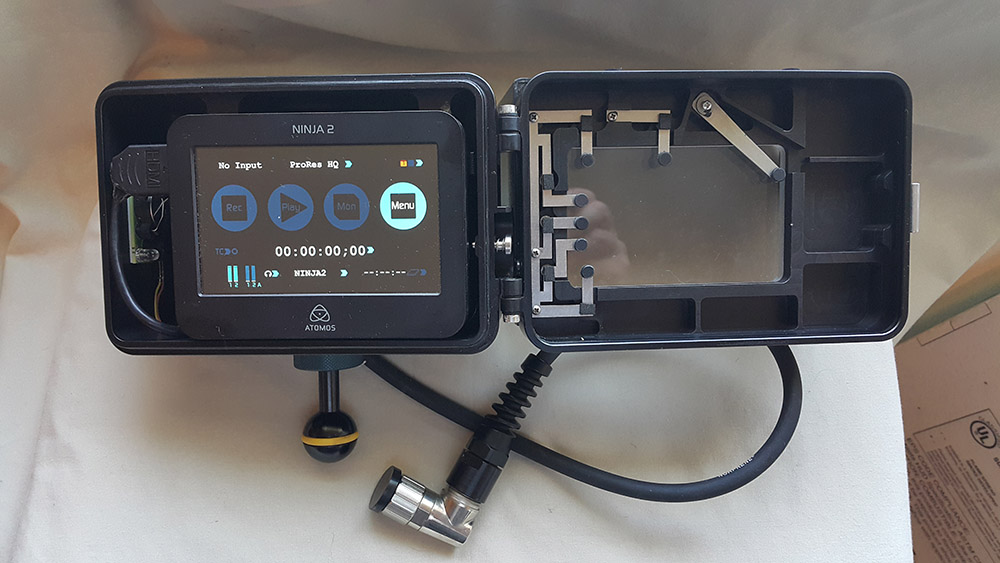
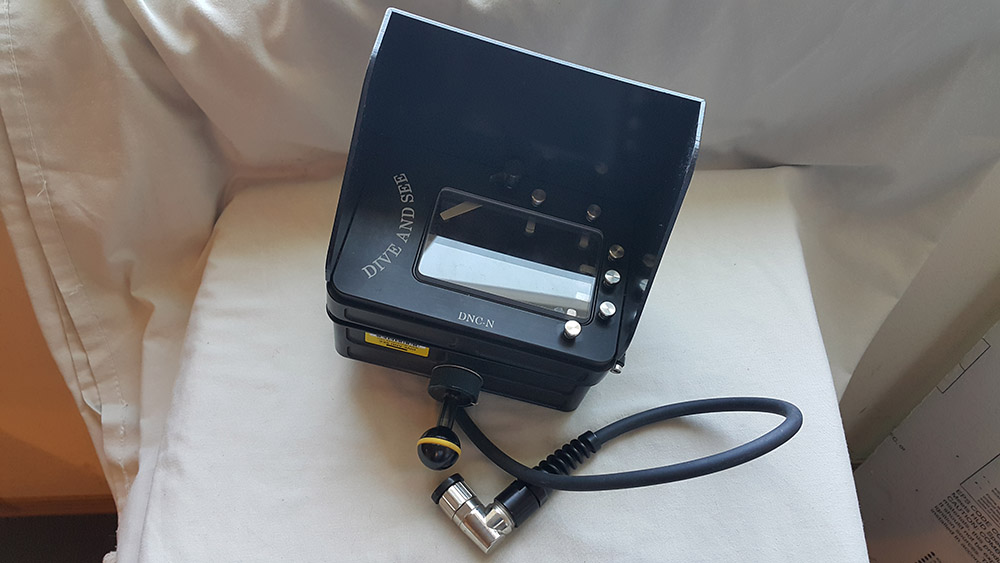
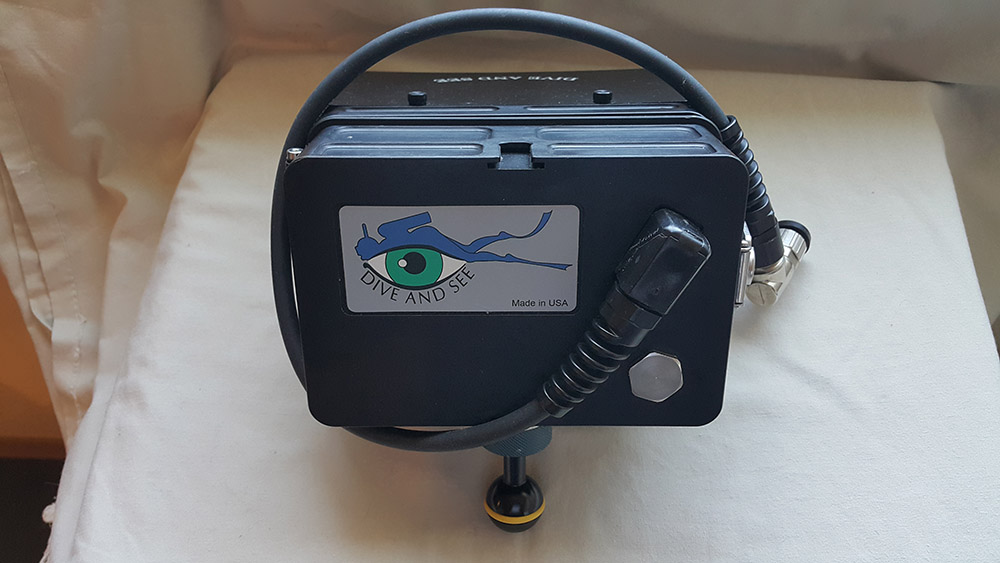
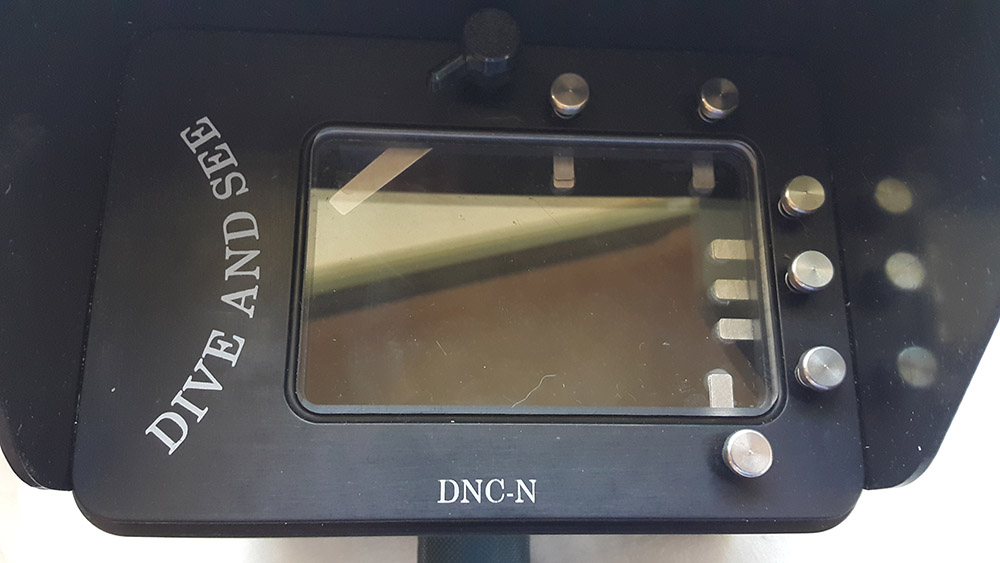
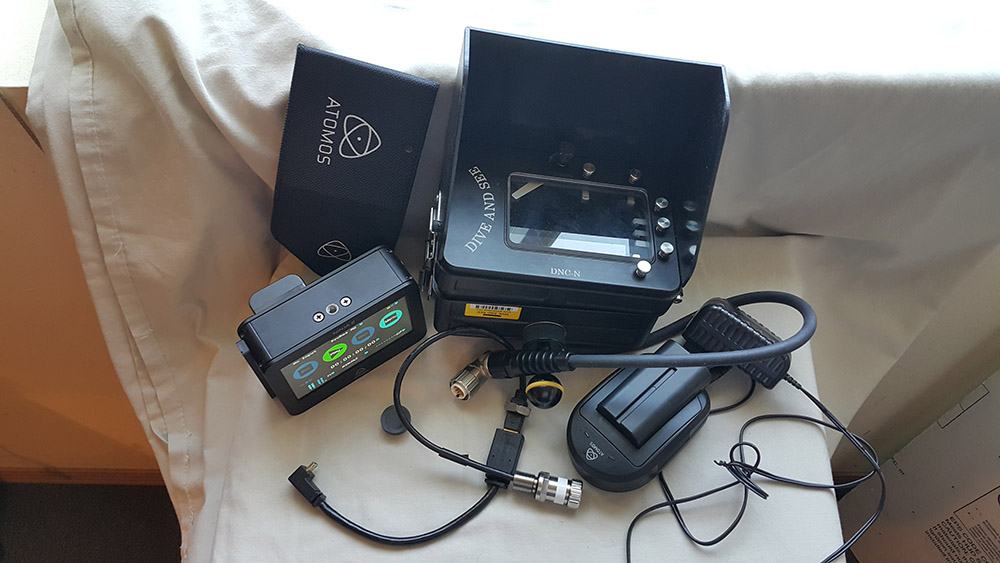
    Dive and See Underwater Housing DNC-N kit for Ninja-2 recorder and monitor, used to view and record video with Canon 5D3 camera in a Seacam housing.


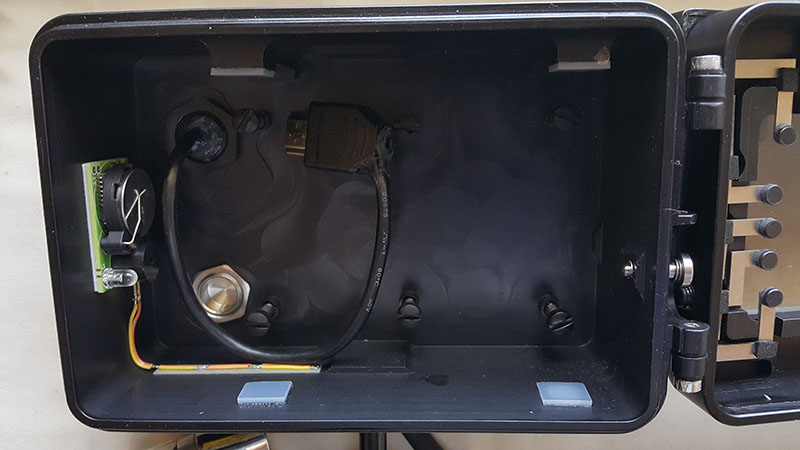
    -- Dive and See Underwater Housing DNC-N comes with moisture alarm, right angle connector (bulkhead M14), sunshade protector, cold shoe ball mount, mini HDMI right angle connector and cable. I paid $1659 new for this kit.


    http://www.diveandsee.com/products/underwater-monitors/dnc-n


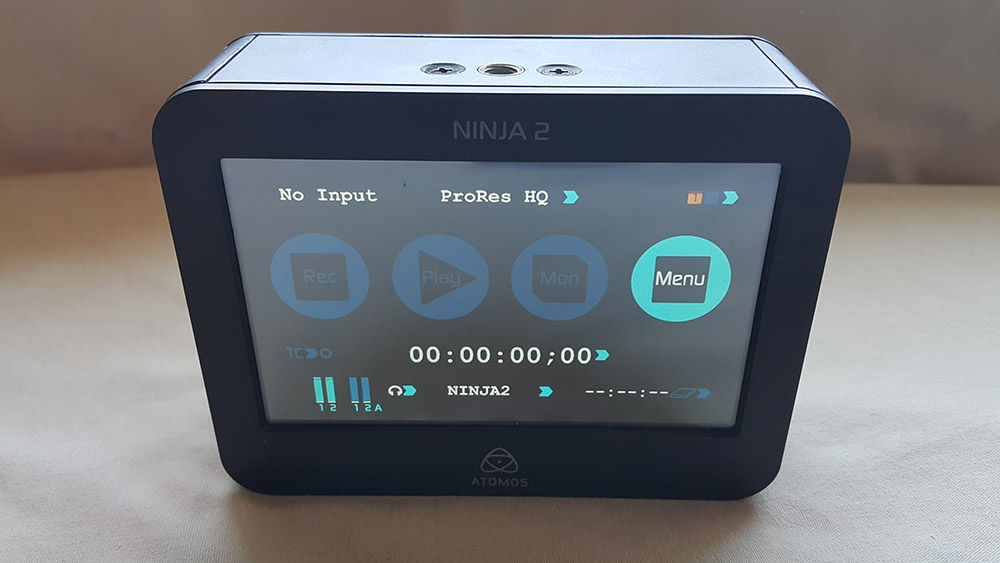
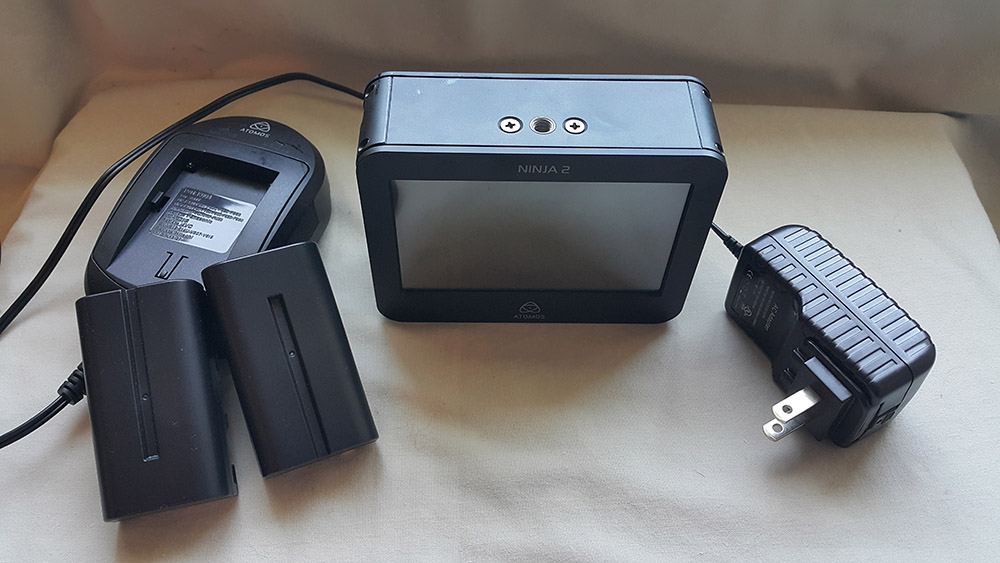
    -- Also included are Ninja-2 recorder and monitor, charger, 2 batteries. I paid $767 new for this.


    -- Also included: SanDisk Extreme II 240 GB SSD hard drive


    Total package price for everything: $1000. Payment via Paypal, shipping included in lower 48 USA.


    Photos attached. Everything in excellent shape, works fine, never flooded or dropped, etc.


    Interested parties please contact me directly, email is best: brandoncole@msn.com


    Thank you,


    Brandon Cole

    tel: 509-535-3489

    e: brandoncole@msn.com
    post-1675-0-09363900-1502915043_thumb.jpg

    post-1675-0-57168100-1502915073_thumb.jpg

    post-1675-0-68170500-1502915088_thumb.jpg

    post-1675-0-82722600-1502915108_thumb.jpg

    post-1675-0-16160300-1502915123_thumb.jpg

    post-1675-0-66936300-1502915138_thumb.jpg

    post-1675-0-76109800-1502915150_thumb.jpg

    post-1675-0-77197500-1502915301_thumb.jpg

  2. BUMP

  3. SALE PENDING

  4. SOLD

Backscatter

Account

Navigation

Search

Search

Configure browser push notifications

Chrome (Android)
  1. Tap the lock icon next to the address bar.
  2. Tap Permissions → Notifications.
  3. Adjust your preference.
Chrome (Desktop)
  1. Click the padlock icon in the address bar.
  2. Select Site settings.
  3. Find Notifications and adjust your preference.