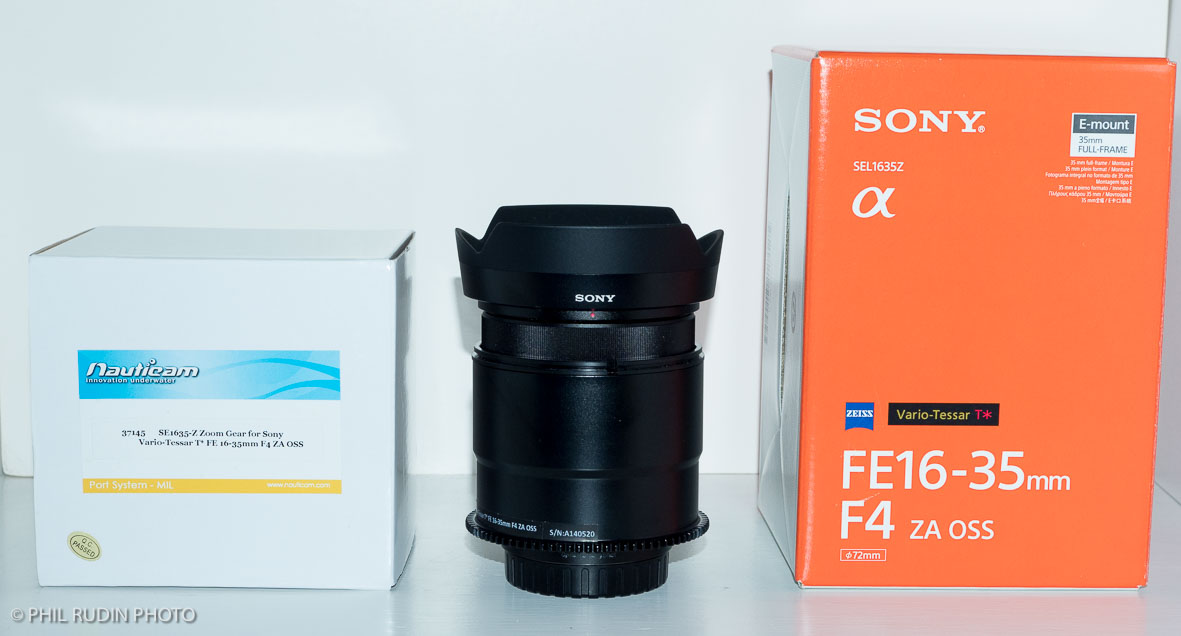
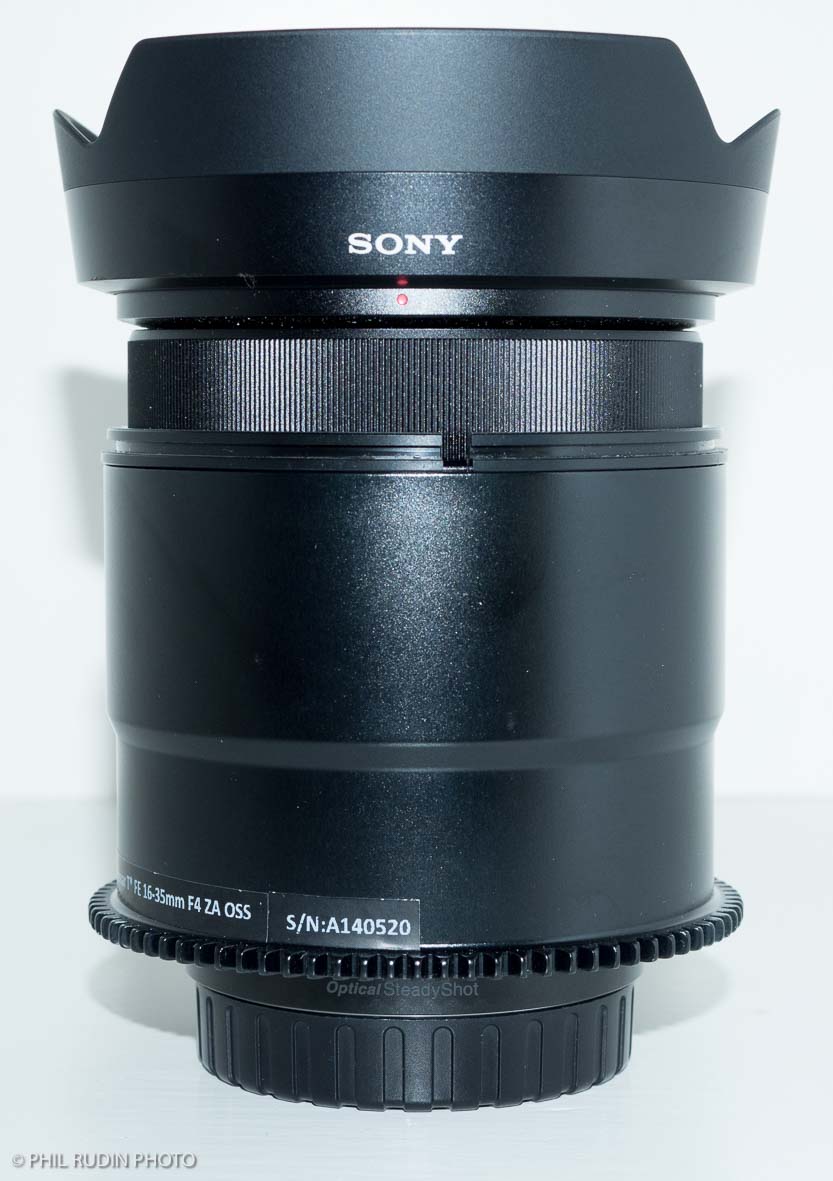
Sony FE16-35mm F/4 ZA OSS E-mount lens in mint condition with lens hood and original packaging New $1250.00 Sale $950.00.
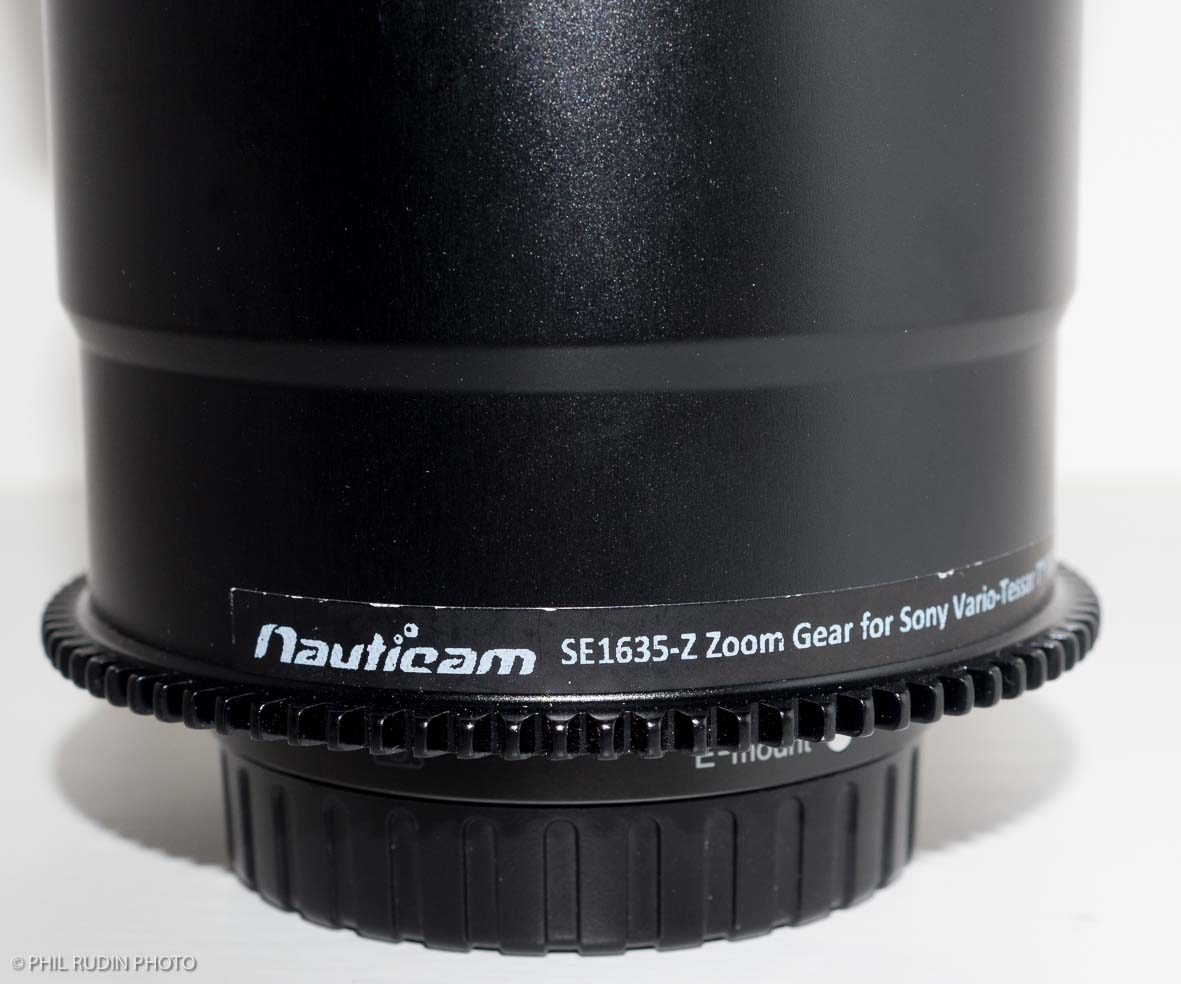
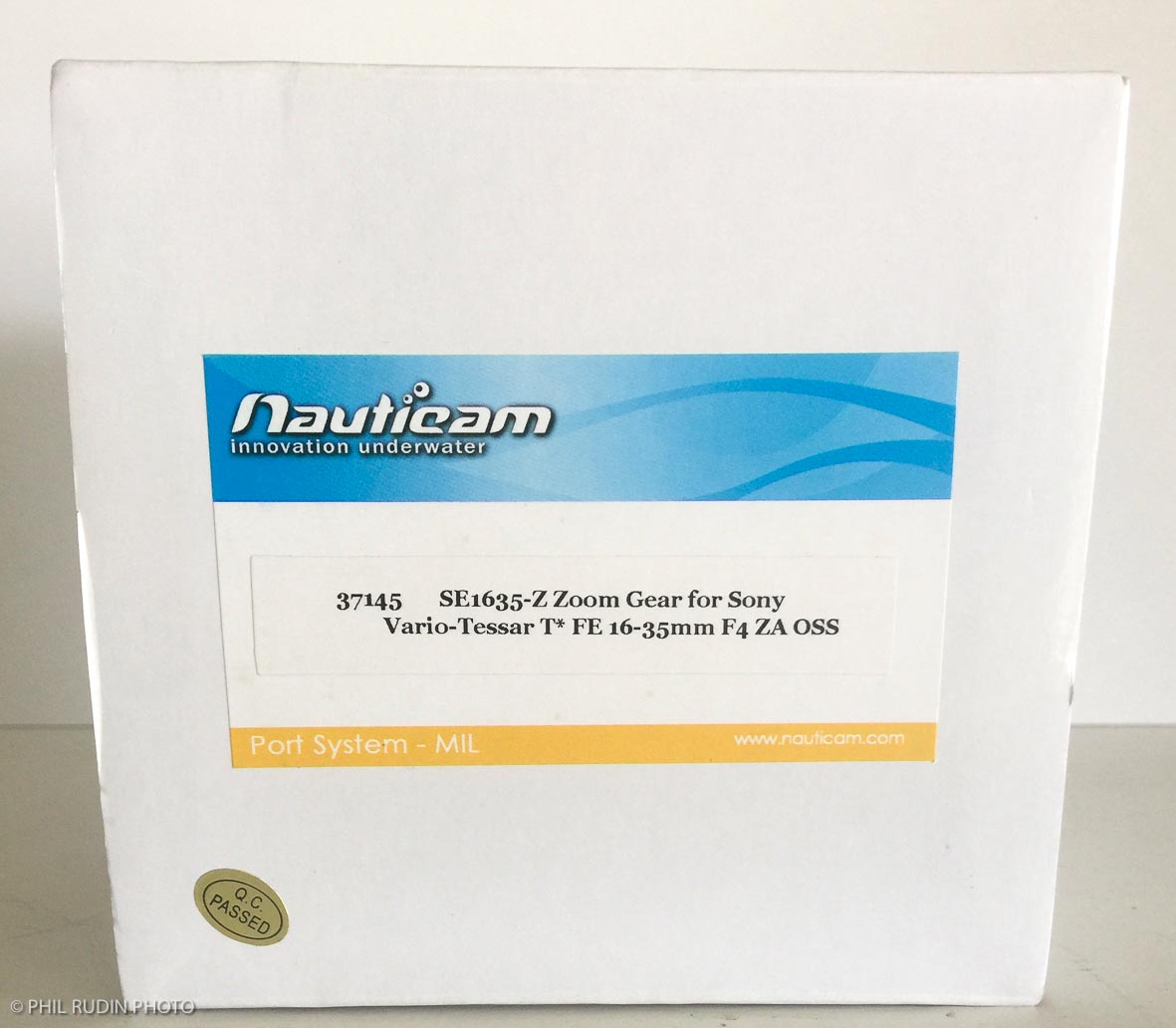
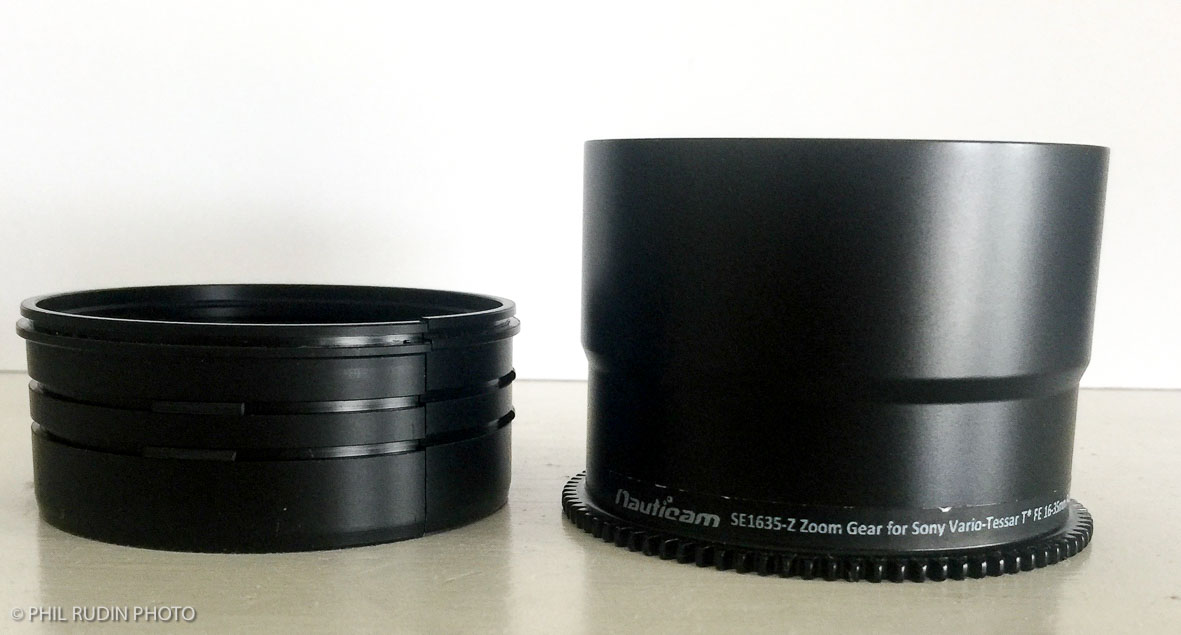
Nauticam SE1635-Z Zoom gear for Sony FE 16-35mm F/4 lens in mint condition with original packaging Part #37145. New $175.00 Sale $125.00.
N-100 to N120 35.5mm port adapter with zoom used with this lens also listed along with the Nauticam 180mm port all for A7,R,s II and A-9 cameras.
Hi Phil, may I know the N-100 to N120 35.5mm port adapter with zoom, is the Nauticam serial number #37303? It's with Zoom and focus knot right?
I have the 16-35 lens already. I am interesting in the zoom gear and also the adapter.
From what Nauticam's recommendation. It seems that if I use this 1635 lens, I need 1> N100-N120 adapter, 2> 180mm Dome and 3> zoom gear. if the extension ring 21150 required? I actually tried to use n100_n120 knot adapter + 180mm glass dome and it's working (except I don't have zoom gear that I can't adjust). So I doubt if that extension ring 50 is indeed required.
Thanks for your help!
PM sent.
Carry I have the N100-N120 35.5mm port adapter, the 16/35 zoom gear and the Nauticam 180mm optical glass port. You will also need a 50mm port extension. Contact me at tropicalone@bellsouth.net if you are interested in any of my equipment.
Hi Phil, thanks for your reply. However, I am not sure why I haven't got your PM. I've also found another source here in Asia for the zoom gear.. pls. let me check and if I can't make it, will definitely reach you and ask for your help again. CHeers