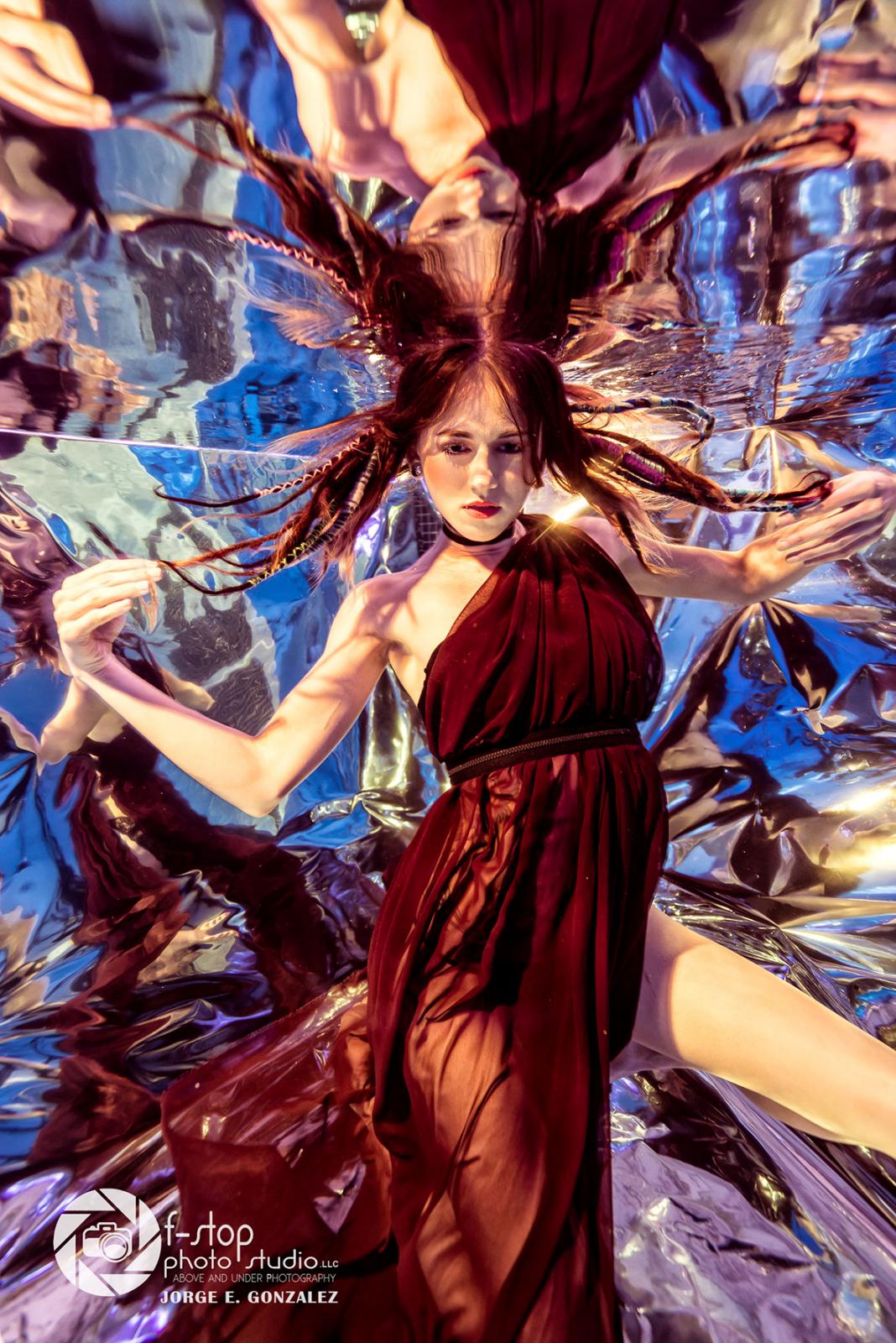
Playing around with props, I realized if I have a mirror underwater reflecting the light in to my subject, will create a unrealistic photo. Well, I didn't have a big enough mirror to submerge underwater at the time so I Goggle it for more alternatives. I found a photographer in the UK that uses reflective paper in his photo studio to created artistic photos.
Since I could not fund any body that used this paper underwater I decided to be the first to try it.
See Attach file
I created a frame with PVC to hold the paper and I secured with some scotch tape to create an underwater back drop. I notice, that above water the paper looked straight like a mirror but as soon we submerged into the pool, the paper become rankle and it looked weird apparently the water from the pool pump coming from the underwater hole ports, make the paper moved in different directions creating an abstract look.
To view the underwater setup and the photo results visit the link:
https://www.fstopphotostudio.com/single-post/2017/08/31/The-Underwater-Kaleidoscope-Effect
If you give it a try please share your results Thank you.
Jorge,