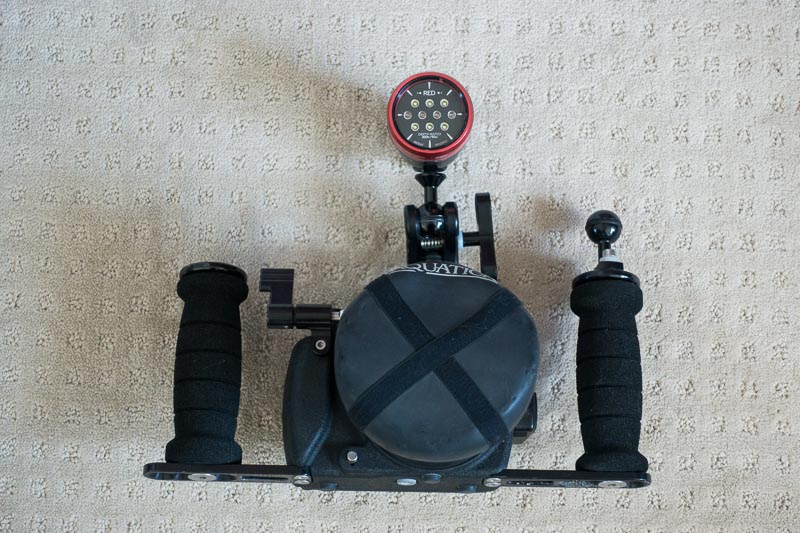
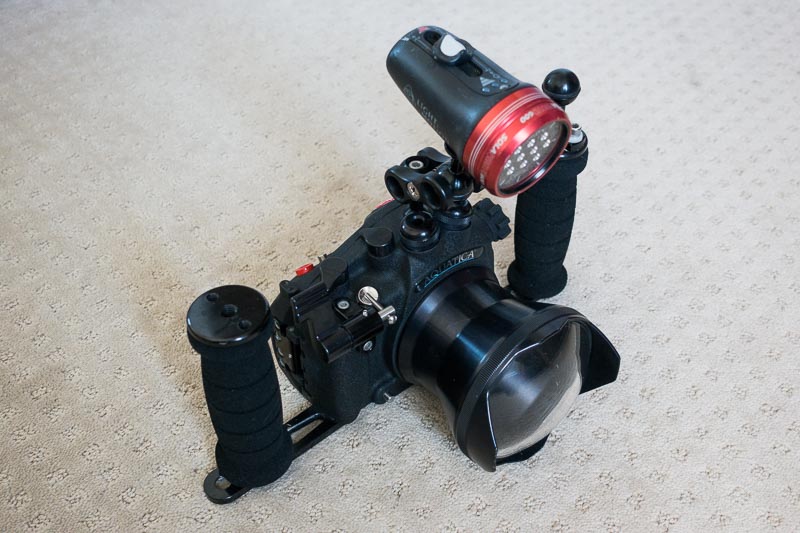
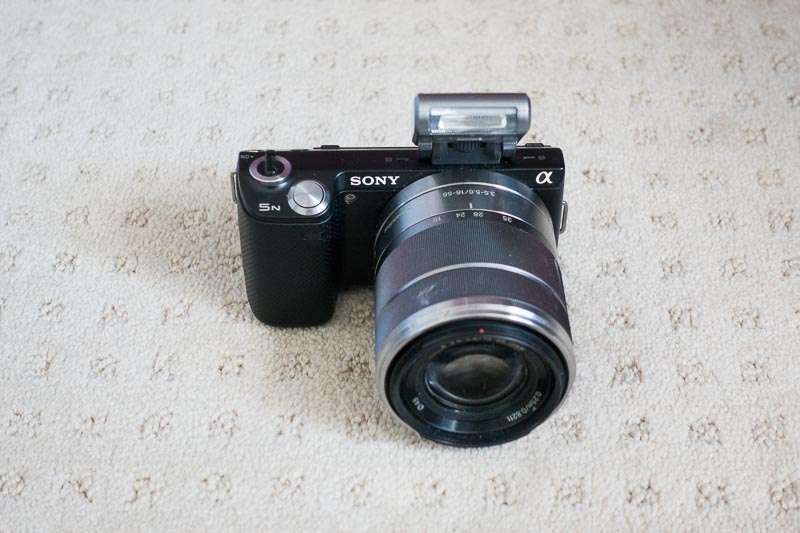
I am selling a Sony NEX-5N interchangeable-lens mirrorless camera in an Aquatica housing. Included are:
- NEX-5N camera with battery, charger, and kit 17-55mm equivalent lens
- Aquatica AN-5N housing with the matching plexiglass dome port, double handles, and extended shutter release
- Sola 600 white/red focus light with two chargers
- Various accoutrements -- extra O-rings, some boxes, a strobe cable for an Inon strobe if you want it
Paid ~$2500, asking $1100 OBO. Please don't low-ball me, but reasonable offers will be considered.
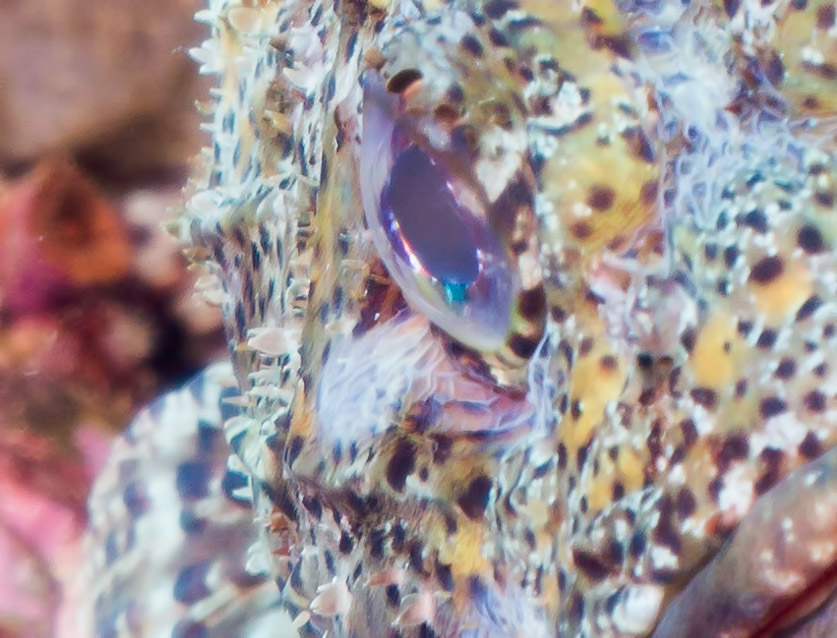
This is a fantastic starting kit for someone getting serious about underwater photography. The camera is small and lightweight, and takes excellent detailed images. It's also a great land camera, for that matter. You can purchase any number of E-mount lenses and compatible Aquatica ports, in particular, a highly rated macro lens is available. This package does not come with any strobes, I cannibalized the strobe I had been using, onto my new setup.
Why did I get rid of this? I moved up, basically, to a more capable setup at, of course, a much higher price point. Such is life.
This kit is impeccably maintained. The only deficit is a few small scratches on the dome, which are only visible when you shoot straight up into the sun.
Does not come with the scorpionfish. This is a 100% crop to show the detail the camera is capable of.