Skip to content

Classifieds / Archived topic

Subal Canon 40D, 10D Sea & Sea complete outfit

Started by Doctari ·

  • 3Posts
  • 3Replies

Read-only discussion

Subal Canon 40D, 10D Sea & Sea complete outfit

3 posts
  1. Complete Subal Canon 40D/50D10D UW outfit with twin Sea & Sea YS 250 Pro strobes to go! Getting out of UW photo.

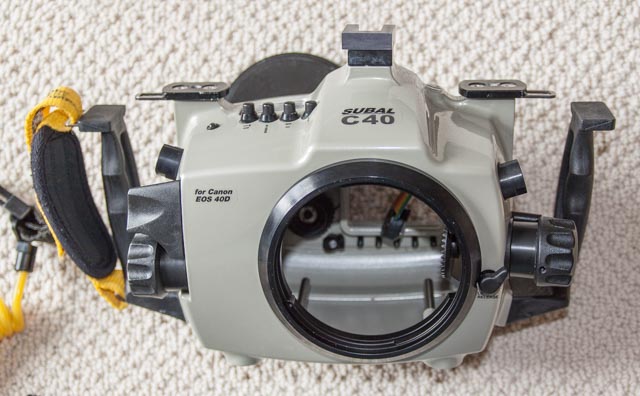
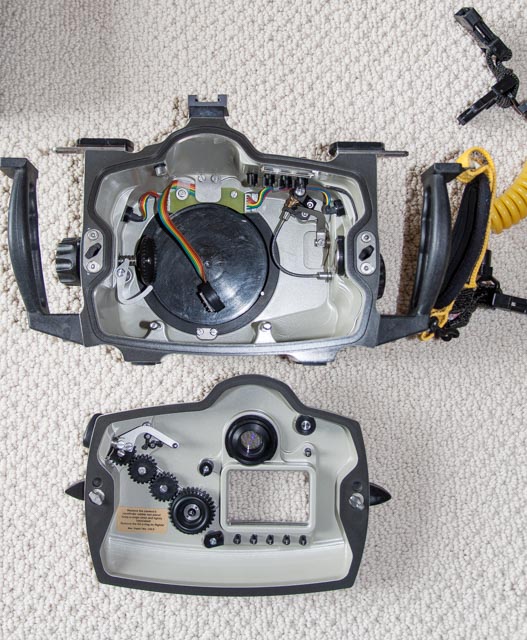
    Subal C10 housing currently not dive able and for parts for C40 housing. Subal C40 is compatible with Canon 40D and 50D cameras. ( I'm keeping the 50D as my land camera)

    Everything works. Housings and strobes never flooded. Last 40D service done by Backscatter folks, east coast 2 years ago. Last dive trip 1.5 years ago.

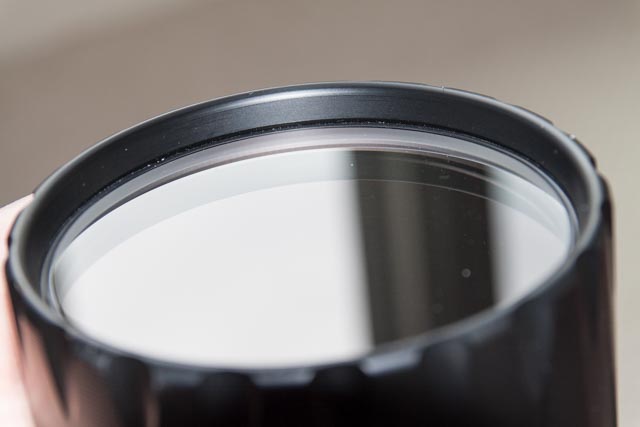
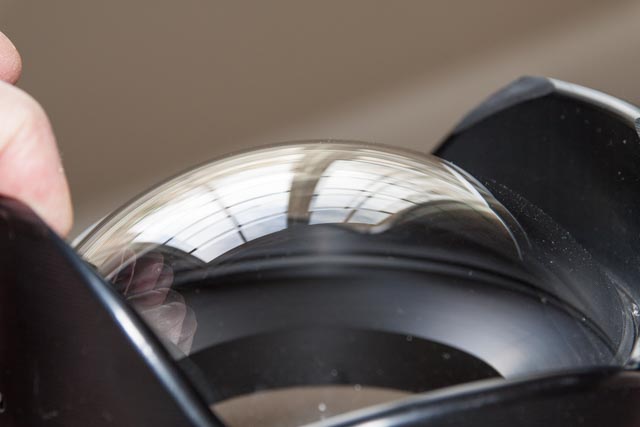
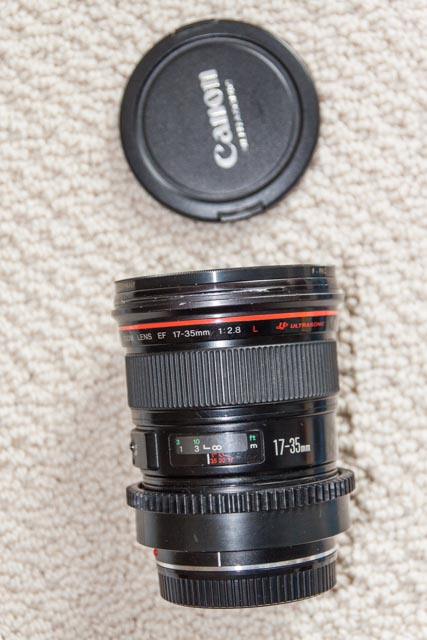
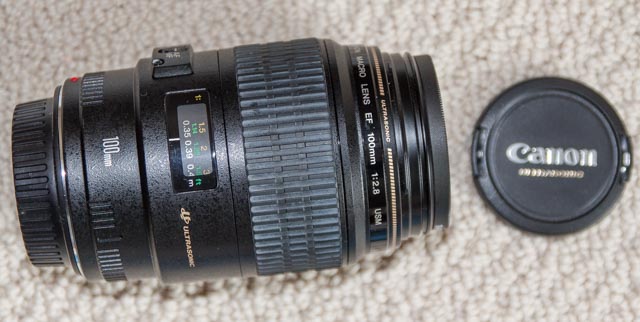
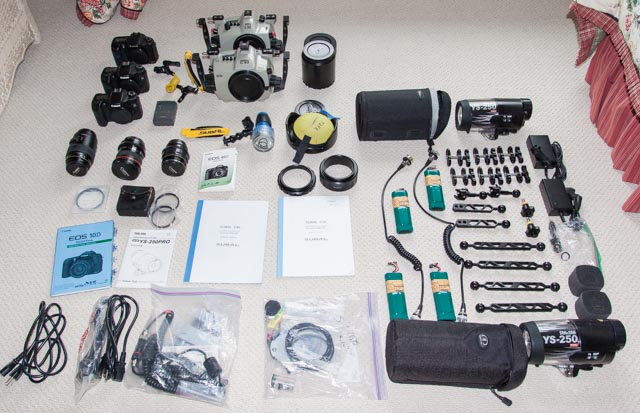
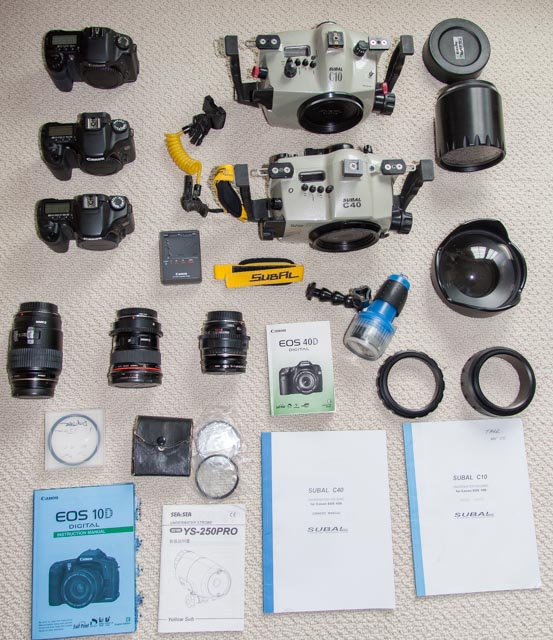
    List of equipment follows including Pics.

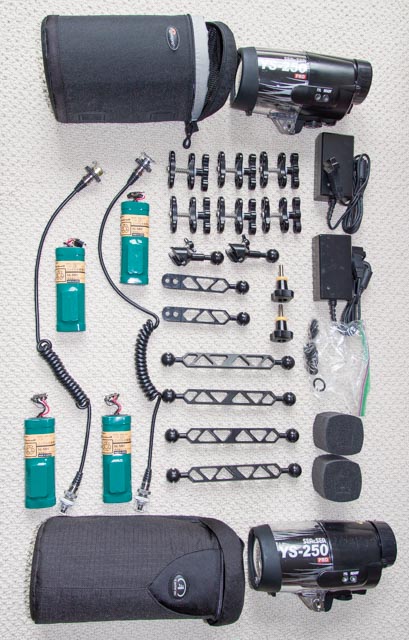
    $2500 or best "reasonable" offer wins everything you see in the attached Pics. Everything must go as one big package. Payment as per Wetpixel accepted methods.

    Any questions please Email me at: kenneth.tarr@mclaren.org


    Housings:

    Subal C40 ( Canon 40/50D)

    Subal C10 ( Canon 10D)


    Ports:

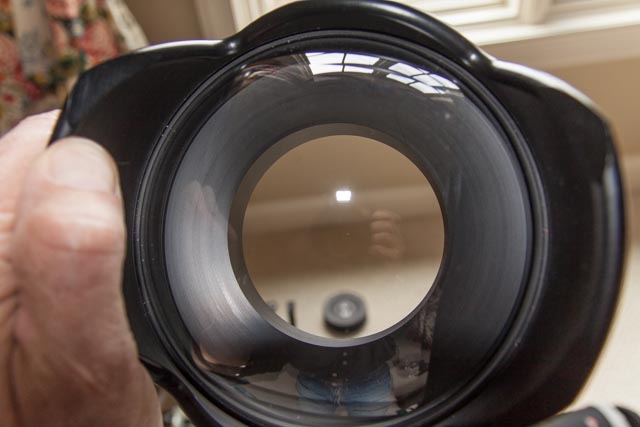
    Subal 6" Dome port

    Subal 4.5" Flat port

    Adapter rings for Canon 17-35 and the 24-85mm Lenses


    Cameras:

    Two (2) Canon 40D- including charger and batteries

    One (1) Canon 10D-including charger and batteries


    Lenses:

    Canon EF 17-35mm 1:2.8 L USM
    Canon EF Macro 100mm 1:2.8 USM

    Canon EF 24-85mm 1:3.5-4.5 USM


    Strobes:

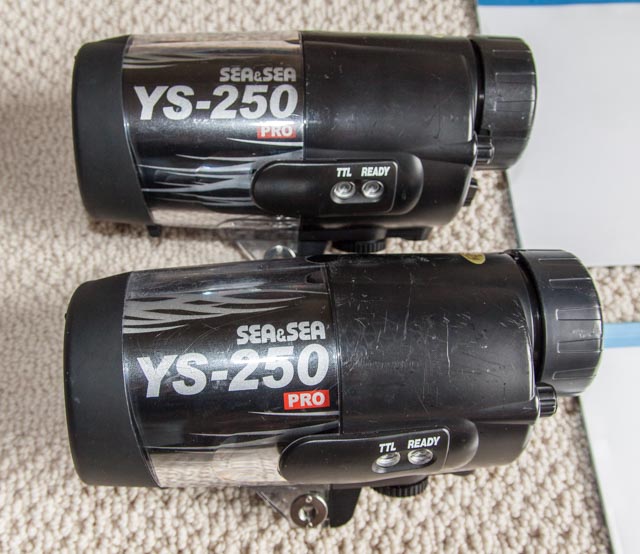
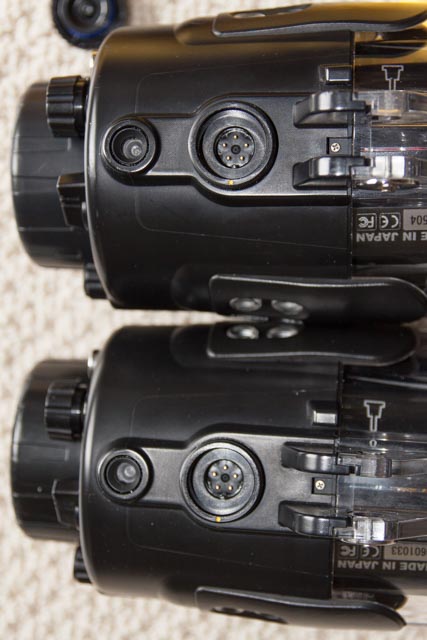
    Two (2) Sea & Sea YS-250 Pro Strobes including chargers and two (2) sets of Ni-MH batteries


    Ultralight control arms and clamps:

    Four (4) 8" arms

    Two (2) 5" ball arms for strobes

    Six (6) Clamps

    Two (2) Ball arms for housing
    post-41867-0-17826400-1506958325_thumb.jpg

    post-41867-0-59604000-1506958336_thumb.jpg

    post-41867-0-23109200-1506958346_thumb.jpg

    post-41867-0-69984100-1506958360_thumb.jpg

    post-41867-0-32765300-1506958514_thumb.jpg

    post-41867-0-24054800-1506958524_thumb.jpg

    post-41867-0-48527700-1506958537_thumb.jpg

    post-41867-0-12668900-1506958546_thumb.jpg

    post-41867-0-26514200-1506958553_thumb.jpg

    post-41867-0-40468100-1506958561_thumb.jpg

    post-41867-0-45951200-1506958606_thumb.jpg

    post-41867-0-82680700-1506958665_thumb.jpg

  2. I have sent you an email

  3. email sent

Marelux

Account

Navigation

Search

Search

Configure browser push notifications

Chrome (Android)
  1. Tap the lock icon next to the address bar.
  2. Tap Permissions → Notifications.
  3. Adjust your preference.
Chrome (Desktop)
  1. Click the padlock icon in the address bar.
  2. Select Site settings.
  3. Find Notifications and adjust your preference.