



Hi all,
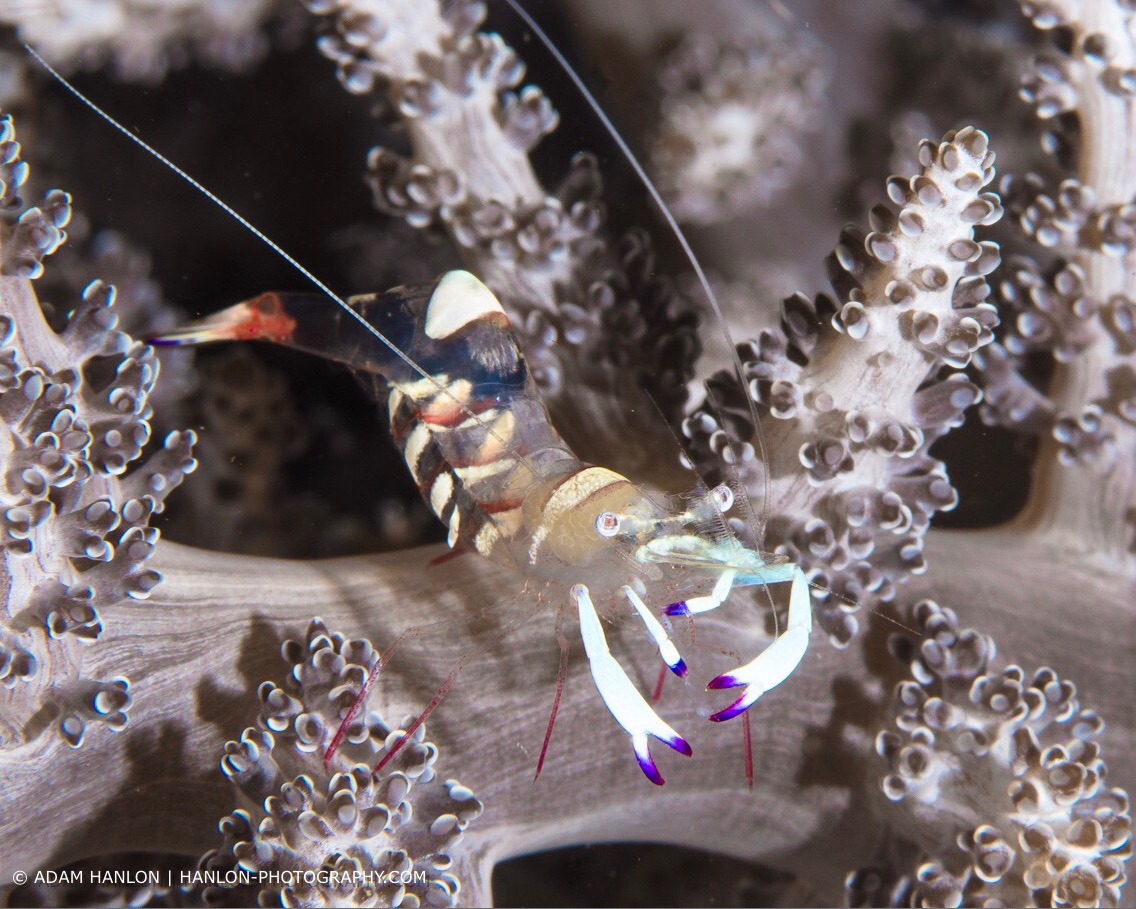
Does anyone have any ideas about this one?
I think it is fairly common, but dont have access to my reference library right now...
Thank you!
Read-only discussion
Hi all,
Does anyone have any ideas about this one?
I think it is fairly common, but dont have access to my reference library right now...
Thank you!
Ancylomenes magnificus?
Magnificent anemone shrimp, I think
Hi,
would say female periclimenes brevicapalis.
Regards,
Wolfgang
I saw a bunch of these in Lembeh but they always just referred to them as Ghost Shrimp. The more I look into this the more I think that's incorrect... the pics I took below from Lembeh makes it feel like it is: Periclimenes pedersoni and belongs to Palaemonidae family ?
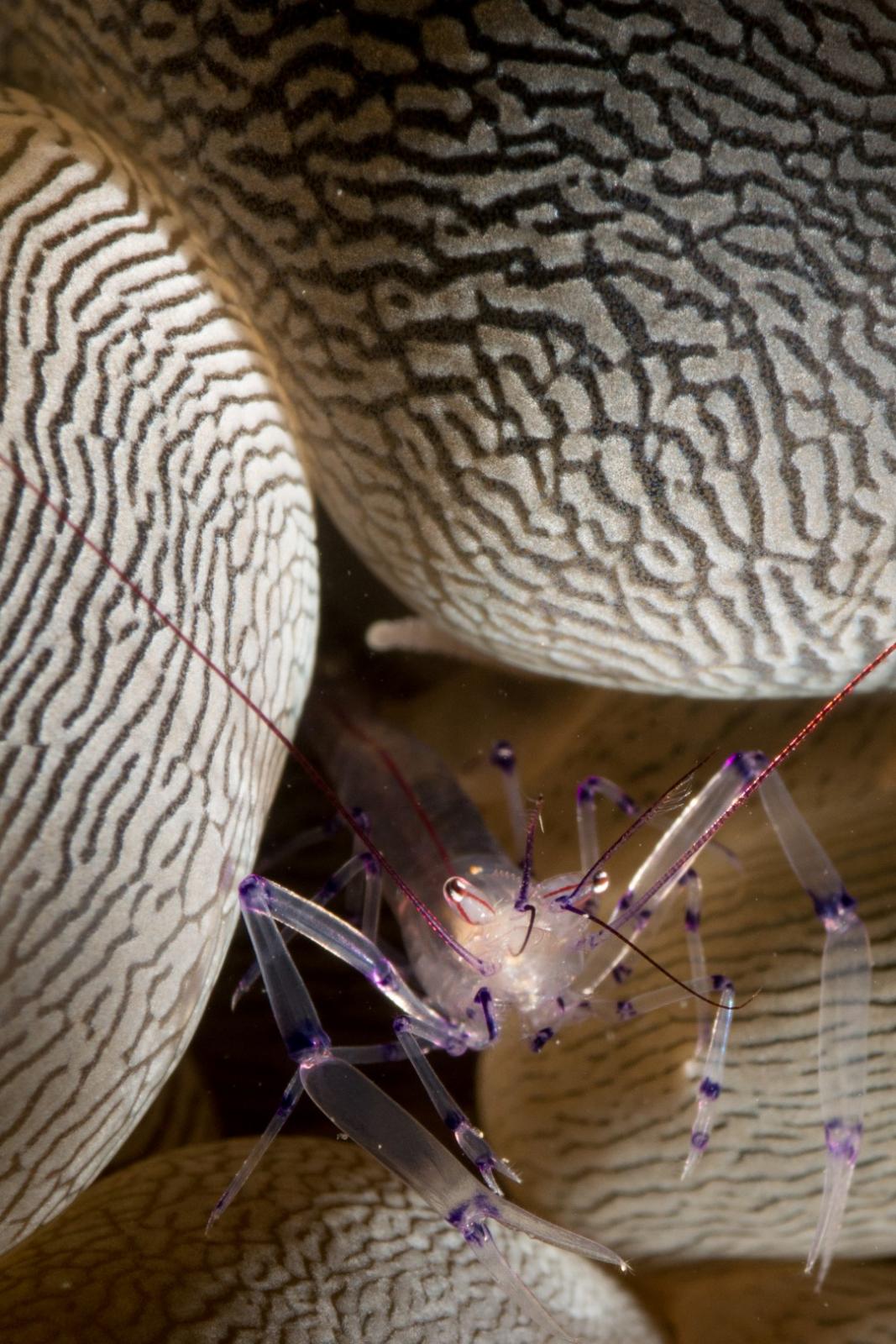
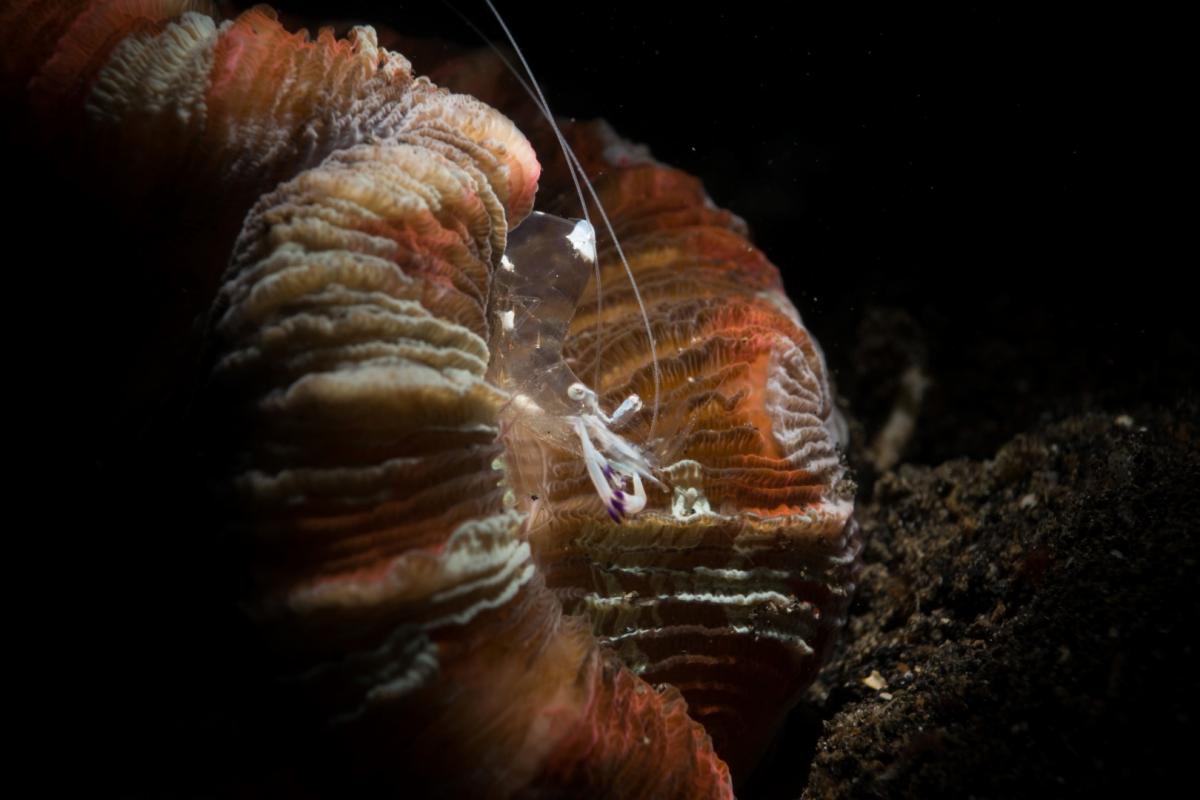
ID'ing shrimp can be tough, for sure.
But the defining characteristic of Ancylomenes magnificus is all white claw arms with purple tips that curve inward. They also have a white spot on the "hump" section of the back, but that's not unique. These characteristics are why I chose Ancylomenes magnificus for the OP. This ID also applies to the second picture posted by sinetwo, above.
@bmorescuba: The claws ID seems definitive..
Thank you all for the IDs!
@trimix125. The majority of images of P. brevicapalis that I can find show a series of purple rings on the claws. Does the female have different coloration?
@sinetwo. Your top image looks like a bubble coral shrimp (Vir philippinensis).The bottom one looks like my guy!
I have an image of one in a magnificent anemone:

I guess that my first image shows atypical habitat?
I should have said that both of these images are from Lembeh.
Thank you everyone!
Adam

Terms of Use Privacy Policy Guidelines We have placed cookies on your device to help make this website better. You can adjust your cookie settings, otherwise we'll assume you're okay to continue.

A worldwide community for underwater imaging.
