Skip to content

Classifieds / Archived topic

FS: SmallHD 501 Video Monitor Package (used 2 times)

Started by lbaldwin99 ·

  • 4Posts
  • 4Replies

Read-only discussion

FS: SmallHD 501 Video Monitor Package (used 2 times)

4 posts
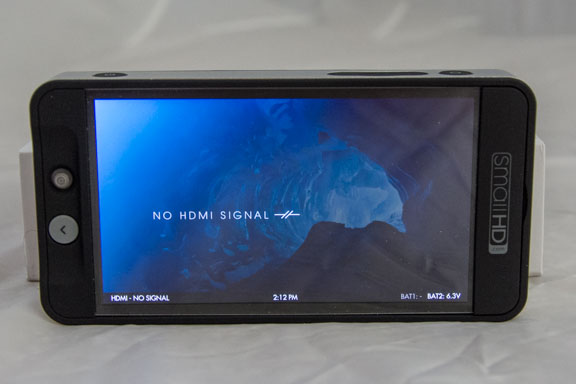
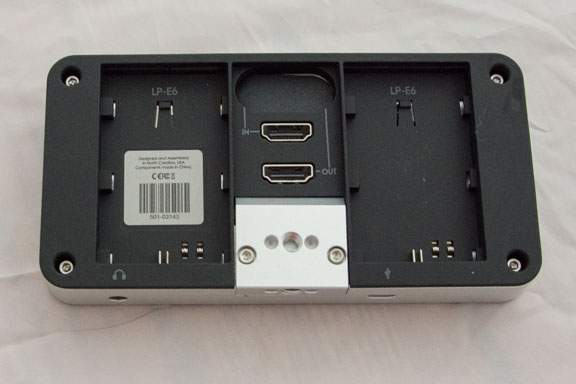
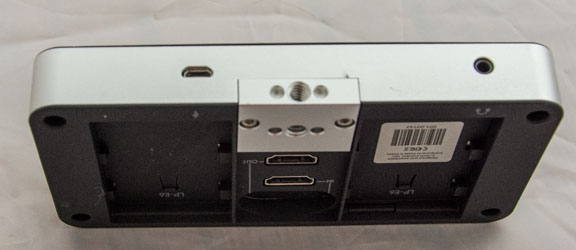
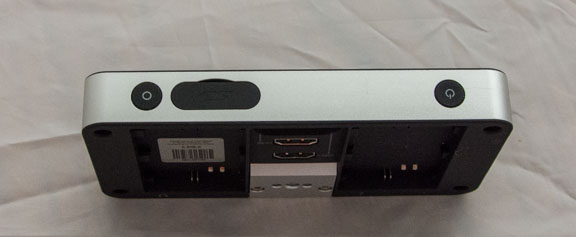
  1. Purchased in July 2017, this monitor has only been used twice (once on land and once underwater in the Nauticam housing). The monitor is in excellent condition – I bought it thinking I would use it for underwater photography. Although it worked fine – it added extra weight and bulk to my DSLR setup. Since I don’t shoot video, it’s not worth the extra weight/space (to me).


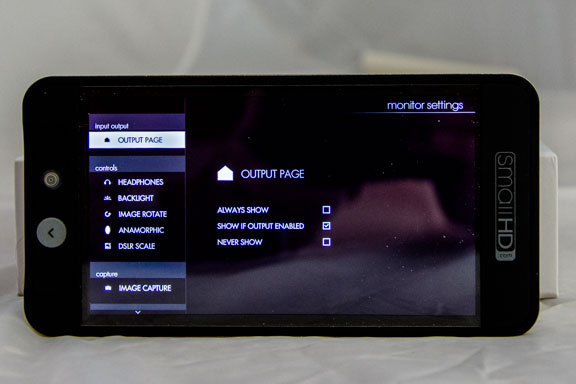
    The video quality is outstanding and the navigation / setup is very user-friendly.


    Paid $1100 USD, asking $800 USD (plus postage).


    I am also selling the Nauticam housing in another post.


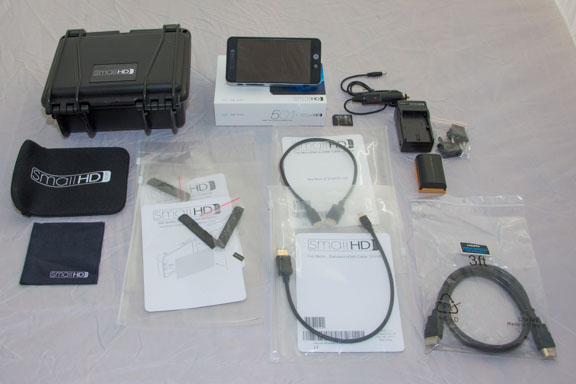
    Accessories included:

    · Small Hard Case

    · LP-E6 Battery & Charger Kit (includes adapters)

    · 3 500 Series Acrylic Screen Protectors (one is installed)

    · 12" Thin Mini-HDMI to HDMI Cable

    · 12" Thin Micro-HDMI to HDMI Cable

    · 3’ HDMI - HDMI Cable

    · 5" Neoprene Sleeve

    · 4GB SD Card

    · SmallHD Cleaning Cloth
    post-36216-0-76833700-1511641440_thumb.jpg

    post-36216-0-70027700-1511641443_thumb.jpg

    post-36216-0-86169900-1511641444_thumb.jpg

    post-36216-0-80780200-1511641441_thumb.jpg

    post-36216-0-41848300-1511641442_thumb.jpg

    post-36216-0-29042200-1511641441_thumb.jpg

    post-36216-0-91097200-1511641442_thumb.jpg

  2. I'm interested in the housing and monitor, although new to this form I am legit. Tks.

  3. Hi Camerabuyer -

    Sorry I didn't see your message sooner - for some reason I wasn't notified by WetPixel. Both units are still available. If you are still interested, send me a personal message

  4. SOLD!! :D:D:D:D:dance:

Sea & Sea

Account

Navigation

Search

Search

Configure browser push notifications

Chrome (Android)
  1. Tap the lock icon next to the address bar.
  2. Tap Permissions → Notifications.
  3. Adjust your preference.
Chrome (Desktop)
  1. Click the padlock icon in the address bar.
  2. Select Site settings.
  3. Find Notifications and adjust your preference.