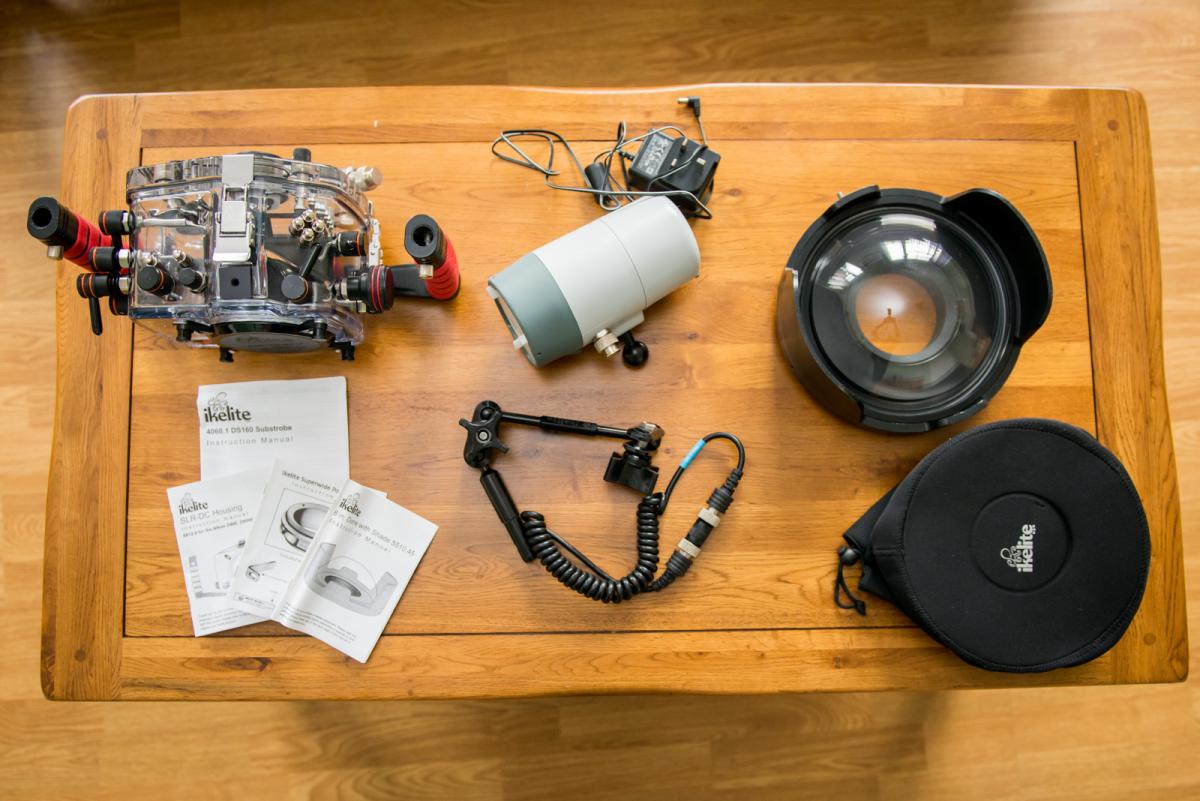
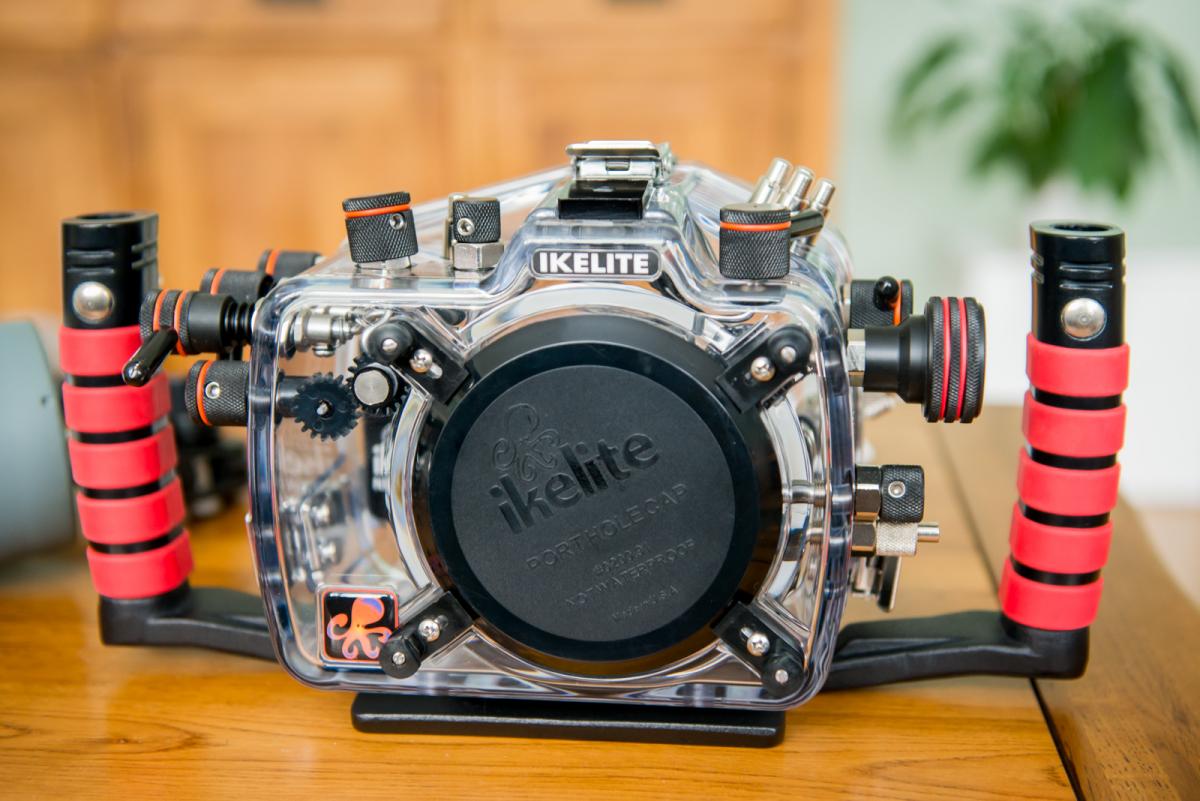
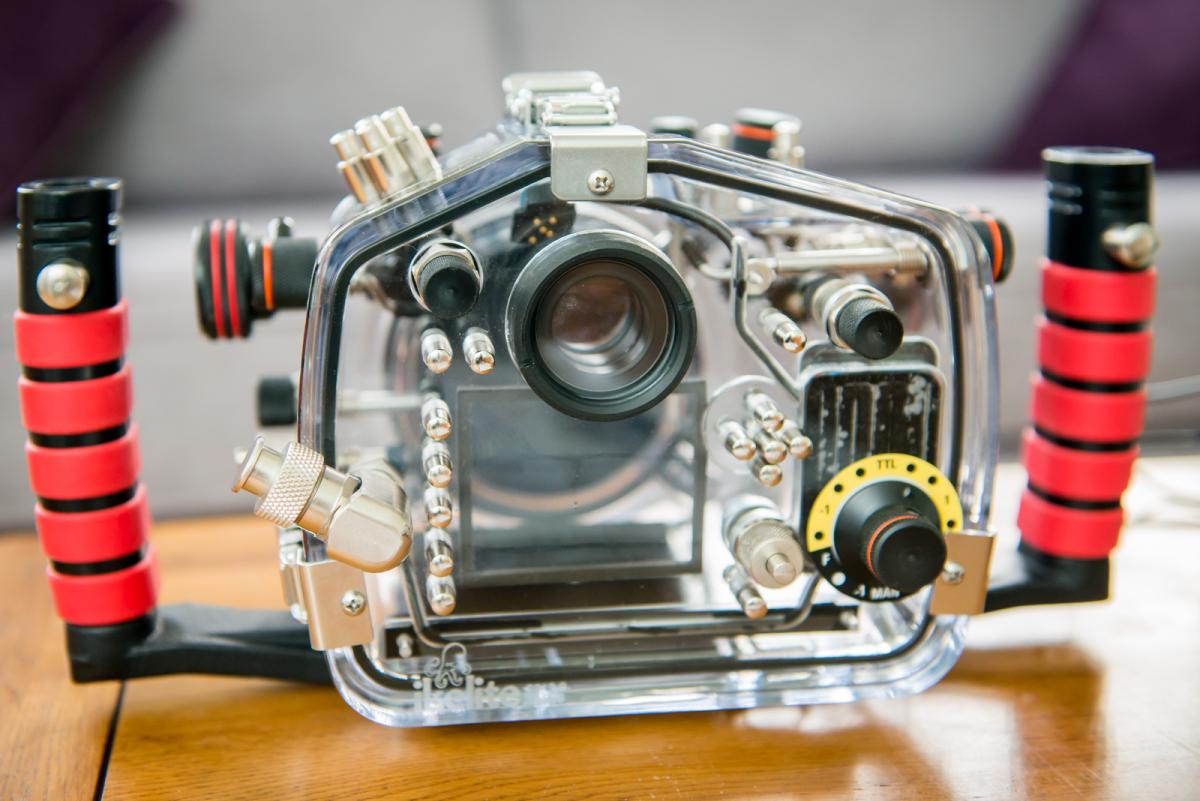
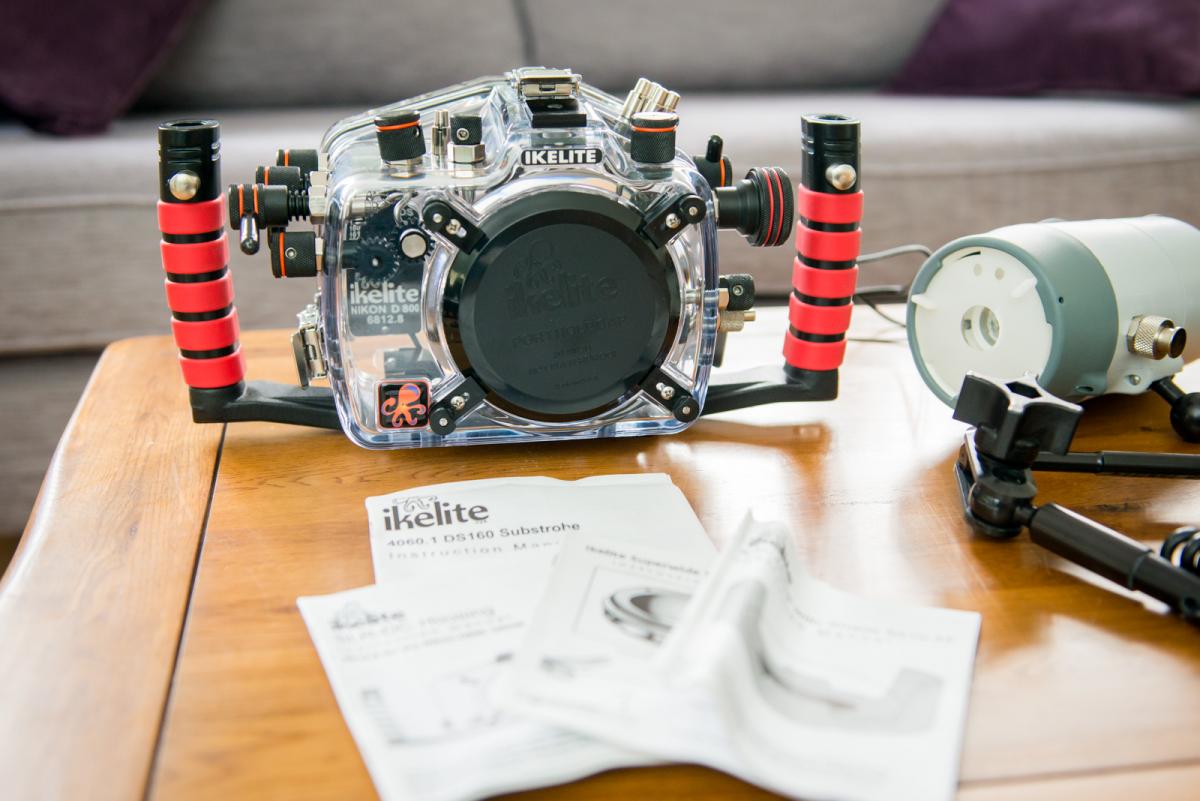
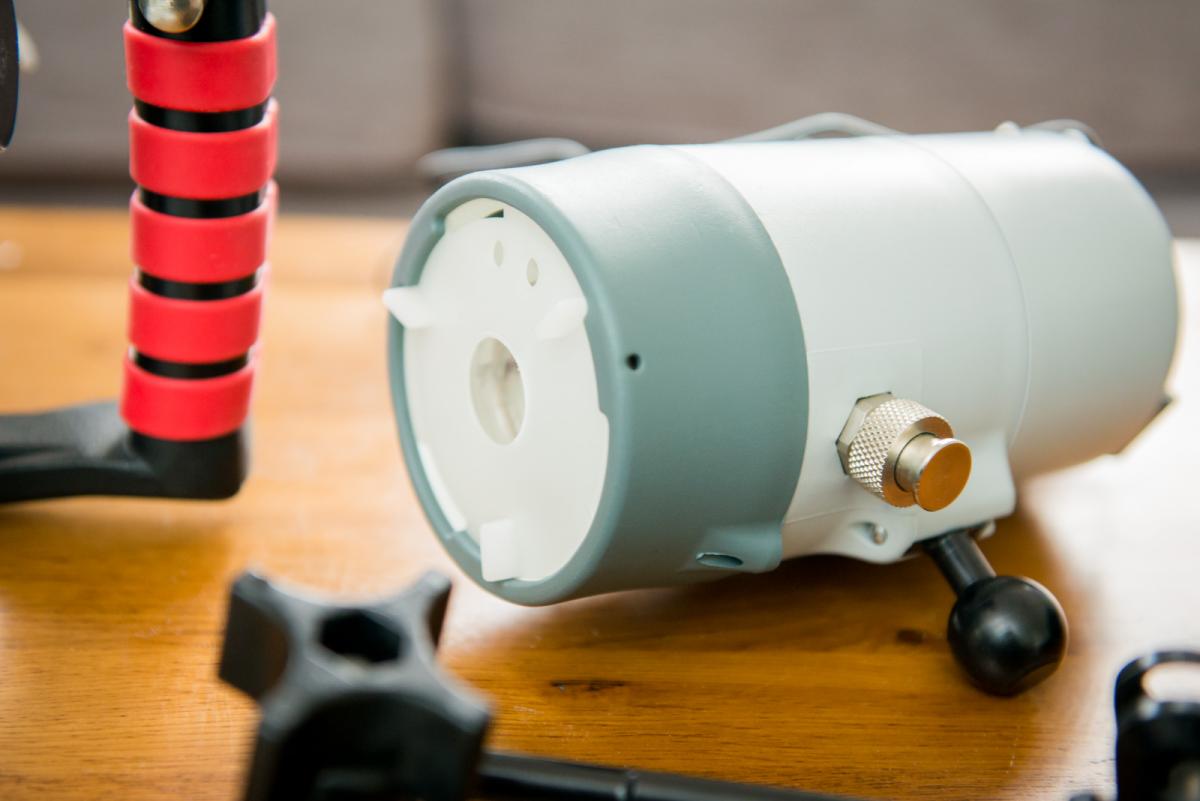
Full housing kit for the Nikon D800.
- Ikelite housing
- 8 inch dome (for fish eye)
- dome extension
- D160 stone with battery and charger
- Strobe arms
- Sync cord
- Peli case
Over £3500 worth of kit (camera and lens not included).
Looking to sell everything as a bundle.
Note.... I have taken this housing out 3 times and unfortunately cant dive anywhere near as frequently as I once did.
I flooded the housing (my error not placing o ring properly on dome port extension) this pretty much destroyed the circuitry beyond repair so sent back to Ikelite and had the back panel completely replaced and it hasn't even seen water. The kit has been sitting in the peli case for 3 years as I haven't been able to dive so as much as I live in hope of getting out and using it, its pretty unlikely so sadly parting company with it.
There is a very light tiny scuff on dome which as far as I can does not impact image at all (I did do some test shots ages ago) and even with the Nikon D800 high resolution could not see anything.
Purchased for well over £3k from cameras underwater. I'm sure you've price checked items anyway.
Looking for £2200 ono (buyer collects on pays delivery fees)