Purchased in 2012, this system became a backup system when I upgraded to a DSLR in 2014. Used only occasionally since 2014, I've now decided to sell this system. This housing has never been flooded and is in great condition. The camera and lens are all in great condition as well.
Housing:
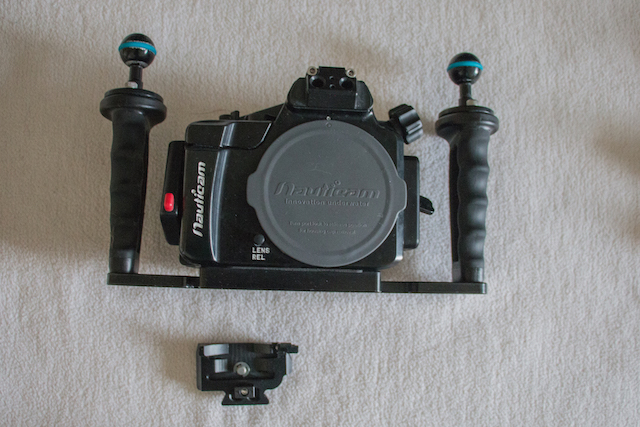
Nauticam NA NEX 5N Underwater housing for Sony NEX 5N camera
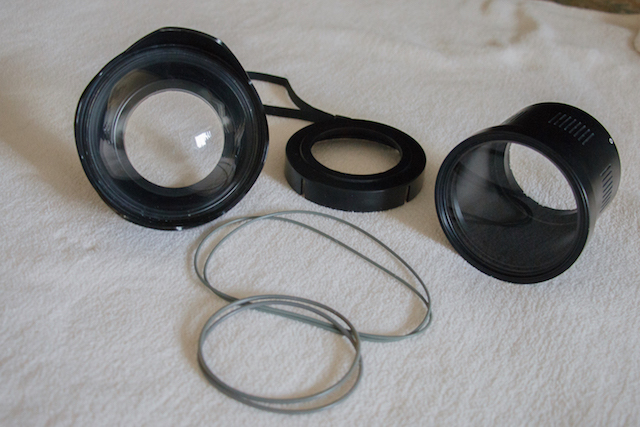
Nauticam N85 4.33 in Fisheye Dome Port
Nauticam N85 Flat Port
Support ring for flat port - 67mm thread (this is great for a wet lens mount for macro)
2 camera trays
2 o-rings for camera
2 0-rings for ports
Camera:
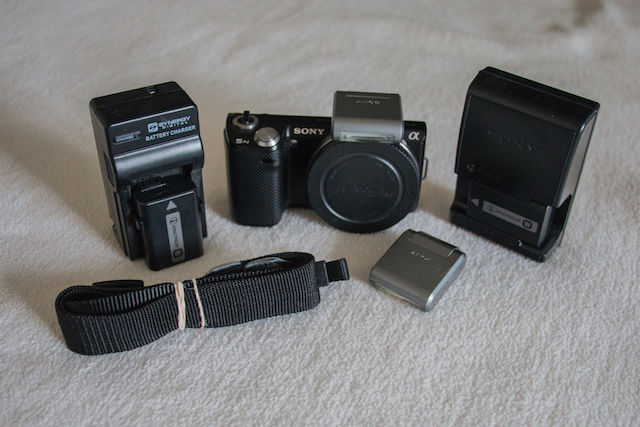
Sony NEX 5N 16.1 mp Mirrorless Digital Camera body with touchscreen
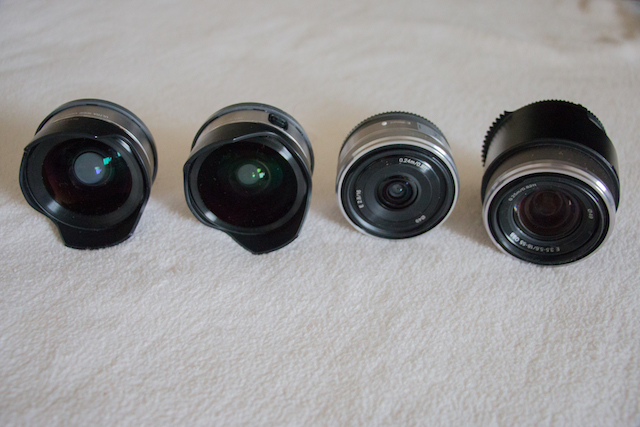
Sony E 18-55mm f/3.5-5.6 OSS SEL1855 Lens
Nauticam Sony NEX 5N E 18-55 Zoom Gear
Sony 16mm pancake lens for E-mount
Sony Fisheye Converter for Sony E-mount 16mm f/2.8 lens (attaches to pancake lens)
Sony Alpha Wide Angle Converter for Sony E-mount 16mm f/2.8 (attaches to pancake lens)
2 Batteries
2 flash units
Additional Accessories:
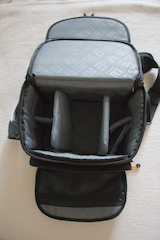
RG Rugged Camera Case
Camera Strap
David Busch's Sony Alpha NEX-5N guide to Digital Photography
I would like to sell the entire camera system as a package. $1900.00 OBO (Paypal only) Free shipping to US only