Skip to content

Photography Gear and Technique / Archived topic

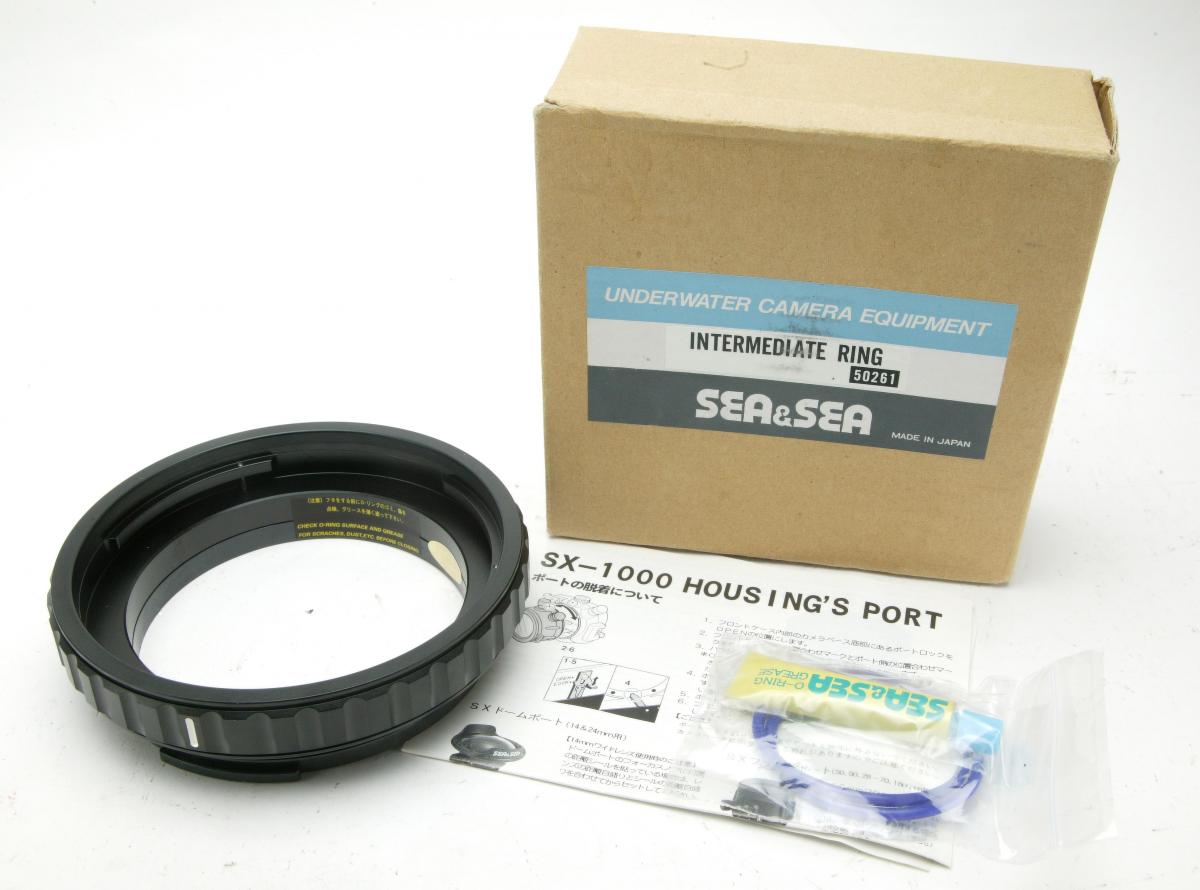
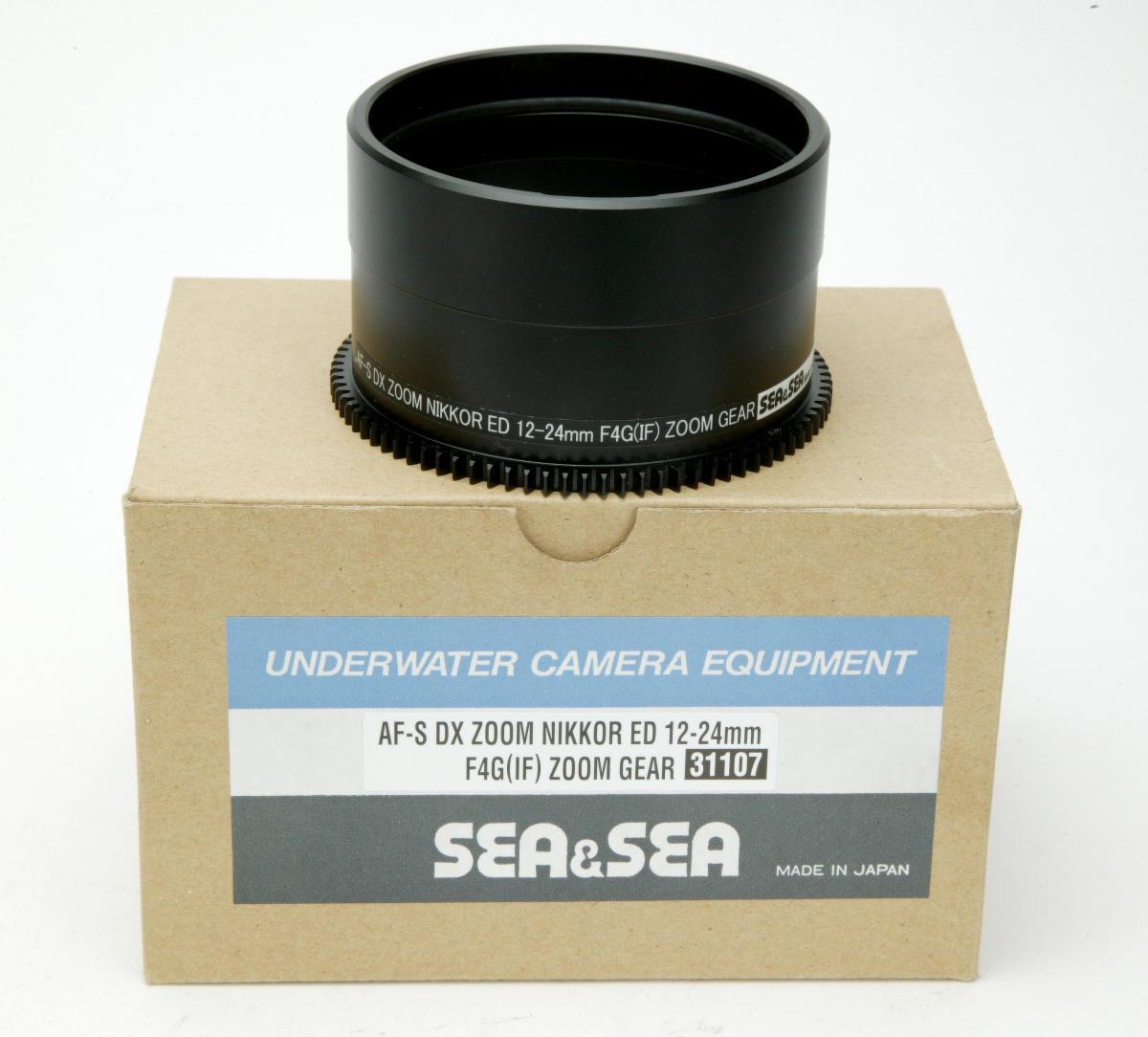
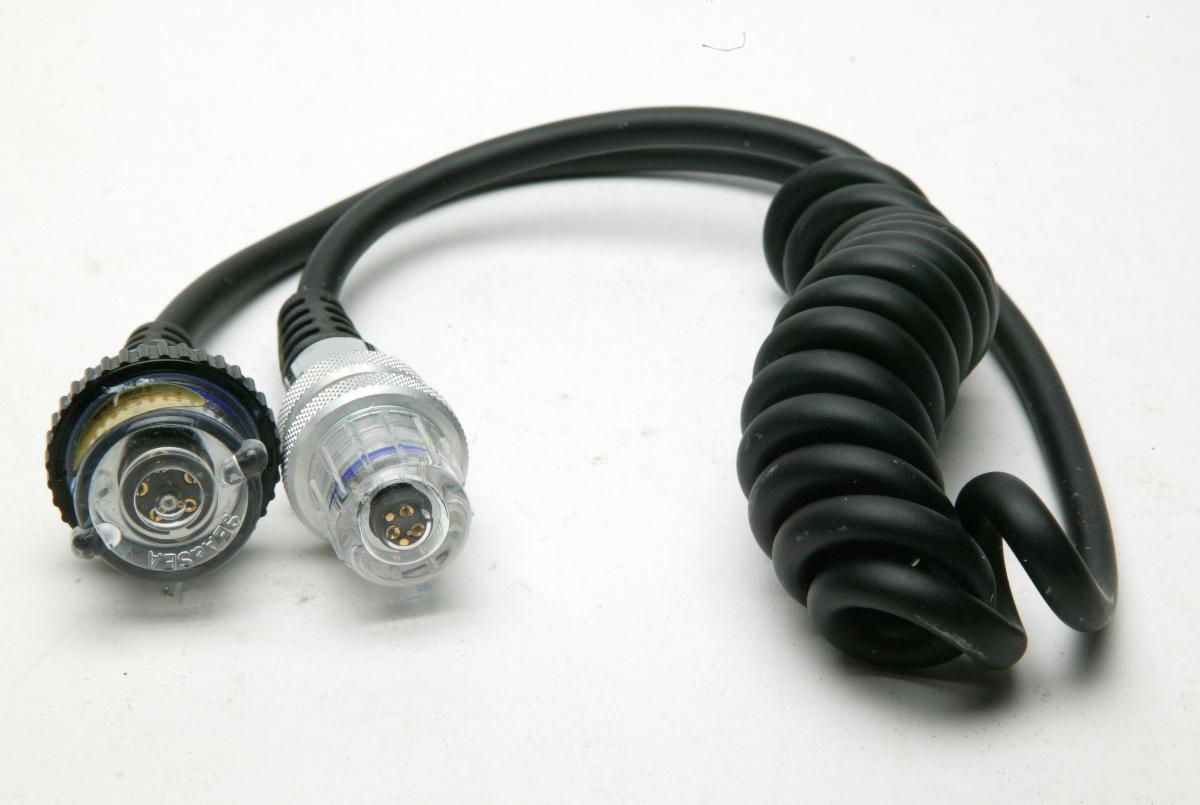
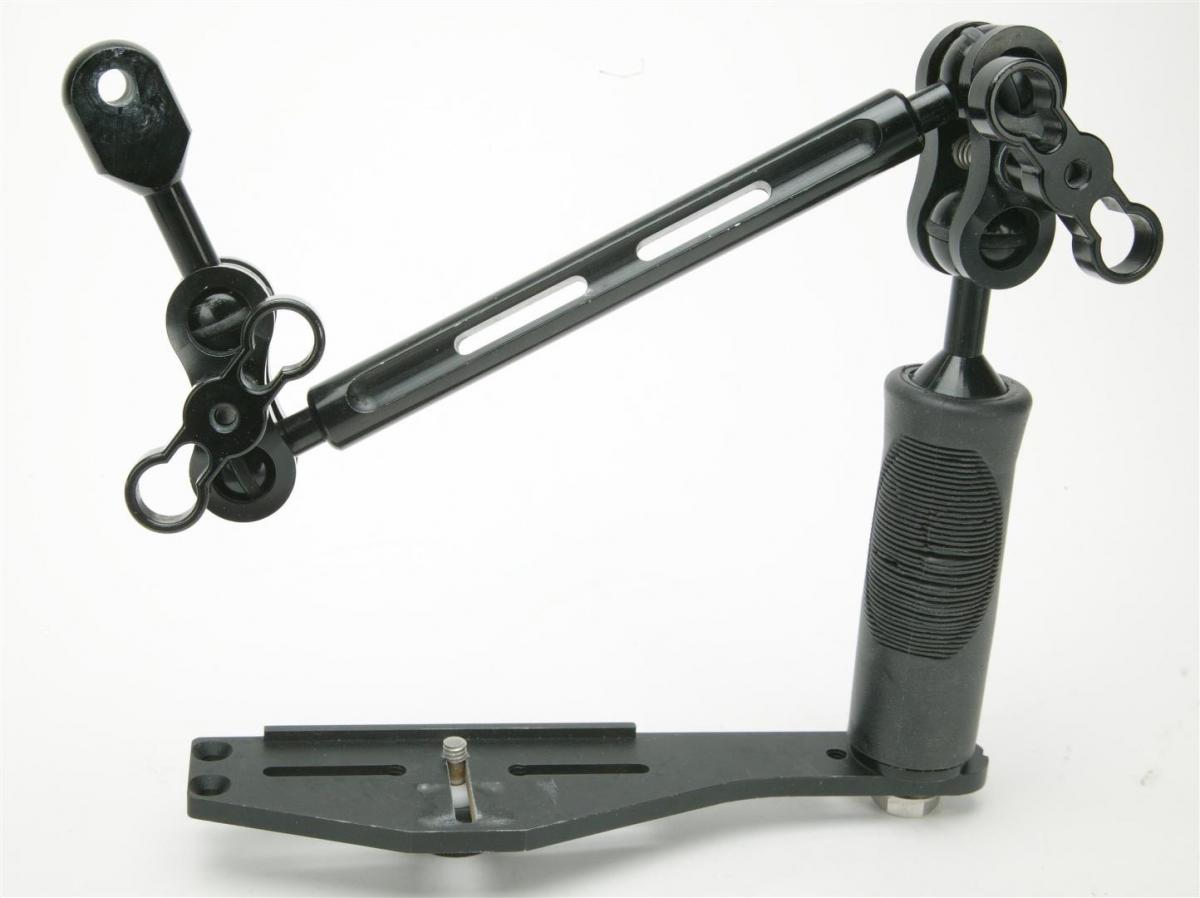
DSLR Sea & Sea custom macro & WA ports, extension, cords, lens gears

Started by rasdolby ·

  • 1Posts
  • 1Replies

Read-only discussion

DSLR Sea & Sea custom macro & WA ports, extension, cords, lens gears

1 posts
  1. I have so much stuff and now time to clean it up a little. I want to sell:


    Nauticam housing XZ-1 with two cameras

    Nikon WP-N1 housing for J1 & J2 cameras. Brand new.

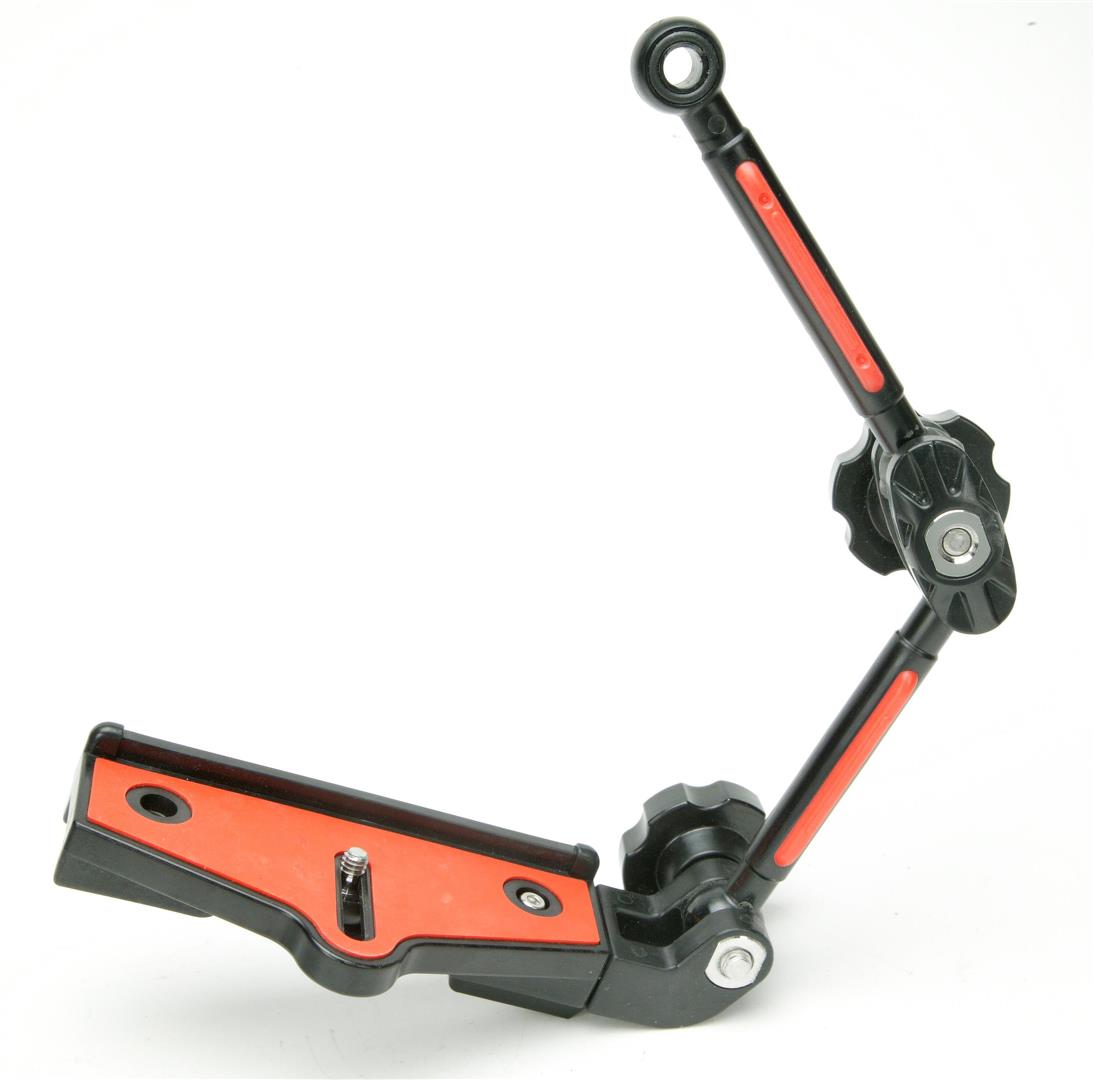
    ULCS tray, grip and single flexi arm

    Sea & Sea tray and arm

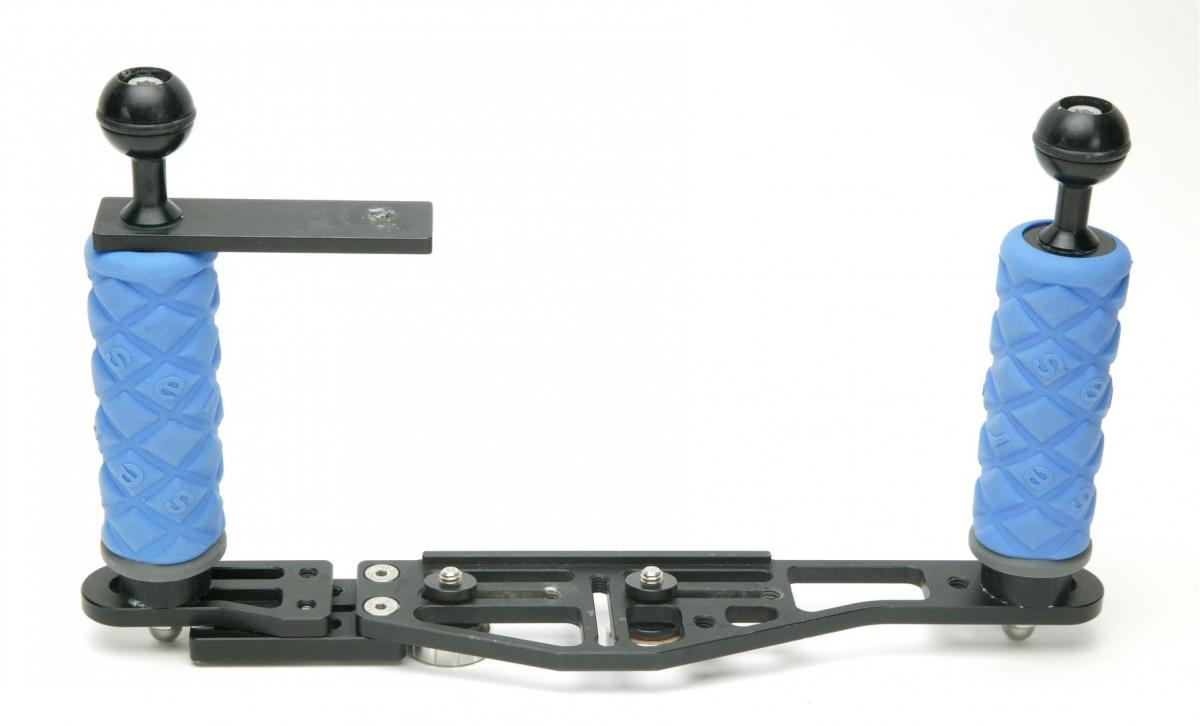
    Aquatica double tray, two grps and balls

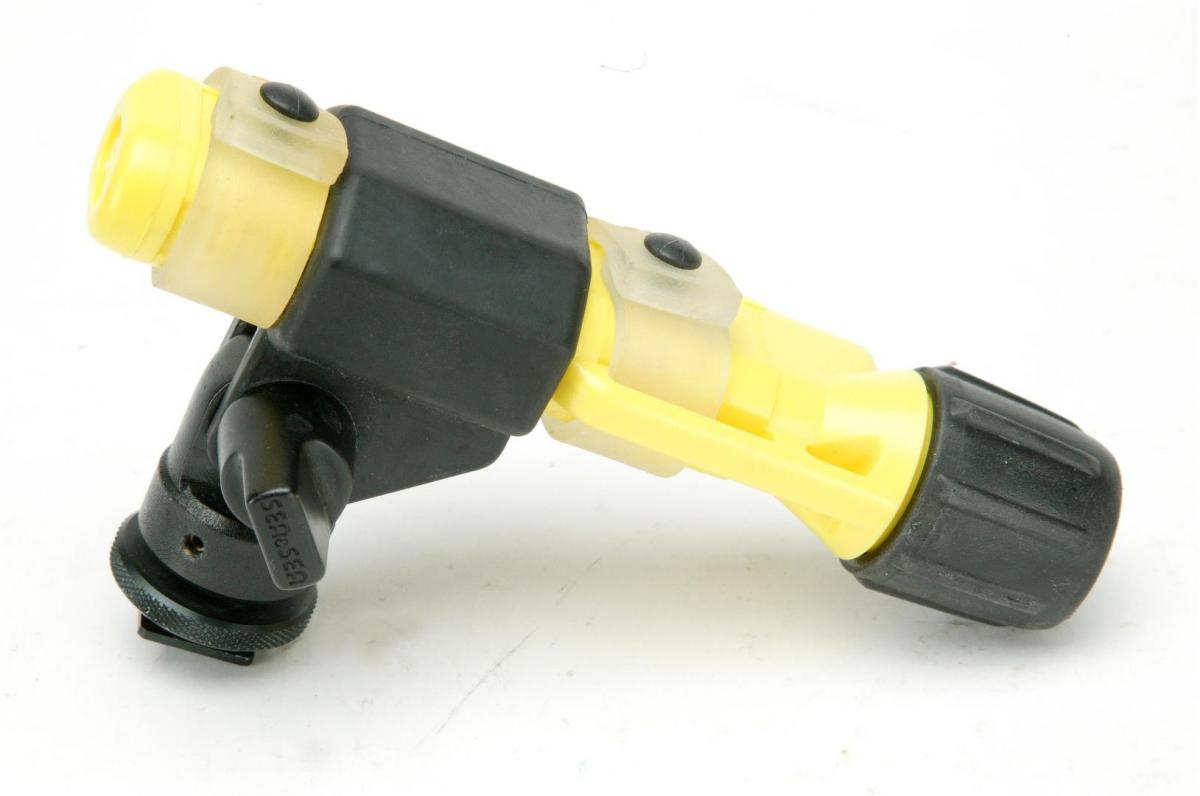
    UK-40 spot focusing flash light with tilting shoe holder

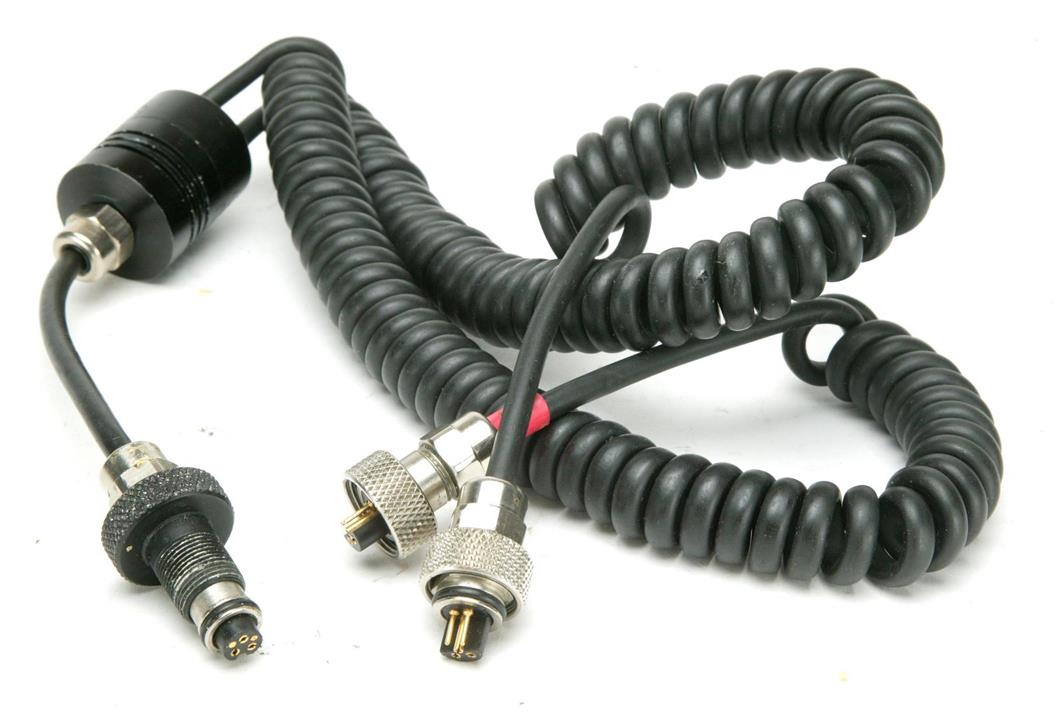
    Ikelite Nikonos Inon dual sync cord (TTL?)

    Sekonic analog light meter

    Weight belt with weights

    Ikelite huge viewfinder


    See all photos and let me know if you need anything else.
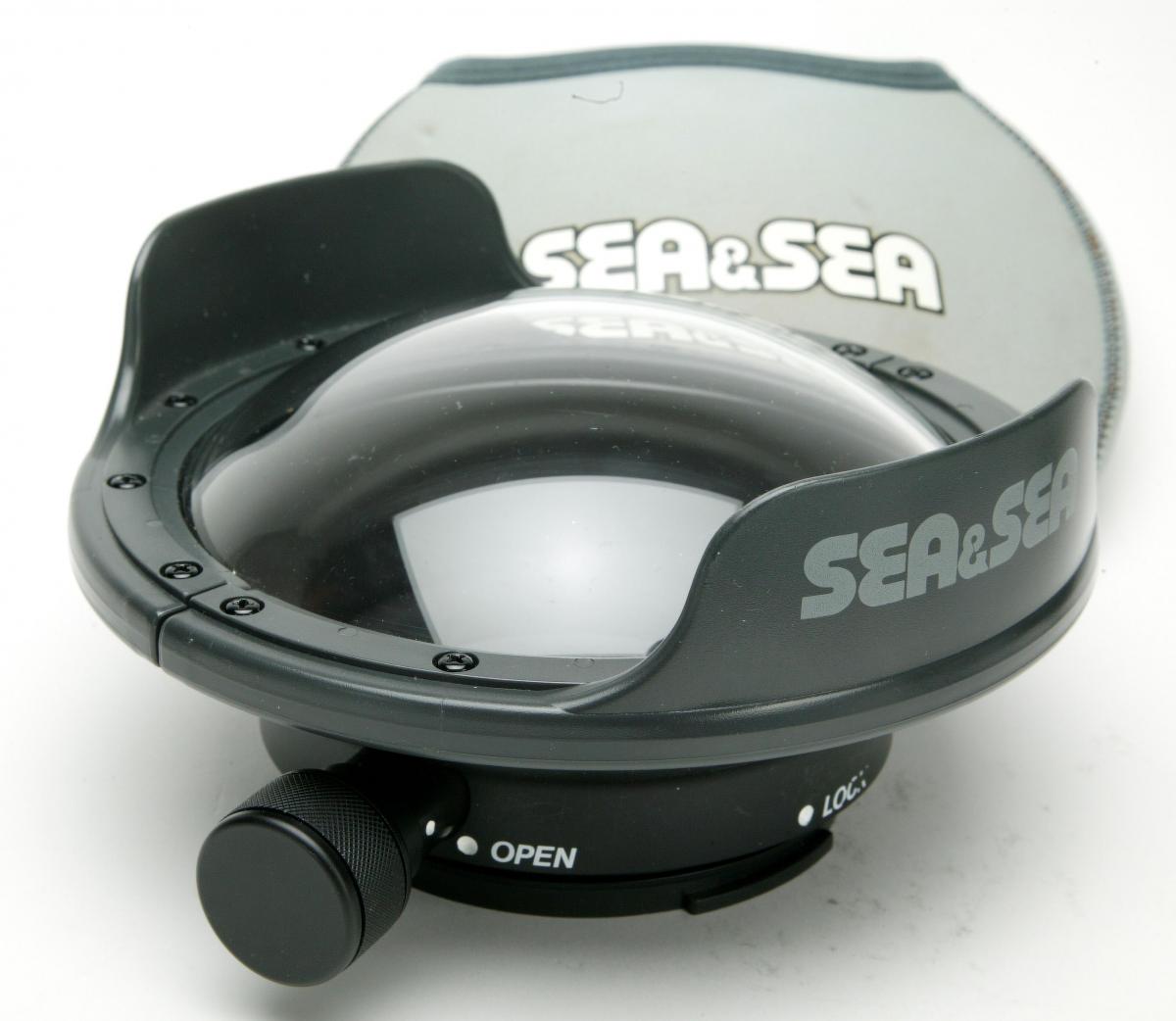
    post-67543-0-98382500-1514664892_thumb.jpg

    post-67543-0-74401900-1514664914_thumb.jpg

    post-67543-0-38366100-1514664934_thumb.jpg

    post-67543-0-34935500-1514664957_thumb.jpg

    post-67543-0-47697000-1514665838_thumb.jpg

    post-67543-0-90975500-1514665846_thumb.jpg

    post-67543-0-22147800-1514665870_thumb.jpg

    post-67543-0-67423400-1514670801_thumb.jpg

    post-67543-0-53611200-1514670846_thumb.jpg

    post-67543-0-69642200-1514670928_thumb.jpg

    post-67543-0-56094300-1514670937_thumb.jpg

    post-67543-0-97210200-1514670950_thumb.jpg

    post-67543-0-54709600-1514670961_thumb.jpg

    post-67543-0-39750700-1514671041_thumb.jpg

Sea & Sea

Account

Navigation

Search

Search

Configure browser push notifications

Chrome (Android)
  1. Tap the lock icon next to the address bar.
  2. Tap Permissions → Notifications.
  3. Adjust your preference.
Chrome (Desktop)
  1. Click the padlock icon in the address bar.
  2. Select Site settings.
  3. Find Notifications and adjust your preference.