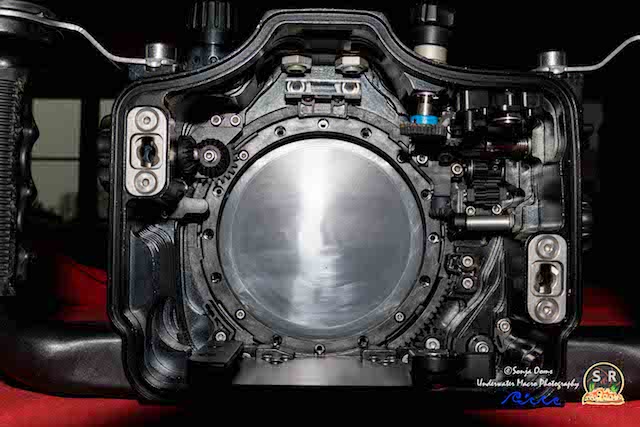
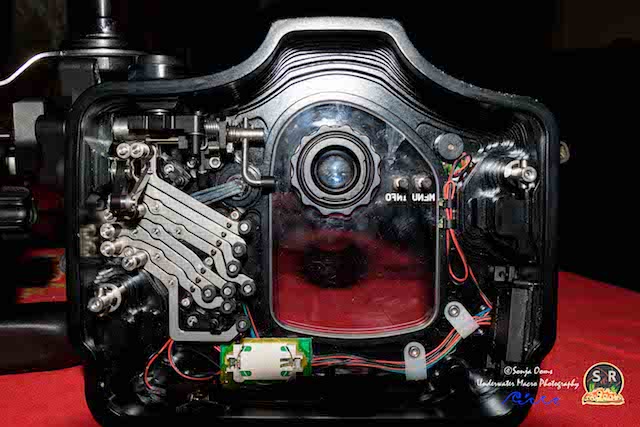
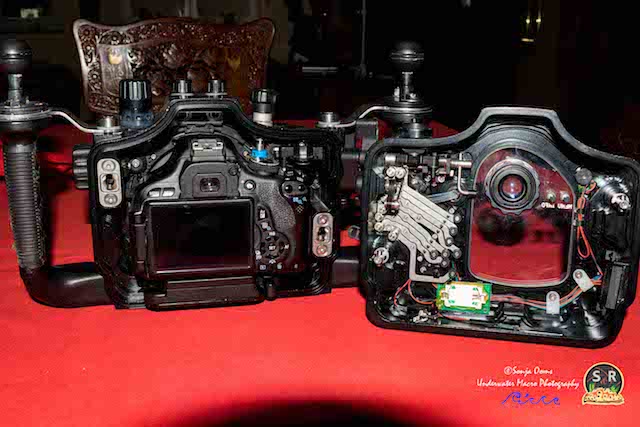
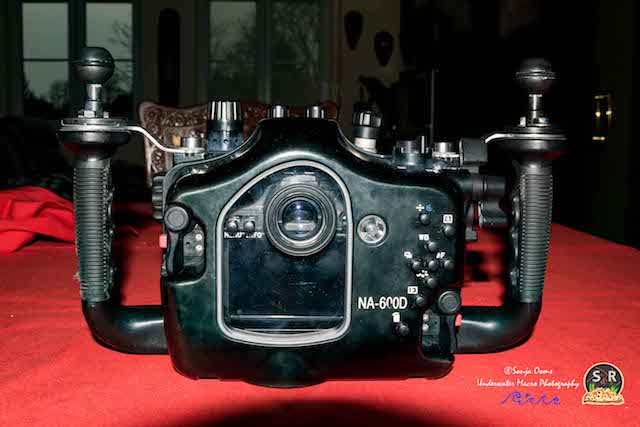
Housing fully serviced by Nauticam UK 2015 (http://www.nauticam.co.uk/) + retrofitted with Nauticam Vacuum System (Price new +/- $220). Excellent working condition, with cosmetic wear consistent with use (price new +/- $2.400) Additional items included: spare O-rings.
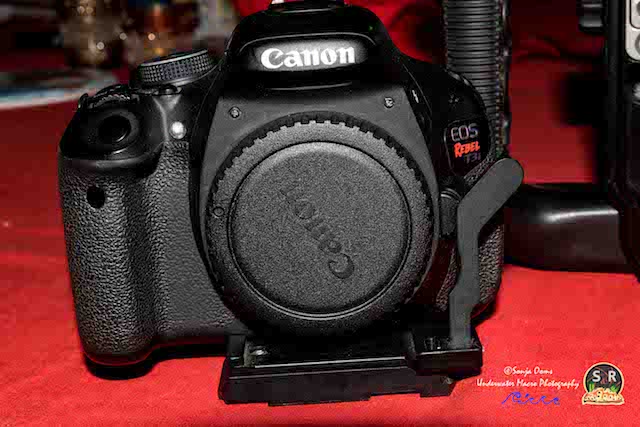
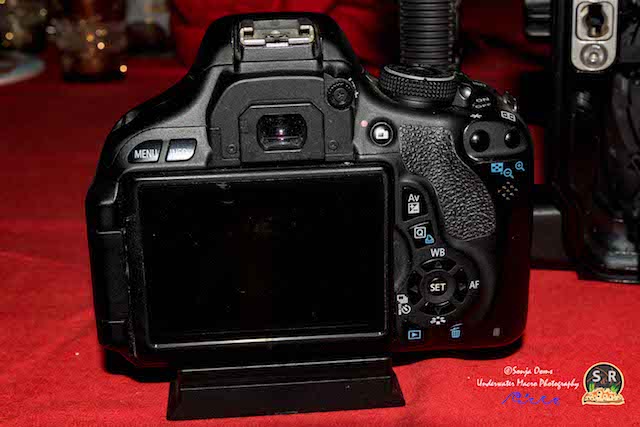
Canon EOS 600D / Rebel T3i body (18MP APS-C Sensor, Full 1080p HD Video). Excellent working condition.
Purchased new 2012. Camera has functioned perfectly with no issues, has no cosmetic flaws, and has been treated with a lot of love. Comes with a second Canon battery + battery charger (price new +/- $390) Has approximately 36,000 shutter actions (Magic Lantern installed) Rebels usually have a shutter life of around 50k.
This equipment has performed perfectly and I have had absolutely no problems. You can see some of the photos I have made with this combination here https://www.flickr.com/photos/55380804@N06/
I’ve upgraded my camera to a 7D MKII and therefore I sell this set.
For more detailed information regarding features and specifications of the Nauticam housing visit: http://www.backscatt.../na-17304.lasso
For more detailed information regarding features and specifications of the Canon EOS 600D body visit: https://www.canon.co.uk/for_home/product_finder/cameras/digital_slr/eos_600d/
For more detailed information regarding features and specifications of the Nauticam Vacuum System visit http://wetpixel.com/articles/review-nauticam-electronic-vacuum-check-and-leak-detection-system
contact peetersooms@gmail.com