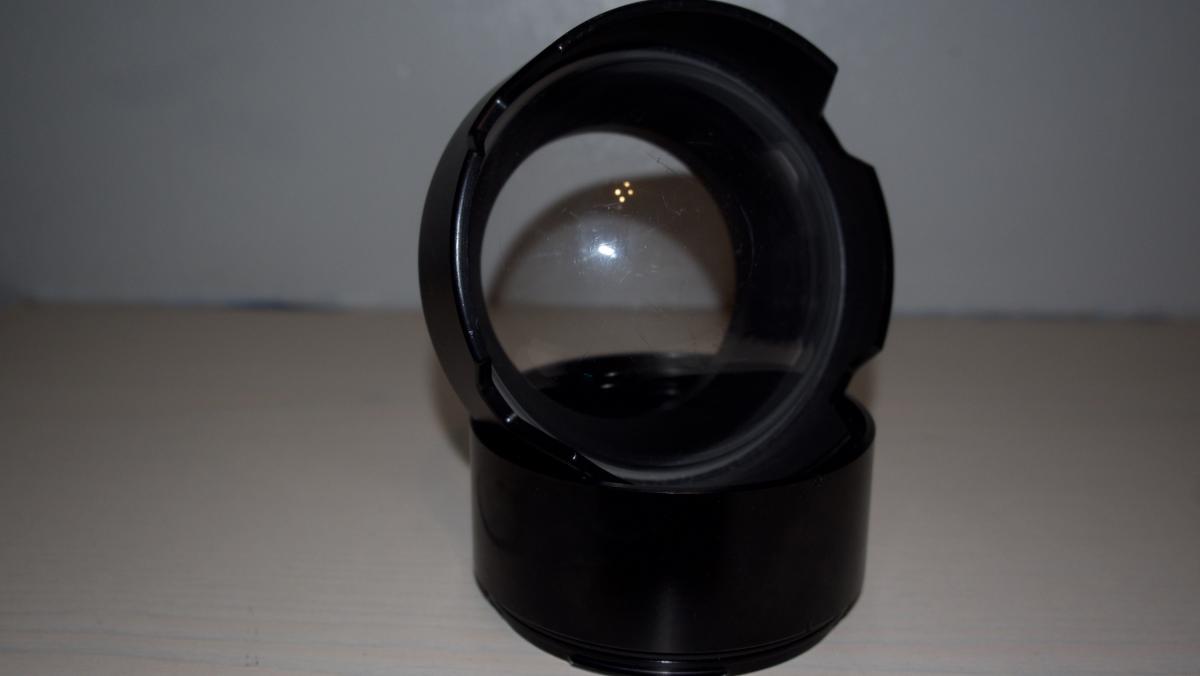
Not been able to use the housing for a long time due to losing my 5D Body and decided to replace it with an EM-1 meaning this setup is now redundant.
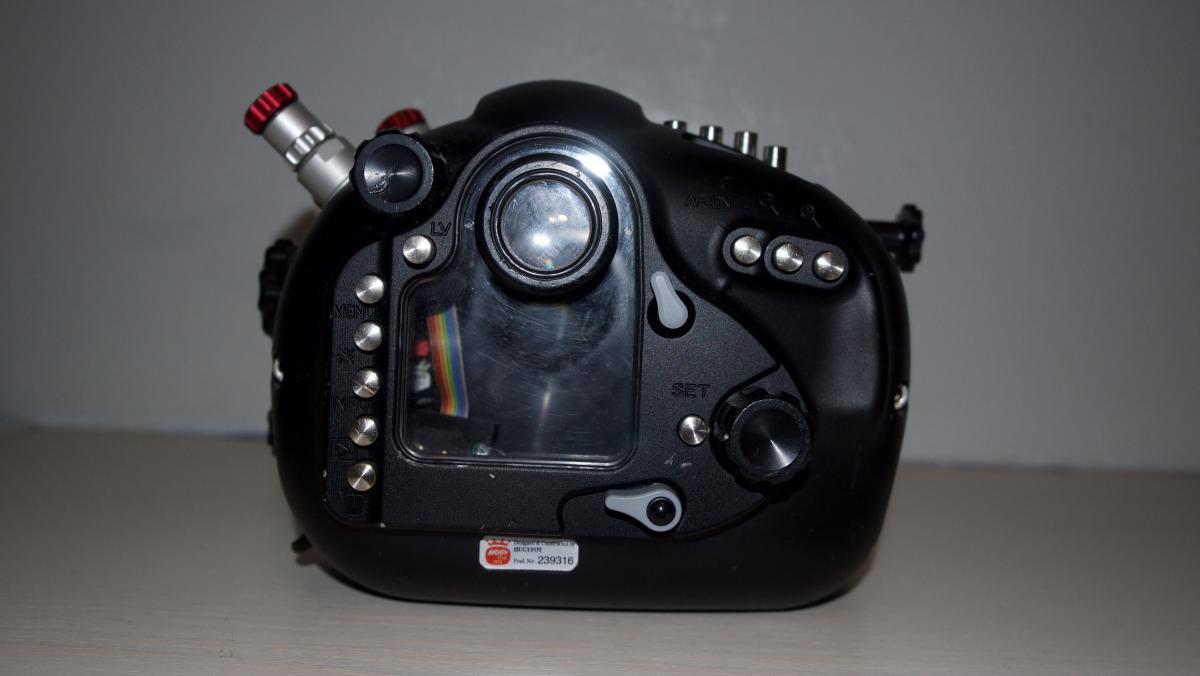
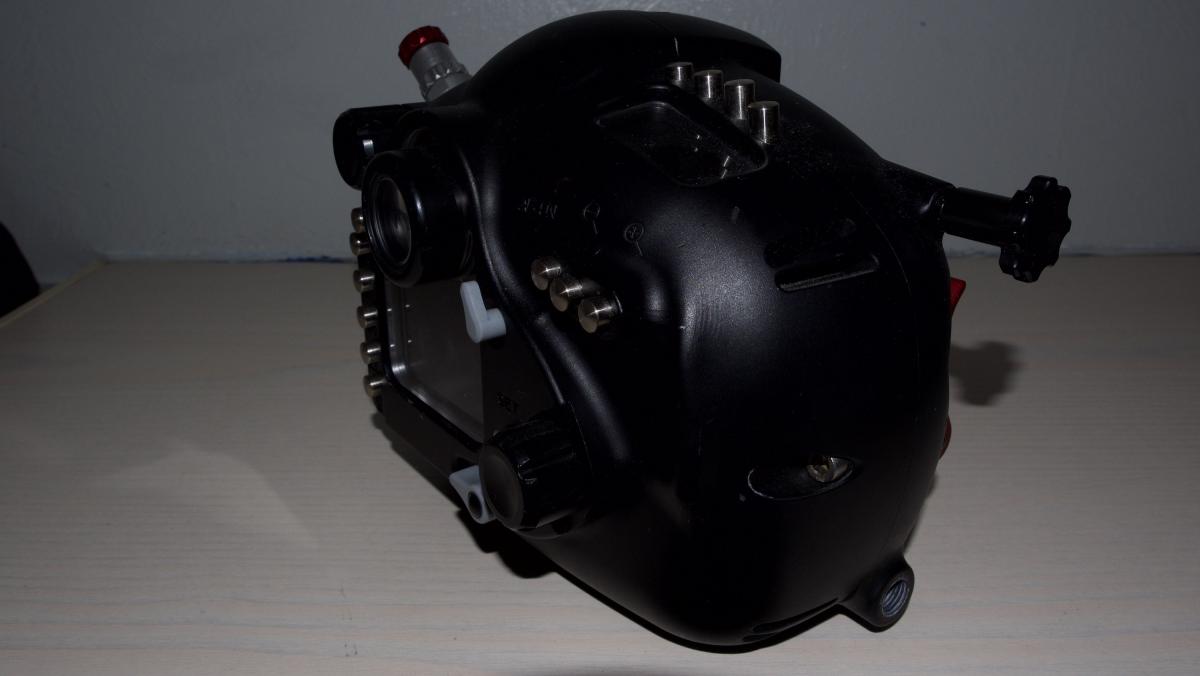
Showing signs of wear but nothing more than expected, I have been the second owner but managed less than a dozen dives in the UK with it.
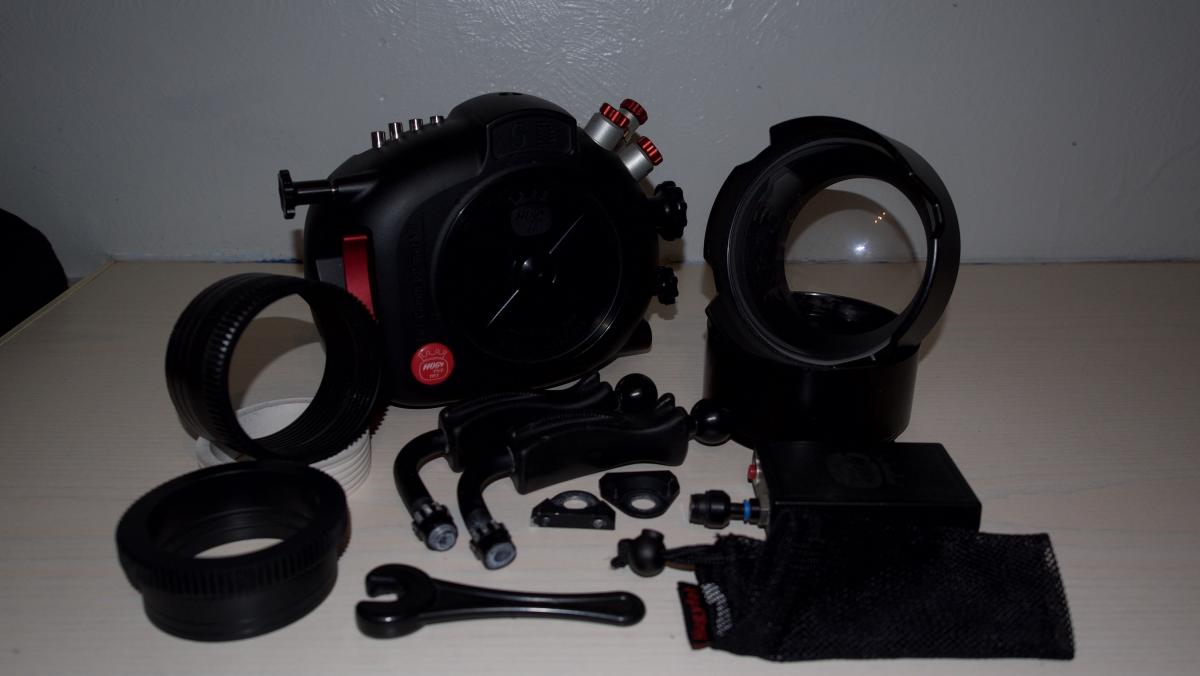
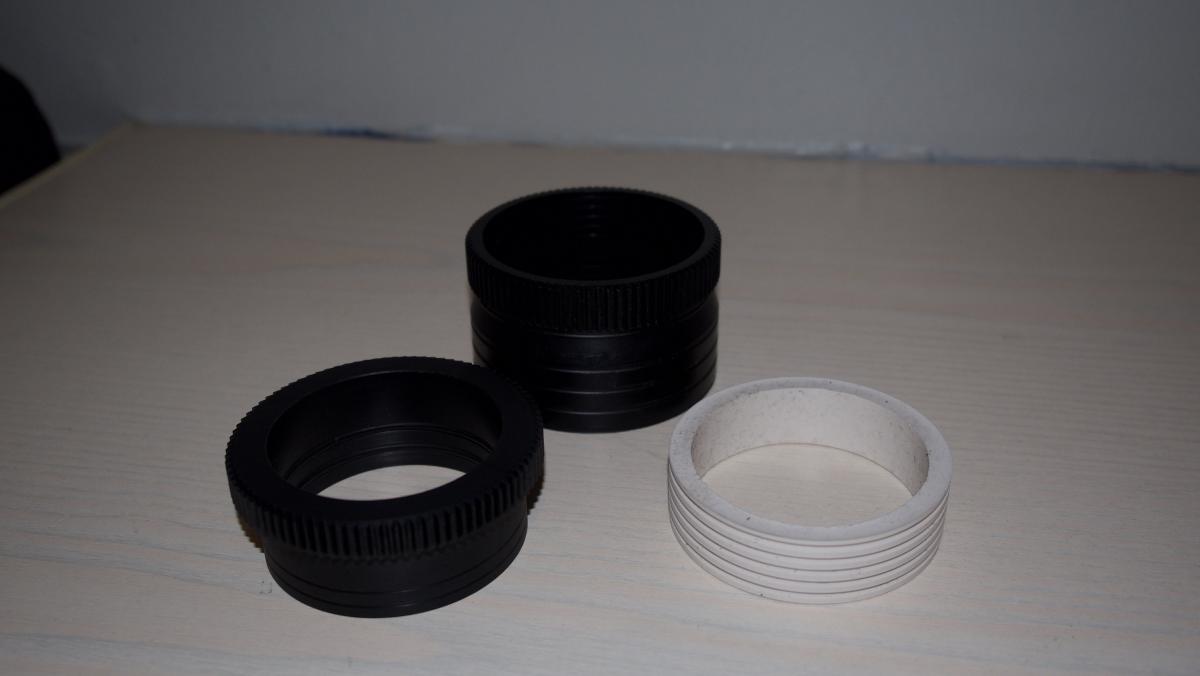
The set includes 2 gears and an extension tube with silicone piece, I only ever used the housing with the Port attached directly.
Full Setup includes:
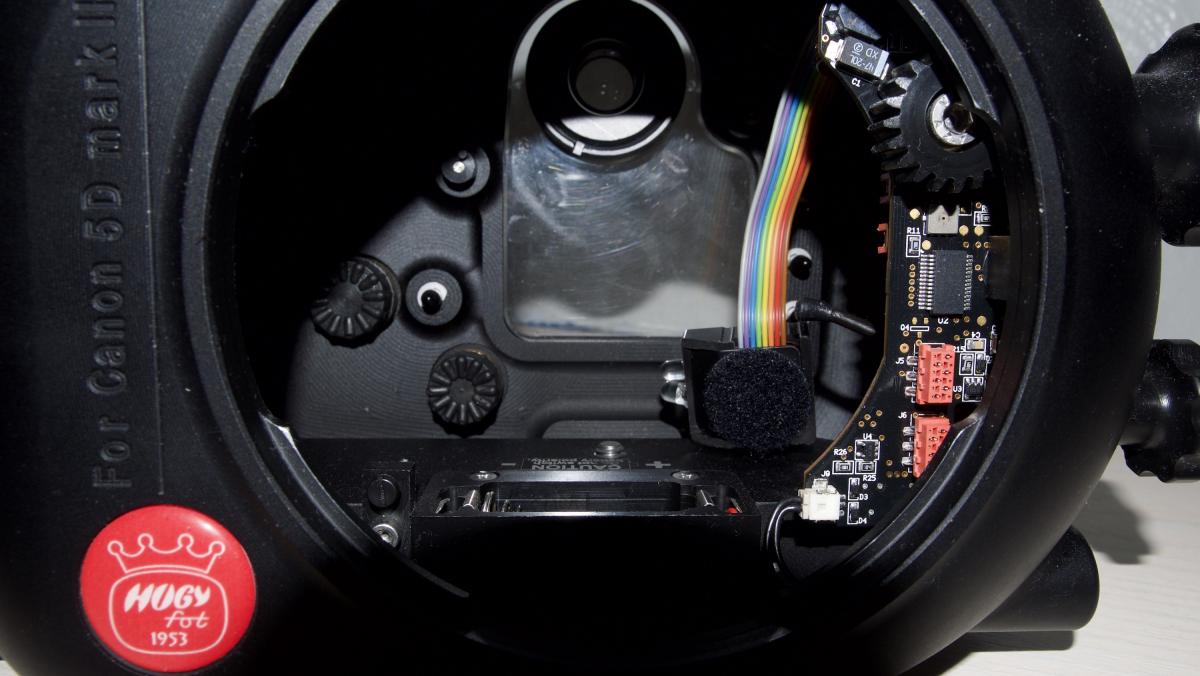
-Hugyfot Canon 5D MKii Housing 100m
Standard housing configuration
- Hugyfot bayonet catch for port mounting
- Hugyfot countersunk bolt closing mechanism
- gearwheel drive for manual zoom or focus control
- standard viewfinder
- large window for back color LCD screen
- small window for top screen
- rigid handle with ball mount (left hand side)
- soft neoprene handle for one-hand photography (right hand side)
- ball mount for 2nd strobe on top of housing
- 3rd bulkhead
-Hugyfot Wide Angle Acrylic Port WAK -6.611
-2x Hugyfot Gear
-Hugyfot Extension
-Hugyfot Silicone
-Hugyfot Vacuum Pump
GBP £850 OIRO postage not included. International postage available.