Skip to content

Photo / Video Showcase / Archived topic

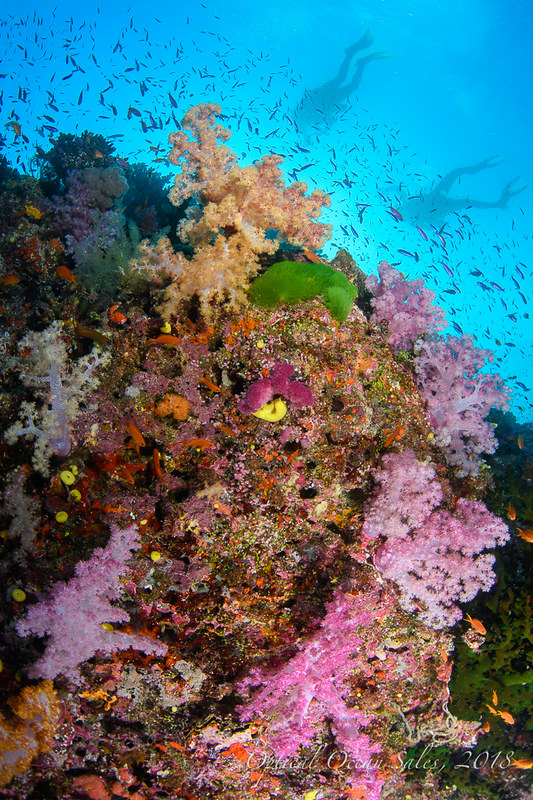
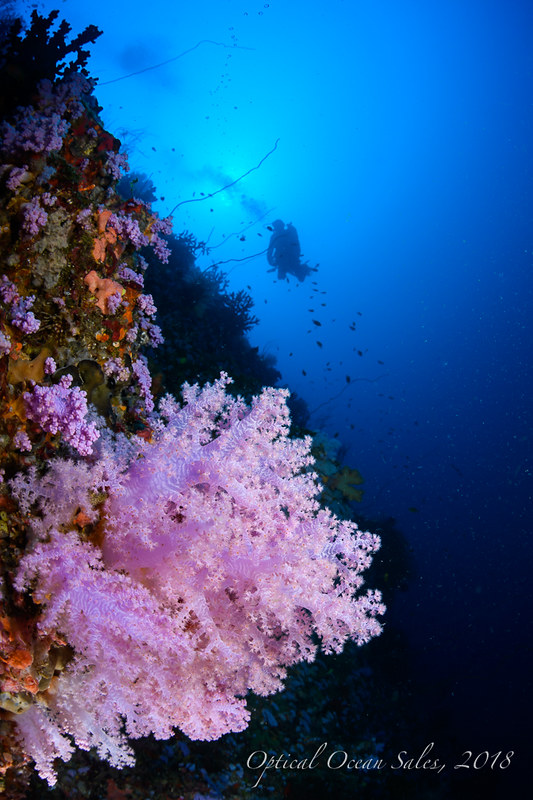
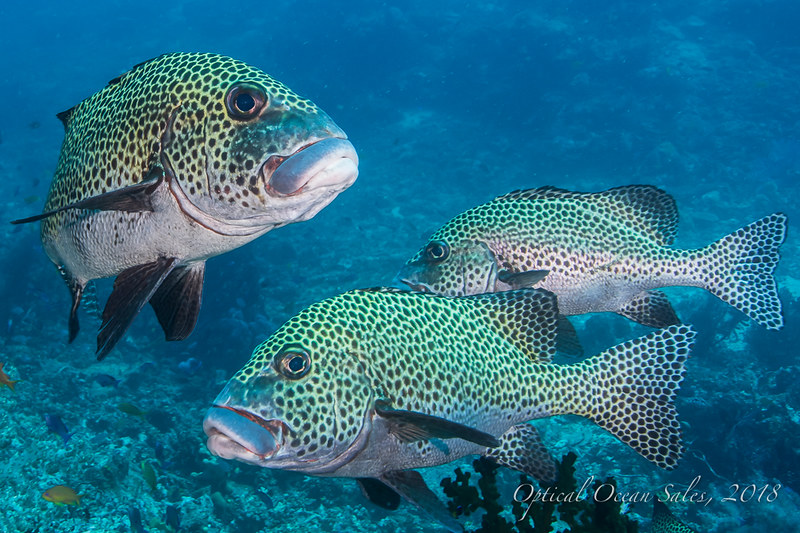
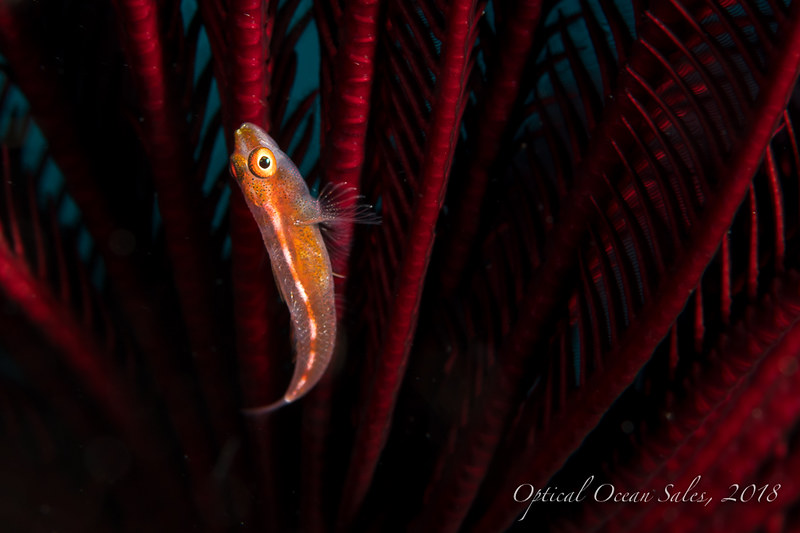
A few D850 Shots from Fiji

Started by JackConnick ·

  • 9Posts
  • 9Replies

Read-only discussion

A few D850 Shots from Fiji

9 posts
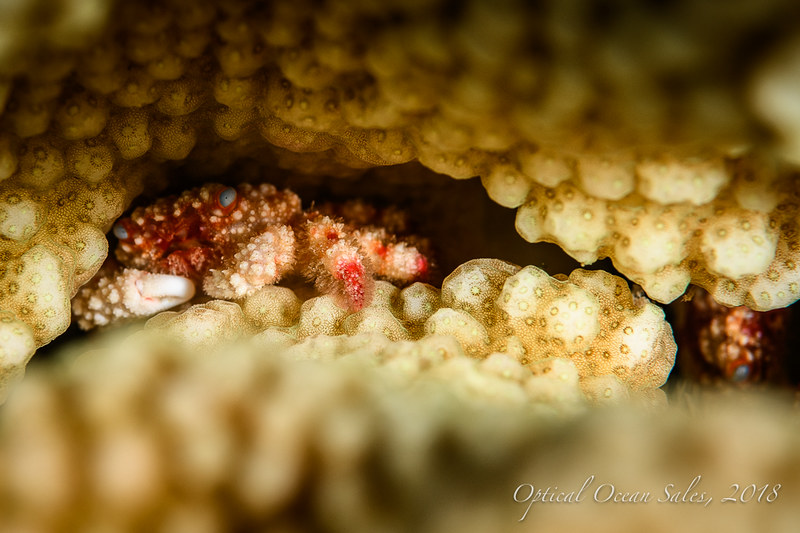
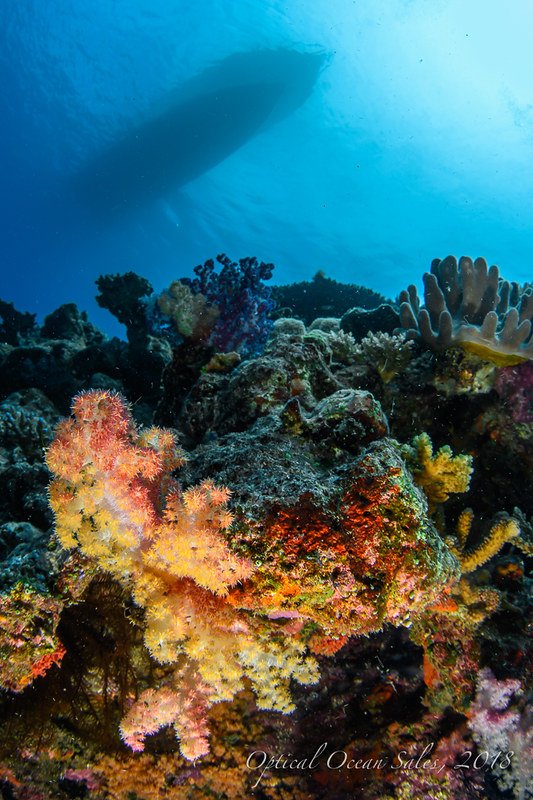
  1. Spent a week on the Nai'a and another 8 days at Qamea Resort near Taveuni.


    Shot the Nikon D850 in a Nauticam housing. I used the Sigma 15mm FE, Nikon 17-35 behind a Zen 170mm dome, as well as the Nikon 105mm VR macro.


    I'm still working on a TR, will post when it's available. But here's a few shots to whet your appetite.


    Underwater Album on Flickr


    39063736114_b3316bbc89_c.jpg


    39022992384_dfe128a518_c.jpg


    39742018392_3cd19b283f_c.jpg


    38833932215_b14d888662_c.jpg


    24911818007_796fd828fe_c.jpg


    25860435998_436b1f73b4_c.jpg

    Edited by JackConnick
  2. Jack,


    Nicely done. Very nice images, indeed!


    Any massive UW difference over D800 or D810 in your opinion?


    ian

  3. Hi Jack,


    wow, very well done! How safisfied are you with the Sigma Fisheye with 850? Was picture no. 2 taken with this?


    Best regards, Sascha

  4. Thanks, gang.


    I think the D850 is a lot faster and the AF better. It certainly has higher resolution. Which I think is pushing the envelope of what the Sigma is capable of. I mostly shot at f/9 or f/11 or so and I found I had small DOF issues even then.


    Here's another:


    24911817827_69062be7a0_c.jpg

  5. Very nice pictures.

  6. Nice, Jack! Can’t wait to get mine in the water too. Hope you’re well.

  7. Hi Jack,


    which flashes did you use?


    Sascha

  8. Hi Jack,


    which flashes did you use?


    Sascha


    Sasha,

    I used 2x S&S YS-D1 strobes.

  9. Great results!!

Retra

Account

Navigation

Search

Search

Configure browser push notifications

Chrome (Android)
  1. Tap the lock icon next to the address bar.
  2. Tap Permissions → Notifications.
  3. Adjust your preference.
Chrome (Desktop)
  1. Click the padlock icon in the address bar.
  2. Select Site settings.
  3. Find Notifications and adjust your preference.