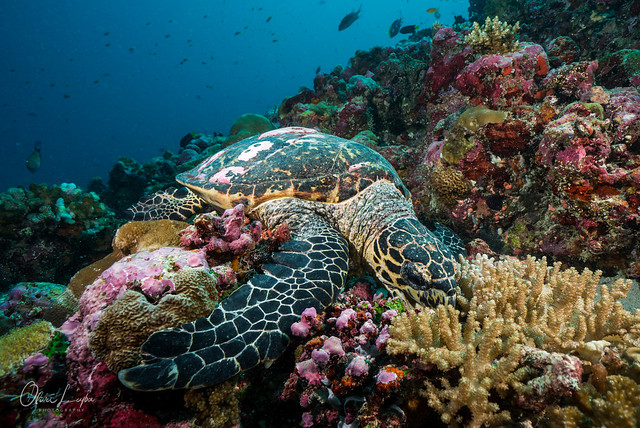
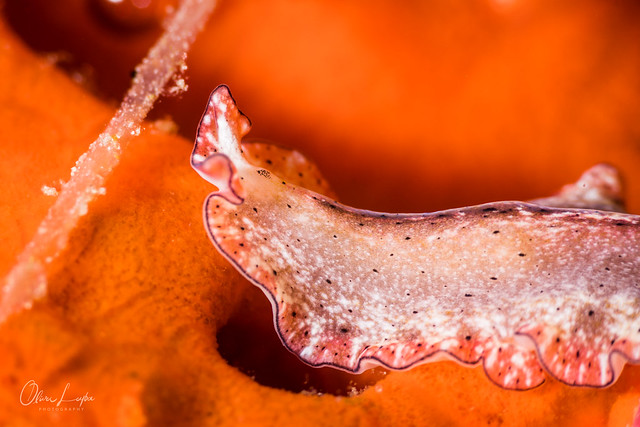
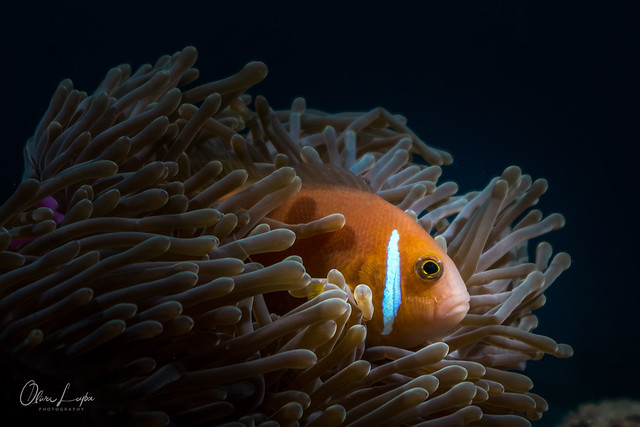
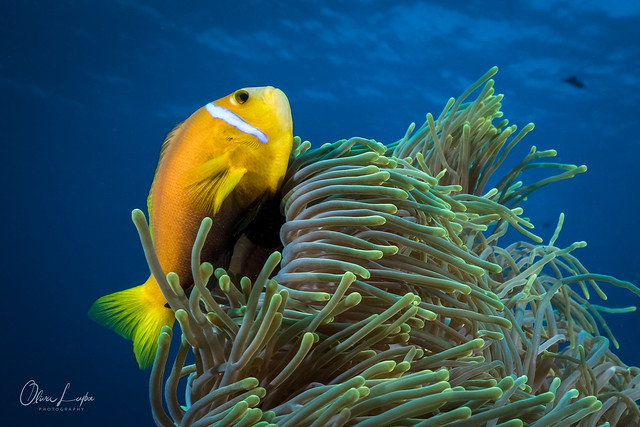
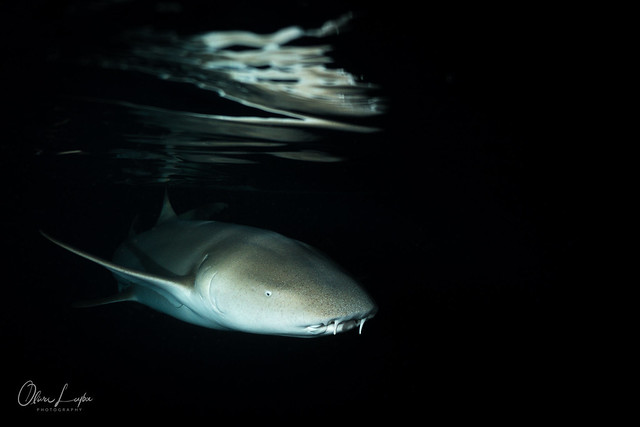
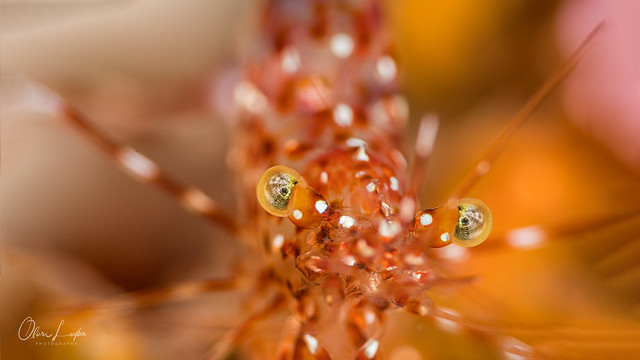
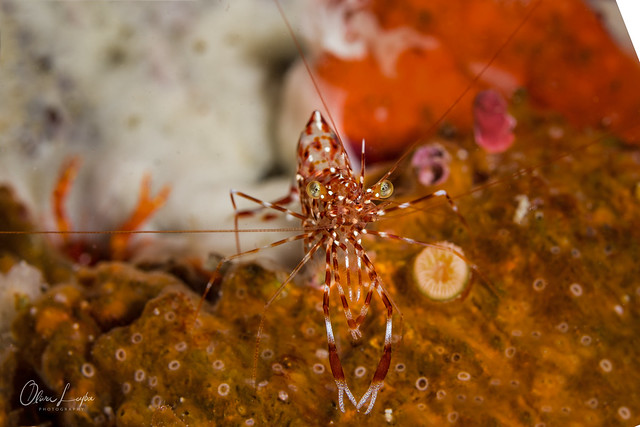
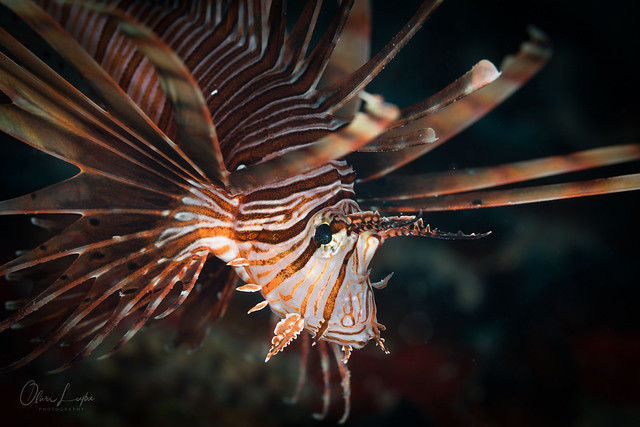
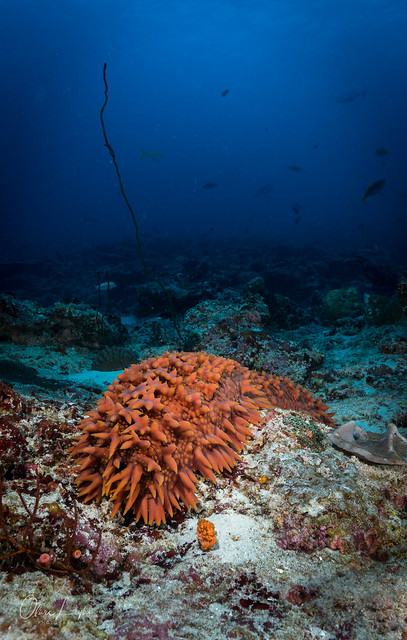
just came back from a 11 day liveaboard cruise at the Maldives. All pictures shot with the Sony A6300, Sony 10-18f4, Sony 90f2.8 macro OSS, Nauticam housing, Sea&Sea YS-D2, DIY Snoot, Saga +10 diopter.
Beautiful pictures, many thanks for sharing! I especially like the second one though it is really hard to pick a favourite. Great work!
I agree with you about the mount bickering ( even though I have dropped A and gone to E) but I would go further. be open minded to other brands and systems too. Just enjoy your photography, like you obviously do! Tutuapp9appsShowbox
Very good photos
At what speed do you synchronize the sony A6300?
Nice pics! I'll be there in just three months, looking forward.





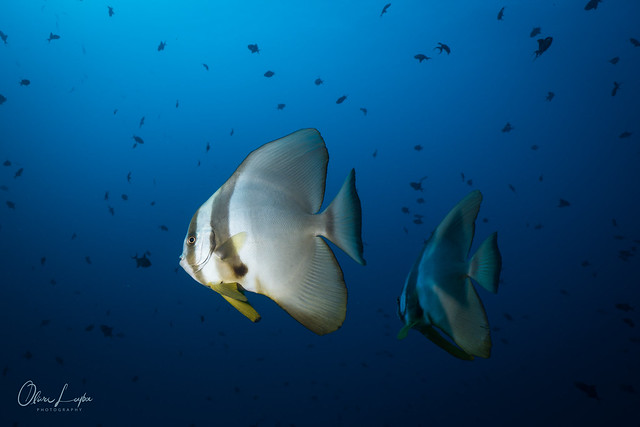 Malediven 2018, Carpe Diem liveaboard by Oliver Leyba, auf Flickr
 Malediven 2018, Carpe Diem liveaboard by Oliver Leyba, auf Flickr
 Malediven 2018, Carpe Diem liveaboard by Oliver Leyba, auf Flickr
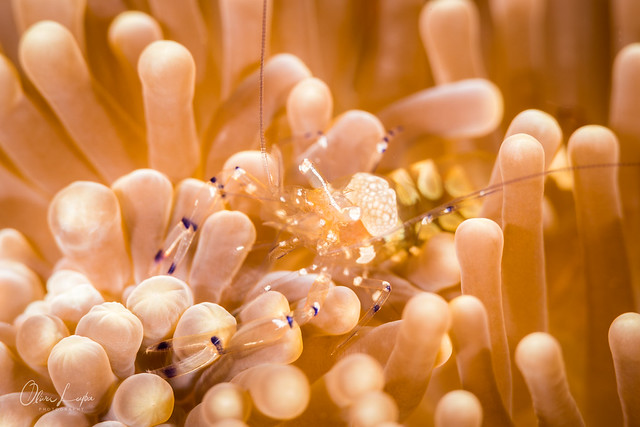 Malediven 2018, Carpe Diem liveaboard by Oliver Leyba, auf Flickr
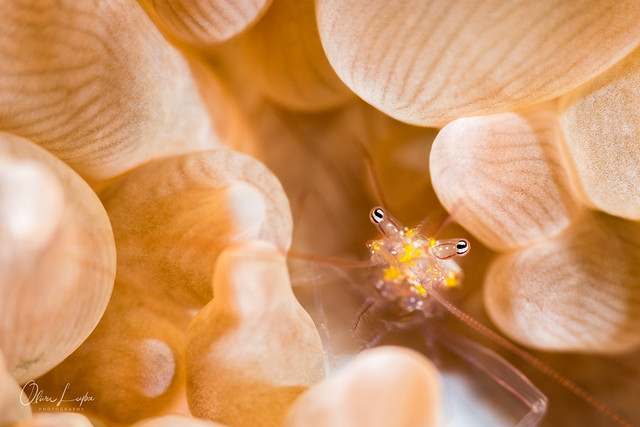 Malediven 2018, Carpe Diem liveaboard by Oliver Leyba, auf Flickr
 Malediven 2018, Carpe Diem liveaboard by Oliver Leyba, auf Flickr
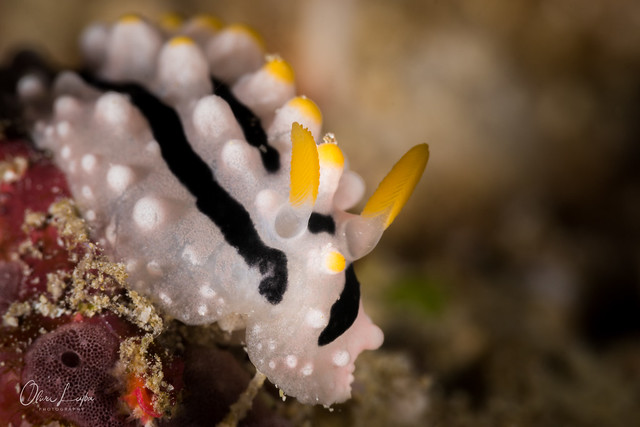 Malediven 2018, Carpe Diem liveaboard by Oliver Leyba, auf Flickr
 Malediven 2018, Carpe Diem liveaboard by Oliver Leyba, auf Flickr