Skip to content

Classifieds / Archived topic

FS 2 Seacam Seaflsh 60D with accessories

Started by SMY ·

  • 4Posts
  • 4Replies

Read-only discussion

FS 2 Seacam Seaflsh 60D with accessories

4 posts
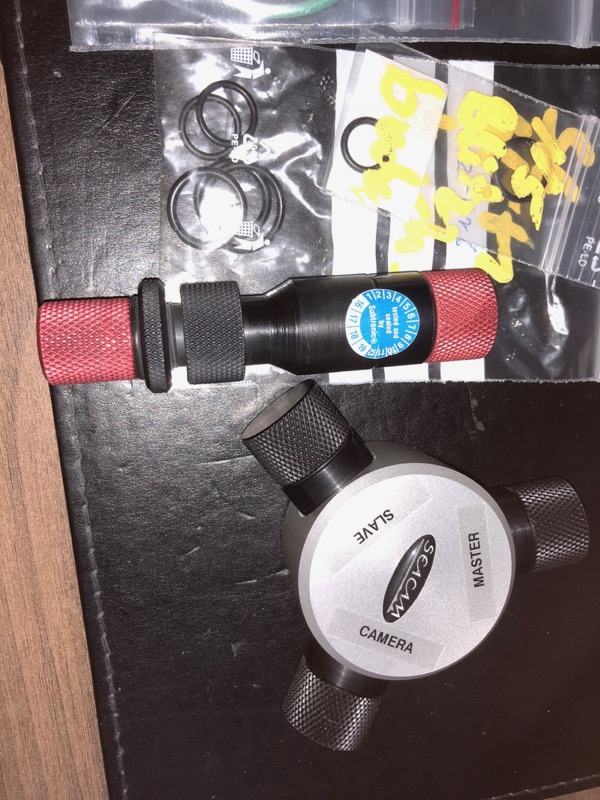
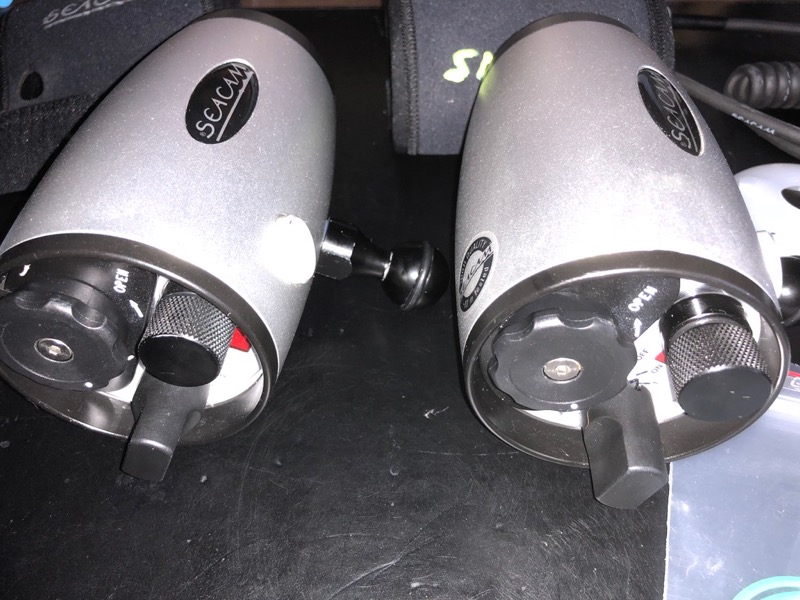
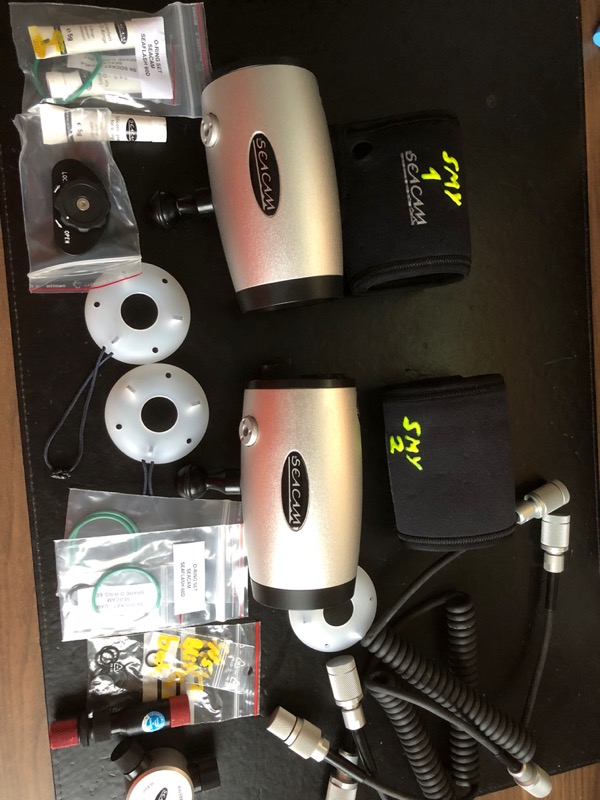
  1. I offer 2 used Secam Seaflash 60D. They were bought in June 2017 at Seacam (invoice will be included) and are in technical and optical very good condition. I had one little flooding in one of the (encapsulated) battery compartment, which was checked, cleaned and for safety reasons the contacts exchanged by Seacam.


    The flashes have Nikon electronics and S6 plugs. They have an optical connector, too (which I used, so splitter and s6 cables mentioned below were never used).


    Extras:


    3 x Diffusors

    2 knob extensions for switches (on/off switch, installed)

    o-ring grease and spare o-rings

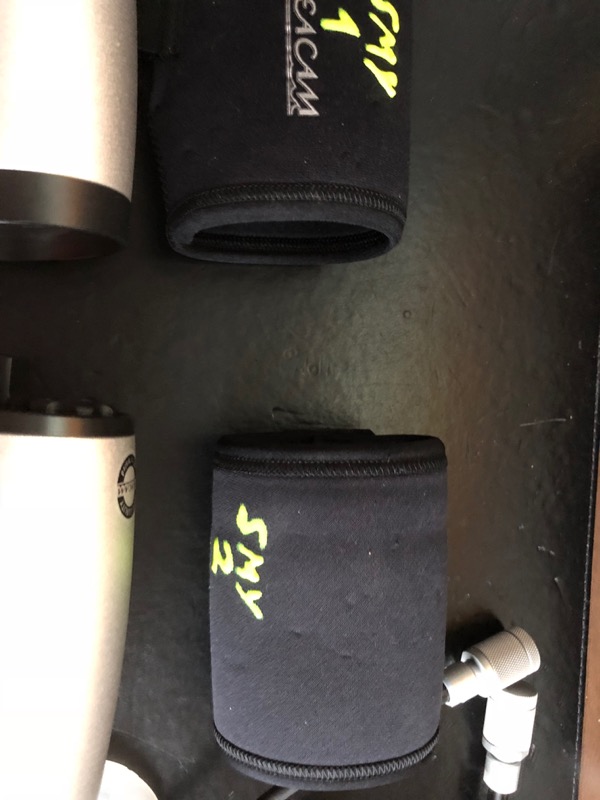
    2 Neoprene Cover (with my acronynm on it, but you can turn it around)

    2 S6/S6 electronic flash cabele from Seacam

    1 Splitter from Seacam with 3 x S6 (to use two falshes at a housing with one connector only)

    1 S6/N5 cable (my Nauticam housing had only a N5 connector)

    1 spare lock lid for battery compartment


    Extras can be sold separately


    Original price more than 3000 Euro, now for 1900 Euro, please send PM with offer.


    Transport costs free in Germany and to be calculated for other countries.
    post-24762-0-21381000-1518881721_thumb.jpg

    post-24762-0-32518100-1518881730_thumb.jpg

    post-24762-0-58649000-1518881741_thumb.jpg

    post-24762-0-32188300-1518881759_thumb.jpg

    Edited by SMY
  2. Was do you sell them, thought they would be a Great Deal .

  3. They are! First: I'm always playing around with technical gimmicks. Second: I want wo have the Z330, too, due to maximum power which I need, too. Third: both are too much for my financial budget head (my wife!).


    Regards, Sascha

    Edited by SMY
  4. Sold!

Retra

Account

Navigation

Search

Search

Configure browser push notifications

Chrome (Android)
  1. Tap the lock icon next to the address bar.
  2. Tap Permissions → Notifications.
  3. Adjust your preference.
Chrome (Desktop)
  1. Click the padlock icon in the address bar.
  2. Select Site settings.
  3. Find Notifications and adjust your preference.