Skip to content

Classifieds / Archived topic

SUBAL CD7 for Canon 7D with ports, hardware & VF

Started by Dmanfish ·

  • 4Posts
  • 4Replies

Read-only discussion

SUBAL CD7 for Canon 7D with ports, hardware & VF

4 posts
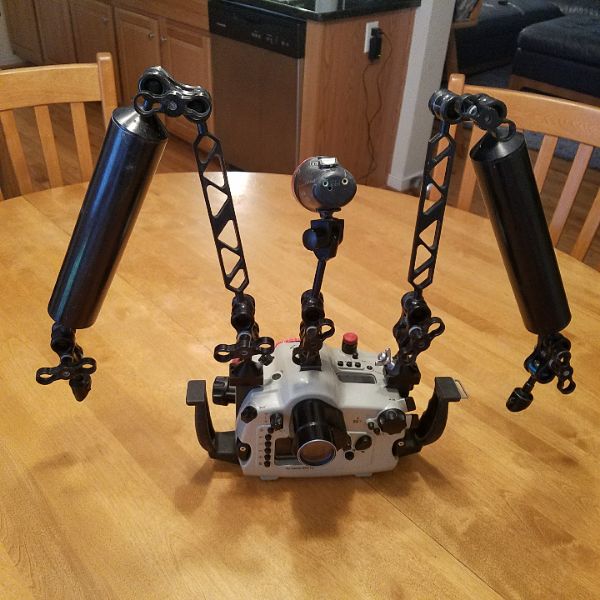
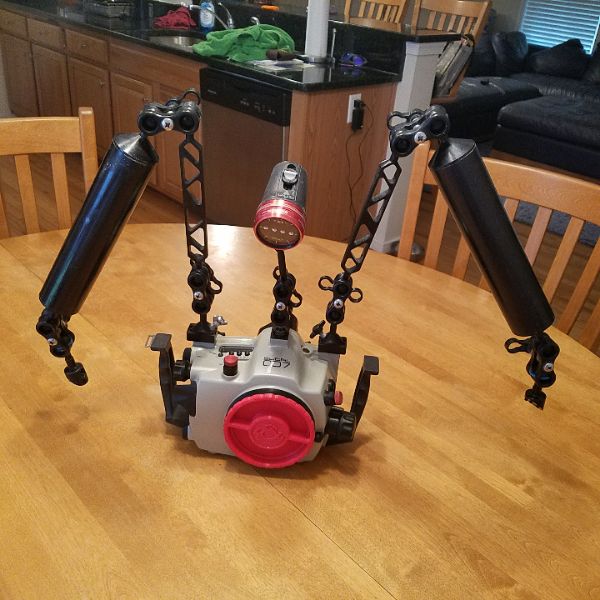
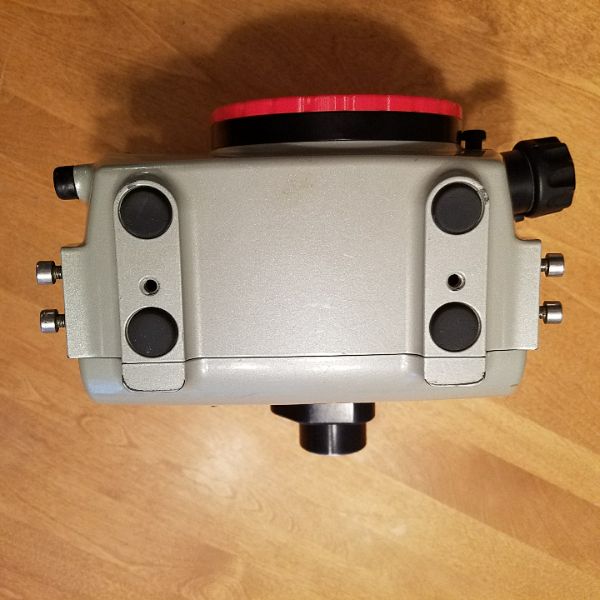
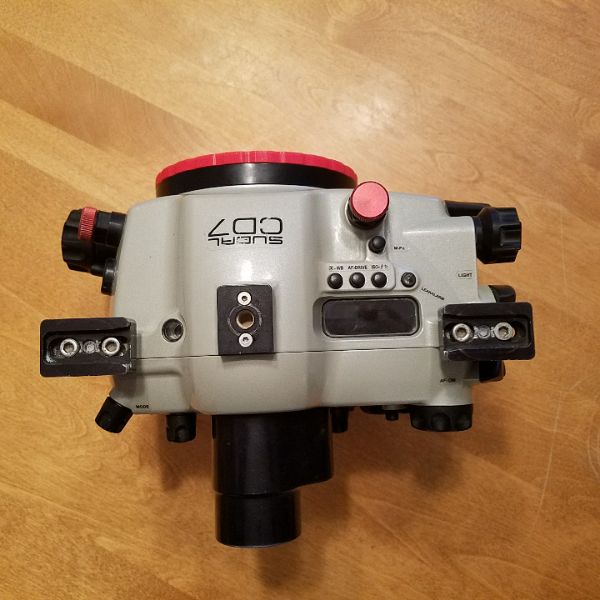
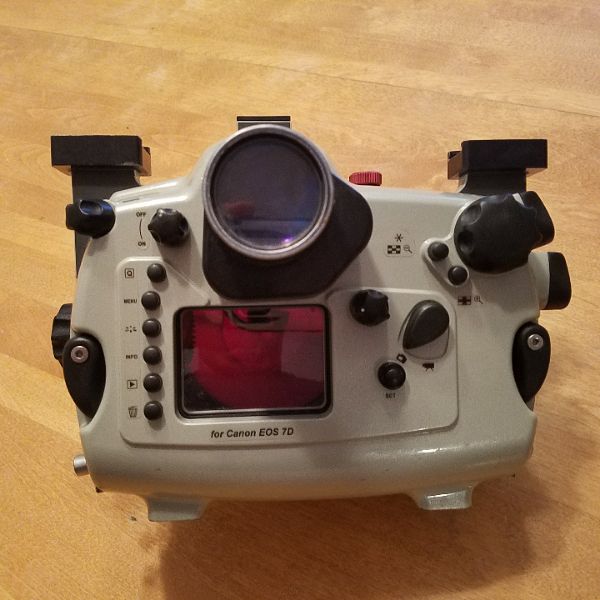
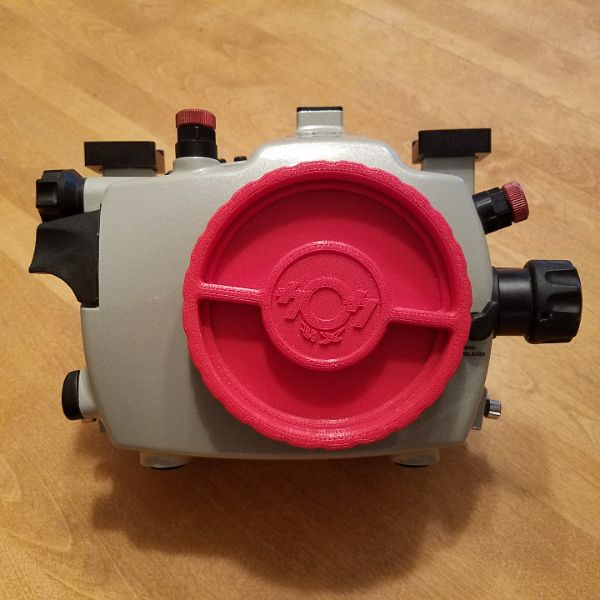
  1. This was listed earlier and I had dozens of offers to buy pieces. However I would like to sell the housing, ports, view finder, zoom and focus gears together. Please do not make an offer for parts. My bottom line is $2500 for the following items:


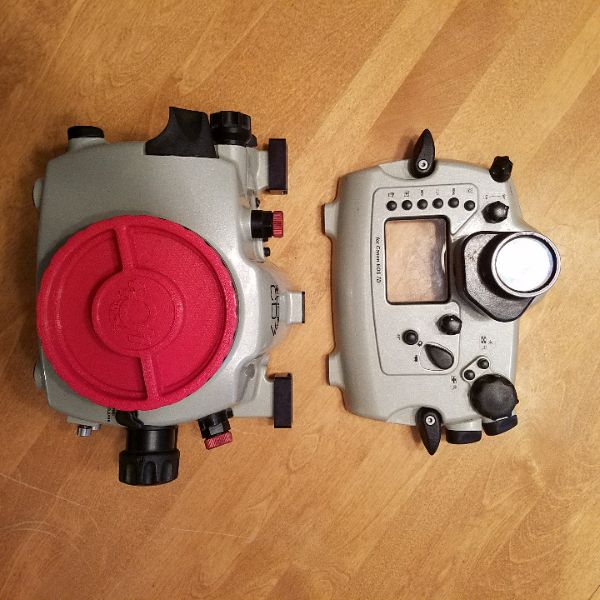
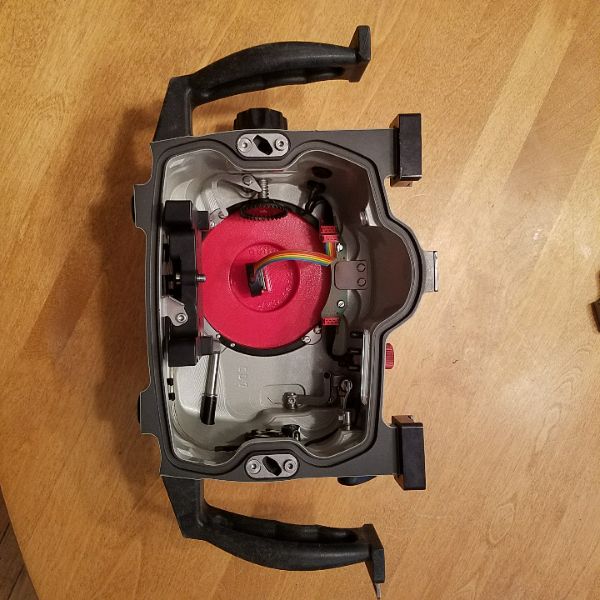
    Subal CD7 housing with Viewfinder.

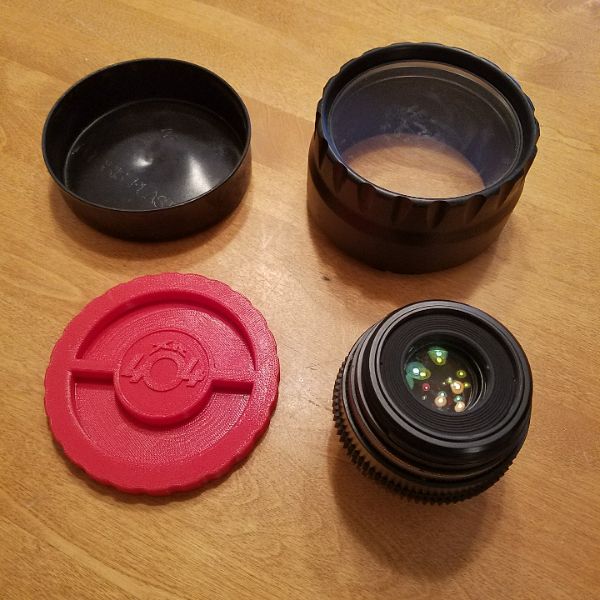
    Subal Macro port and focus gear for Canon 60mm macro lens.

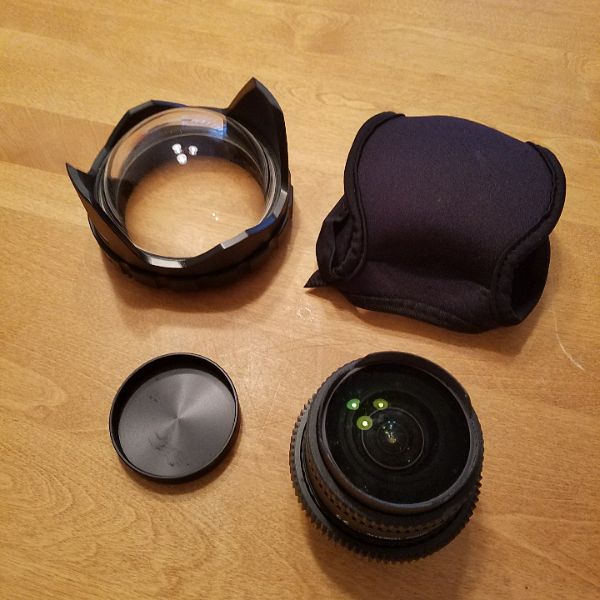
    Subal Optical glass Dome port, extension ring and zoom gear for Tokina 10-17 Zoom lens.


    Also available but not included in the price:

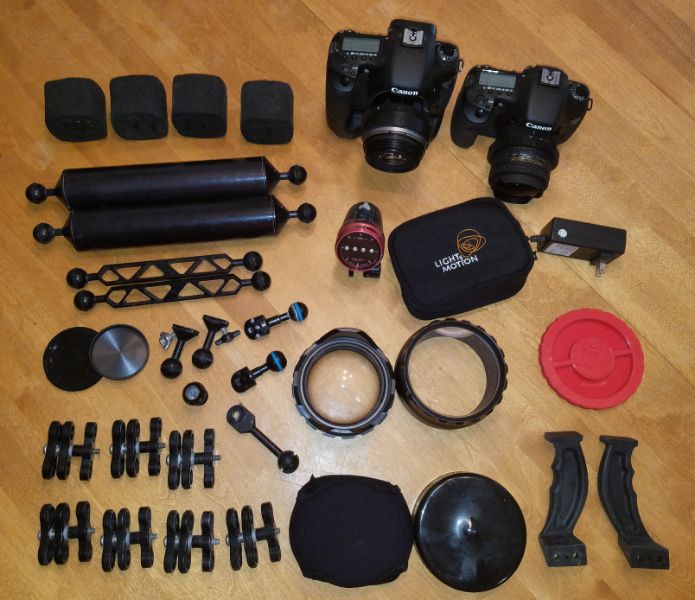
    ULCS arms, clamps, adapters, etc...

    Light in Motion Soma 500 focus light.

    Canon 7D camera bodies.

    Canon 60mm f/2.8 macro lens

    Tokina 10-17 wide angle zoom lens for Canon.

    2 Sync cords for Sea and Sea or In on strobes.

    Pelican 1600 case or Kata Flyby 76 case.


    If you are intrested in individual Subal pieces please don't inquire. I will be selling this as a set only. Sorry for the inconvenience.
    post-2181-0-12434100-1519092617_thumb.jpg

    post-2181-0-47468500-1519092632_thumb.jpg

    post-2181-0-93991900-1519092648_thumb.jpg

    post-2181-0-34052900-1519092660_thumb.jpg

    post-2181-0-87135900-1519092675_thumb.jpg

    post-2181-0-15727000-1519092689_thumb.jpg

    post-2181-0-88665300-1519092704_thumb.jpg

    post-2181-0-99815900-1519092724_thumb.jpg

    post-2181-0-94783300-1519092739_thumb.jpg

    post-2181-0-67407900-1519092757_thumb.jpg

    post-2181-0-59324500-1519092770_thumb.jpg

    Edited by Dmanfish
  2. .

    Edited by Dmanfish
  3. What do you want for the 7D bodies? Also what do you want for the Tokina?

  4. Sorry. I don't need to sell this so I prefer not to sell the bodies or lenses until I; either sell the housing and ports or if buyer wants a complete system. Thanks for your inquiry.

Marelux

Account

Navigation

Search

Search

Configure browser push notifications

Chrome (Android)
  1. Tap the lock icon next to the address bar.
  2. Tap Permissions → Notifications.
  3. Adjust your preference.
Chrome (Desktop)
  1. Click the padlock icon in the address bar.
  2. Select Site settings.
  3. Find Notifications and adjust your preference.