Skip to content

Photo / Video Showcase / Archived topic

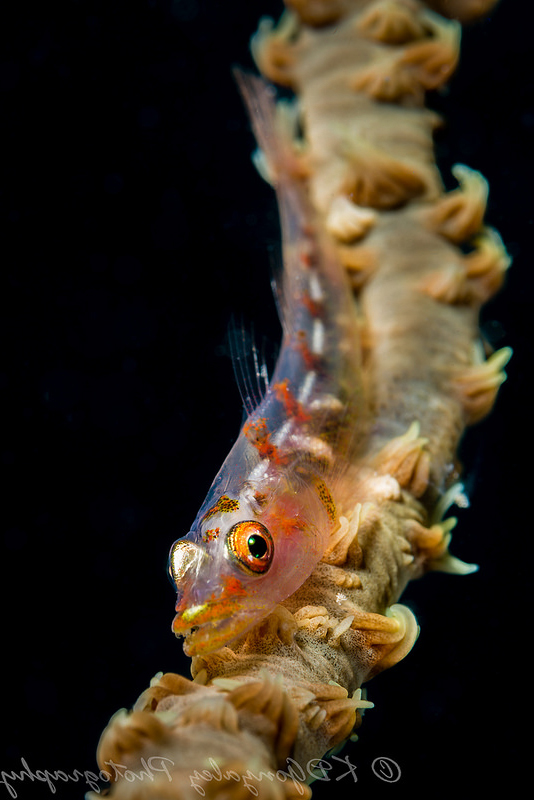
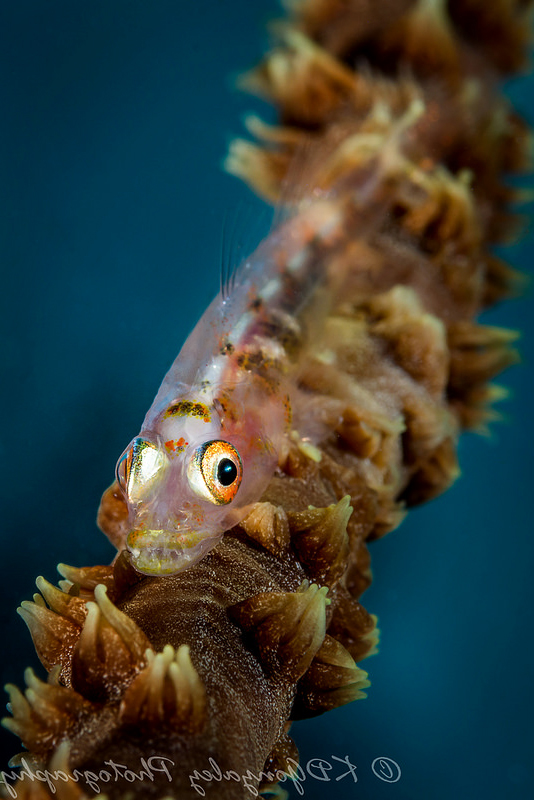
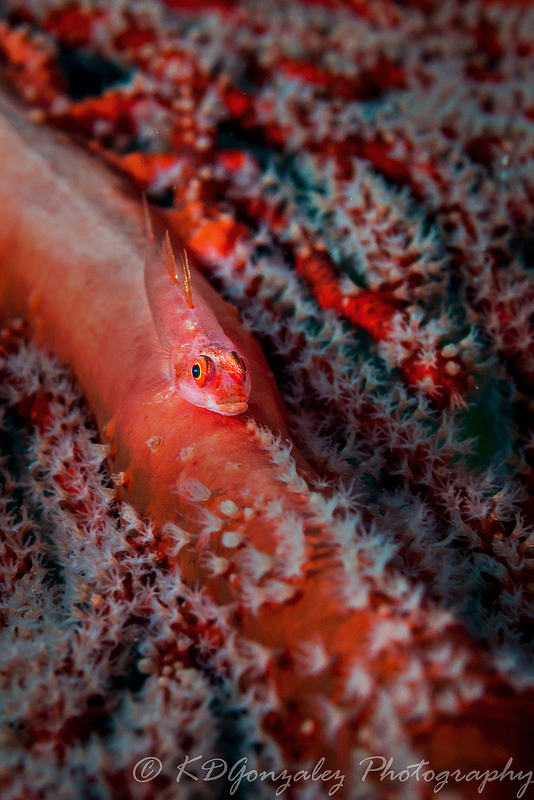
Coral whip goby

Started by kdgonzalez ·

  • 8Posts
  • 8Replies

Read-only discussion

Coral whip goby

8 posts
  1. Your first shot is my favourite - good eye contact and dynamic lines through the picture. I want to like the third one as I love the colours, but maybe it could be improved by angling the other way?


    Great shots all three regardless, good focus.

  2. Love the 2 first ones. The first one stands out more due to the black background but the I like the angle more of the second one. I only shoot video but I’m gonna give this angle a try next time I head out to shoot!

  3. all good images the first is my favourite :-)

  4. thanks for the feedback. what do you think about picture 2 with a dark background


    41054114751_03f9315d42_c.jpgfiji-33 by Karyll Gonzalez, on Flickr

    Edited by kdgonzalez
  5. Good lighting & composition on all. I'll break with the trend and say the 3rd is my favorite.


    Thank I prefer the original background on the second.

  6. The first really is a great shot, i wish i had done it!


    Envoyé de mon iPhone en utilisant Tapatalk

  7. Try flipping the first two horizontally. Since the majority of the world reads from left to right, our eyes tend to look at an image from left to right. Right now they are facing more to the right and it doesn't connect as much. The composition now tends to lead the viewer off the page at the lower right since the fish is looking that way and the thing it's on. If it's looking to the left the viewers eyes will stop at the fish and keep them looking rather than leading on to the next image. There are instances where you would want to lead the viewer to the next image though.


    First image - Flip Horizontally, Darken background


    Second - Flip, lighten the fish and only slightly darken the background


    Third - The lighter part of the image behind the fish is distracting and makes it hard to see the primary subject. Darken that area to even out more. Then darken the background and lighten the fish.


    I put together a basic example of what I'm suggesting and obviously it could be adjusted a little more but this should give you the idea.
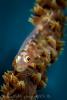
    post-54473-0-62234000-1527133365_thumb.jpg

    post-54473-0-14074400-1527133380_thumb.jpg

    post-54473-0-44848300-1527133391_thumb.jpg

Keldan

Account

Navigation

Search

Search

Configure browser push notifications

Chrome (Android)
  1. Tap the lock icon next to the address bar.
  2. Tap Permissions → Notifications.
  3. Adjust your preference.
Chrome (Desktop)
  1. Click the padlock icon in the address bar.
  2. Select Site settings.
  3. Find Notifications and adjust your preference.