Skip to content

Classifieds / Archived topic

Olympus Pen E-PM1, PT-EP06 Housing and Sea & Sea YS-O1 +

Started by uke4chris ·

  • 3Posts
  • 3Replies

Read-only discussion

Olympus Pen E-PM1, PT-EP06 Housing and Sea & Sea YS-O1 +

3 posts
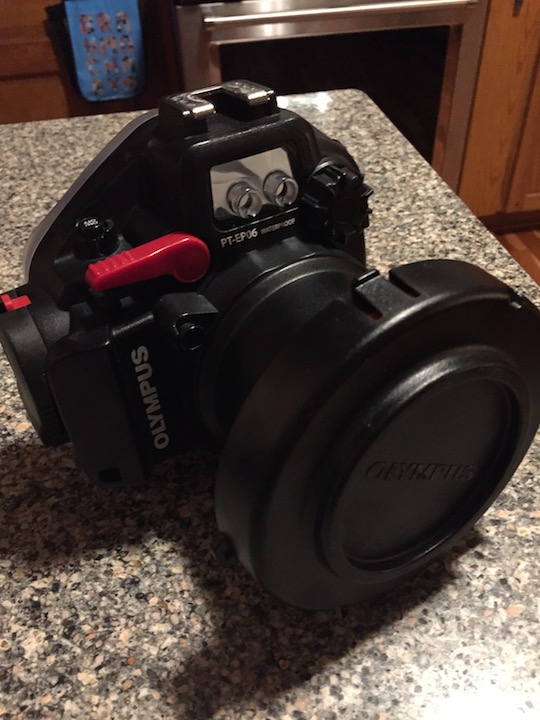
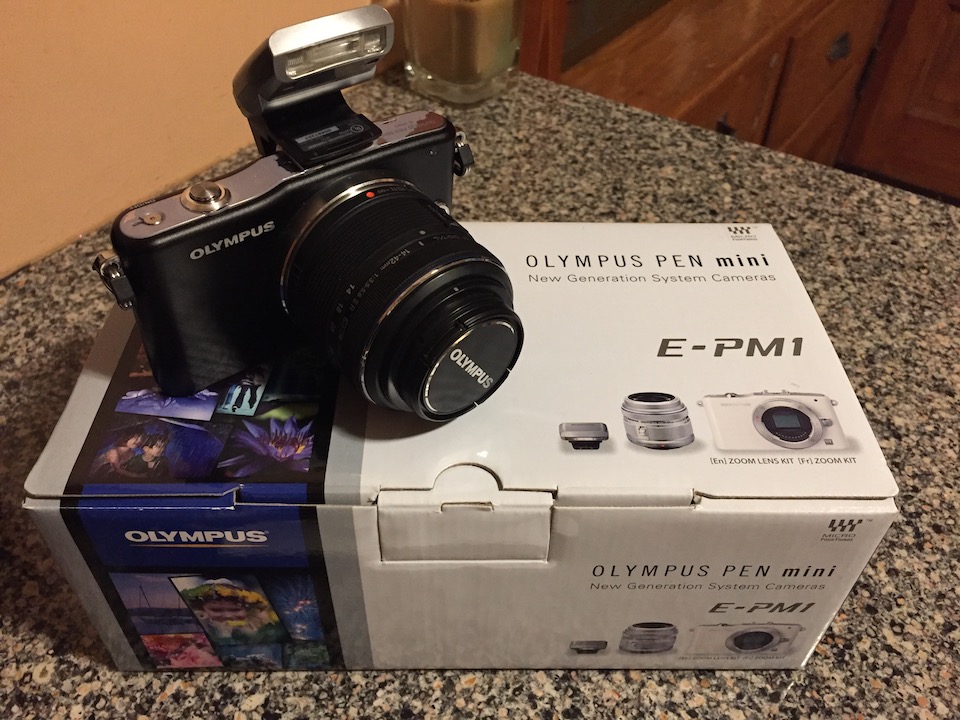
  1. I have an Olympus Pen E-PM1 which is a mirrorless micro four-thirds camera. It can be shot in full program mode (the camera does everything) to full manual mode (you can set shutter speed, fstop, iso, etc) or anywhere in between. It comes with a 14-42 lens which is a great all-purpose lens. Also included would be the housing which is an Olympus PT-EP06.

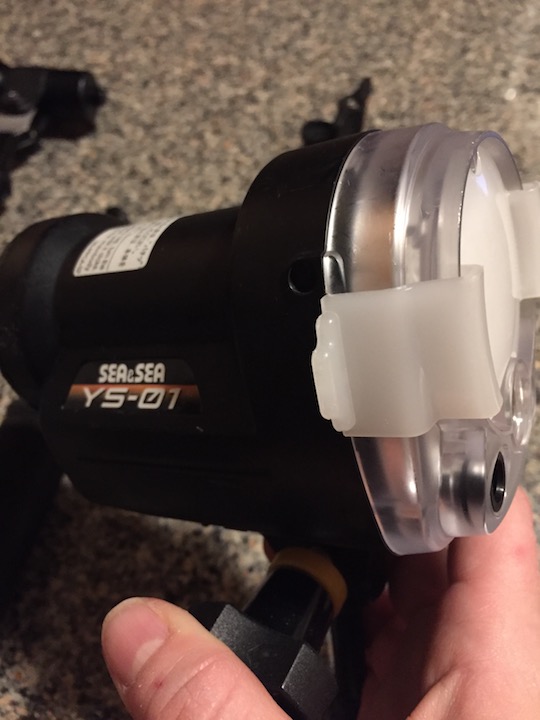
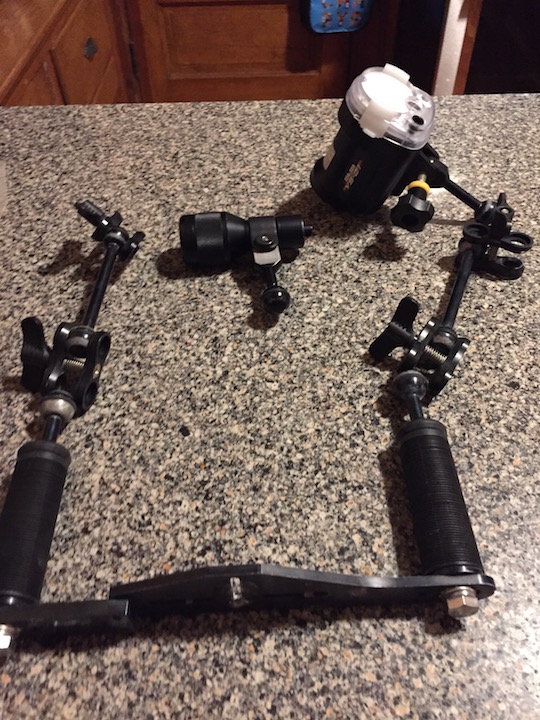
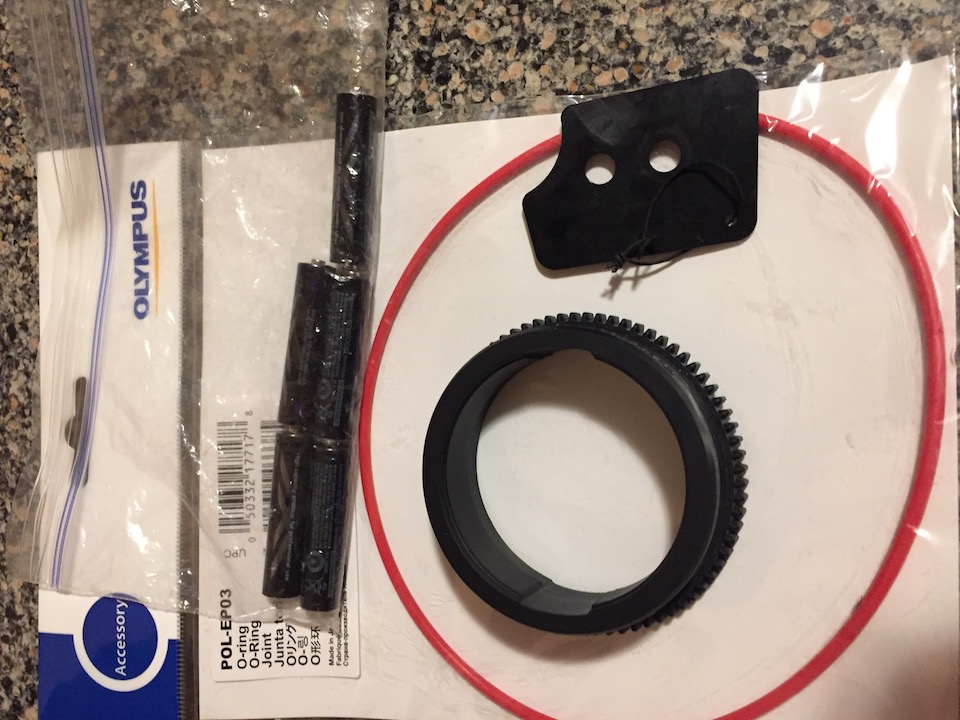
    In addition, I have a focus ring, extra o-ring, adapter kit for adding macro diopters and the flash adaptor for the housing. I also have a tray with two strobe arms and four clamps, my Sea & Sea YS-O1 strobe and a AFO focus light.

    System have never been flooded. Everything is in perfect working order.
    Total List:


    E-PM1 Black Camera with 14-42mm Lens

    PT-EP06 Underwater Housing

    Zoom Ring for 14-42mm & 9-18mm Lenses

    Sea & Sea YS-01 Strobe

    Bigblue AL1x5MAFO focus light

    Olympus PMLA-EP01 Macro Lens Adapter

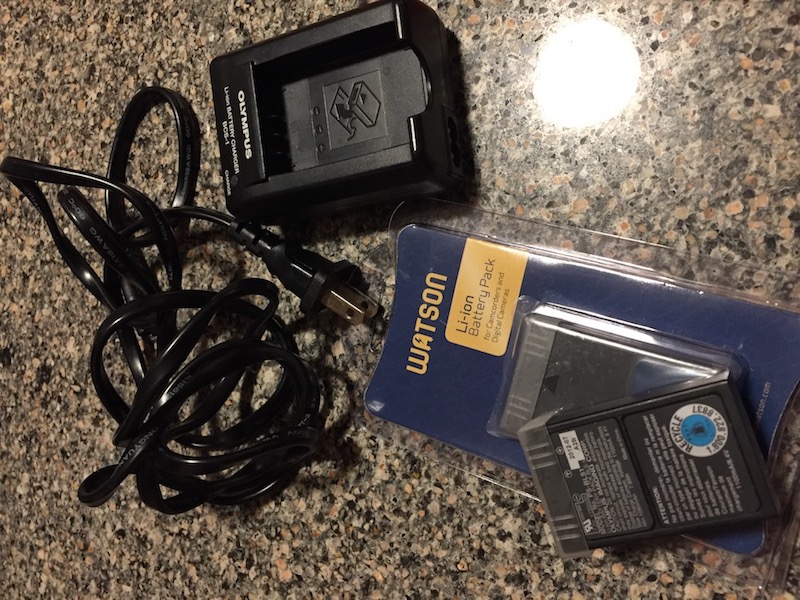
    Olympus BCS-1 battery charger and 3 batteries

    iDas Tray with 2 handles, 2 arms, 4 clamps and a ball to YS adaptor.

    Brand new o-ring for housing


    $700 Or Best Offer for all
    post-72948-0-25348100-1522680816_thumb.jpg

    post-72948-0-29041300-1522680825_thumb.jpg

    post-72948-0-75879500-1522680832_thumb.jpg

    post-72948-0-57267000-1522680840_thumb.jpg

    post-72948-0-03434600-1522680853_thumb.jpg

    post-72948-0-81831700-1522680901_thumb.jpg

    Edited by uke4chris
  2. Price Drop! $650 or best offer.

  3. Price Drop! $625

Ultralight Control Systems

Account

Navigation

Search

Search

Configure browser push notifications

Chrome (Android)
  1. Tap the lock icon next to the address bar.
  2. Tap Permissions → Notifications.
  3. Adjust your preference.
Chrome (Desktop)
  1. Click the padlock icon in the address bar.
  2. Select Site settings.
  3. Find Notifications and adjust your preference.